Userback vs. Usersnap

Overview
ProductRatingMost Used ByProduct SummaryStarting Price
Userback
Score 0.0 out of 10
N/A
Userback is a visual feedback and bug-reporting platform built for product, QA, and support teams who need to close the gap between what users report and what developers can actually act on. Instead of vague tickets, users submit feedback directly on the page via a screen recording, screenshot, or annotated capture — automatically paired with technical context like console logs, network requests, browser/OS details, and session replay. Key capabilities…
$39
per month
Usersnap
Score 7.5 out of 10
N/A
Collect in-product feedback, measure customer satisfaction and learn how you can improve. Get ratings, visitor's screen view and sentiment feedback from customers now.
$99
per month
Pricing
UserbackUsersnap
Editions & Modules
Team
$39
per month
Business
$99
per month
Business Plus
$199
per month
Startup
$99
per month
Company
$189
per month
Premium
$329
per month
Enterprise
$2,379
per month
Offerings
Pricing Offerings
UserbackUsersnap
Free Trial
YesYes
Free/Freemium Version
YesNo
Premium Consulting/Integration Services
NoNo
Entry-level Setup FeeNo setup feeNo setup fee
Additional DetailsDiscount available for annual billing.Discount available for annual pricing.
More Pricing Information
Community Pulse
UserbackUsersnap
Considered Both Products
Userback

No answer on this topic

Usersnap
Chose Usersnap
I haven't used anything else. I just used email and Google Docs before and that's hard to keep straight what you are talking about within a document to what it actually is on the website. Also, more phone calls are required to explain what you mean and need.
Chose Usersnap
Prior to Usersnap we looked at and even tried to bring up Bugzilla, but it requires a lot of maintenance and customization in my opinion. We needed something that was ready to use out of the box, which Usersnap certainly was. The other problem with Bugzilla is that it's mostly …
Best Alternatives
UserbackUsersnap
Small Businesses
GitLab
GitLab
Score 8.8 out of 10
Sogolytics
Sogolytics
Score 8.5 out of 10
Medium-sized Companies
GitLab
GitLab
Score 8.8 out of 10
CustomerSuccessBox
CustomerSuccessBox
Score 9.5 out of 10
Enterprises
GitLab
GitLab
Score 8.8 out of 10
Verint Voice of the Customer
Score 9.2 out of 10
All AlternativesView all alternativesView all alternatives
User Ratings
UserbackUsersnap
Likelihood to Recommend
-
(0 ratings)
8.4
(0 ratings)
Support Rating
-
(0 ratings)
7.0
(0 ratings)
User Testimonials
UserbackUsersnap
Likelihood to Recommend
No answers on this topic
Usersnap is well suited for web applications that are maintained/developed in house, to provide a means of communicating with end-users directly without the need to develop an in-house solution. It allows end-users to provide rich information about an issue they're experiencing, even providing information about the user's browser, session, and desktop environment, which is invaluable when trying to debug or troubleshoot an issue.
Read full review
Pros
No answers on this topic
  • Organize customer feedback.
  • Provide an easy to use, feature-rich widget that allows users to highlight, comment and even draw on a screenshot of your application.
  • Screenshots that are sent to you include meta-data like the browser user agent, browser console data, screen resolution, etc.
Read full review
Cons
No answers on this topic
  • When you go into the list of Usersnap feedback you have submitted, there isn't search functionality or filtering so that you can see the feedback of a certain type at a time, or see if you submitted that feedback already.
Read full review
Support Rating
No answers on this topic
I am unsure how to rate the support of Usersnap as I did not contact support yet. The tool works well as is. The agency we work with that used the tool didn't need to contact Usersnap support as well. I'm sure the user support on the tool is adequate.
Read full review
Alternatives Considered
No answers on this topic
I haven't used anything else. I just used email and Google Docs before and that's hard to keep straight what you are talking about within a document to what it actually is on the website. Also, more phone calls are required to explain what you mean and need.
Read full review
Return on Investment
No answers on this topic
  • Fewer errors on-site QA
  • Less time wasted in the site QA
Read full review
ScreenShots

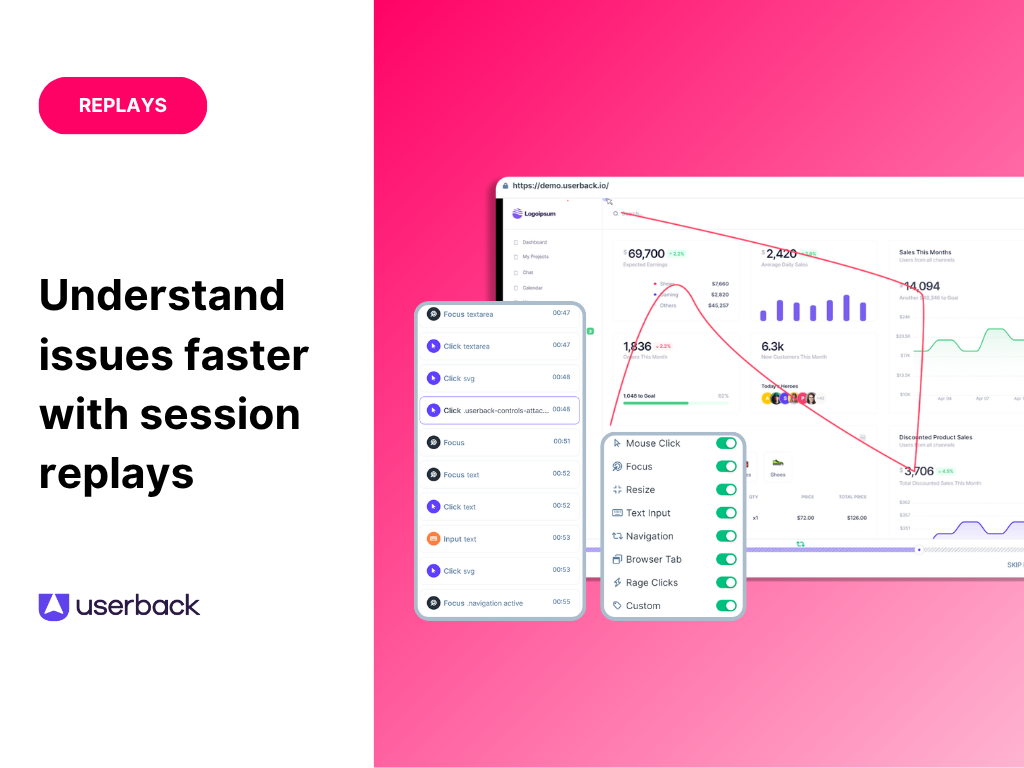
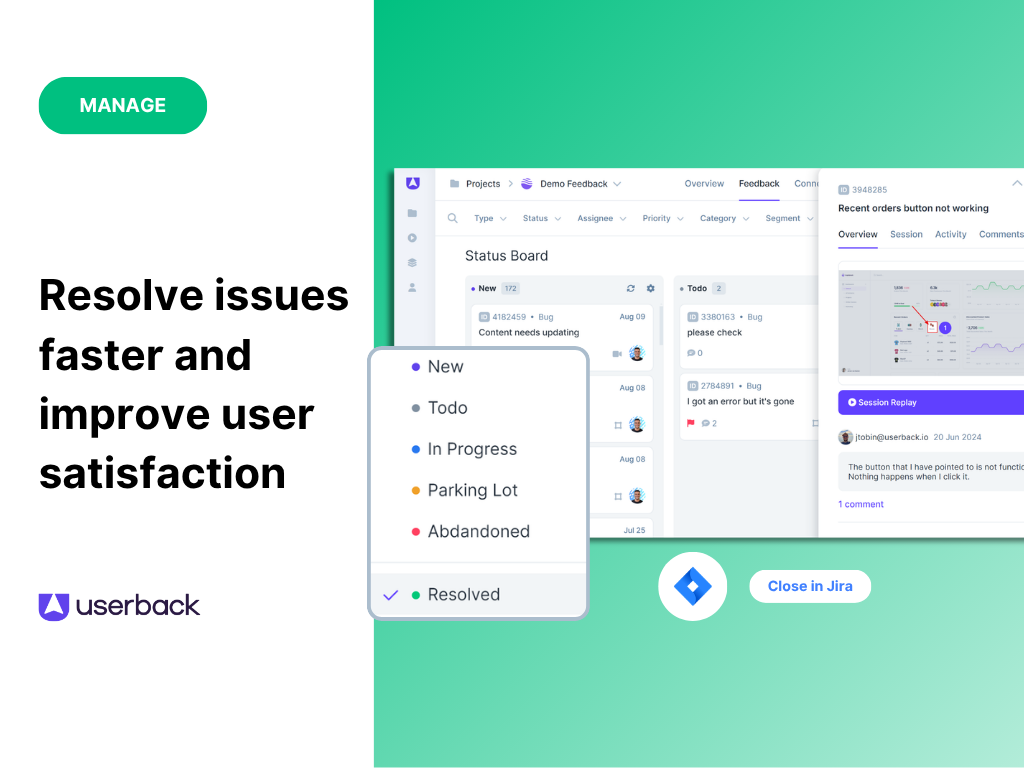
Userback Screenshots

Screenshot of Screenshot of Screenshot of Screenshot of Screenshot of