Videolink vs. Zight

Overview
ProductRatingMost Used ByProduct SummaryStarting Price
Videolink
Score 9.1 out of 10
N/A
Videolink brings clarity and collaboration to team conversations through video recording, sharing and instant playback. It can be used to record a screen or camera in seconds, send a link, and add visual context to information – whether it’s customer feedback, internal updates, or product walkthroughs. Instead of chasing down details in chat logs or ambiguous tickets, Videolink lets teams share ideas that are clear, direct, and…
$0
per active video
Zight
Score 8.8 out of 10
Small Businesses (1-50 employees)
Zight (formerly CloudApp) is a solution with a community of over 4M users, offering visual asynchronous communication, eliminating the need to use different applications for screenshots, GIFs, screen recordings, and web recordings.
$0
Pricing
VideolinkZight
Editions & Modules
Free
$0
per month Up to 25 active videos and unlimited users
Pro
$20
per month For 100 active videos and unlimited users
Advanced
Custom Plans
Free
$0
Team
$8.00
per month per user
Pro
$9.95
per month per user
Enterprise
Contact Sales
Offerings
Pricing Offerings
VideolinkZight
Free Trial
NoYes
Free/Freemium Version
YesYes
Premium Consulting/Integration Services
NoYes
Entry-level Setup FeeOptionalNo setup fee
Additional DetailsOnly saved videos are counted. If a video is deleted, it only counts for the month it was active — never after. Videolink has no per-seat usage fees. You’re only billed for videos your team actually keeps.
More Pricing Information
Community Pulse
VideolinkZight
Best Alternatives
VideolinkZight
Small Businesses
Sendspark
Sendspark
Score 10.0 out of 10
Sendspark
Sendspark
Score 10.0 out of 10
Medium-sized Companies
Snagit
Snagit
Score 9.6 out of 10
Snagit
Snagit
Score 9.6 out of 10
Enterprises
Snagit
Snagit
Score 9.6 out of 10
Snagit
Snagit
Score 9.6 out of 10
All AlternativesView all alternativesView all alternatives
User Ratings
VideolinkZight
Likelihood to Recommend
9.1
(2 ratings)
9.0
(29 ratings)
Likelihood to Renew
-
(0 ratings)
9.1
(1 ratings)
Usability
9.1
(2 ratings)
9.0
(4 ratings)
Support Rating
-
(0 ratings)
9.1
(2 ratings)
Implementation Rating
-
(0 ratings)
8.2
(1 ratings)
User Testimonials
VideolinkZight
Likelihood to Recommend
Videolink
The way we work is evolving. Remote teams — especially after the COVID-19 pandemic — rely more than ever on tools that bridge the gap between distance and real-time collaboration.
Asynchronous updates have become a key part of solving daily challenges, and we’ve seen the benefits first-hand as an organisation.
Read full review
Zight
When it comes to client-facing roles, this functionality is key. Before, I had to use an internal clipping or snipping tool and then download the content then share it as an attachment. With Zight, I simply capture what I want, then easily share a link that can be accessed within minutes by the ones I am engaging with. It is very easy to collaborate and clearly communicate. I would not recommend using it for internal documentation. Having too many screenshots might be hard to manage.
Read full review
Pros
Videolink
  • Quick video sharing
  • Basic editing
  • Inline comments
Read full review
Zight
  • Cropping the images: allows what I need people to focus on be front and center
  • Arrows: I almost always point to something important that needs to be highlighted
  • The Chrome extension makes CloudApp easily accessible. All I have to do is just click on the extension, and I'm there.
Read full review
Cons
Videolink
  • More video editing tools
Read full review
Zight
  • The use of feature to Annotate is bit confusing and need to be well explained and detailed documented
  • Lots of updates receiving when download the app and used, So update must be come at particular time
  • I had to reinstall the app whenever the app getting crashed. I did it once
Read full review
Likelihood to Renew
Videolink
No answers on this topic
Zight
In all honesty I don't even have time to look for an alternative to CloudApp at this point in our business. CloudApp works for what we had planned to use it for and unless a competing service that offers the same quality and ease-of-use along with video screen capture comes out I will renew indefinitely.
Read full review
Usability
Videolink
The interface is clean, and features like video requests, in-browser editing, and commenting make the workflow seamless for our team.
Read full review
Zight
If someone is used to using internal screen capture software Zight may have a small learning curve. Luckily, once you get the hang of your new capture method, it is a quick process. Updates can be tedious. Although I am glad the team is working on the application and consistently improving it.
Read full review
Support Rating
Videolink
No answers on this topic
Zight
I would give cloud app a 9/10 score on overall support mostly because I have had very little need of any support at all being that the tool was designed almost to use itself. In my opinion this level of forethought is equal to customer support. As of yet I've only had one real problem with cloud app which was the loss of a 20 minute video screen capture. Unfortunately I have not had the time to contact support about this loss. The only other minor issues that I confronted was within the initial set up which I was able to resolve via their website's support pages.
Read full review
Implementation Rating
Videolink
No answers on this topic
Zight
I was extremely satisfied with how quick and easy the implementation of Cloudapp was on my MacIntosh using MacOS Sierra was, along with how amazingly fast I was able to be up and going with the tool. most often with sass tools we are lucky if we can use 50% of the features without having to have consultations and a ton of back-and-forth email on how to use other features of the product. Cloud app has made it extremely user-friendly with almost no need for customer support. To My business, that equals time savings which as most business owners know, can be far more valuable than a few dollars saved.
Read full review
Alternatives Considered
Videolink
No answers on this topic
Zight
The tools I have used in the past weren't available in the tool selector! Basically, I've mostly used Jing which I found to be quite clunky. The user interface is unnecessarily complicated and sharing files is more difficult. Trying CloudApp once was enough to see how much more superior it was to Jing! Honestly, if you need a tool that will help you take screenshots to help you communicate better with your team, give it a try!
Read full review
Return on Investment
Videolink
  • Productivity
  • Delivery-driven communication
Read full review
Zight
  • The amount that I paid for it, I feel that it's paid for itself over and over and over multiple times, if for one reason, and that's time saved. If I have one app that does it all, quickly, and efficiently, that's my positive ROI.
Read full review
ScreenShots

Videolink Screenshots

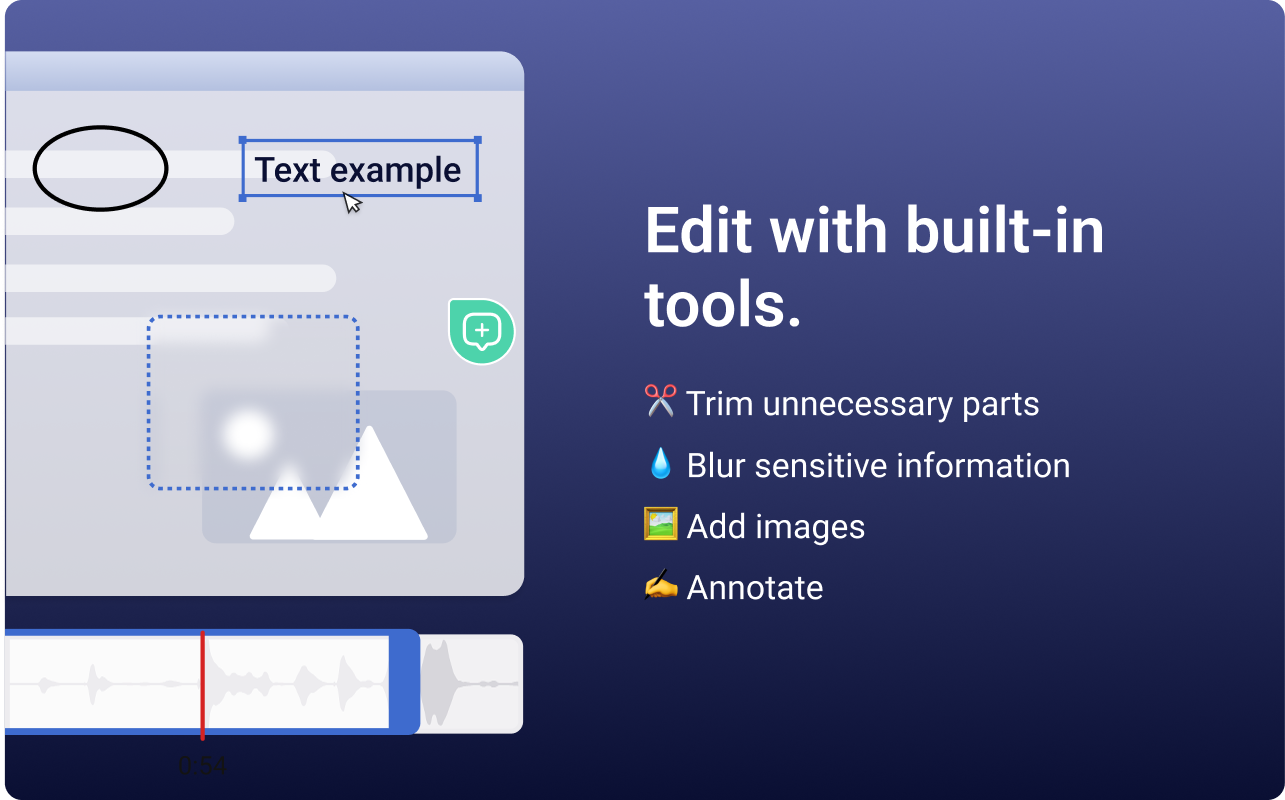
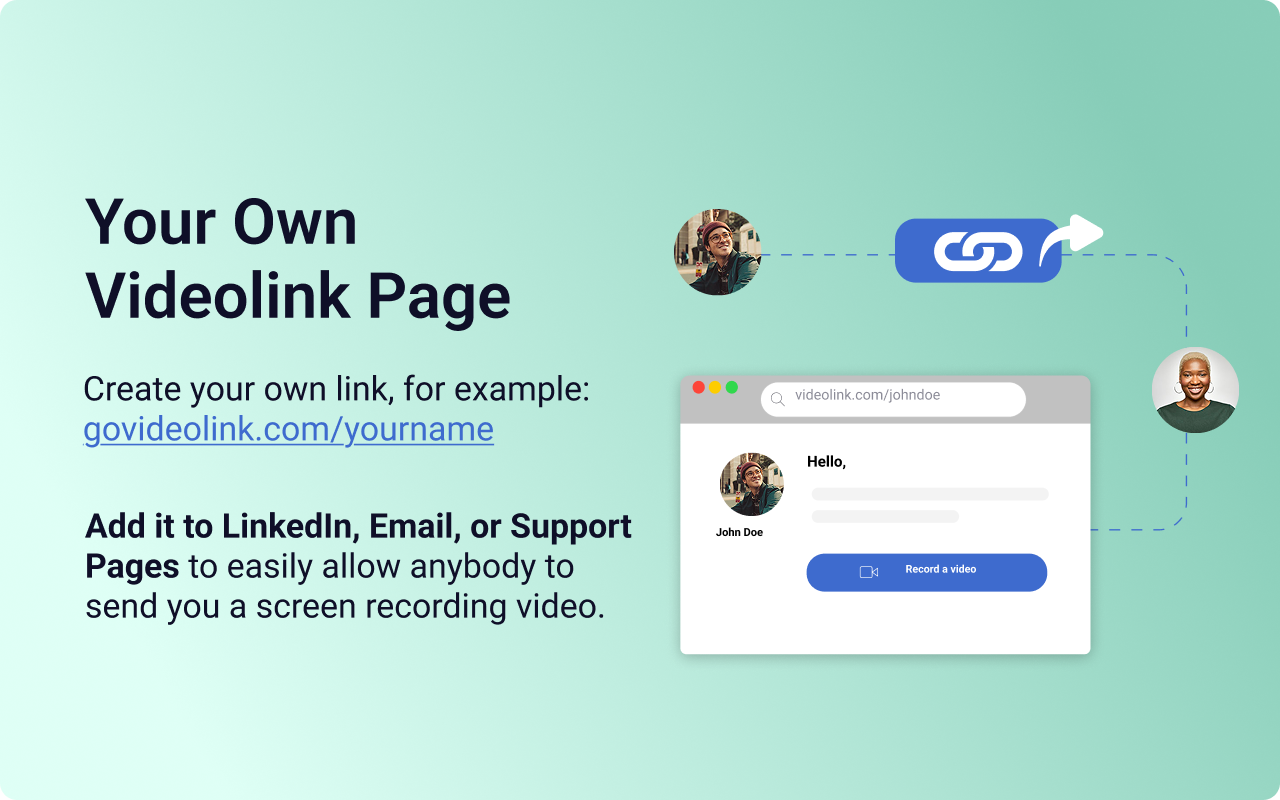
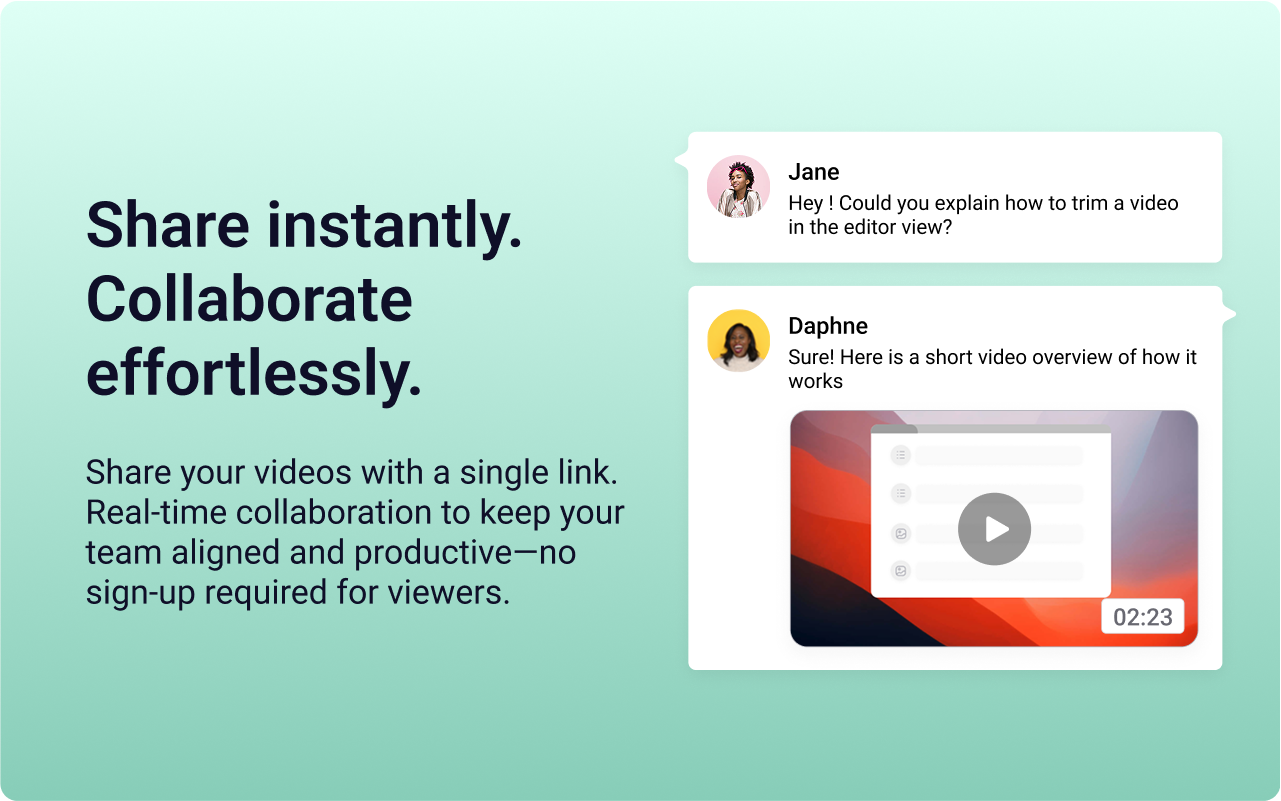
Screenshot of the Videolink editor, used to trim out excess content, blur sensitive info, annotate key areas, and insert images.Screenshot of a Videolink page, used to create a personal shareable link – like govideolink.com/yourname – that lets anyone send a recorded video directly.Screenshot of single link sharing, so viewers don’t need an account to watch, comment, or provide feedback.

Zight Screenshots

Screenshot of screen capture with annotationsScreenshot of screen recordings and video editingScreenshot of GIFsScreenshot of webcam recordingScreenshot of collections to organize content