Fulcrum vs. VLX

Overview
ProductRatingMost Used ByProduct SummaryStarting Price
Fulcrum
Score 7.0 out of 10
Small Businesses (1-50 employees)
Fulcrum is a hosted mobile forms platform that enables users to build custom apps for capturing information from the field. Users can design forms using the intuitive, web-based drag-and-drop designer and deploy to their mobile workforce for gathering information like Text, Photos, SpatialVideo, SpatialAudio, Signatures, Barcodes, GPS Location, and more.
$15
per month per user
VLX
Score 0.0 out of 10
N/A
VLX (formerlyu Visualogyx) is a cloud-based mobile and web platform that helps teams conduct digital inspections and audits and generate professional reports. It is designed to empowers users worldwide to conduct inspections and audits for safety, quality control, logistics, insurance, construction, residential, vehicles, etc. VLX is for those who want immediate paperless inspections and reports, and companies with multiple organizations, teams, projects, custom templates, and branded…
$24
per month per user
Pricing
FulcrumVLX
Editions & Modules
Starter
$15
per month per user
Professional
$46
per month per user
Enterprise
Contact Sales
Pro
$24
per month per user (up to 10 users)
Enterprise
Custom
Flat or Per User
Offerings
Pricing Offerings
FulcrumVLX
Free Trial
YesYes
Free/Freemium Version
NoYes
Premium Consulting/Integration Services
YesYes
Entry-level Setup FeeNo setup feeOptional
Additional DetailsDiscount for annual pricing.Discount is available for annual billing on the Pro plan.
More Pricing Information
Community Pulse
FulcrumVLX
Best Alternatives
FulcrumVLX
Small Businesses
Dashpivot - By Sitemate
Score 9.9 out of 10

No answers on this topic

Medium-sized Companies
Dashpivot - By Sitemate
Score 9.9 out of 10
ManageEngine ADAudit Plus
Score 9.0 out of 10
Enterprises
Dashpivot - By Sitemate
Score 9.9 out of 10
ManageEngine ADAudit Plus
Score 9.0 out of 10
All AlternativesView all alternativesView all alternatives
User Ratings
FulcrumVLX
Likelihood to Recommend
9.5
(2 ratings)
-
(0 ratings)
User Testimonials
FulcrumVLX
Likelihood to Recommend
Fulcrum (Spatial Networks, Inc)
We use Fulcrum to record information about vehicles and our product in the field to ensure we have clean and organized records of work completed and issues encountered. This has unlocked immense value for us. It allows managers to review work to maintain high quality. Using Fulcrum has also allowed for large amounts of field data to be gathered and quickly transferred from our field team to our engineering team when necessary.
Read full review
VLX
No answers on this topic
Pros
Fulcrum (Spatial Networks, Inc)
  • Notation of photographs.
  • Consistency between field staff observations.
  • Reduces report writing time.
  • Near real time sharing of notes between field and office staff.
Read full review
VLX
No answers on this topic
Cons
Fulcrum (Spatial Networks, Inc)
  • Advanced features are not extremely intuitive for less technical audience.
  • Must reassign records to a different user to discontinue an account.
Read full review
VLX
No answers on this topic
Return on Investment
Fulcrum (Spatial Networks, Inc)
  • Manual data entry of collected field information is no longer required saving anywhere from 1 to 10 hours of tedious work and eliminating human error.
  • Clients are impressed with our ability to use digital field notes and our ability to communicate in near real time which helps ensure client retention and expanding our envelope of work with them.
  • Instead of spending time trying to find out what, why, where, and when a picture was taken the guess work is removed as photos are georeferenced and can be annotated in the field.
Read full review
VLX
No answers on this topic
ScreenShots

Fulcrum Screenshots

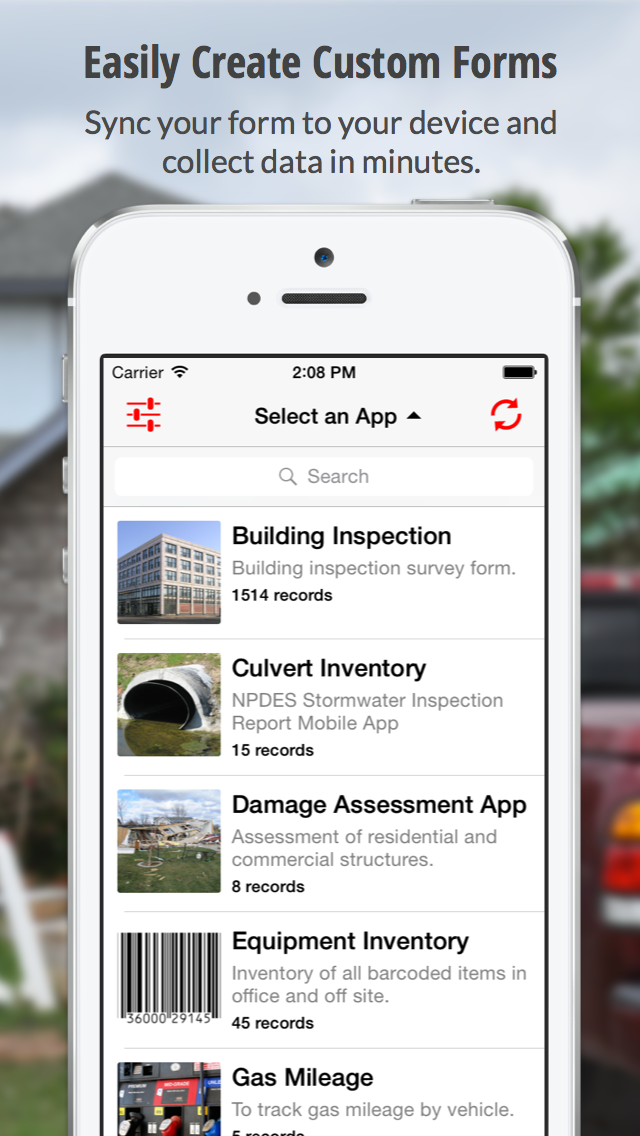
Screenshot of Create Custom FormsScreenshot of Capture The DetailsScreenshot of Replacing Paper Forms

VLX Screenshots

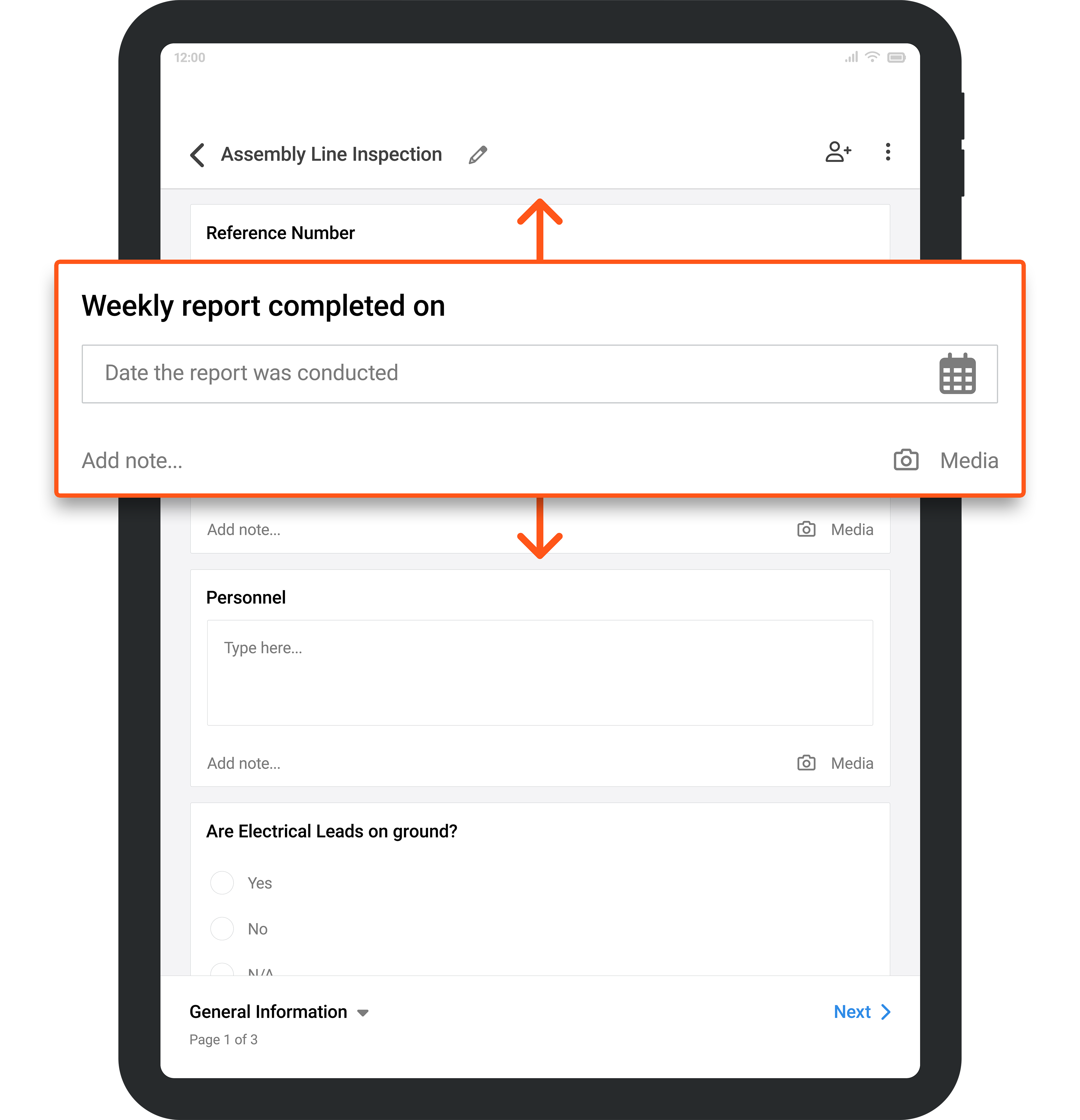
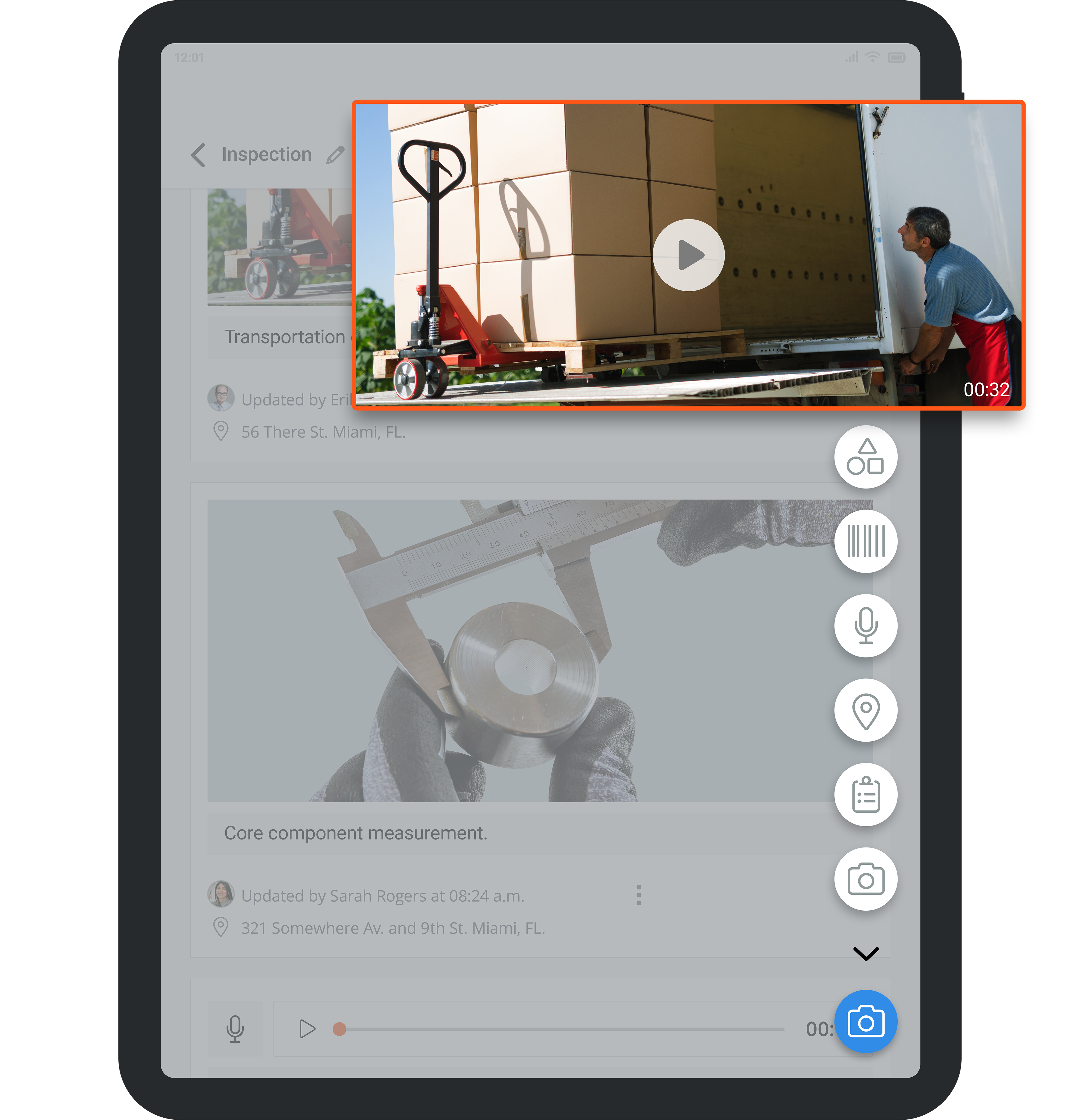
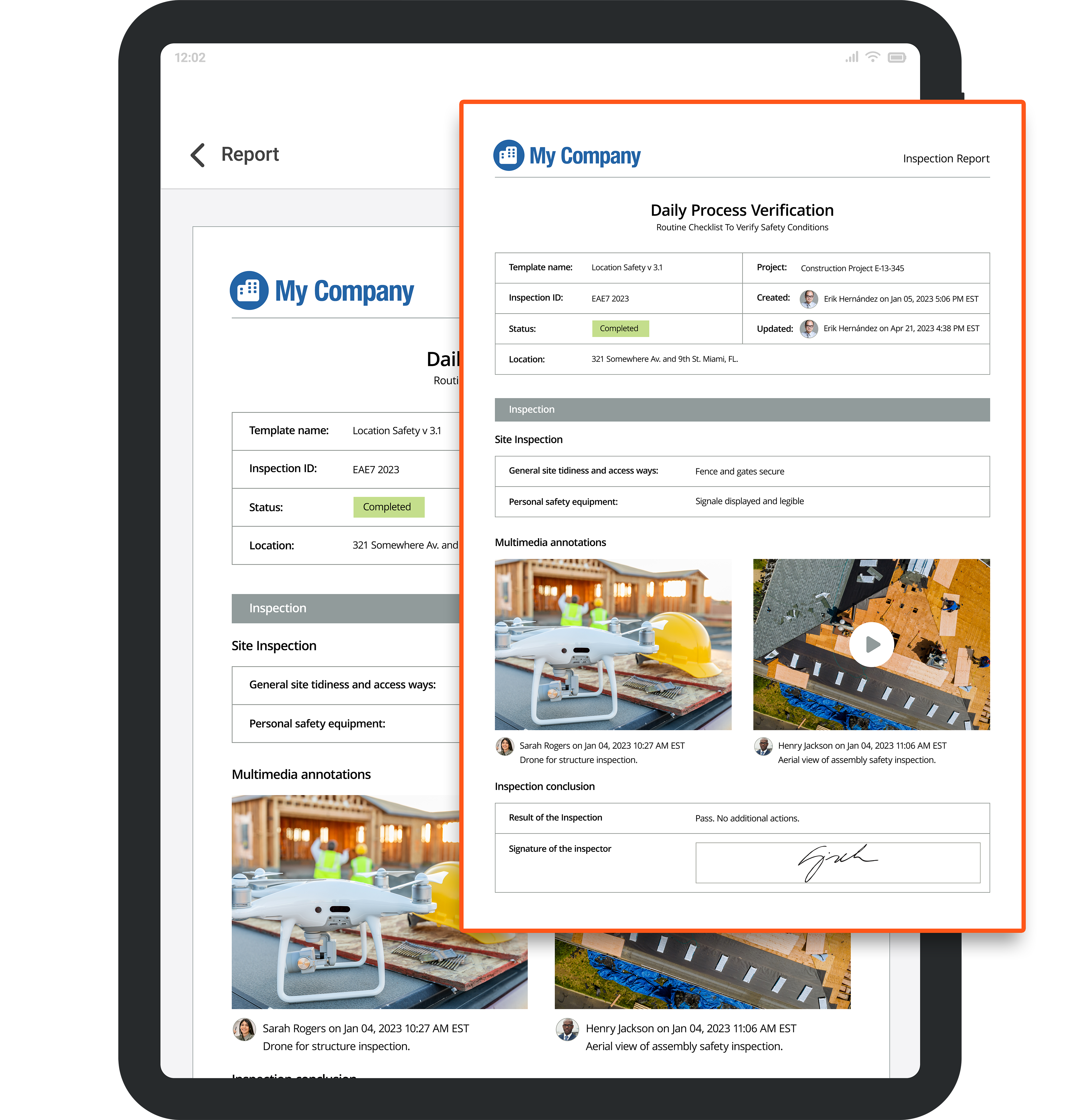
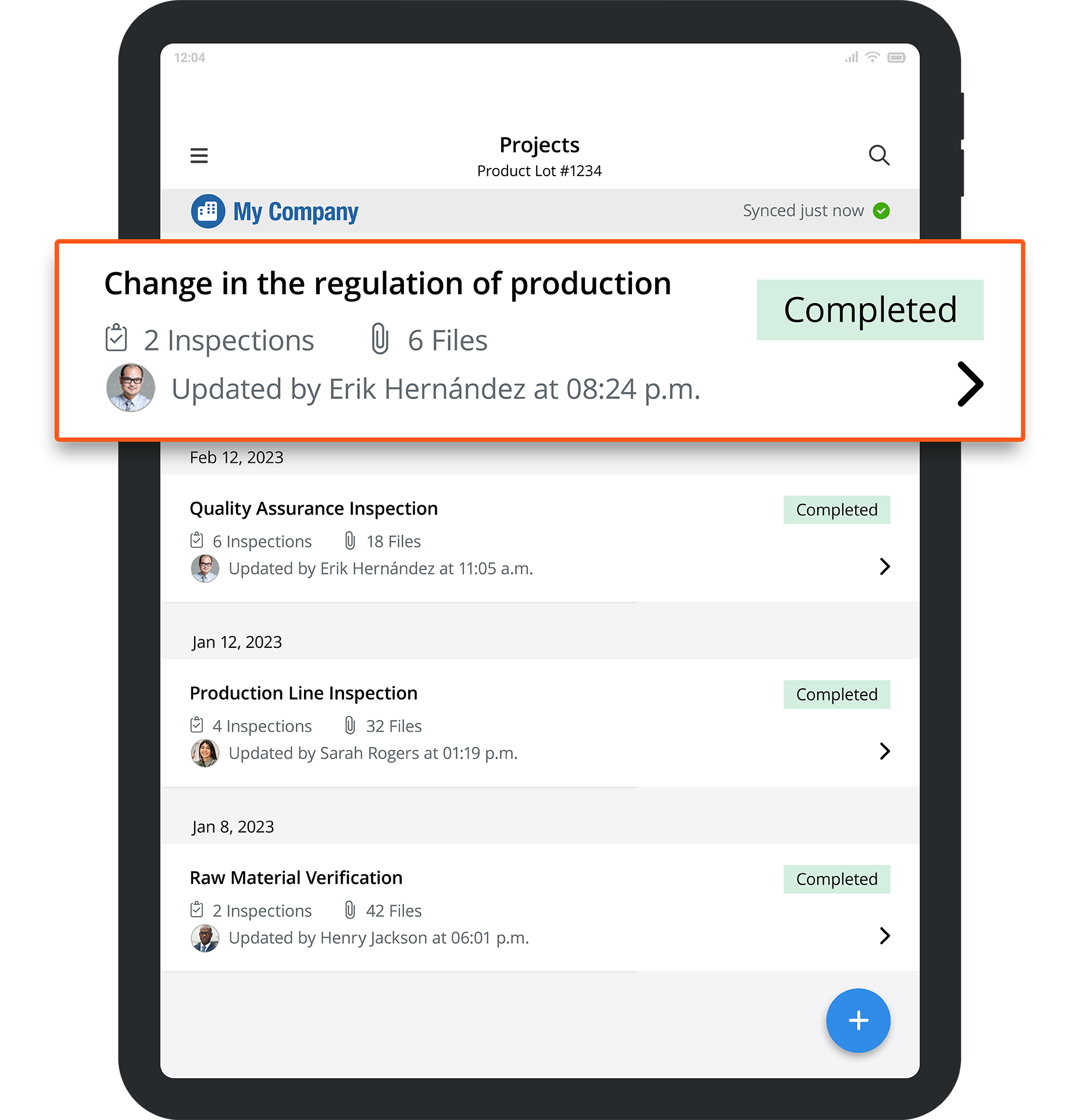
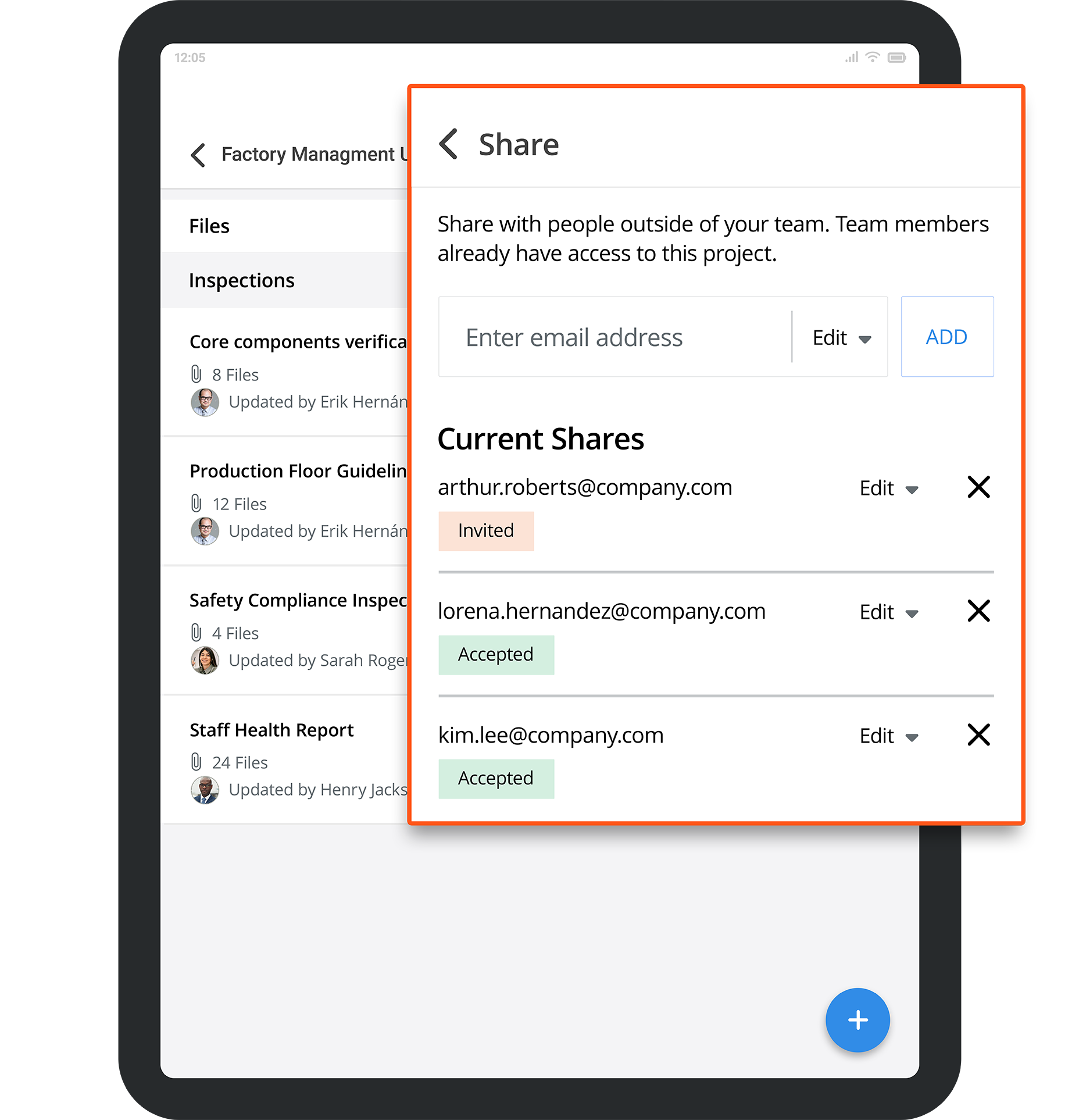
Screenshot of custom form templates.Screenshot of where to capture multimedia in realtime.Screenshot of how instant reports can be created and shared.Screenshot of how the app is designed to fit teams of all sizes.Screenshot of the project flows to manage inspections.Screenshot of third party sharing and collaboration.