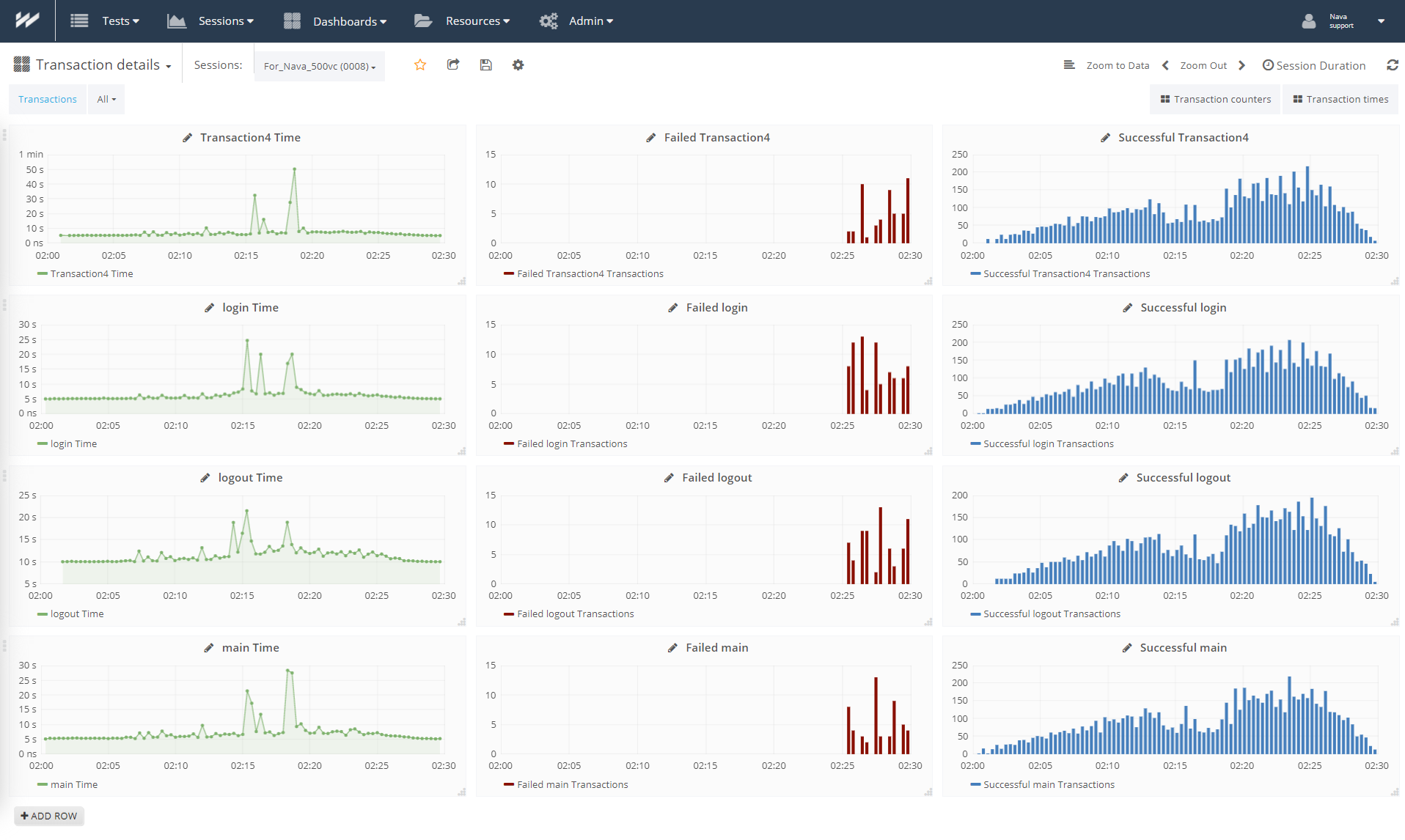
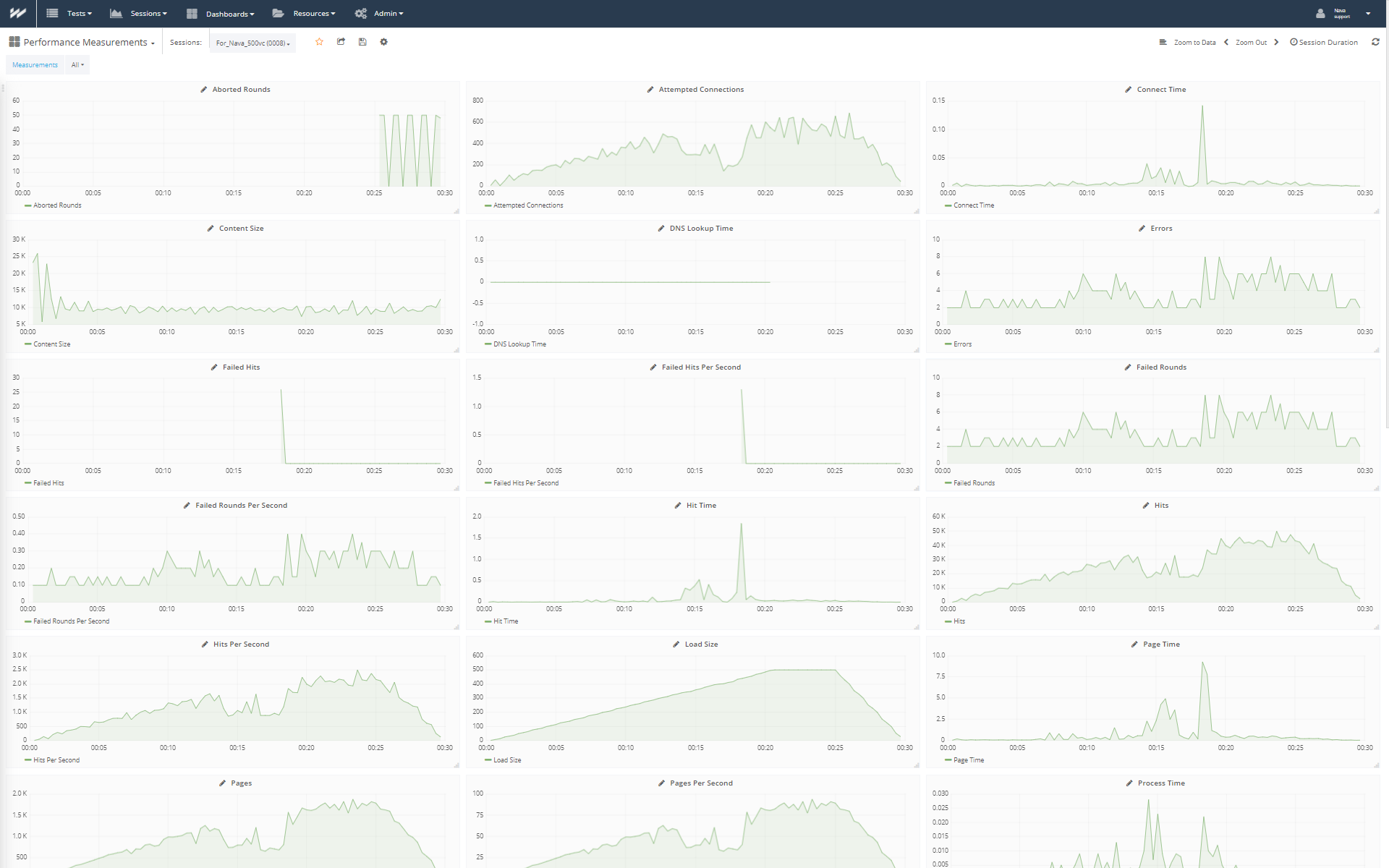
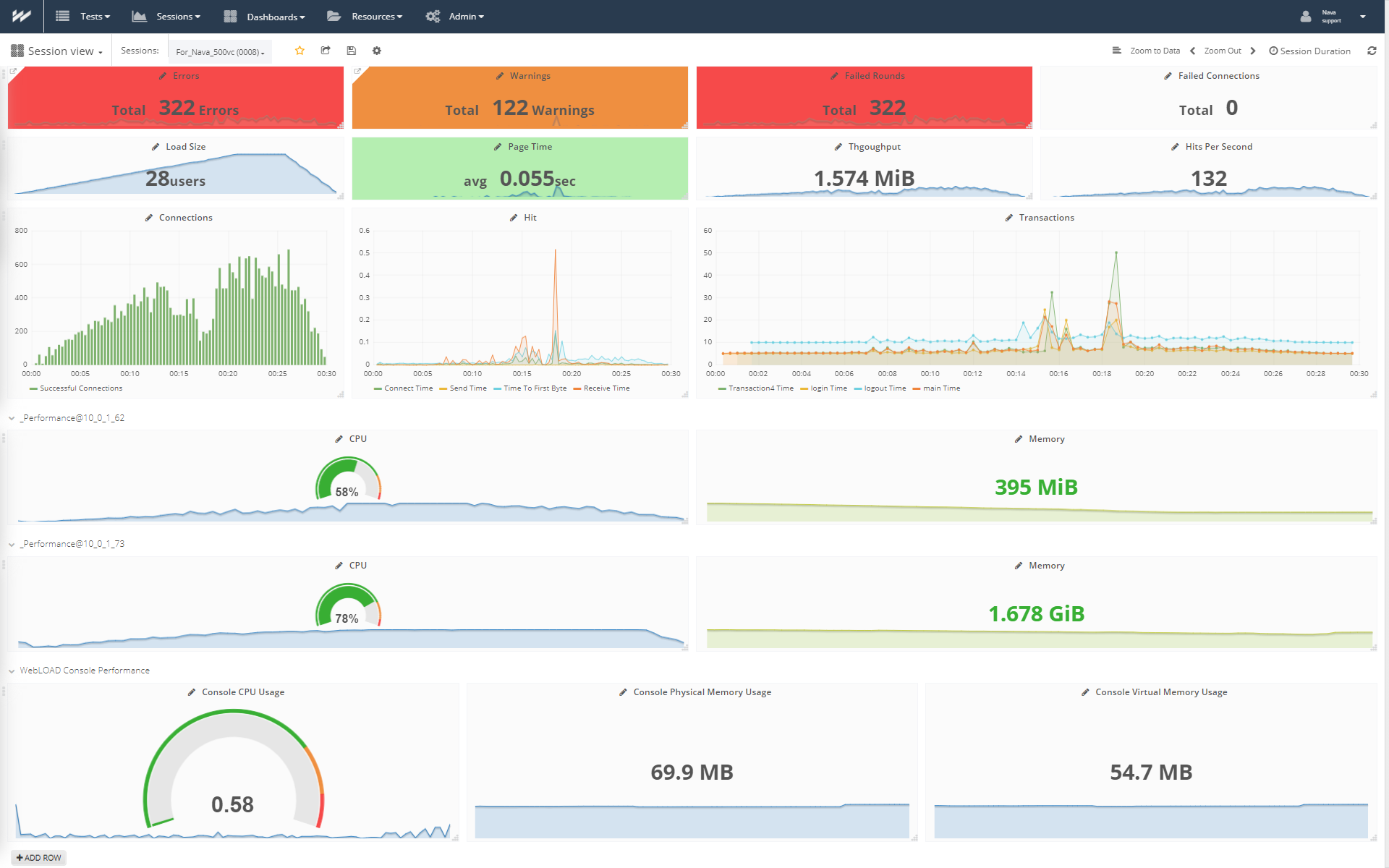
A solution simplifies performance load testing for colocated teams. With project-based capabilities, so teams can quickly identify abnormal application behavior.
N/A
WebLOAD
Score 10.0 out of 10
N/A
WebLOAD from global, Israel-headquartered RadView Software, is an enterprise class load and performance testing tool.
The biggest point of using HP LoadRunner is the response time numbers captured after executing the tests were more accurate when we generated the same by using tools like JMeter or NeoLoad though it involves a certain licensing cost but what [we] needed was trust and accuracy …
Micro Focus LoadRunner and its suite of tools, specifically VuGen works wonderfully for us for all web, http/https and web service calls. We've been able to build tests for near any scenario we need with relative ease. As long as we have crafted up requirements for our scenarios / scripts to managed scope, we've had high success working with scripting and data driving. Our main tests are web service calls - typically chained together to form a full scenario with transactions measuring the journey or a similar (measure along the way) journey through a browser. For web services we will use VuGen and browser we've shifted to Tru Client I have had little-to-no experience scripting against a thick client where a ui-driven test would be required. I know its possible but quite costly due to the need to run the actual desktop client to drive tests. We've been fortunate enough to leverage http calls to represent client traffic.
WebLOAD is an imperative tool for our web manager and developers team. We rely heavily on this in our daily activities, mainly to run script testing (in record time) of new code prior to our build releases. This product helps us identify potential gaps and issues with the user flow and allows us to make adjustments and fix problems before they make it into the live production site. Our team also depends on this software to run multiple load testing of each server in preparation for heavy timeframes of the year, such as Cyber Monday, Black Friday, etc. Our team members brought up that they would love to see more scripting examples of how to use WebLOAD, which would make their job easier.
HP LoadRunner with new patches and releases sometimes makes no longer support older version of various protocols like Citrix, which makes the task time-consuming when using older versions of LoadRunner for some of the cases. So it should support older version as well while upgrading.
Configuring HP LoadRunner over the firewall involves lots of configuration and may be troublesome. So, there should be a script (power shell script for Windows or shell script for Linux users) to make it easy to use and with less pain.
I would like to see the RunTime Viewer of Vugen in HPLoadRunner based on the browser I selected in the run-time configuration to make it feel more realistic as a real user.
Licensing cost is very high when we need to perform a test on application for a specific group of users.
Customer service is not that great. It's difficult to get hold of someone if an issue is supposed to be addressed on an urgent basis. No online chat service readily available.
There are many similar comparable products on the market, but with WebLOAD, the price point was reasonable. Their sales and engineering teams and very friendly and helpful and make our implementation a breeze. I would definitely renew our contract and recommend this to anyone out there looking for the best load-testing tool!
The scripts created with traditional web/http protocol are not robust thus re-scripting is required after most every code drop. Troubleshooting and fixing the issue takes more time therefore in most cases we do re-scripting to keep it simple and save time.
In ideal world you would rather spend more time doing testing than scripting in that case mostly you could use an Ajax TruClient protocol. This type of script will only fail when an object in the application is removed or changed completely. This way of scripting will save you more time and helps you maintain the scripts with less re-work effort on a release basis. On the long run you will have a better ROI when you use Ajax TruClient protocol for scripting.