

CloudFiles
1 Reviews and Ratings
What is CloudFiles?
CloudFiles is document automation for Salesforce. It runs the document processes a business already depends on inside Salesforce: documents are generated from records, read and routed as they arrive, stored in the company's own SharePoint, Google Drive or Amazon S3, and shared with tracking, all from the record they belong to. It is built for Salesforce admins, RevOps teams, and IT and operations leaders who run sales, finance and operations processes on Salesforce, and it installs from the Salesforce AppExchange.
Key Features
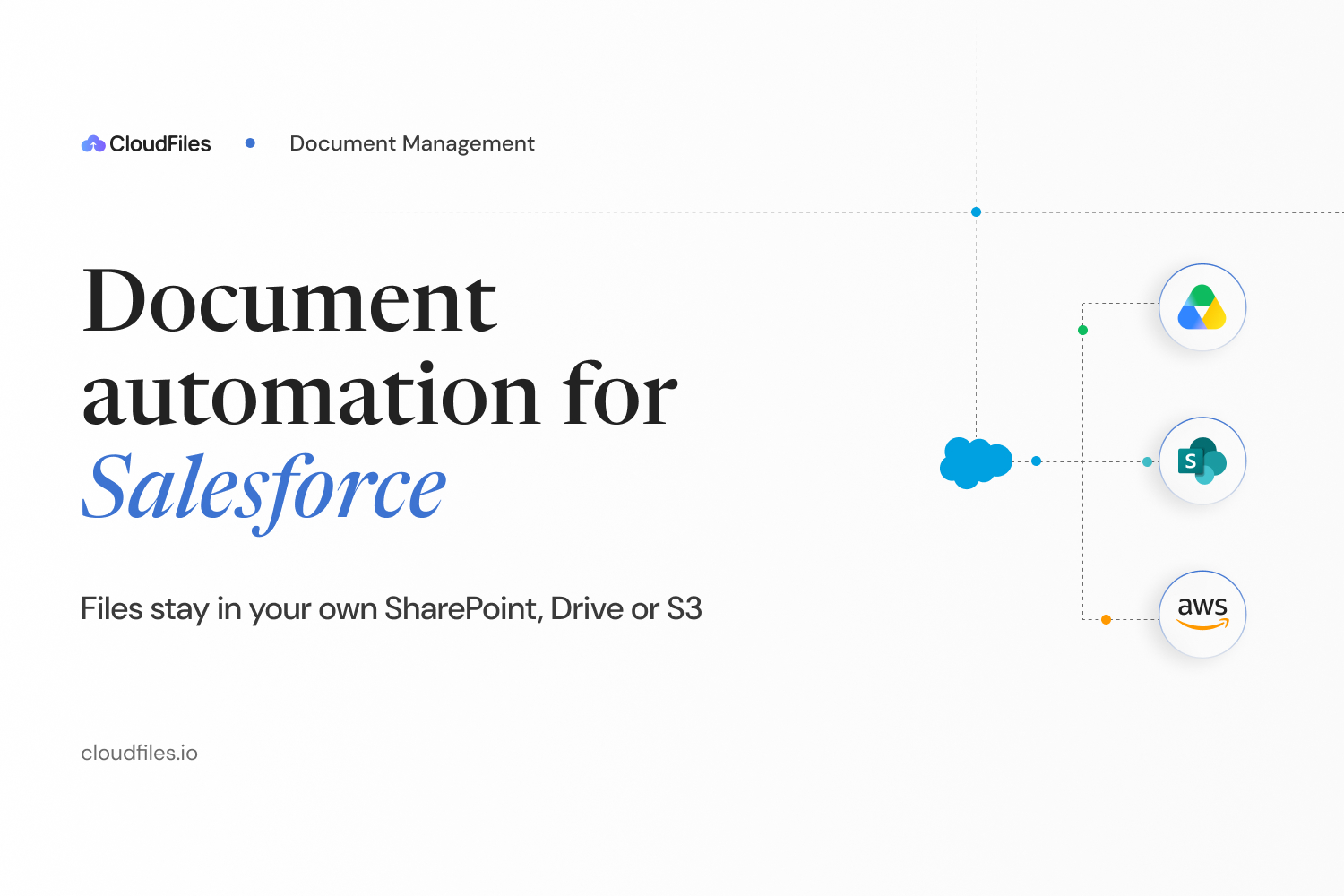
Document Management: Connects Salesforce to SharePoint, Google Drive, OneDrive, Amazon S3, Dropbox and Box. Files stay in the customer's own storage and are surfaced on the record, never copied. A folder is created for every record in a hierarchy set once, files can be previewed, uploaded and organized without leaving Salesforce, and storage permissions follow Salesforce record sharing. Files can also be managed from Experience Cloud portals.
Document AI: Reads, classifies, splits and understands documents as they arrive, including scanned, handwritten and multilingual files, with no template to set up. Each document is routed by what it turns out to be, matched against Salesforce records, written to the right fields, and held in a review queue where someone has to sign off. Users can also ask a document a question and get a structured answer back. Document AI runs from Salesforce Flow and Apex, and every step is audited, on any document type and in any process, from invoice processing to classifying and splitting incoming PDFs.
Document Generation: Merges data from any standard or custom Salesforce object into templates built in Word, Excel, PowerPoint or Google Docs, producing proposals, quotes, contracts and invoices as PDF or Office files. Teams can generate one document or thousands, from Flow, Apex or the API. Documents go out for e-signature through DocuSign without leaving Salesforce, signing status comes back to the record, and the signed copy files itself to the customer's own storage.
Sharing and Tracking: Sends documents from the record as expiring share links with password and download controls, and tracks every open and download.
Security and Compliance: SOC 2 Type II audited, ISO 27001 certified, HIPAA and GDPR compliant, with regional data residency in the United States, European Union, United Kingdom or Australia, TLS 1.2+ in transit and AES-256 at rest.
CloudFiles is also available natively on HubSpot.
Key Features
Document Management: Connects Salesforce to SharePoint, Google Drive, OneDrive, Amazon S3, Dropbox and Box. Files stay in the customer's own storage and are surfaced on the record, never copied. A folder is created for every record in a hierarchy set once, files can be previewed, uploaded and organized without leaving Salesforce, and storage permissions follow Salesforce record sharing. Files can also be managed from Experience Cloud portals.
Document AI: Reads, classifies, splits and understands documents as they arrive, including scanned, handwritten and multilingual files, with no template to set up. Each document is routed by what it turns out to be, matched against Salesforce records, written to the right fields, and held in a review queue where someone has to sign off. Users can also ask a document a question and get a structured answer back. Document AI runs from Salesforce Flow and Apex, and every step is audited, on any document type and in any process, from invoice processing to classifying and splitting incoming PDFs.
Document Generation: Merges data from any standard or custom Salesforce object into templates built in Word, Excel, PowerPoint or Google Docs, producing proposals, quotes, contracts and invoices as PDF or Office files. Teams can generate one document or thousands, from Flow, Apex or the API. Documents go out for e-signature through DocuSign without leaving Salesforce, signing status comes back to the record, and the signed copy files itself to the customer's own storage.
Sharing and Tracking: Sends documents from the record as expiring share links with password and download controls, and tracks every open and download.
Security and Compliance: SOC 2 Type II audited, ISO 27001 certified, HIPAA and GDPR compliant, with regional data residency in the United States, European Union, United Kingdom or Australia, TLS 1.2+ in transit and AES-256 at rest.
CloudFiles is also available natively on HubSpot.
Categories & Use Cases
Videos
Screenshots


1 / 17
Screenshot of CloudFiles for Salesforce: file management in cloud storage, data extraction with Document AI and Document Generation.
Product Demos
Technical Details
| Deployment Types | SaaS |
|---|---|
| Mobile Application | No |
Downloads
FAQs
What is CloudFiles?
CloudFiles is file sharing and document management solution from the company of the same name in Bengaluru, also providing Virtual Data Room capabilities.
What are CloudFiles's top competitors?
Nintex and Drive Connect are common alternatives for CloudFiles.