
TrustRadius: an HG Insights company

Dropbox Dash

Score8 out of 10

3 Reviews and Ratings

What is Dropbox Dash?

Dropbox Dash is a Universal Search and Knowledge Management platform designed to aggregate organizational content within a single interface. The solution integrates with third-party applications to facilitate the retrieval and organization of distributed data regardless of its storage location.

Universal Search Across Integrated Applications
The solution retrieves documents, images, and video files from platforms including Dropbox, Notion, and Gmail. The system is intended to eliminate manual navigation across disparate browser tabs and directory structures.

Generative AI and Document Querying
Technical staff can perform natural language queries against indexed files to retrieve specific information rather than simple document links. Dropbox Dash utilizes Generative AI to produce drafts, summarize documentation, and surface insights from existing content.

Structured Content Organization and Sharing
The platform utilizes a feature called Stacks to aggregate files, folders, and conversations from multiple sources. These collections can be shared with internal teams and external partners while maintaining existing Access Control Permissions.

Dropbox Dash leverages the security infrastructure of the Dropbox ecosystem. According to the vendor, the parent platform supports hundreds of millions of users and over 500,000 organizational teams.

The solution provides integrations for Google Workspace, Microsoft 365, Zoom, Miro, Canva, Notion, Asana, and Slack. All interactions adhere to established organizational permissions to maintain data security.

Categories & Use Cases

Media

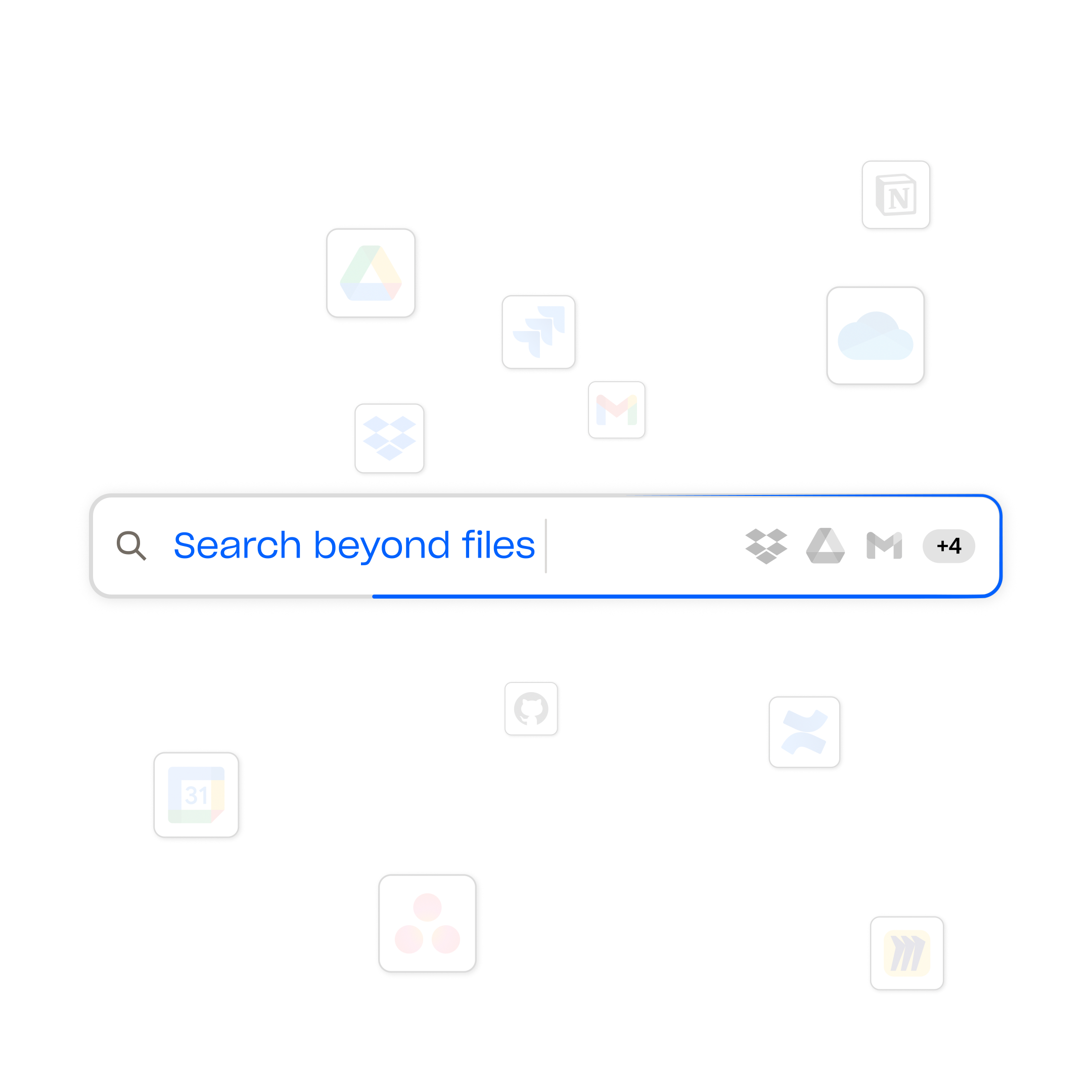
Screenshot of the Dropbox universal search, which works across all connected apps so users can instantly find what they're looking for.
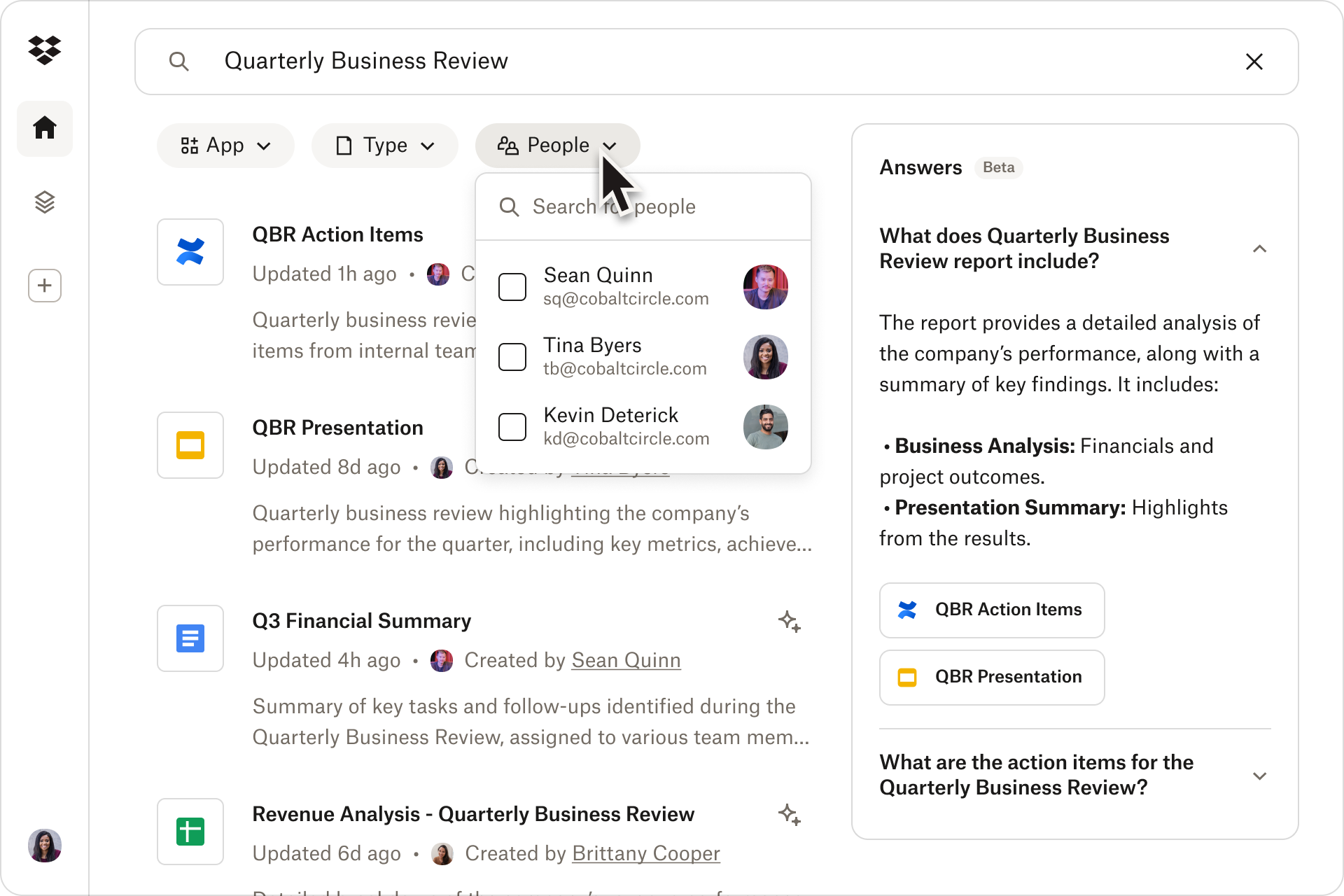
Screenshot of the search tool, available across all connected apps, including Dropbox, OneDrive, Gmail, and Google Calendar.
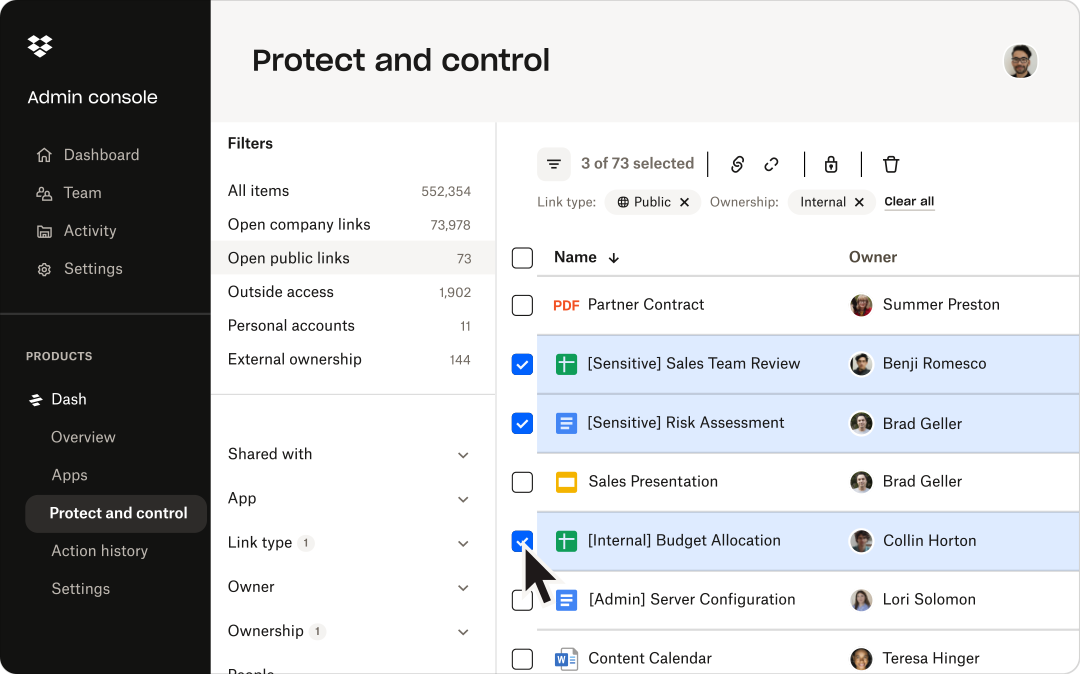
Screenshot of content permission management, available across multiple cloud apps from one central spot.
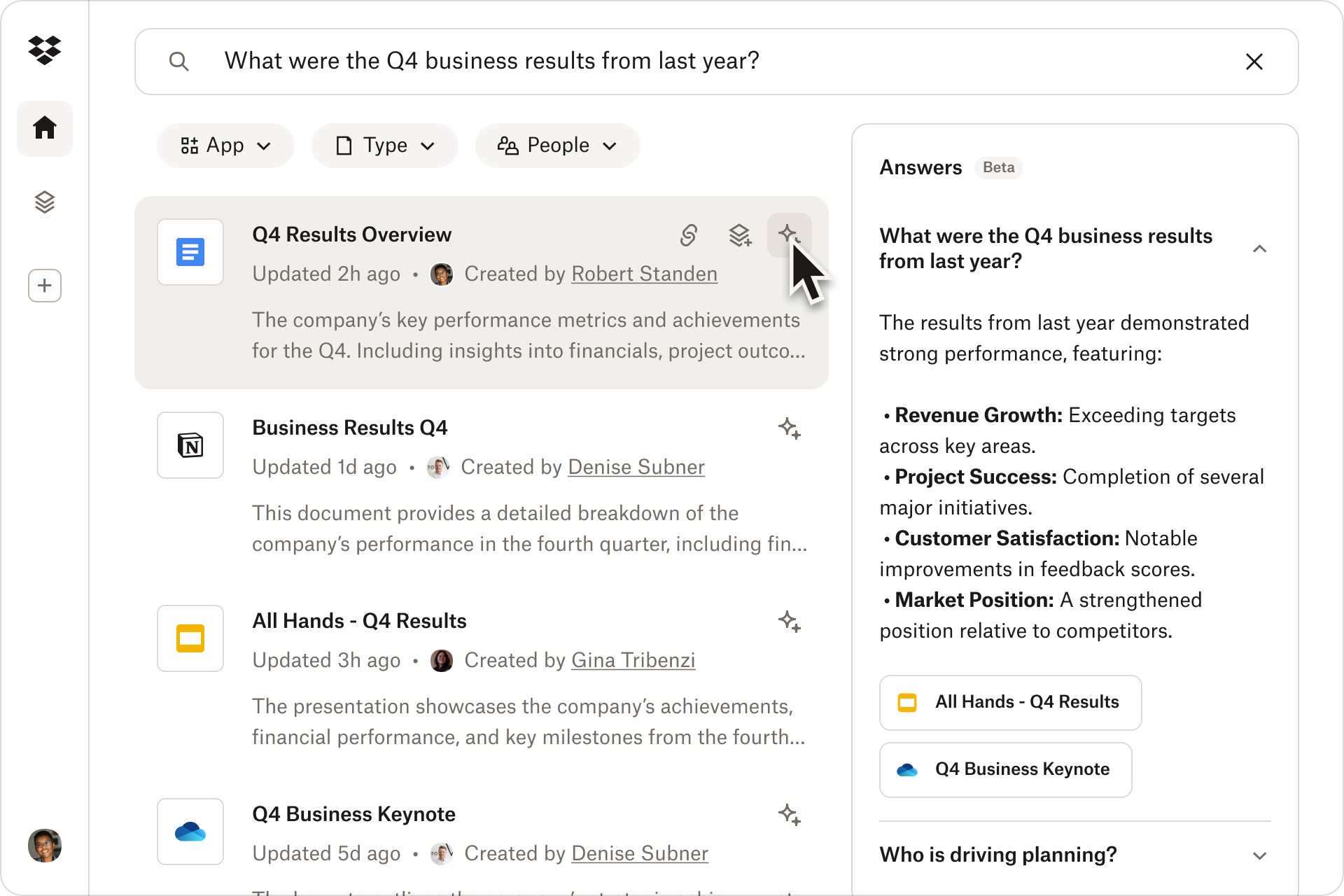
Screenshot of a quick summary with AI-powered insights. These are available from documents with just one click.
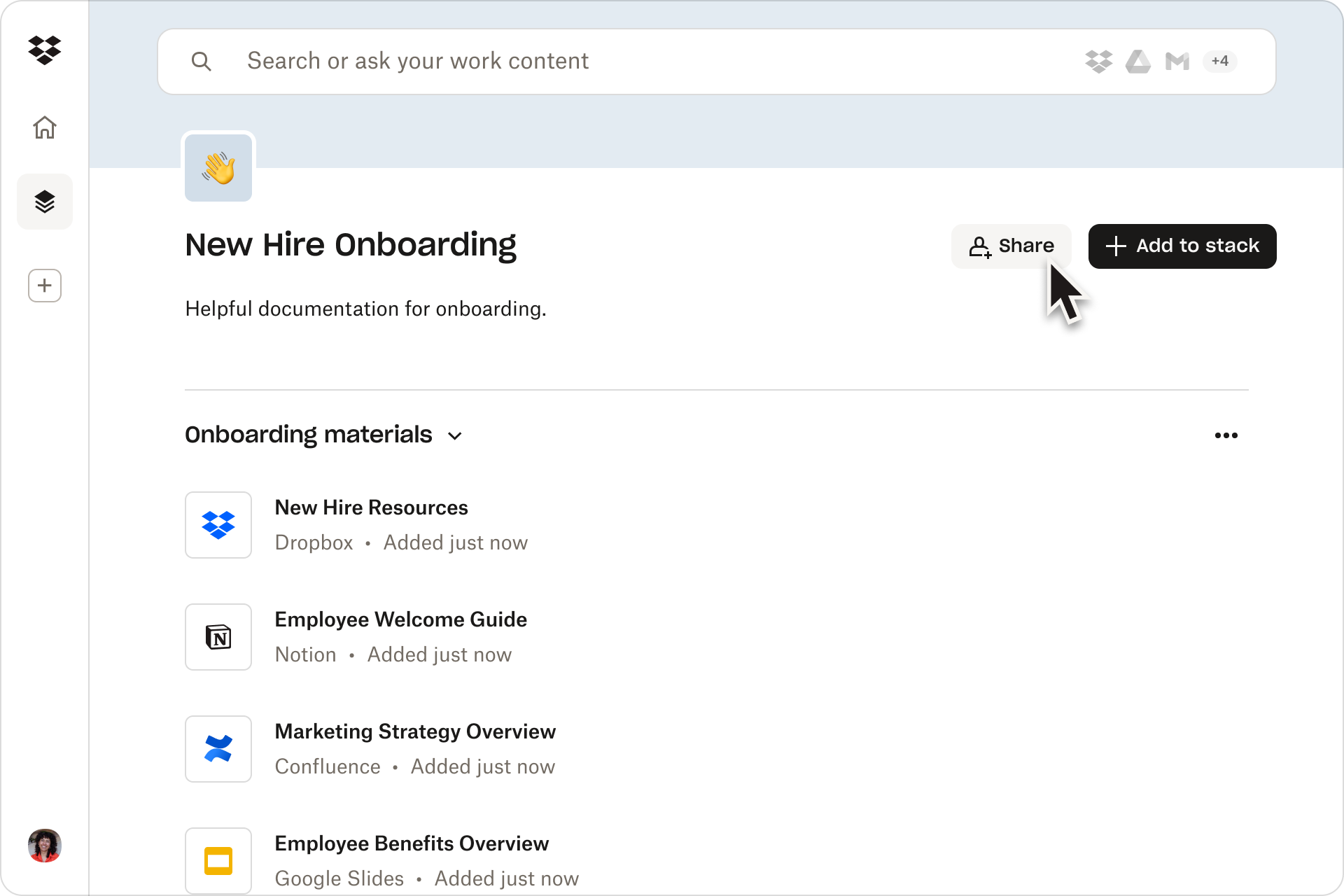
Screenshot of the location to collaborate and stay organized using shareable content collections called stacks.

1 / 5

Screenshot of the Dropbox universal search, which works across all connected apps so users can instantly find what they're looking for.

Who Buys & Uses Dropbox Dash

Dropbox Dash is an excellent choice

Use Cases and Deployment Scope

My consulting work has taken me far and wide, and I have learned much from my clients. I have not always captured my learning in the most obvious locations. Dash has been invaluable in locating these items. Dash has been my go-to for quickly searching my computer for files, photos, agendas, meeting schedules, and videos. It finds these items rapidly, accurately, and in just the place I had left them, if I had only remembered!
I use it to search external drives, my Dropbox files, and those on my hard drive. Ease of use is important to me, and Dropbox Dash met the challenge. Highly recommended.

Pros

  • Finding lost files
  • Sorting quickly thorough years of labor and record keeping quickly
  • Having a user friendly interface.

Cons

  • Finding older files that may have mislabeled.
  • Occasionaly missing files I know are present, but not accurately labeled. A few words off of the precise name can lead to a miss.
  • What was once free has now become a paid subscription.

Return on Investment

  • Huge time saver
  • Productivity has increased

Usability

Other Software Used

Dashlane Password Manager, HubSpot CRM

Dropbox Dash is good but needs additional integrations.

Use Cases and Deployment Scope

I use Dash for personal purposes. I found it helpful to search my calendar and use it to manage workspaces. What was challenging was the inability to add multiple calendars. When I wanted a heads-up view of my day, I was only getting one of my calendars. I'm hopeful that Dropbox will add the ability to integrate multiple Google accounts, or integration with Reclaim or another calendar would be very useful! If you only have one account and need to search through your calendar and associated apps, this is a very good application!

Pros

  • Heads up display.
  • Calendar management for one calendar.
  • Ability to search across multiple apps.

Cons

  • Integration of multiple accounts.

Return on Investment

  • Cannot provide real numbers on ROI.

Usability