

What is Read&Write?
Read&Write is a literacy support software application for students, including multilingual learners and individuals with neurodiverse profiles or disabilities. The platform provides tools for reading, writing, and comprehension across digital environments.
The software includes the following technical features for educational support:
- Text-to-speech: Reads digital text aloud to support comprehension.
- Vocabulary and Dictionary Tools: Provides word definitions and visual representations for term identification.
- Study Aids: Includes highlighting, Voice Notes, and summarization tools for information organization.
- Accessibility Features: Provides Screen Masking, Speech-to-text, and text simplification options for students with IEPs or 504 plans.
The vendor states that Read&Write has 250 million users worldwide. The application integrates with Google Chrome, Microsoft Edge, Windows, and macOS, and is available for tablets and mobile devices.
Categories & Use Cases






Videos
Screenshots



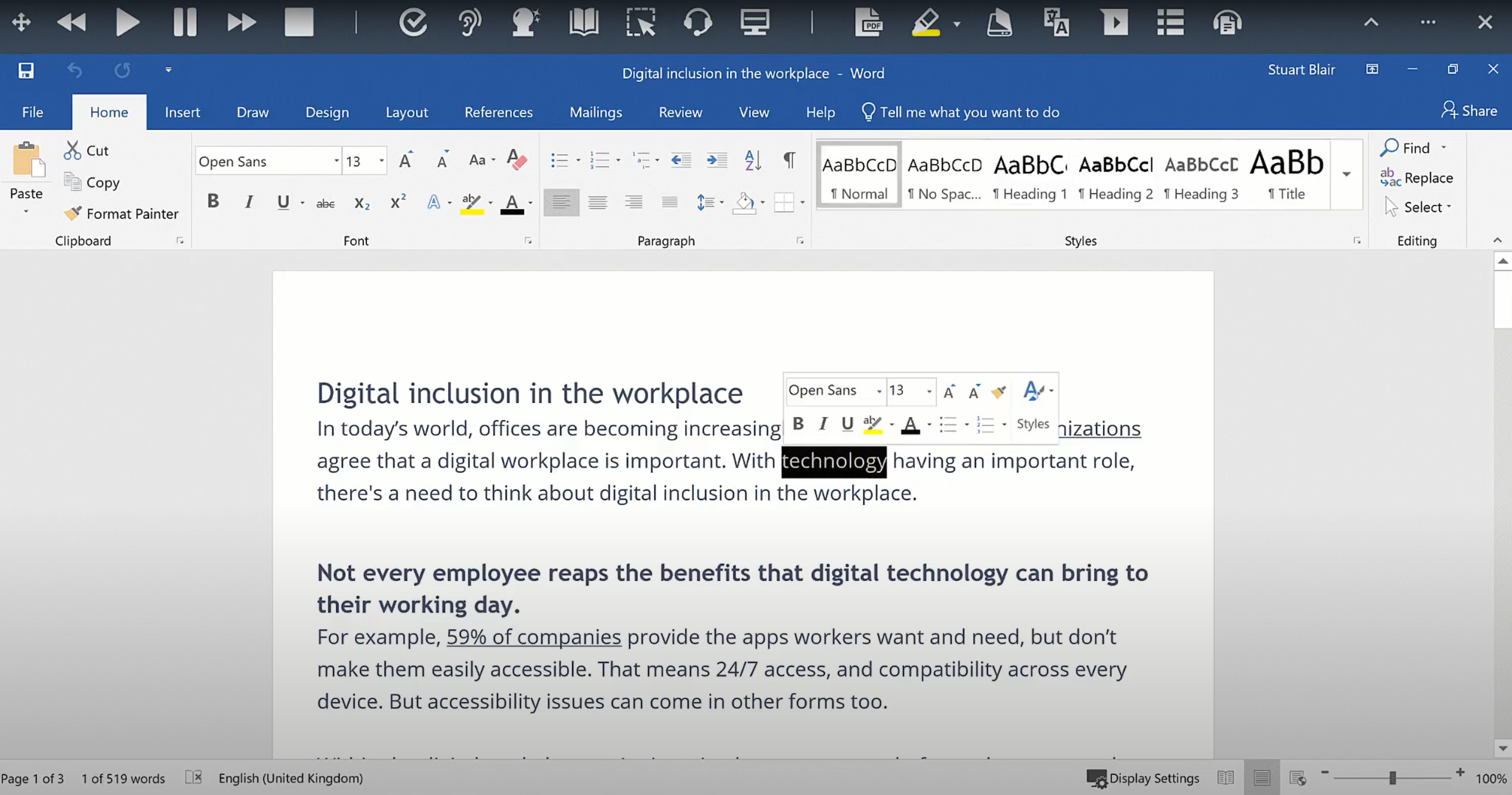

1 / 8
Screenshot of the translator
Product Demos
Technical Details
| Deployment Types | On-Premise, SaaS |
|---|---|
| Operating Systems | Windows, Mac, Chrome OS, IOS |
| Mobile Application | Apple iOS, Android, Mobile Web |
| Supported Countries | Global |
| Supported Languages | English, French, Spanish, Portuguese, Dutch |
FAQs
What is Read&Write?
Read&Write is a literacy support tool that helps individuals of all abilities read, write, and express themselves with confidence. For education and the workplace, its assistive features include text-to-speech, word prediction, and research tools for users with diverse learning needs.
What are Read&Write's top competitors?
Helperbird, Microsoft Immersive Reader, and Kurzweil 3000 are common alternatives for Read&Write.
What is Read&Write's best feature?
Reviewers rate Browser extension and Speech-to-Text highest, with a score of 7.6.