TrustRadius: an HG Insights company

Jolt

Score9.7 out of 10

89 Reviews and Ratings

What is Jolt?

Jolt is a task and workforce management, with time & attendance, remote (selfie) login, scheduling, and simple tasking tools, from the company of the same name in Provo, Utah; useful for small teams that could leverage frequent communication.

Media

Lists
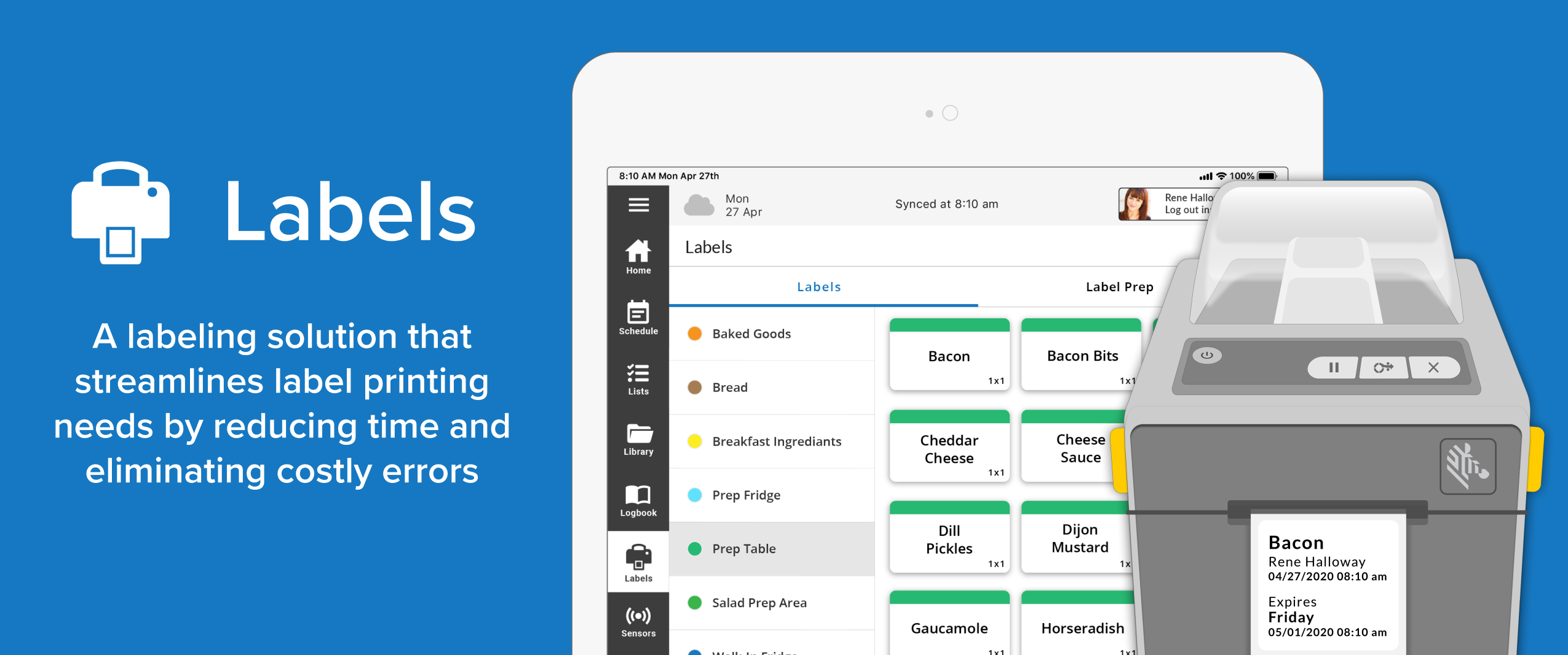
Labels
Sensors
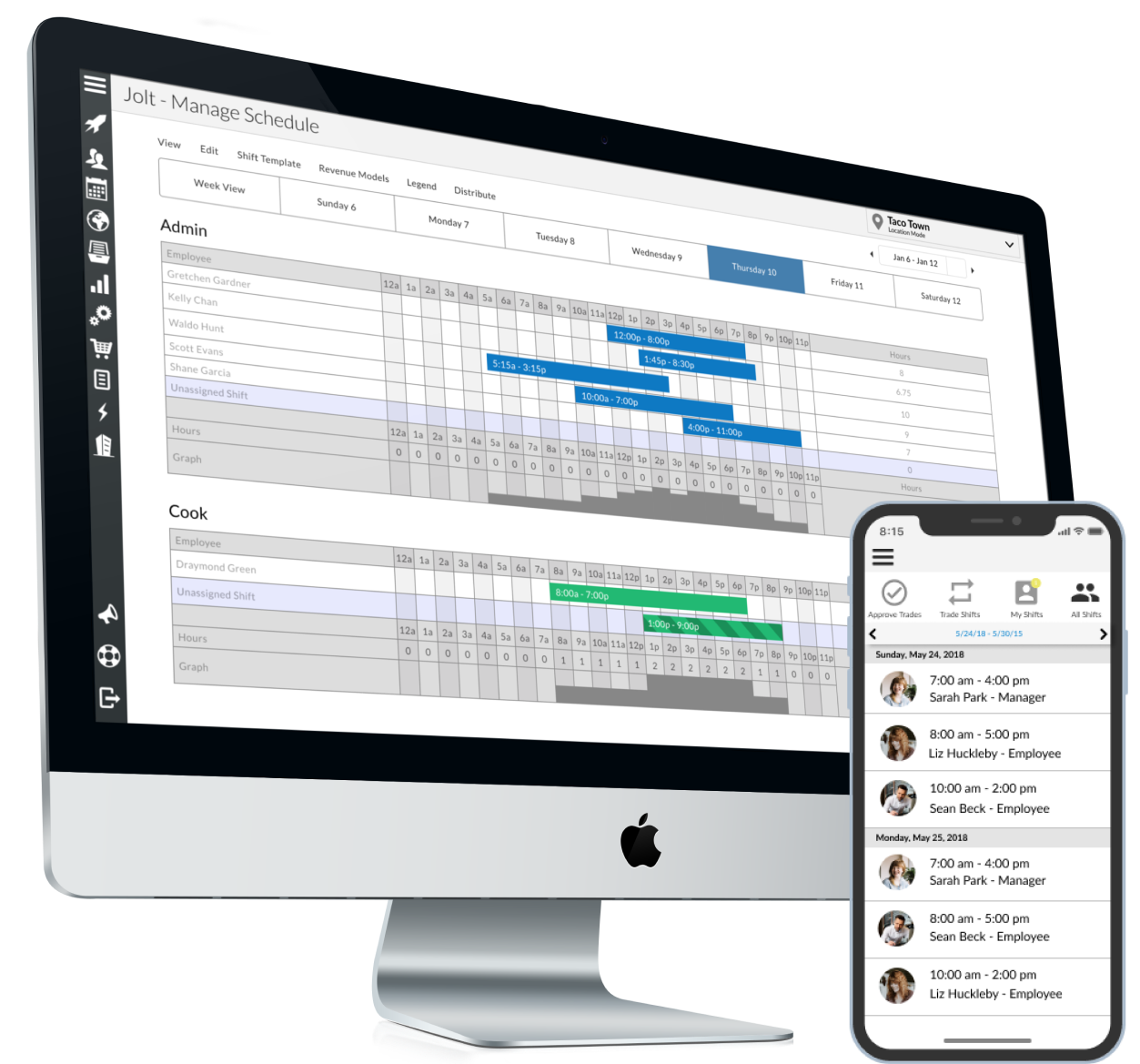
Scheduling
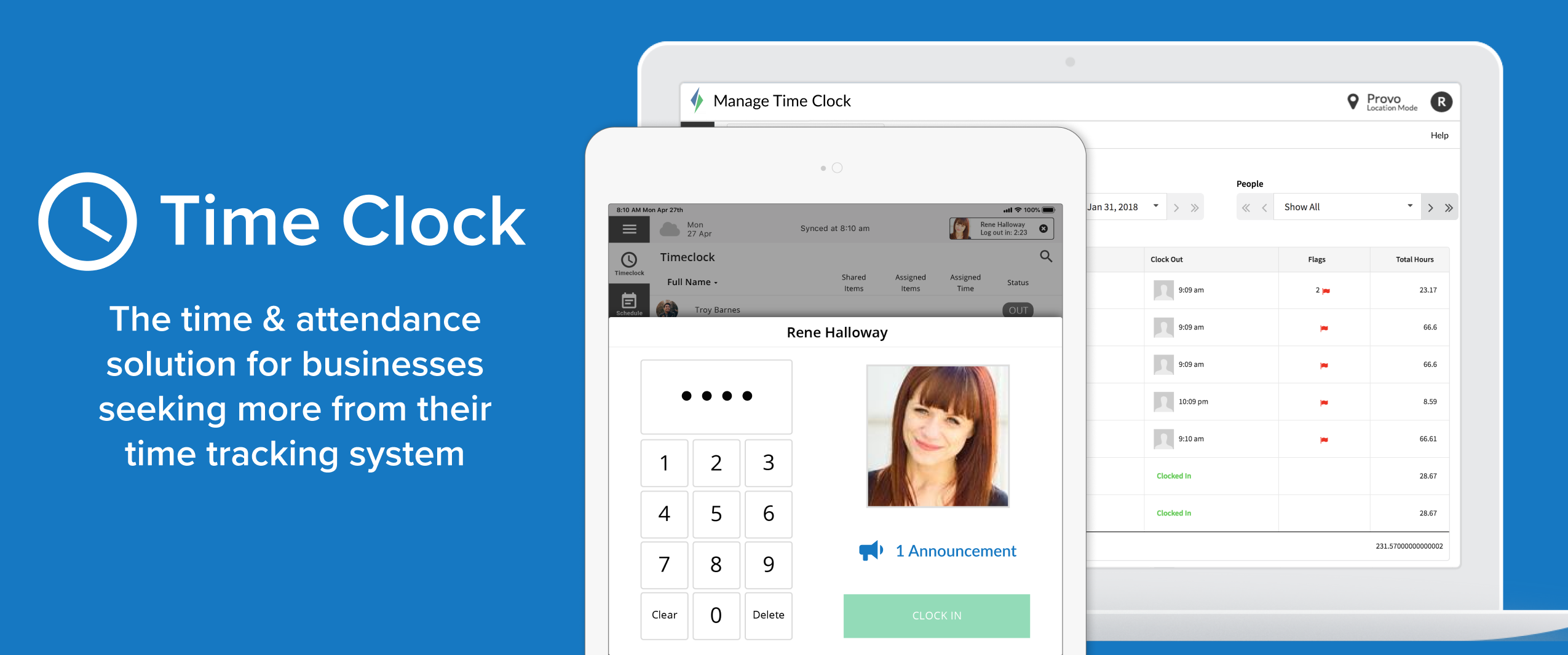
Time Clock
List Completion Report

1 / 8

Doggone happy with Jolt!

Use Cases and Deployment Scope

Our business initially signed on with Jolt, looking for a better way to manage employee accountability and productivity. That was eight years ago now, and we couldn't imagine a day in the life of our business without using Jolt. Running a busy dog daycare, boarding, and grooming facility has many moving parts, various shifts, and a whole host of services to track 365 days per year. We use Jolt for everything from employee onboarding to new dog evaluation visits, facility security audits, and employee reviews. Another feature we love is the information library our staff always has at their fingertips. We've loaded our entire facility's standard operating procedures into this database, including instructional photos and hands-on video instruction. Our team is never more than a click away from essential data to keep our facility running smoothly. We've integrated Jolt into the fabric of our business operations, and it has never let us down. Additionally, in recent years, we've noticed the addition of more support services and have a lovely Customer Service Success manager who is available if we have any issues. Hands down, we recommend Jolt for any business of any size.

Pros

  • Time management and tracking of daily employee productivity.
  • Allows for instructional data to be added to all our checklists, audits, etc to provide hands on training all the time!
  • Ease of use. It's a breeze to create new lists and use the lists already created
  • Mobility- my staff is on the go and being able to grab an iPad at the beginning of their shift and take it with them through the day completing tasks and allowing for more autonomy in our work force
  • Versatile. Can be use for simple list down to more complex guides and checklists with calculations and scoring.

Cons

  • Make the addition of media a little easier. Specifically video upload/embedding file types
  • More ability to customize the look of the lists when populated. More formatting options
  • Allow for certain log book notes to remain private and not viewable by all employees. We use Jolt for employee quizzes and reviews and don't want all staff to see log book notes, so we just don't use them much.

Most Important Features

  • The addition of timers for tasks was HUGE! Thank you.
  • We don't use it enough, but feel the list completion reports are a great way to see who your top performers are.

Return on Investment

  • Increased accountability and cohesiveness of how all staff members are expected to clean our facility has allowed our facility to decrease the number of respiratory illness and communicable diseases that are passed around our dog pack. We feel this is a direct result of everyone being required to do jobs to the same cleaning standards and or ability to track when employees are not meeting that standard.
  • Barcode scanning has increased our ability to trust employees are getting the jobs done independently thus reducing the need for continual management oversight. We've been able to reduce the number of hours our managers work, allowing them to trust the staff more and utilize Jolt reporting to identify poor performance and spend their time addressing concerns and re-training verses just babysitting the staff on shift.

Other Software Used

Gingr, Homebase, Slack

New restauranter purchases Jolt to increase productivity.

Use Cases and Deployment Scope

We decided to purchase Jolt to ensure processes were being executed. Some of the internal work flow problems were team members not completing tasks in a timely manner or at all and unsure of what to do during non-peak hours. We also were using an internal POS scheduling tool which was very cumbersome. Since purchasing the checklist and scheduling features in Jolt our operations have become smoother and more tasks are being completed in the restaurant. I have personally saved hours of time on creating schedules.

Pros

  • Validating task completion
  • Notifying team members of their schedules
  • Notifying team members when a shift becomes available
  • Notifying managers or admin when tasks are not being completed

Cons

  • Technology, non Apple based
  • Editing general information within Jolt
  • App technology

Most Important Features

  • Scheduling
  • Checklists
  • Temperature reporting

Return on Investment

  • Faster ability to schedule
  • Ease of doing business with team members around scheduling, time off requests, pick up shifts, etc
  • Checklists have created an environment of completing jobs faster, less labor dollars spent

JOLT ALL THE WAY!!

Use Cases and Deployment Scope

We got introduced to Jolt, not too long ago. I was trained how to create lists, view reports, etc. I have created a couple of lists to help with our company. One is High Risk Checklist which helps the restaurants reassure that they are ready food FS ! I have recently created the FAST Assessment checklist to help improve Speed of Service at those locations that are extreme outliers. While creating these checklist, I have contacted Sadie and she is quick to jump on call and support in any way! I like the fact that I know if I make a mistake, we can reach out and Sadie will help!

Pros

  • Reporting
  • Notifications

Cons

  • Sometimes the app freezes
  • sometimes it doesn't sync correctly from the device where the checklist was done so on reporting side, it seems as if it wasn't completed.

Most Important Features

  • The notifications on email, text, etc
  • Simple to understand and navigate

Return on Investment

  • We are more on top of Food Safety (example)

Alternatives Considered

SafetyCulture

Jolt is The Future!

Use Cases and Deployment Scope

Jolt has helped us implement a digital platform for our Food Safety Checklists, as well as multiple other checklists for new product rollouts, surveys, and leadership activities.

Pros

  • Reduces paper clutter and costs
  • Streamlines reports and progress through reporting dashboards
  • Advances Technology

Cons

  • Bug improvements with errors in lists
  • Easier list creation and assigning, fewer boxes to check, etc.

Most Important Features

  • Reports
  • Accuracy
  • Less paper

Return on Investment

  • Improved food safety checklist completions
  • More accountability for managers to ensure completion
  • Reports available to share good and bad progress throughout the district

Other Software Used

Altametrics, Microsoft 365, Zoom

A “Jolt” to my business

Use Cases and Deployment Scope

Jolt is the first time that I am able to hold my staff accountable in real-time and ensure that tasks are completed in the proper manner.

It has helped with inventory control as well as we are able to accurately forecast what flavors we’ll need to make, and when based on lists that the staff fills in.

Jolt has been such a time saver for me as a small business owner because many of the daily activities I found myself doing, I was able to automate.

I wish I had found this sooner, I can’t recommend this product enough.

Pros

  • Ability to automate tasks that were repeatable
  • Hold individuals accountable for the effort they complete tasks
  • Provide examples of the ways in which tasks should be completed

Cons

  • Log in system is cumbersome with code access at times
  • Varying permission settings for managers

Most Important Features

  • Lists
  • Information library

Return on Investment

  • Time Saver
  • It has allowed us to more accurately forecast our needs
