

PDF9.Ai
What is PDF9.Ai?
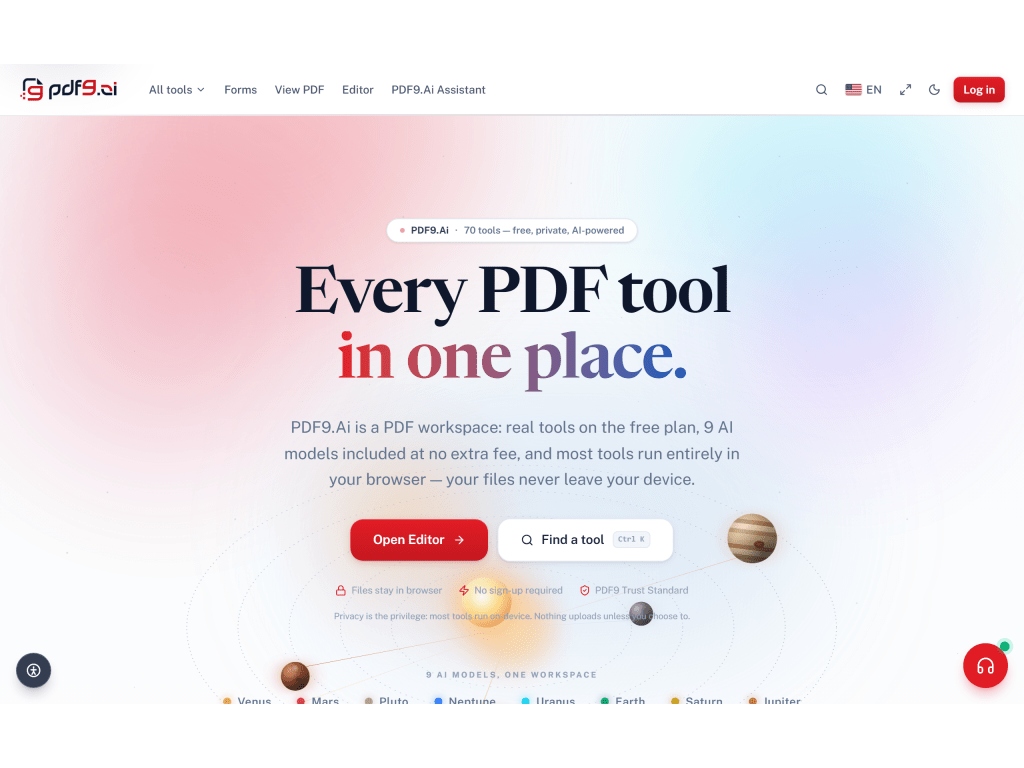
PDF9.Ai is a PDF workspace that consolidates 68 PDF tools into a browser-based platform. It serves students, freelancers, legal professionals, accountants, HR teams, and enterprise organizations.
Core Capabilities
PDF9.Ai combines five functional modules: PDF9 Reader (fast document viewing and read-aloud), PDF9 Intelligence (AI-powered chat, summarization, and translation), PDF9 Studio (editing, conversion, and batch processing), PDF9 Trust (electronic and digital signatures), and PDF9 Governance (enterprise administration and compliance controls).
Key Features
- Organize PDFs: merge, split, reorder, rotate, and extract pages
- Convert to and from Word, Excel, PowerPoint, HTML, CAD, ePub, and image formats
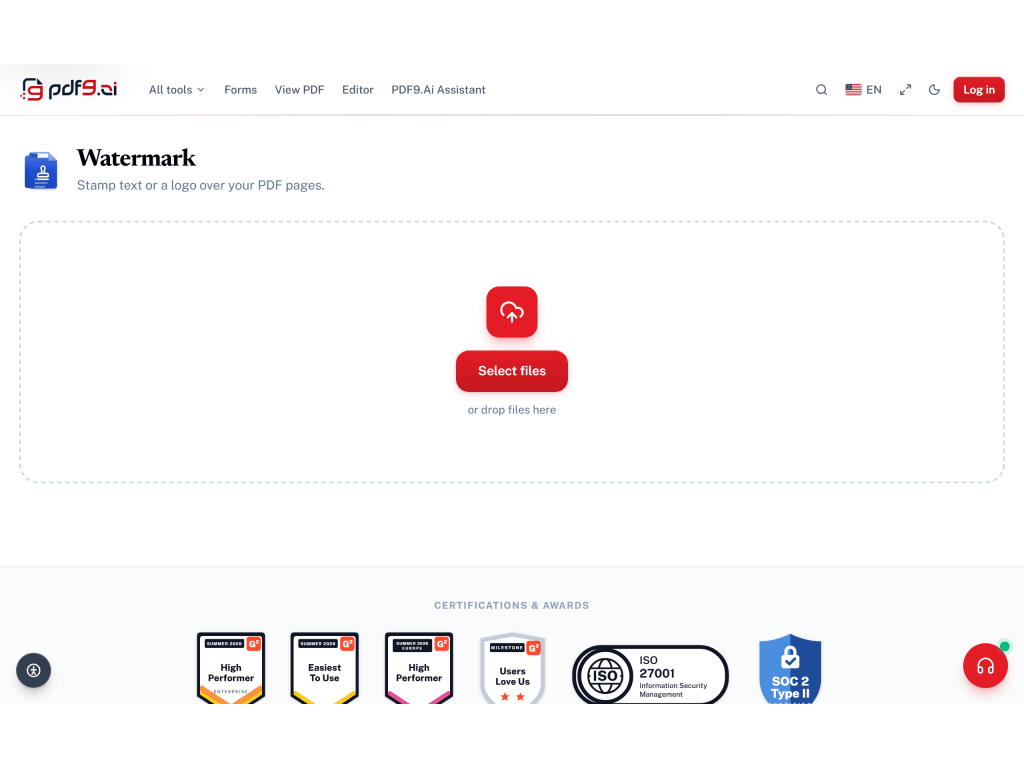
- Edit text, images, shapes, annotations, watermarks, headers/footers, and Bates numbering
- OCR for scanned documents, supporting mixed-language recognition
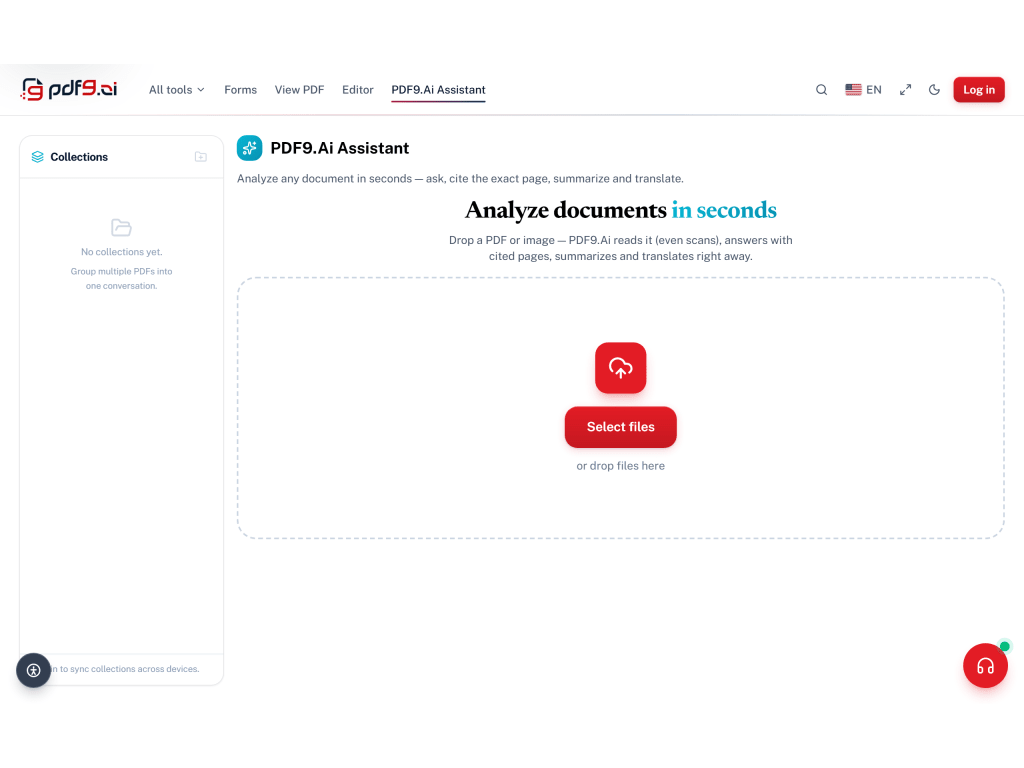
- AI Chat with PDF: ask natural-language questions and receive answers with source-page citations
- AI Summarize and Translate across 50+ languages
- E-Sign and certificate-based digital signatures (PAdES/PKCS#7) with QR-verified audit trails validated in Adobe Acrobat Reader
- Smart PII redaction for emails, phone numbers, credit cards, and SSNs
- Form filling for standard and official U.S. government forms (W-9, W-4, I-9)
- Document comparison and plagiarism checking
- Compress, repair, flatten, and check accessibility
AI Integration
Nine curated AI models are embedded in the workspace at no additional cost, with automatic failover between models. All AI responses are grounded in the source document and cite exact page numbers.
Privacy and Security
Most tools process files entirely in-browser, meaning documents never leave the user's device. For server-side operations, files are auto-deleted within one hour. Enterprise deployments include SSO (SAML 2.0/OIDC), role-based access control, audit log export, ISO/IEC 27001-aligned governance, SOC 2 Type II infrastructure, and HIPAA BAA availability.
Platform Availability
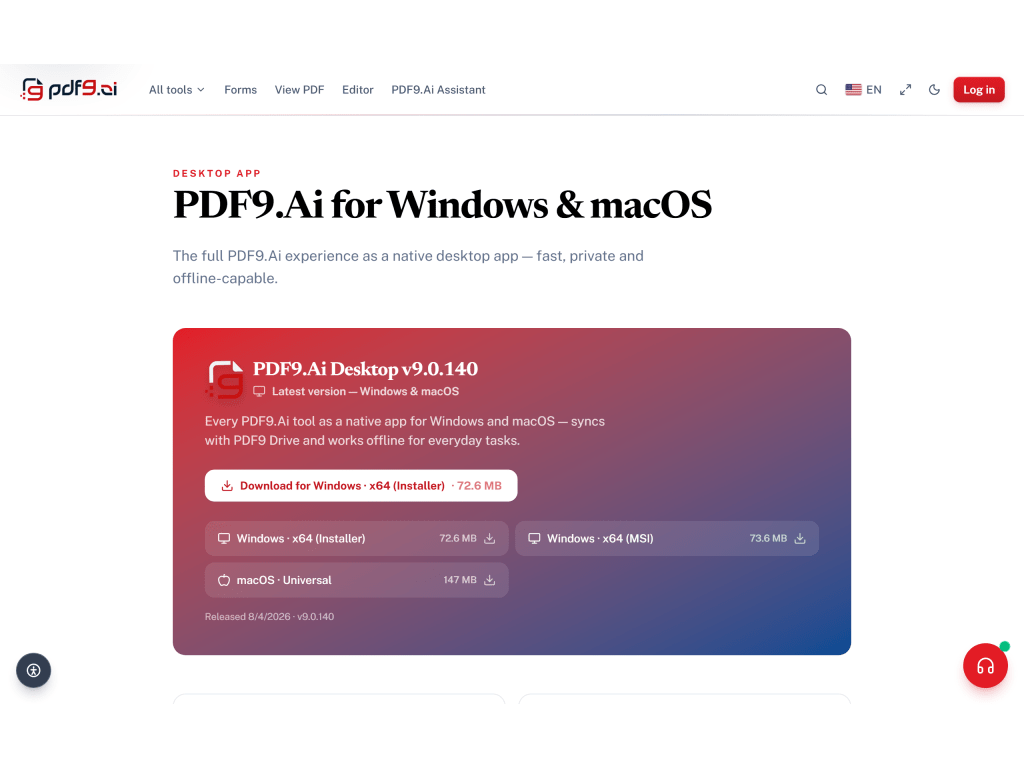
PDF9.Ai is accessible via web browser, native Windows (10/11 x64) desktop app, macOS (Universal, Apple Silicon and Intel) desktop app, and API.
Categories & Use Cases
Screenshots




1 / 10
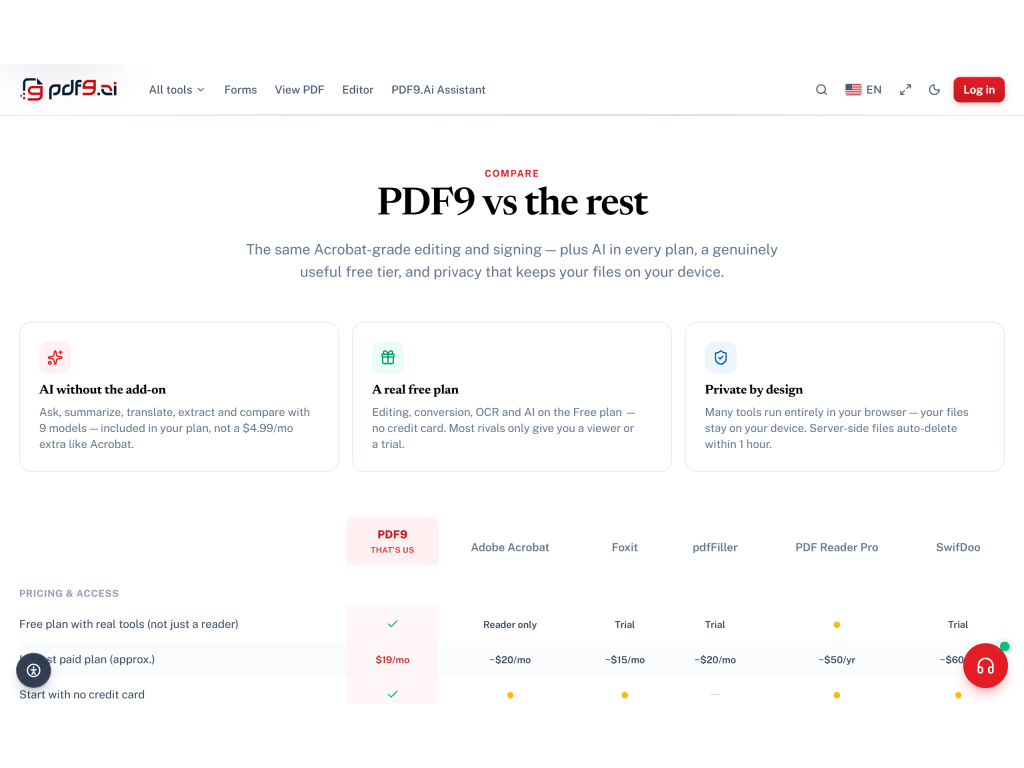
Screenshot of Freelancers, teams, and enterprises can compare tiers — Free through Enterprise — and switch between monthly and yearly billing (save 20%) to find the right fit. Pro unlocks 1,000 docs/mo, 50 GB Drive, 1,500 AI messages, 200 conversions, and ~200 AI voice pages at $15/month.
Product Demos
Technical Details
| Deployment Types | SaaS |
|---|---|
| Mobile Application | No |
| Supported Countries | Global |
| Supported Languages | English, Vietnamese, German, Japanese, Portuguese (Brazil), Spanish, French, Arabic, Chinese (Simplified), Korean, Indonesian, Thai |
FAQs
How much does PDF9.Ai cost?
PDF9.Ai starts at $12.
What are PDF9.Ai's top competitors?
Adobe Acrobat, Smallpdf, and iLovePDF are common alternatives for PDF9.Ai.
Who uses PDF9.Ai?
The most common users of PDF9.Ai are from B2B.