



A useful graphic designing tool for YOUR ideas

Use Cases and Deployment Scope
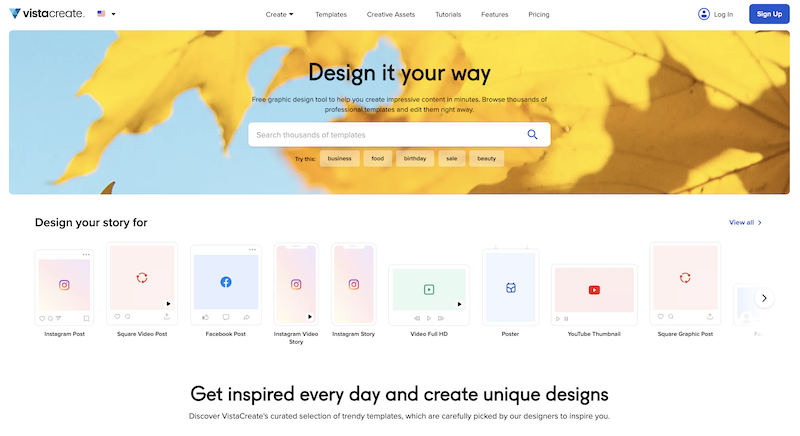
I use VistaCreate for Youtube Thumbnails for my personal vlogging videos, presentation slides for university-related work, and pamphlets for any upcoming events at the workspace. The product mainly has many templates to choose from to make work easier and faster. The scope is not limited to what I mentioned; I also use them for Instagram posts and to edit travel photos.
Pros
- Palettes is the best addition for free users; I love how you can completely transform the image.
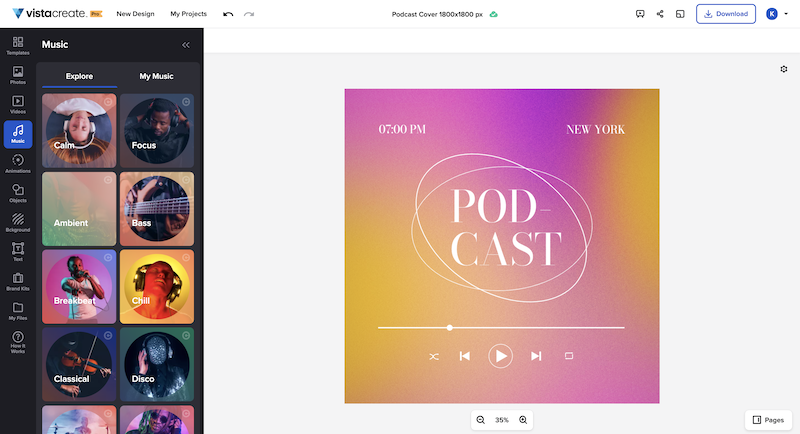
- Adding music to images based on the picture's mood and vibes!
- And the possibility of many free templates to choose from if you want some ideas to start with
Cons
- Background Remover for imported images for free users
- Resizing option for free users
- AI writer for free users
- Object remover for free users
- The above-mentioned features, with daily or monthly limits for free users, would be a game-changer for VistaCreate.
Return on Investment
- It has changed the thought process of presenting to clients, showing how it can be both creative and time-efficient
- The addition of an AI writer in the free version with daily or monthly limits would for sure elevate the game of creative writing as well
- Music addition simply helps content creators like me to pre-release thumbnails with music so as to create that suspense and to keep the audience under curiosity check.
Usability
Alternatives Considered
Canva
Other Software Used
Canva, Snappa


