
Adobe Express vs. Merra AI
| Product | Rating | Most Used By | Product Summary | Starting Price |
|---|---|---|---|---|
 Adobe Express | Score8.7 out of 10 | N/A | Adobe Creative Cloud Express (formerly Adobe Spark) is a task-based, web and mobile product used to create and share rich multimedia content – from social media posts and stories to invitations to marketing materials like logos, flyers and banners. | $0 |
 Merra AI | N/A | N/A | Merra AI is an automatic video editing platform that streamlines content creation through artificial intelligence. The system transforms raw video clips into finished content by automating script generation, voiceovers, video edits, captions, and background music integration. The platform allows users to import raw footage, company descriptions, and voice samples, after which the AI handles the editing process. The software features batch video creation capabilities that enable the production of… | $25 per month |
| Adobe Express | Merra AI | |||||||||||||||
|---|---|---|---|---|---|---|---|---|---|---|---|---|---|---|---|---|
| Editions & Modules |
| No answers on this topic | ||||||||||||||
| Offerings |
| |||||||||||||||
| Entry-level Setup Fee | No setup fee | No setup fee | ||||||||||||||
| Additional Details | Contact Adobe directly for Enterprise pricing plan details. | — | ||||||||||||||
| More Pricing Information | ||||||||||||||||
| Adobe Express | Merra AI | |
|---|---|---|
| Considered Both Products | No answer on this topic | No answer on this topic |
| Key User Insights | ||
| Would buy again | ||
93% Would buy again 238 Answers | No answers on this topic | |
| Delivers good value for the price | ||
97% Delivers good value for the price 219 Answers | No answers on this topic | |
| Happy with the feature set | ||
92% Happy with the feature set 235 Answers | No answers on this topic | |
| Lived up to sales and marketing promises | ||
93% Lived up to sales and marketing promises 158 Answers | No answers on this topic | |
| Implementation went as expected | ||
96% Implementation went as expected 178 Answers | No answers on this topic | |
| Adobe Express | Merra AI | |
|---|---|---|
| Small Businesses |  GIMP Score8 out of 10 |  iMovie Score10 out of 10 |
| Medium-sized Companies |  Adobe Illustrator Score9.3 out of 10 | iMovie Score10 out of 10 |
| Enterprises |  Adobe PhotoShop Score9.2 out of 10 |  Adobe Premiere Pro Score9.2 out of 10 |
| All Alternatives | View all alternatives | View all alternatives |
| Adobe Express | Merra AI | |
|---|---|---|
| Likelihood to Recommend | 8.8 | - |
| Likelihood to Renew | 9.5 | - |
| Usability | 8.2 | - |
| Support Rating | 7.0 | - |
| Implementation Rating | 6.4 | - |
| Contract Terms and Pricing Model | 9.5 | - |
| Professional Services | 10.0 | - |
| Adobe Express | Merra AI | |
|---|---|---|
| Likelihood to Recommend |
| No answers on this topic |
| Pros |
| No answers on this topic |
| Cons |
| No answers on this topic |
| Likelihood to Renew |
| No answers on this topic |
| Usability |
| No answers on this topic |
| Support Rating |
| No answers on this topic |
| Alternatives Considered |
| No answers on this topic |
| Contract Terms and Pricing Model |
| No answers on this topic |
| Professional Services |
| No answers on this topic |
| Return on Investment |
| No answers on this topic |
| ScreenShots | Adobe Express Screenshots      | Merra AI Screenshots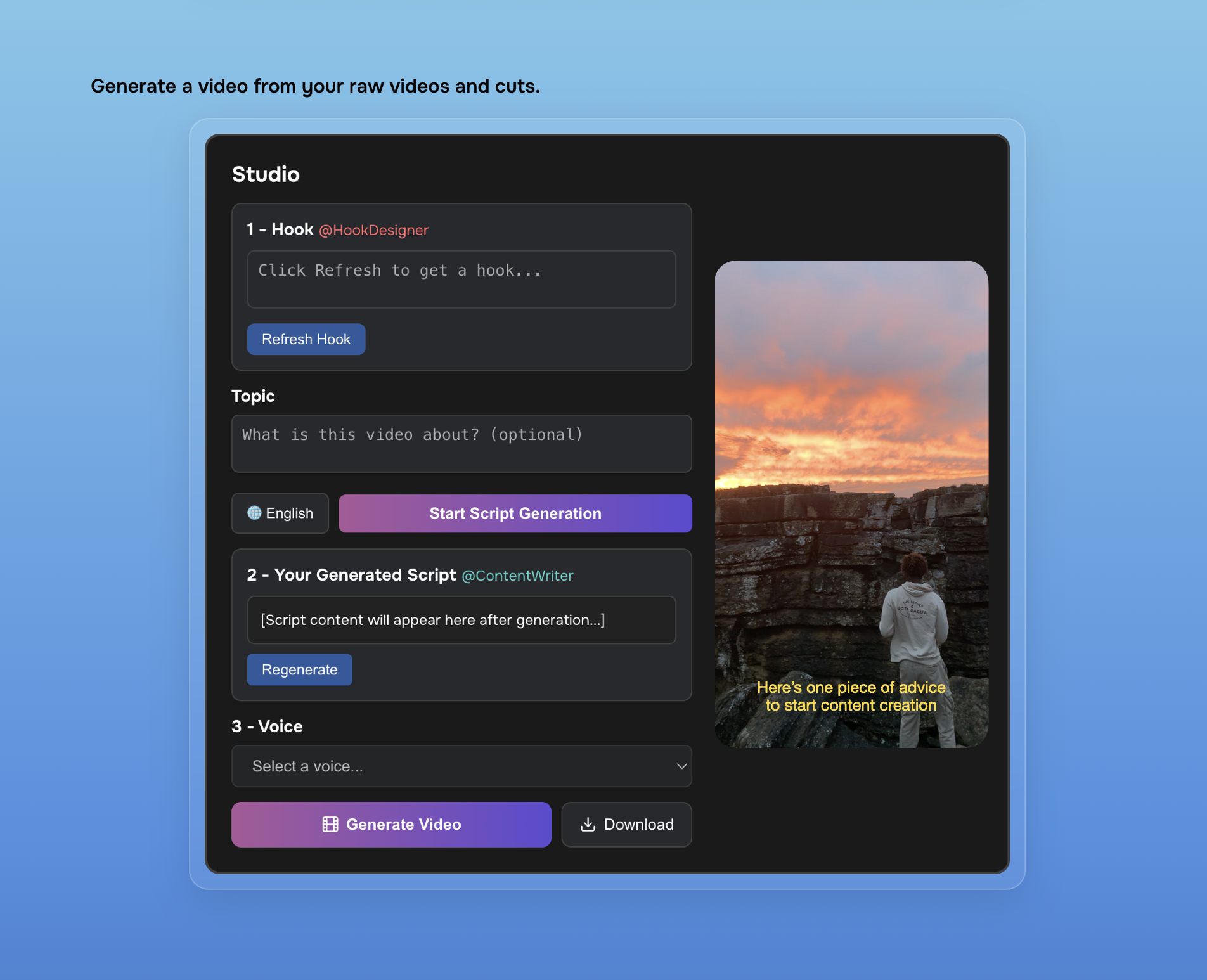 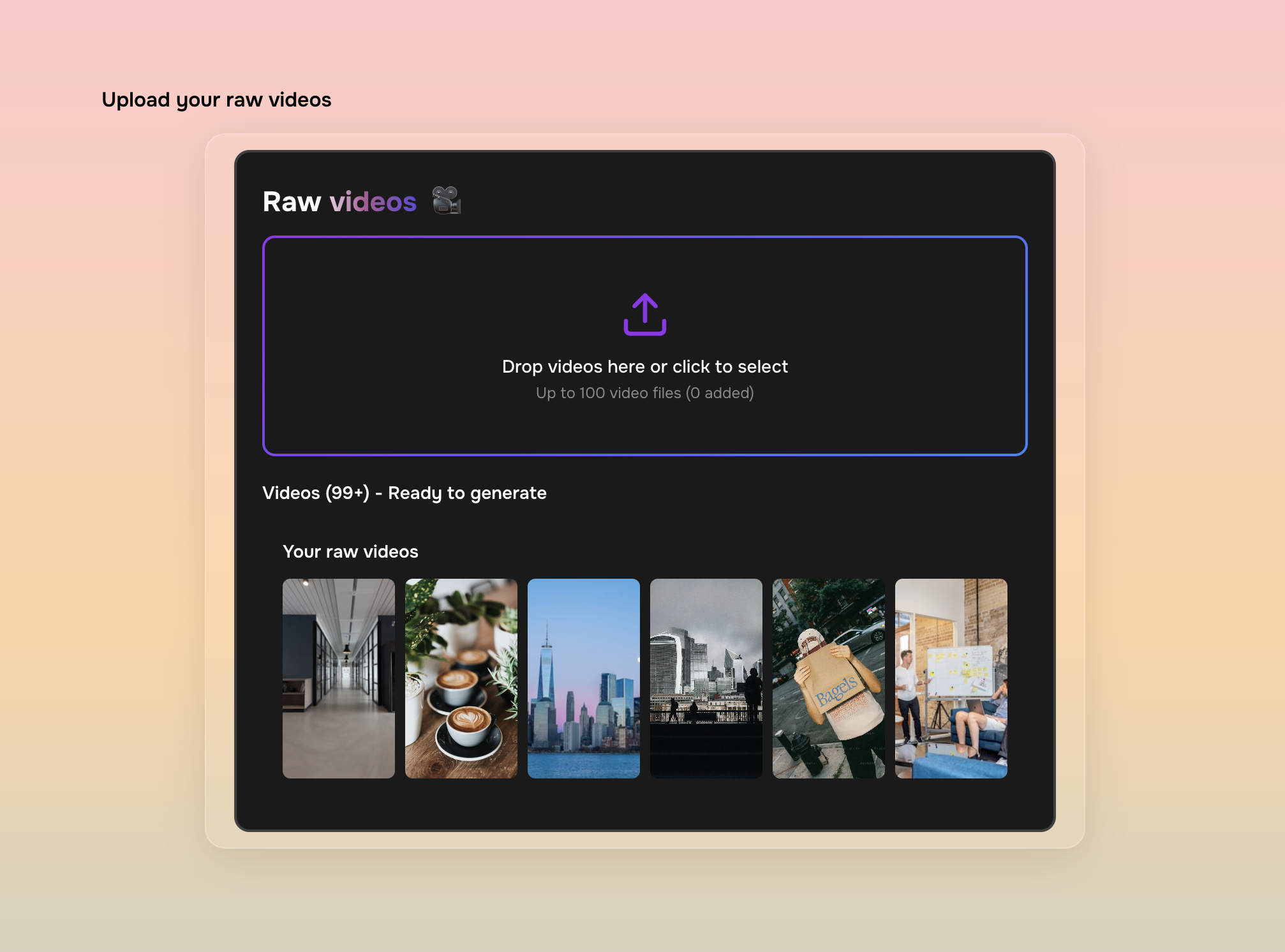 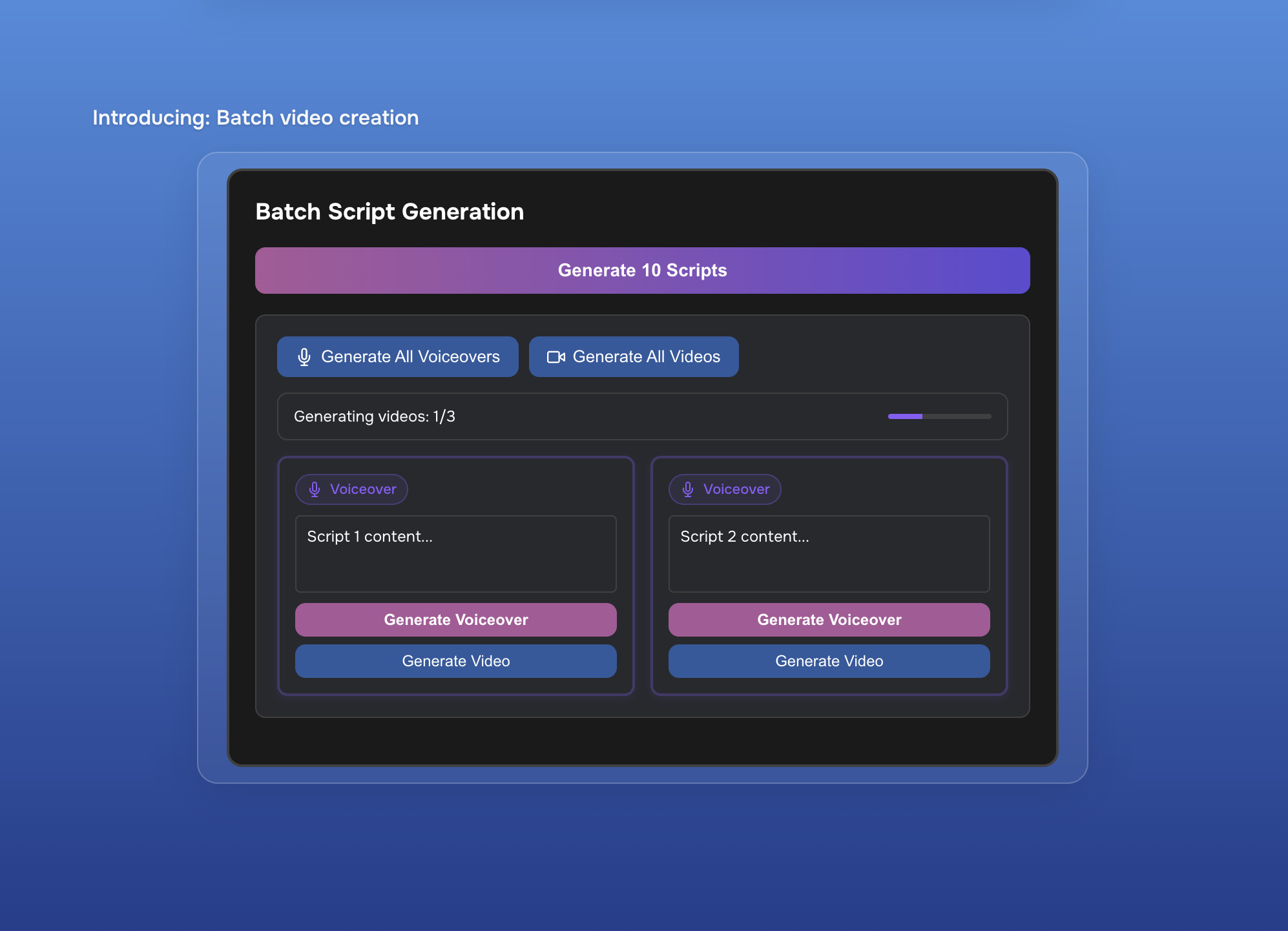 |





