TrustRadius: an HG Insights company

Save this comparison

Save this comparison

Add Product

Recommended Comparisons

    Overview
    ProductRatingMost Used ByProduct SummaryStarting Price

    Adobe Illustrator

    Score9.3 out of 10
    N/AAdobe Illustrator CC is a vector-based graphic design software.

    $20.99

    per month

    MindMeister

    Score3.6 out of 10
    N/AMindMeister is an online mind mapping tool that lets users share maps with an unlimited number of users and collaborate with them in real-time. MindMeister is used to brainstorm ideas, plan projects, take meeting minutes, develop business strategies, and create presentations. MindMeister runs in any standard web-browser as well as on iOS and Android devices, so users can access, edit and present their mind maps anytime, wherever they are. With MindMeister, users…

    $45

    every 6 months per user

    Pricing
    Adobe IllustratorMindMeister
    Editions & Modules
    Yearly - Billed Monthly
    $20.99
    per month
    Monthly
    $31.49
    per month
    Yearly - Billed Upfront
    $239.88
    per year
    Personal
    $45
    per 6 months per user
    Pro
    $75
    per 6 months per user
    Business
    $114
    per 6 months per user
    Offerings
    Pricing Offerings
    Adobe IllustratorMindMeister
    Free Trial
    NoNo
    Free/Freemium Version
    NoYes
    Premium Consulting/Integration Services
    NoNo
    Entry-level Setup FeeNo setup feeNo setup fee
    Additional Details—MindMeister offers 6-monthly and yearly subscriptions. Discounts for educational users and non-profit organizations are also available. Up to 22% discount for yearly pricing.
    More Pricing Information
    Community Pulse
    Adobe IllustratorMindMeister
    Considered Both Products
    Adobe
    No answer on this topic
    MeisterLabs GmbH
    No answer on this topic
    Key User Insights
    Would buy again
    99%
    Would buy again
    66 Answers
    33%
    Would buy again
    2 Answers
    Delivers good value for the price
    97%
    Delivers good value for the price
    59 Answers
    33%
    Delivers good value for the price
    2 Answers
    Happy with the feature set
    100%
    Happy with the feature set
    67 Answers
    33%
    Happy with the feature set
    2 Answers
    Lived up to sales and marketing promises
    100%
    Lived up to sales and marketing promises
    58 Answers
    33%
    Lived up to sales and marketing promises
    2 Answers
    Implementation went as expected
    97%
    Implementation went as expected
    62 Answers
    50%
    Implementation went as expected
    3 Answers
    Best Alternatives
    Adobe IllustratorMindMeister
    Small Businesses
    GIMP
    Score8 out of 10
    Xmind
    Score8.8 out of 10
    Medium-sized Companies
    Adobe PhotoShop
    Score9.2 out of 10
    MindManager
    Score7.8 out of 10
    Enterprises
    Adobe PhotoShop
    Score9.2 out of 10
    MindManager
    Score7.8 out of 10
    All AlternativesView all alternativesView all alternatives
    User Ratings
    Adobe IllustratorMindMeister
    Likelihood to Recommend
    9.3
    (110 ratings)
    1.0
    (17 ratings)
    Likelihood to Renew
    9.0
    (3 ratings)
    -
    (0 ratings)
    Usability
    9.5
    (7 ratings)
    -
    (0 ratings)
    Support Rating
    5.0
    (25 ratings)
    10.0
    (1 ratings)
    Implementation Rating
    10.0
    (2 ratings)
    -
    (0 ratings)
    User Testimonials
    Adobe IllustratorMindMeister
    Likelihood to Recommend
    Adobe
    It is the only tool that I use to create logos. It gives me the flexibility to create sharp text and marks and they can then be resized at will, color changes in a second and perfect way to export. I know that some people use Illustrator for document layout, it is not ideal. While I can easily create documents here, it really is InDesign that is the perfect tool.
    Read full review
    MeisterLabs GmbH
    MindMeister is ideally suited for building mind maps, site maps, or similar types of data maps in the cloud without needing to install extra software. I find that it isn't quite as ideal for other types of diagrams (ERDs, flowcharts, etc) as some other tools, though it definitely can handle those things as well.
    Incentivized
    Read full review
    Pros
    Adobe
    • Vector graphics for scaling to large sizes
    • Filling an object with a texture
    • Easily adjusting and expanding an artboard to fit the size of the content (especially for infographics)
    • Compatibility with other Adobe CC programs, but also exporting for PPT graphics
    Incentivized
    Read full review
    MeisterLabs GmbH
    • The UI is well laid out and easy to use. The workflow makes perfect sense and makes creating tasks a breeze.
    • The collaboration features make brainstorming not only easy but fun! Everyone enjoys using the tool, which was not the case with other collaboration software we used.
    • I love being able to get all of my thoughts and ideas on the screen to see them and then be able to connect them in a logical way.
    Incentivized
    Read full review
    Cons
    Adobe
    • It's tough to master. If you haven't used Adobe products like Photoshop or Illustrator before, there is a lot to take in.
    • It would be great to have some better options to preview the final product if you're creating a multiple page document.
    • Better integration and pricing points with Adobe Stock for the useful stock images to complete your projects.
    Incentivized
    Read full review
    MeisterLabs GmbH
    • I think that the free plan should offer a bit more terms of features to make the testing experience more engaging.
    • My experience using the App version was not so good when compared to the web version of it. I feel more comfortable using it in my notebook.
    • Paid plans could be more flexible to support small or temporary demands.
    Incentivized
    Read full review
    Likelihood to Renew
    Adobe
    While Adobe Illustrator CC is one of the only true design software out there, it really stands heads above the other products. It's clean UI and menu structure is easy to navigate.
    Incentivized
    Read full review
    MeisterLabs GmbH
    No answers on this topic
    Usability
    Adobe
    There's a bit of a learning curve to this software vs other similar tools that can take some time to learn and get familiar with but the amount of functionality that Adobe Illustrator CC offers is quite large compared to simpler tools.
    Incentivized
    Read full review
    MeisterLabs GmbH
    No answers on this topic
    Support Rating
    Adobe
    I normally already know how to do whatever I'm trying out, but the documentation (as well as a simple Google search) makes any question quick to resolve. The Adobe boards themselves are a fantastic resource, especially for resolving questions between new programs and iterative releases.
    Incentivized
    Read full review
    MeisterLabs GmbH
    Never had an issue with customer support, though we never really needed anything major as far as technical help. I do not believe they offer 24 hour customer support but we don't need it as MindMeister is not the type of tool we need need 24 hour a day support for. Overall, very happy with the level of support.
    Incentivized
    Read full review
    Implementation Rating
    Adobe
    It was very easy to purchase and download.
    Incentivized
    Read full review
    MeisterLabs GmbH
    No answers on this topic
    Alternatives Considered
    Adobe
    I chose Rhinoceros 3D because it is accurate to make drawings in it and it is better to make drawings in Rhinoceros 3D and then put them in Adobe Illustrator. But while printing or scaling it is much easier to put it in Adobe Illustrator. This makes the whole printing aspect of it much easier.
    Read full review
    MeisterLabs GmbH
    I have also used LucidChart and Google Draw to create mind maps and concept maps in the past. I think that MindMeister is by far the cleanest and most user friendly of the three. Google Draw does not have anywhere near the same functionality. LucidChart tends to be clunky and the options to create your map are not always clear and intuitive.
    Incentivized
    Read full review
    Return on Investment
    Adobe
    • Helps us quickly and easily create and manage numerous logos
    • Cloud libraries allow us to access commonly used colors, fonts, logos and other design elements quickly
    • We are able to provide high-quality, scalable college logos for print and digital which give us a more professional, credible look.
    Incentivized
    Read full review
    MeisterLabs GmbH
    • The most positive result of using MindMeister is a visualization of each step in work and connections between different nodes(ideas, steps).
    • This greatly simplifies the work, especially collaborative work, since it is easier to show it once than to explain things many times.
    • Negative impact: lack of offline desktop version.
    Incentivized
    Read full review
    ScreenShots

    MindMeister Screenshots

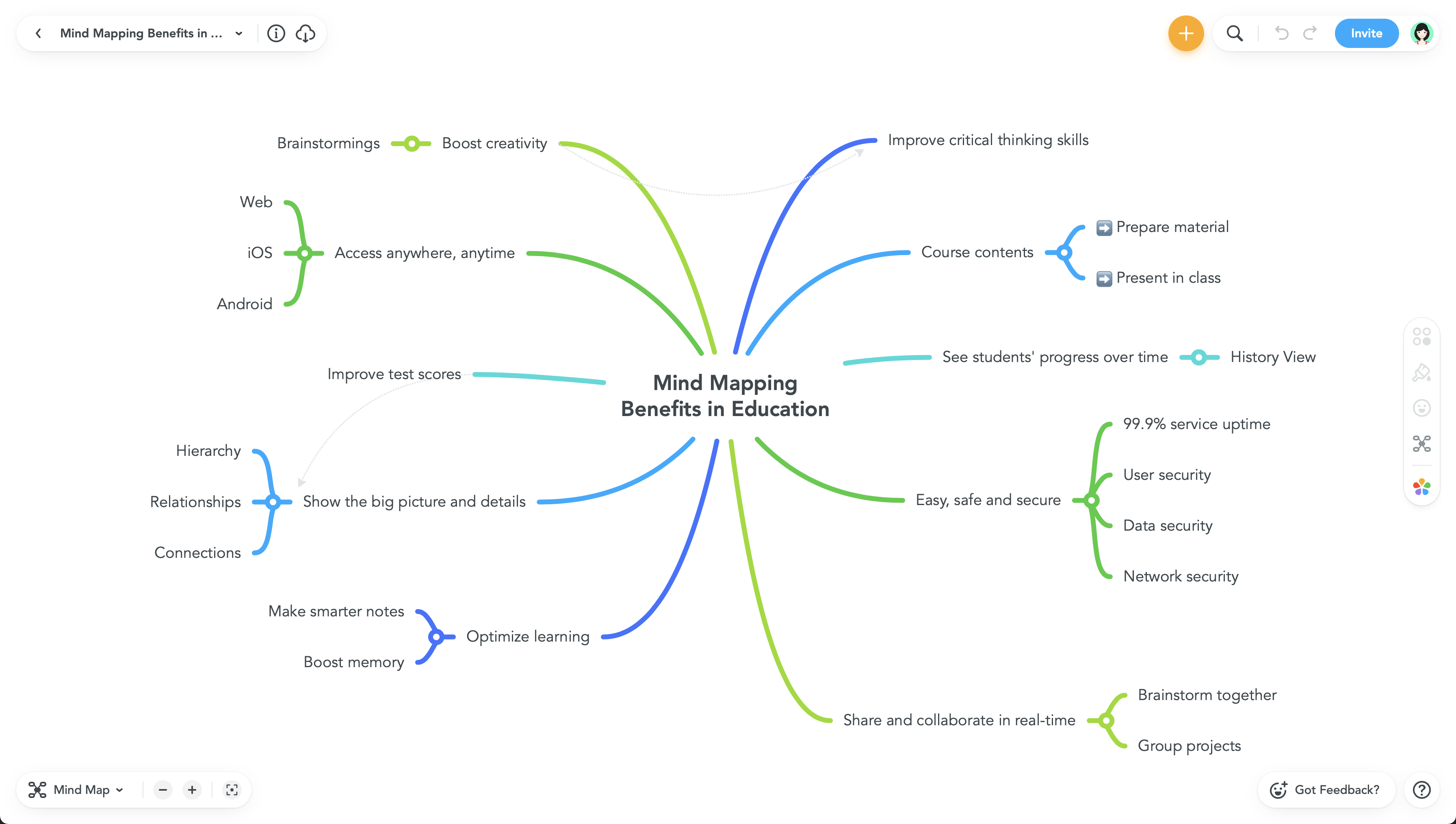
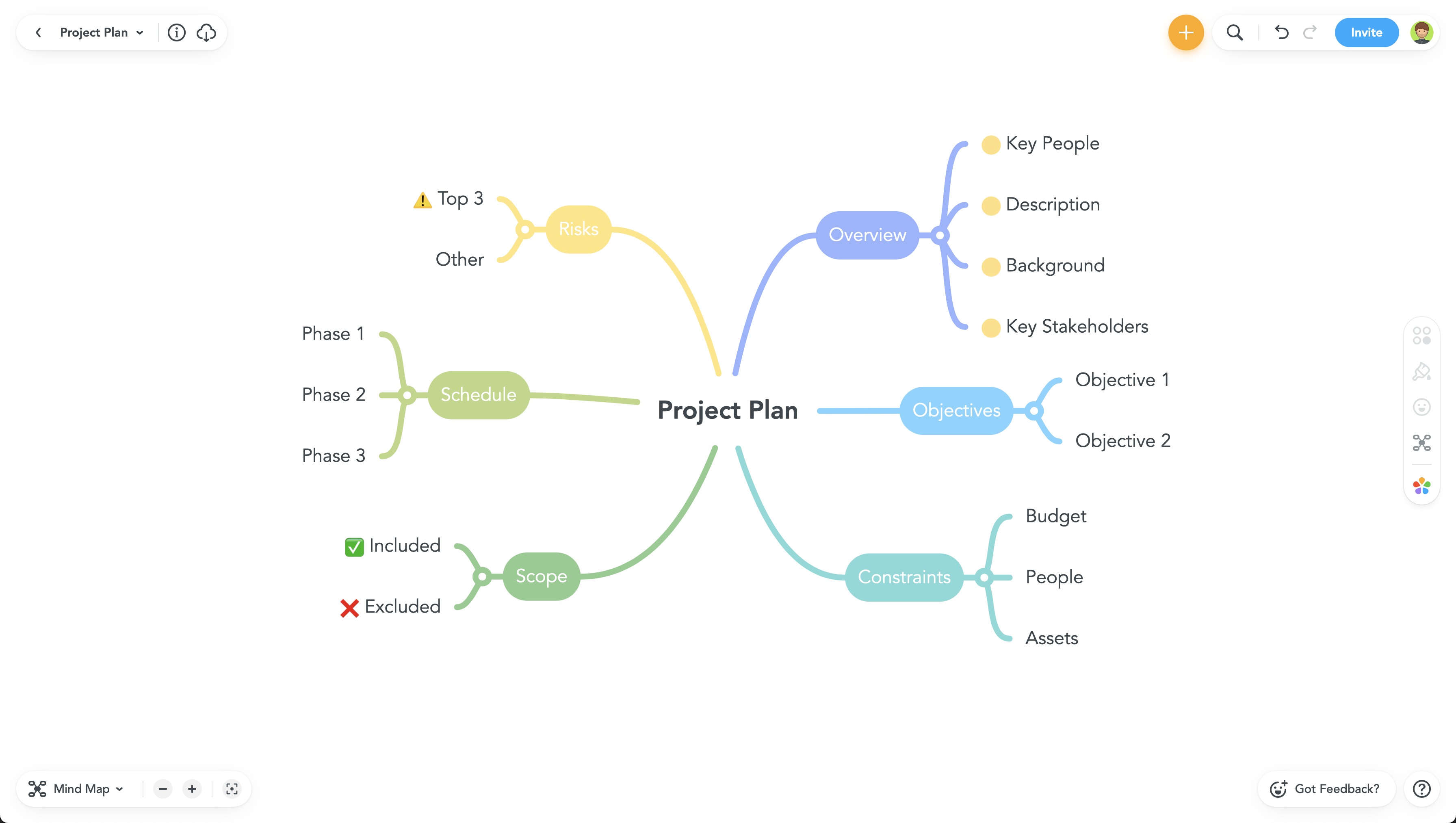
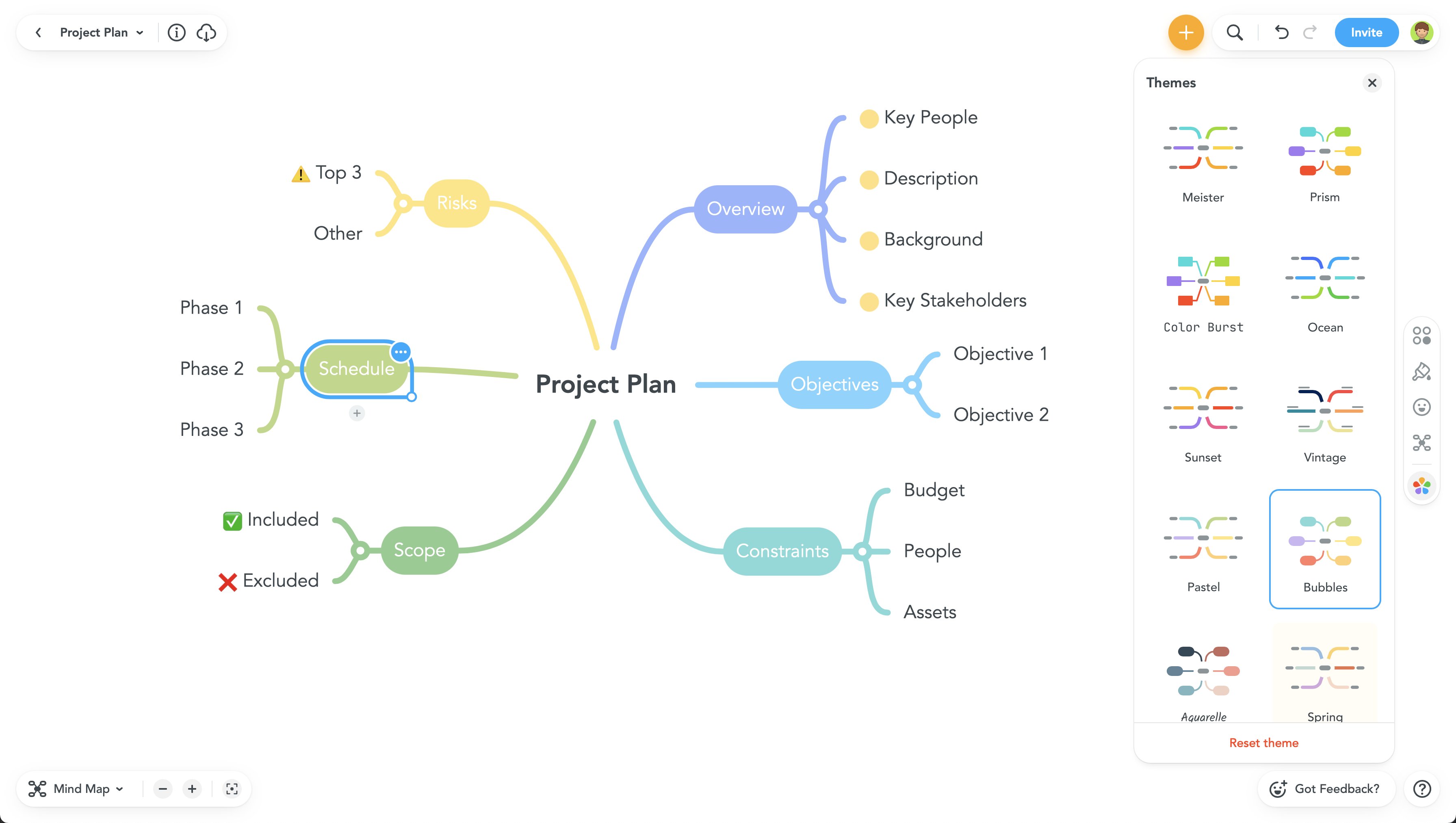
    Product screenshotProduct screenshotProduct screenshotProduct screenshot