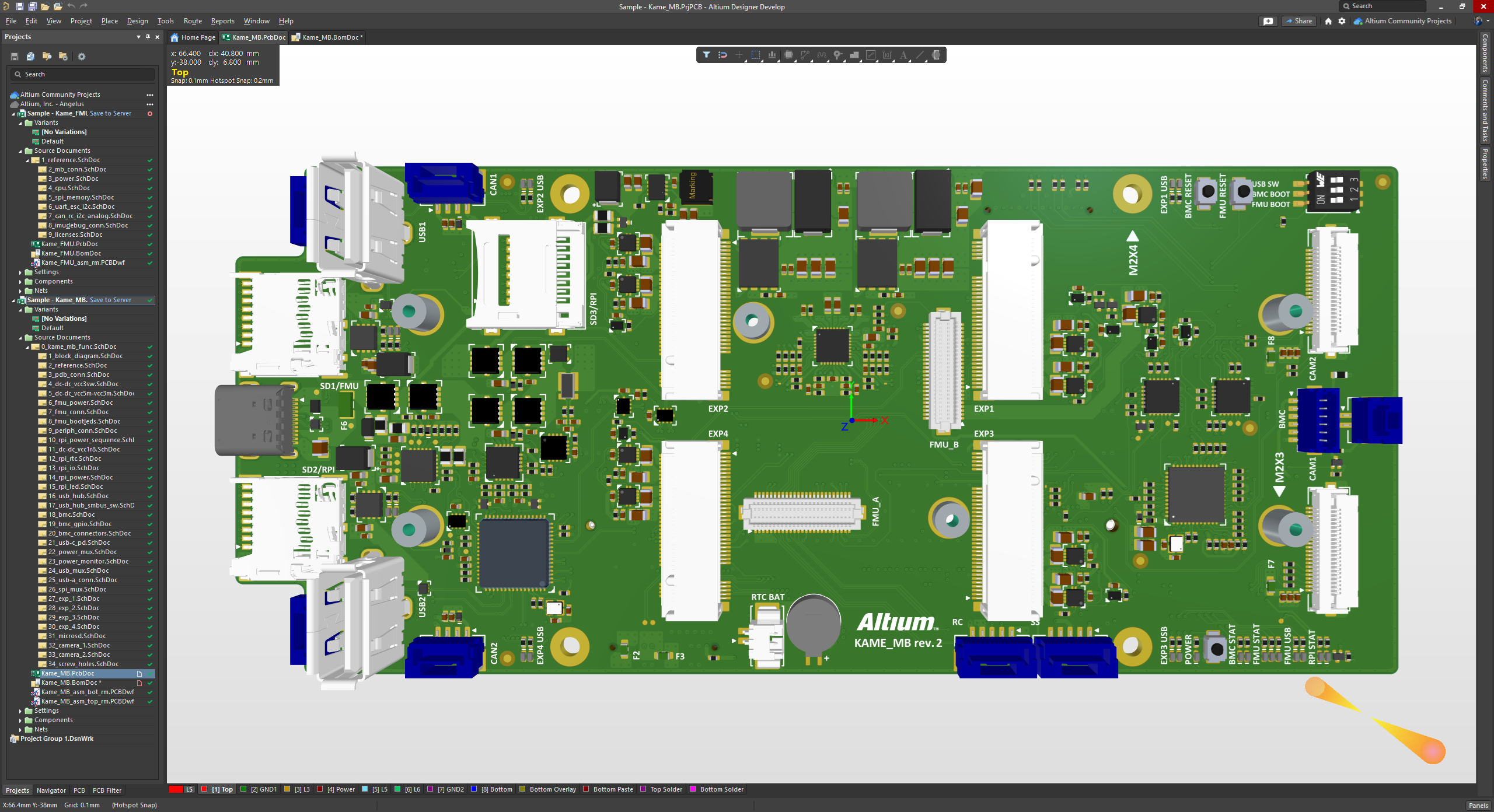
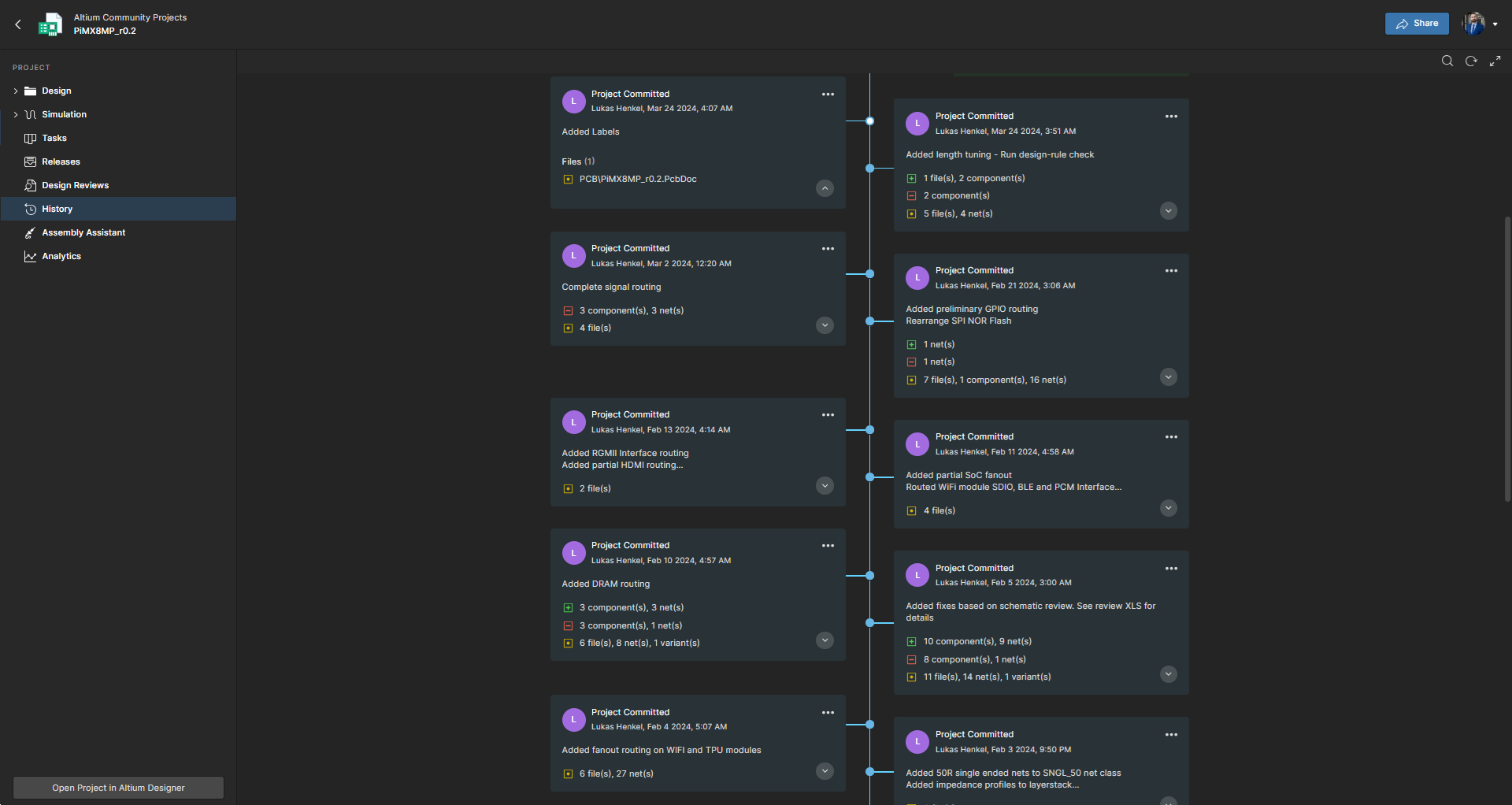
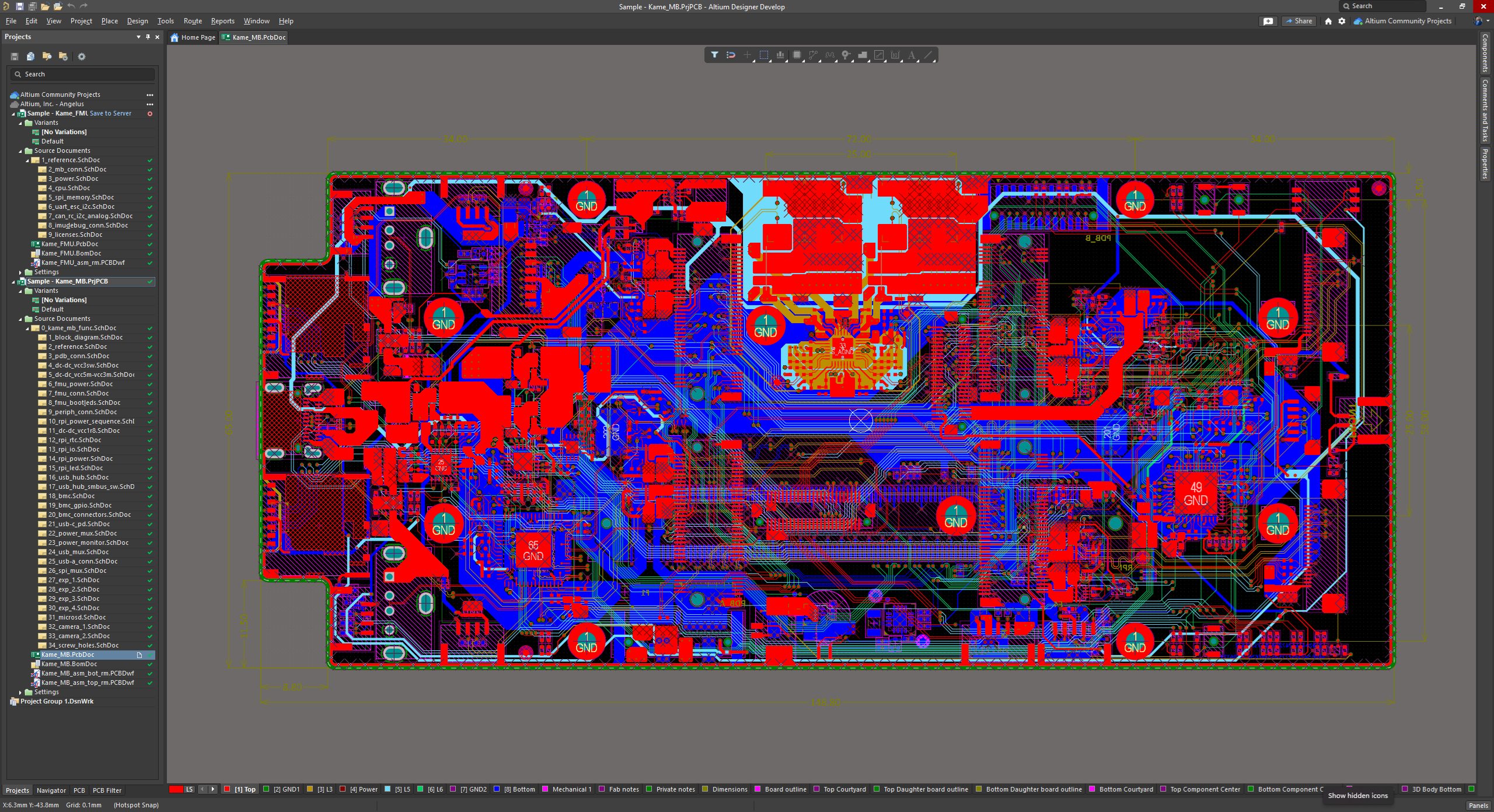
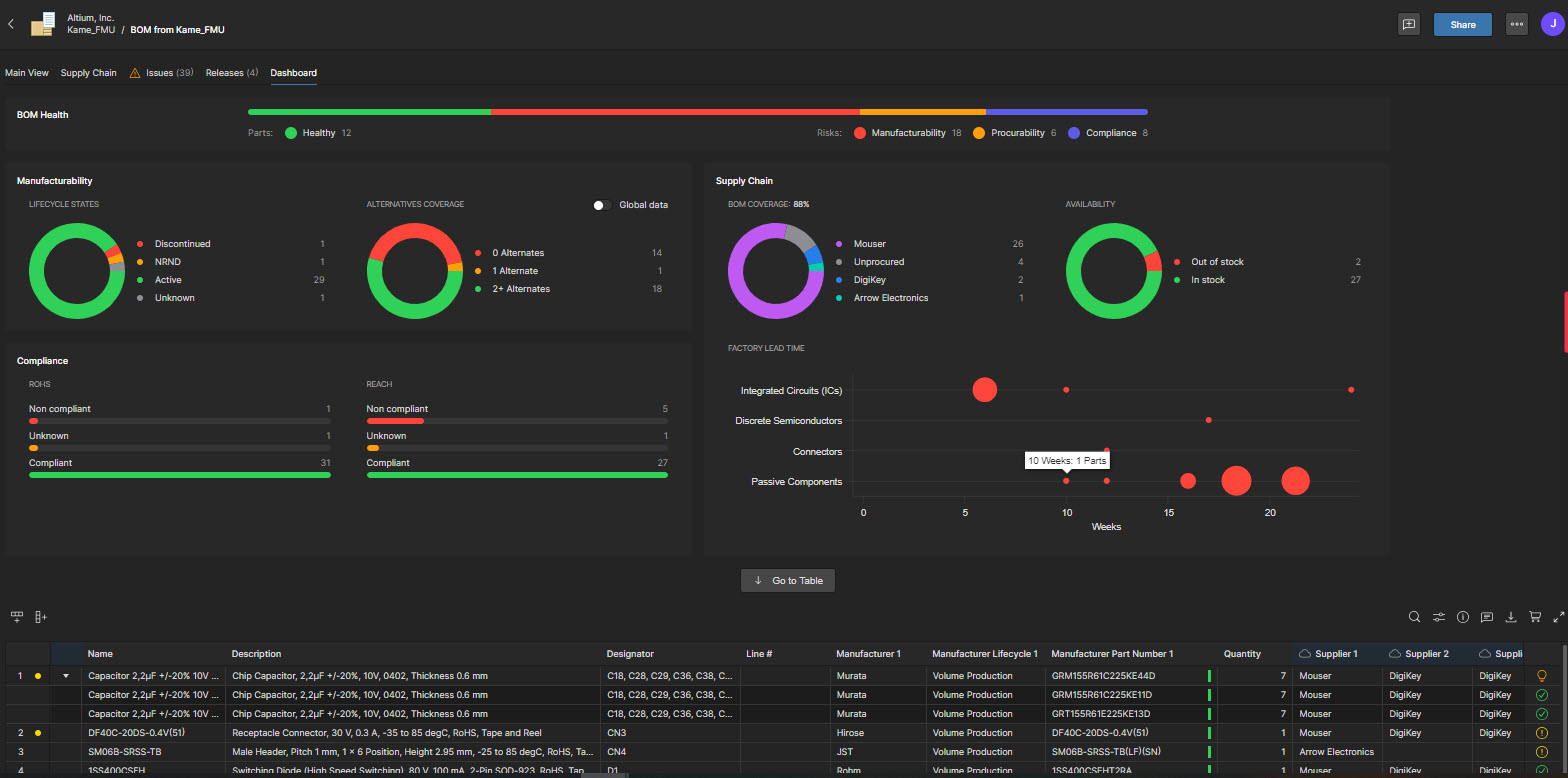
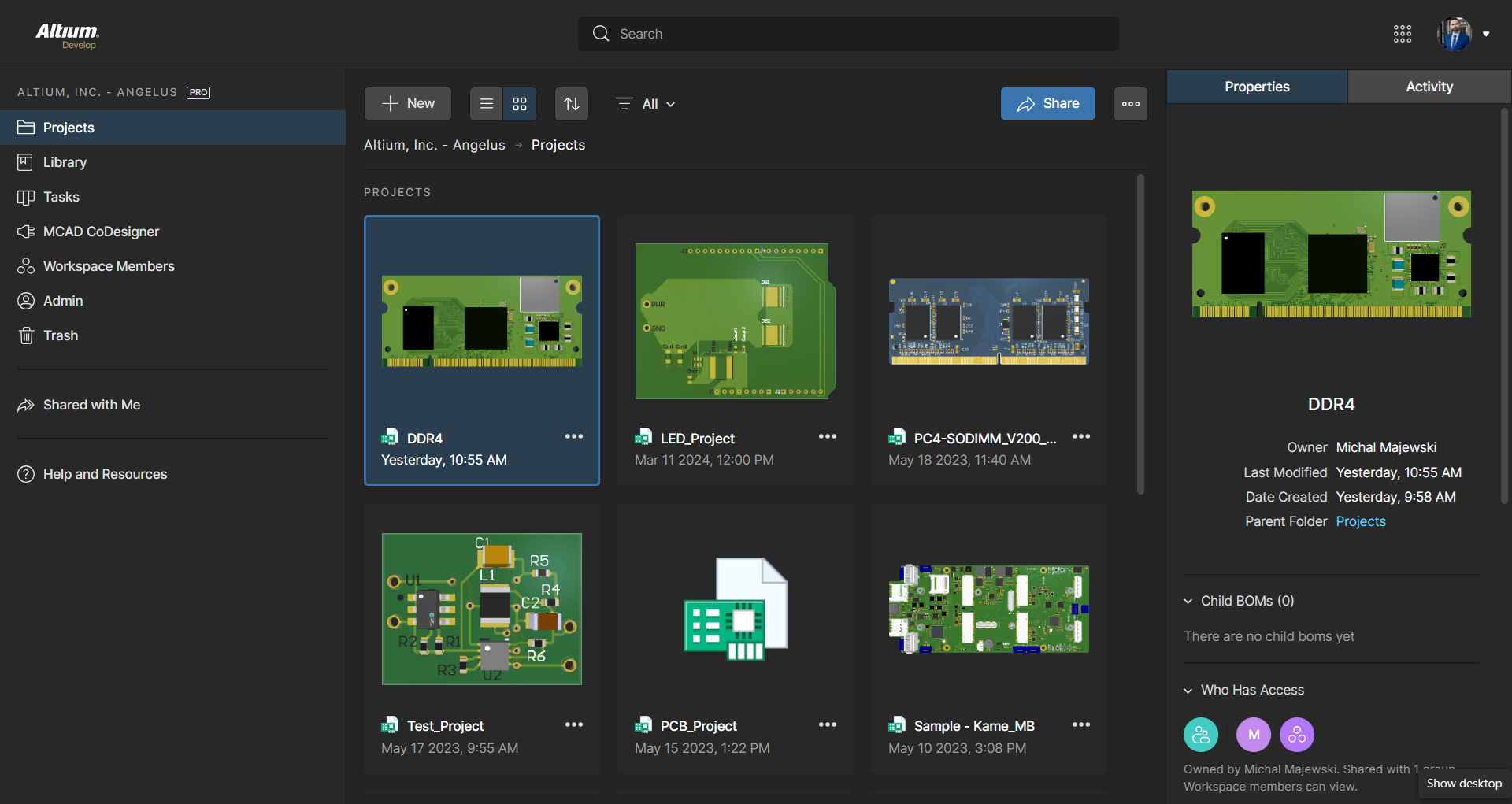
Altium Develop is a platform that unifies multidisciplinary teams across engineering, sourcing, and manufacturing to support seamless co-creation. It provides real-time visibility into designs, requirements, and supply chain data, enabling contributors to work together concurrently rather than in silos.
$1,990
per year
Autodesk Fusion
Score7.5 out of 10
N/A
Autodesk Fusion is a cloud-based 3D CAD, CAM, and CAE tool which integrates design, modeling, and simulation capabilities.
$70
per month
Pricing
Altium Develop
Autodesk Fusion
Editions & Modules
No answers on this topic
Fusion 360 - Paid Monthly
$70
per month per user
Fusion 360 - Paid Annually
$545
per year per user
Fusion 360 - 3 Years
$1635
3 years per user
Offerings
Pricing Offerings
Altium Develop
Autodesk Fusion
Free Trial
Yes
Yes
Free/Freemium Version
No
Yes
Premium Consulting/Integration Services
No
No
Entry-level Setup Fee
No setup fee
No setup fee
Additional Details
Altium Develop is offered as an annual subscription starting at $1,990 per year, which includes one Altium Designer ECAD Design Author and a shared workspace for projects, libraries, and collaboration. The subscription provides unlimited workspace users at no additional cost, enabling broad participation in reviews, commenting, task management, BOM access, and change workflows.
Teams can add up to four additional Altium Designer ECAD Design Authors for $995 per Author per year, allowing organizations to scale active design capacity while keeping contributors and collaborators included at no extra charge.
Design Engineer in Engineering at Celestial Audio (Electrical & Electronic Manufacturing, 1-10 employees)
Chose Altium Develop
I used Eagle for a long time, then switched to Altium Designer around 2014. Eagle was rather basic comparatively, but also comparatively dirt cheap and capable for modestly complex designs. But the future was clear - Altium Designer was required for stepping up my design game.
A de minimis incentive was given to thank the reviewer for their time. The incentive was not used to bias or drive a particular response, nor was the incentive contingent on a positive endorsement. More Info
Verified User
Chose Altium Develop
Altium Designer is a CAD tool like the others. In comparison, Altium is chosen for its ability to make electrical circuits, its wide capacity, and its shared mode, which facilitates configuration and improves work time on projects.
A de minimis incentive was given to thank the reviewer for their time. The incentive was not used to bias or drive a particular response, nor was the incentive contingent on a positive endorsement. TR verified that a representative sample of customers was invited. More Info
A de minimis incentive was given to thank the reviewer for their time. The incentive was not used to bias or drive a particular response, nor was the incentive contingent on a positive endorsement. More Info
Verified User
Chose Altium Develop
Due to coworker use the same software, it's easier to work with.
A de minimis incentive was given to thank the reviewer for their time. The incentive was not used to bias or drive a particular response, nor was the incentive contingent on a positive endorsement. More Info
A de minimis incentive was given to thank the reviewer for their time. The incentive was not used to bias or drive a particular response, nor was the incentive contingent on a positive endorsement. More Info
Verified User
Chose Altium Develop
Overall Altium Designer is in another league compared to KiCad, especially the older versions. The whole design process works better in Altium Designer. The only thing I miss from KiCad is the disjointedness between symbols and footprints. Whilst less appropriate for …
A de minimis incentive was given to thank the reviewer for their time. The incentive was not used to bias or drive a particular response, nor was the incentive contingent on a positive endorsement. More Info
Autodesk
Verified User
Chose Autodesk Fusion
They are mainly related to CAD-type software, which is useful for modeling/design, although in a different area. In this case, Fusion is used because it is for mechanical-type models used in prototyping that are not related to some aspect of electronics, which differentiates it …
A de minimis incentive was given to thank the reviewer for their time. The incentive was not used to bias or drive a particular response, nor was the incentive contingent on a positive endorsement. TR verified that a representative sample of customers was invited. More Info
AD is perfectly suited for the company's needs. We design a few boards per year, and having one seat is enough for us. The software offers all the tools required to design, lay out, and send manufacturing files over to the PCB manufacturers. The version control feature is very useful for tracking changes, especially during the development and certification stages.
A de minimis incentive was given to thank the reviewer for their time. The incentive was not used to bias or drive a particular response, nor was the incentive contingent on a positive endorsement. More Info
This software has been so easy to use from day one! I couldn't be more thrilled with it. Being an SME, it is offered on an annual basis free of charge. My network of engineers are amazed I am able to accomplish what I have using this software when the companies they come from are paying thousands for licensing. I also would like to note that Autodesk offer an incredible specialization to really round out your skills via Coursera.
A de minimis incentive was given to thank the reviewer for their time. The incentive was not used to bias or drive a particular response, nor was the incentive contingent on a positive endorsement. More Info
A de minimis incentive was given to thank the reviewer for their time. The incentive was not used to bias or drive a particular response, nor was the incentive contingent on a positive endorsement. More Info
The first PRO of Fusion 360 that always comes to mind is how versatile it is. Fusion 360 is the first CAD/CAM software that also includes other key features that CAD programs of this size don't have.
Fusion 360 has a generous licensing structure that gives those just starting out a place to start with a professional level CAD program. As a result, this has helped build up a huge community and user base around Fusion 360.
Fusion 360 is updated on a monthly basis. This has proven to be a huge advantage over Solidworks (something else I use) which is only updated once a year. The nice thing about monthly updates, other than regular bug fixes, is that the team can adapt quickly and no one is taken by storm with a big overhaul of the UI or features at the beginning of the year.
A de minimis incentive was given to thank the reviewer for their time. The incentive was not used to bias or drive a particular response, nor was the incentive contingent on a positive endorsement. More Info
The move to constraint management vs. design rules is half-baked. requiring saving separate constraints to schematics vs. PCBs results in constraints being overwritten constantly when pushing updates.
Forcing subscriptions - removing the option for perpetual licenses.
Integrated simulation is still un-intuitive and difficult to use.
Requirements management feels completely separate, and I forget it's even part of Altium.
No easy way to manage or layout schematics with "generic components" - every item is forced to be a manufacturer part at design time, slowing down initial schematic capture.
Fusion 360 is a very simple program, so once you begin to draw more complex 3D models, the software gets sluggish and loses its fluidity.
It would be really nice if Fusion 360 could output a model as a SolidWorks file so I can begin to draw something out in Fusion 360 and then pick it up in SolidWorks when I need to do some more advanced functions.
Because Fusion 360 is a simpler program, there are a few functions such as 3D sketches that are not intuitive like all the rest of the functions are.
A de minimis incentive was given to thank the reviewer for their time. The incentive was not used to bias or drive a particular response, nor was the incentive contingent on a positive endorsement. More Info
ALTIUM DESIGNER is the reference tool in the electronic circuit design sector, its use is widespread worldwide. Although there are other alternatives, some of them free do not rival ALTIUM DESIGNER in terms of features and reliability. It is also very practical to request quotes with ALTIUM DESIGNER BOM reports since all suppliers are accustomed to using the tool.
A de minimis incentive was given to thank the reviewer for their time. The incentive was not used to bias or drive a particular response, nor was the incentive contingent on a positive endorsement. TR verified that a representative sample of customers was invited. More Info
A de minimis incentive was given to thank the reviewer for their time. The incentive was not used to bias or drive a particular response, nor was the incentive contingent on a positive endorsement. More Info
The schematic editor is easy to use for simple designs within a couple weeks of training, but can also handle complex designs and multi-board designs with no formal training needed. The addition of the wire harness designer offers a great way to allow for the electrical engineers to control the designs without the need of additional CAD software.
A de minimis incentive was given to thank the reviewer for their time. The incentive was not used to bias or drive a particular response, nor was the incentive contingent on a positive endorsement. More Info
Because the tool is very useful and easy to access, it provides very basic and useful tools to start in the modeling part despite being basic processing aspects. It is also very easy to get a free, temporary, or student license, which makes it a very good CAD tool.
A de minimis incentive was given to thank the reviewer for their time. The incentive was not used to bias or drive a particular response, nor was the incentive contingent on a positive endorsement. More Info
A de minimis incentive was given to thank the reviewer for their time. The incentive was not used to bias or drive a particular response, nor was the incentive contingent on a positive endorsement. More Info
A de minimis incentive was given to thank the reviewer for their time. The incentive was not used to bias or drive a particular response, nor was the incentive contingent on a positive endorsement. More Info
A de minimis incentive was given to thank the reviewer for their time. The incentive was not used to bias or drive a particular response, nor was the incentive contingent on a positive endorsement. More Info
Support is conducted via internet Q&A boards; newcomers to 3D modeling may find that articulating their questions in the language of CAD software is the tricky part — once they find the right technical term for what they're trying to accomplish, answers come quickly. Autodesk also provides a large library of educational tutorial videos that make the initial process of learning Fusion 360's interface much easier.
A de minimis incentive was given to thank the reviewer for their time. The incentive was not used to bias or drive a particular response, nor was the incentive contingent on a positive endorsement. More Info
A de minimis incentive was given to thank the reviewer for their time. The incentive was not used to bias or drive a particular response, nor was the incentive contingent on a positive endorsement. More Info
A de minimis incentive was given to thank the reviewer for their time. The incentive was not used to bias or drive a particular response, nor was the incentive contingent on a positive endorsement. More Info
A de minimis incentive was given to thank the reviewer for their time. The incentive was not used to bias or drive a particular response, nor was the incentive contingent on a positive endorsement. More Info
Altium Develop gave the most cohesive experience compared to other platforms. Most others feel like several pieces of software kludged together (and often are). Altium Develop was clearly a unified system and felt like a much more modern piece of software. At the time it was competitively priced while having features open-source alternatives couldn't match.
A de minimis incentive was given to thank the reviewer for their time. The incentive was not used to bias or drive a particular response, nor was the incentive contingent on a positive endorsement. More Info
Autodesk Inventor excels at daily core engineering tasks. When integrated with Vault management systems and part libraries, Autodesk Inventor is tough to beat when you need a mechanical design solution. When Inventor and Vault are setup properly it allows for a very efficient design workflow. I think it would be difficult to achieve the same amount of workflow efficiency with Autodesk Fusion 360, that said, Autodesk Fusion 360 offers a very good toolset at a much lower cost. I can maintain a yearly subscription of Autodesk Fusion 360 and get about 85% of the functionality that is available via the Inventor design suite for the cost of about 2 months of an Inventor subscription. I then also get access to manufacturing plugins with Autodesk Fusion 360 but lose a lot in the drawing environment. Inventor beats Autodesk Fusion 360 hands down when it comes to documentation.
A de minimis incentive was given to thank the reviewer for their time. The incentive was not used to bias or drive a particular response, nor was the incentive contingent on a positive endorsement. More Info
A de minimis incentive was given to thank the reviewer for their time. The incentive was not used to bias or drive a particular response, nor was the incentive contingent on a positive endorsement. More Info
A de minimis incentive was given to thank the reviewer for their time. The incentive was not used to bias or drive a particular response, nor was the incentive contingent on a positive endorsement. More Info
A de minimis incentive was given to thank the reviewer for their time. The incentive was not used to bias or drive a particular response, nor was the incentive contingent on a positive endorsement. More Info
A de minimis incentive was given to thank the reviewer for their time. The incentive was not used to bias or drive a particular response, nor was the incentive contingent on a positive endorsement. More Info