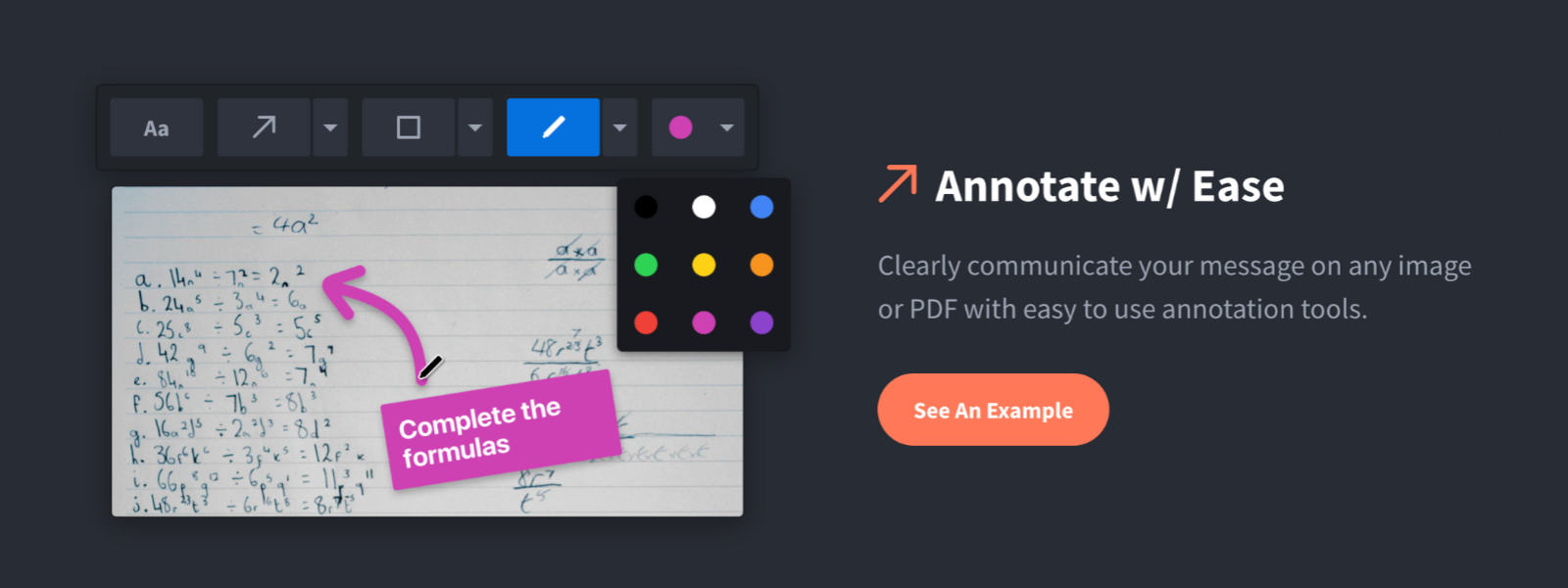
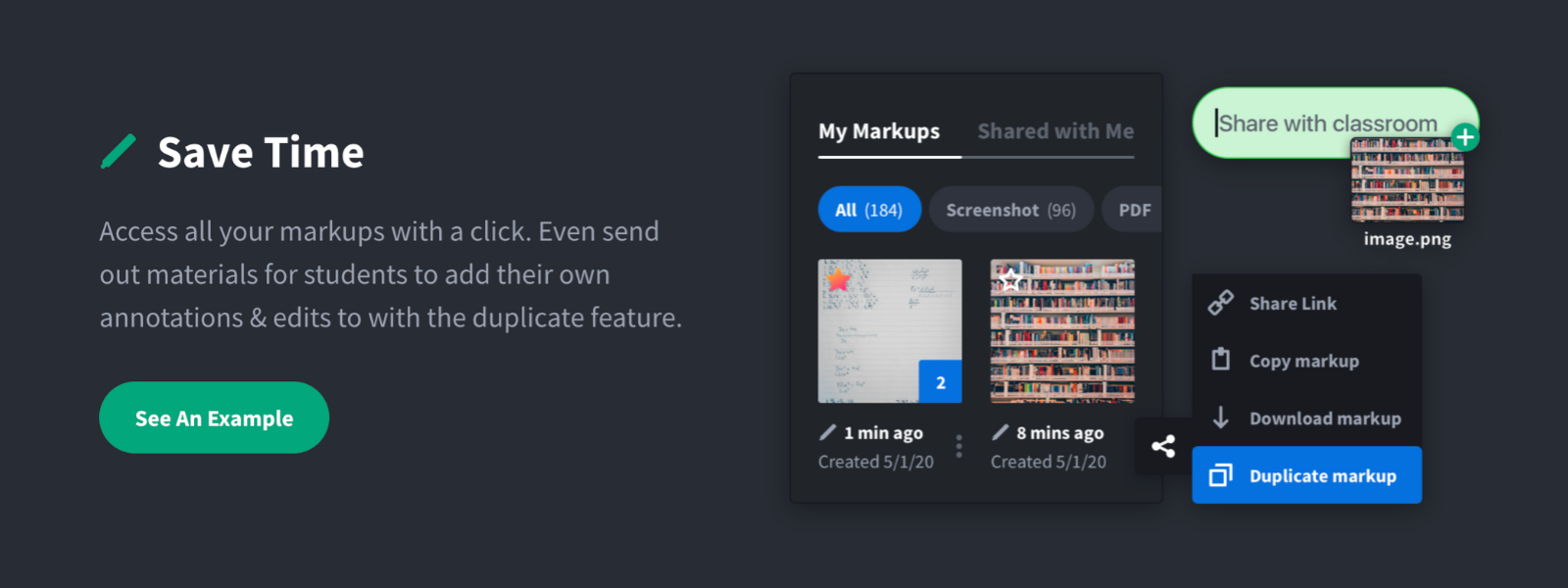
Screenshot, Annotate & Share Markup Hero is an annotation and screenshot tool designed to allow users to capture ideas, communicate clearly, and save time. Features Include: Screenshots Desktop app for Mac, Windows & Linux Works on any device including mobile Chrome extension Annotate screenshots, PDF's, images and URL's Always editable - annotations do not flatten permanently Arrow, text, rectangle, oval,…
$5
all features, unlimited markups, unlimited storage, unlimited bandwidth
Pricing
AnyRec Screen Recorder
Markup Hero
Editions & Modules
Basic
$14.50
per month
Superhero
$5/month
all features, unlimited markups, unlimited storage, unlimited bandwidth
Hero
FREE
10 markups per month, 3 days editing history
Offerings
Pricing Offerings
AnyRec Screen Recorder
Markup Hero
Free Trial
Yes
Yes
Free/Freemium Version
No
Yes
Premium Consulting/Integration Services
No
No
Entry-level Setup Fee
No setup fee
No setup fee
Additional Details
—
—
More Pricing Information
Community Pulse
AnyRec Screen Recorder
Markup Hero
Considered Both Products
AnyRec Screen Recorder
No answer on this topic
Markup Hero
Verified User
Anonymous
Chose Markup Hero
Snagit is more powerful in some respects, but it's just overwhelming. I have Snagit too, but I only need the extra features like (unlimited colors, 50 different arrow shapes, etc.) like 1% of the time. I'd rather have simplicity and speed.
Markup Hero stands out because it is truly web based and supports PDFs (among a host of other file types). The annotation tools are significantly smoother and always editable. I don't know of any other products that provide a web experience that allows for edits at anytime. …
Markup Hero is great for sharing quick notes and adding callouts to images of PDFs. I use Markup Hero to share and store all my screenshots too. Markup Hero is not suited for in depth design feedback and iterations like Invision or full graphic design edits like Canva (although it's getting close!)
Snagit is more powerful in some respects, but it's just overwhelming. I have Snagit too, but I only need the extra features like (unlimited colors, 50 different arrow shapes, etc.) like 1% of the time. I'd rather have simplicity and speed. Droplr was a good tool, but they haven't updated it in years it seems CloudApp is nice because it's a bit faster to take screenshots, but for me I like the web based annotating because I'm jumping between computers and devices a lot and want my markups everwhere.