Appian is a low-code development and business process management platform. It features drag-and-drop design for app building, automated work processes, unified data management, and cloud-based deployment.
$0
Claris FileMaker
Score 7.7 out of 10
N/A
Claris' FileMaker is presented as a Workplace Innovation Platform, and is used to create a custom app. Manual processes can be automated with Claris FileMaker Pro, and apps can be created to manage contacts, track inventory, organize projects, etc.
$21
per month per user
Syncfusion Essential Studio
Score 6.7 out of 10
N/A
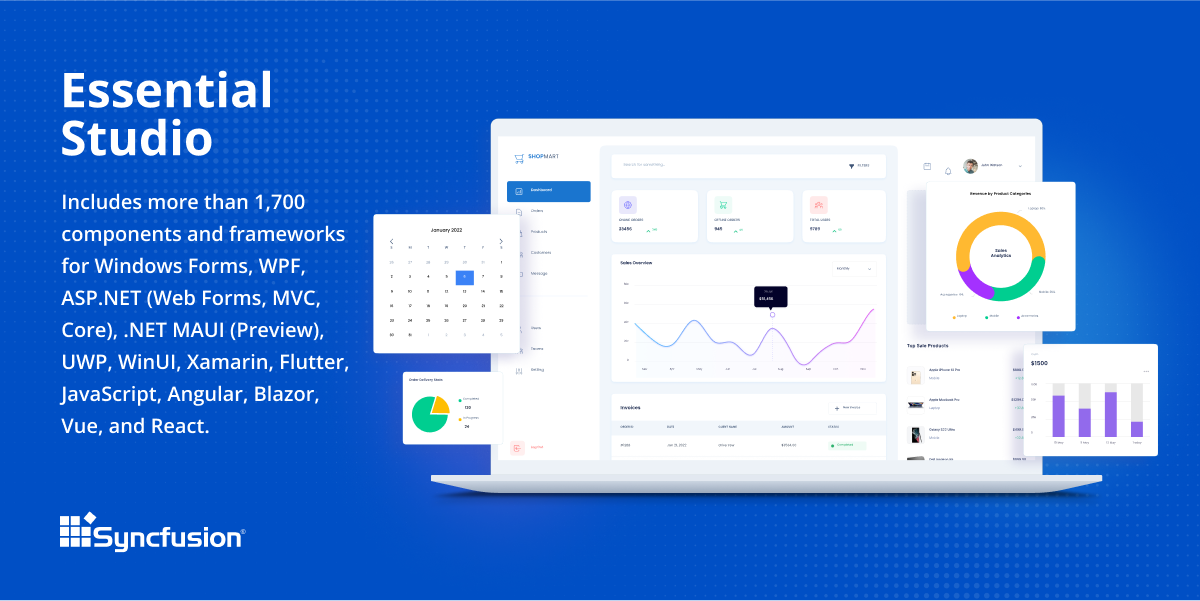
Since 2002, Essential Studio® has supported the development of software applications across industries and economic sectors, in both public and private enterprises.
$0
with the Syncfusion Community License. It includes free access to all 1,700+ controls and is available to companies and individuals with less than $1 million USD in annual gross revenue and 5 or fewer developers.
Pricing
Appian
Claris FileMaker
Syncfusion Essential Studio
Editions & Modules
Appian Community Edition
$0
Application - Input-Only
$2
per month per user
Application - Infrequent
$9
per month per user
Application - Standard
$75
per month per user
Platform
Custom Quote Priced per user with unlimited apps.
minimum 100 users, no maximum
Unlimited
Custom Quote Priced per development with unlimited apps.
unlimited
Platform
Custom Quote Priced per user with unlimited apps.
Minimum 100, no maximum
Unlimited
Custom Quote Priced per development with unlimited apps.
Unlimited
Platform Subscription
$21
per month per user
Individual desktop license
$594
one-time fee
Essential Studio - Syncfusion Community License
$0
*up to 5 developers
Essential Studio - UI Edition
Custom Quote
per year Packages to suit teams of all sizes
Essential Studio - Document SDK
Custom Quote
per year Packages to suit teams of all sizes
Essential Studio - PDF Viewer
Custom Quote
per year Packages to suit teams of all sizes
Essential Studio - DOCX Editor
Custom Quote
per year Packages to suit teams of all sizes
Essential Studio - Spreadsheet Editor
Custom Quote
per year Packages to suit teams of all sizes
Offerings
Pricing Offerings
Appian
Claris FileMaker
Syncfusion Essential Studio
Free Trial
Yes
No
Yes
Free/Freemium Version
Yes
No
Yes
Premium Consulting/Integration Services
Yes
No
No
Entry-level Setup Fee
No setup fee
No setup fee
No setup fee
Additional Details
—
—
*The Syncfusion Community License includes free access to all 1,600+ controls and is available to companies and individuals with less than $1 million USD in annual gross revenue and 5 or fewer developers.
Against programming languages like .NET and Java, Appian is faster to design and develop applications, but it lacks the flexibility in UI and advanced debugging tools. Against Pega, Appian is easier to use and less expensive.
Appian works great for automating manual processes and integrating multiple systems through its toolset. It gives great flexibility for establishing rules for approvals, routings, escalations, and the like. Because of the low code toolset, it's very easy to deploy and make changes as needed as processes evolve and as the organization learns to utilize the system better. Minimal maintenance is required to support the applications build on the platform. Some of the automated testing integration with tools like Jenkins is limited so that may be an issue for some.
If your company is really small, I can understand the need for a product like this. However, I would go for MS Access... FileMaker Pro can not be integrated with other systems (like MS Access can at least be handled by C# for instance, and can be integrated with MS Excel or even SQL server). I'm really not sure in what scenario one would choose for FileMaker Pro. If your application or company grows bigger, you're going to have a problem to move to another environment. Also, the fact that only one person can work with the backend at any given time is a problem in a somewhat larger company.
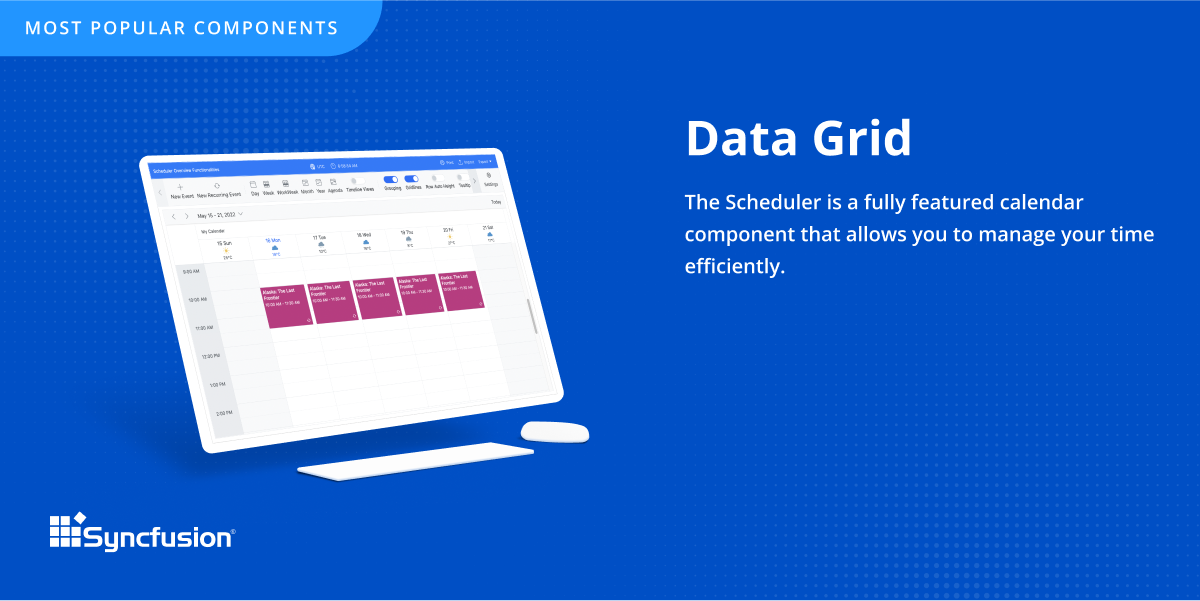
The datagrid is probably their most popular control I would think. It is so flexible and configurable. Most of mine are plain views in ASP.NET Core, but I have a whole bunch that are dynamically created at runtime in my controller. That is so powerful.
Allows at a glance workflow documentation which assists in the need we have for information readiation.
Drag and drop interface for workflow development greatly speeds our apps time to market.
Using the advanced features of Appian, we are able to create working sites in a fraction of the time it would take to do so using "traditional" development.
The relational database management system makes the program highly customizable to fit the needs of any product. You can add a ton of information to each record and update your inventory on a regular basis with an Excel import or manually inside of the record. It has the capability to incorporate barcoding, which can manage your available inventory with ease.
The scripting language allows FileMaker to automatically calculate complex algorithms automatically or generate report outs with the click of a button. This allows for greater UI, especially with active users who are not familiar with writing code. Almost all of our internal data is linked to the FileMaker database
The server license allows many users to update the database in real time, which is handy if your inventory is constantly changing. We have users with Macs, PCs, iPhones and handheld tablets linked to our FileMaker database and they are updating the information constantly throughout the day.
If you invest some time into formatting and scripting the database, there is a high ease of use for users without knowledge of any programming or FileMaker itself.
Search issues when type ahead and database search are used in the same field.
Buttons implementation where user is require[d] to click on the button description - if clicks on the button outside that text - button will not work.
Problems with using certain off-the-shelf performance tools like WebLoad or Neoload. That is because of different dynamic variables being used internally in Appian - which these tools are unable to correlate. We are still investigating using other tools like Jmeter to overcome dynamic correlation problem for performance testing.
Developer features need to be beefed up - namely adding the ability to search code for a phrase or keyword and the ability to do the same in the "relationship graph" in the database.
Add ability for users to edit the same table record at the same time by version control.
Allow Filemaker Server to use more than 1 core; currently multi-processing is not supported and it can be tricky to find just the right server to support the application you've built to the fullest capacity.
Sometimes links point to dead addresses in the documentation.
Some components have a difficult learning curve but that is usually due to the complexity of the control.
Minor version changes introduce breaking changes, for example updating from 20.1.x to 20.2.x gives us licensing errors, which in my opinion is a kind of breaking change as it requires all users to update their licenses.
Theming with CSS variables is not possible. Access to Theme Studio code is not possible. So a fully custom solution is needed to make Syncfusion Essential Studio Enterprise Edition components themeable with CSS variables.
We recently renewed our license with Appian. We are convinced that its flexibility, relative ease of use, the support they provide, there mobile advancements and their general willingness and desire to see us succeed all contributed to our reason to renew our agreement with Appian
It it not really up to me but my opinion does have some weight in the decision and the reason I would renew my use FileMaker Pro 8.5 is because I am finally getting used to it! Now that I have been working with the program, tasks have become quicker and projects are getting done faster. File Maker Pro 8.5 really is a versatile tool and I think we are just scratching the surface with it's abilities.
It takes effort to include a new component library into existing software, especially in our case where we have 5 large applications that are written and maintained by about 100 developers. So changing such a core thing comes with a lot of effort. The other reason we will very likely renew our use of Syncfusion Essential Studio Enterprise Edition is that it works really well and has helped us to speed up the development process.
Appian is a low code environment, because of this, a very good visual interface is required. Appian is providing a feature-rich dashboard [that] we can use for building the dashboards and other interfaces. Appian also provides patches and releases to enhance these features. A developer can start off development just by going through a basic course from the Appian learning community.
It's almost what it should be after so may years and with Apple's longevity and strength behind it. For people who earn their living based on efficiency I think there are too many developer obstacles that waste time and therefore money.
I would rate Syncfusion® Essential Studio® a 10 out of 10 for overall usability. The components are intuitive to implement, with clear APIs and consistent design patterns across the suite. This makes it easy for developers to get started quickly and reduces the learning curve even when working with new controls. In addition, the documentation and sample projects provide practical guidance that helps accelerate development. The built-in customization options also allow us to adapt the components to fit our branding and business requirements without excessive effort. Overall, the usability is one of the key reasons why Syncfusion has become an essential part of our development toolset.
Appian is one of the leading low code business automation platforms that support RPA, decision rules, case management, workflow automation, and machine learning all in a single bundle. But it is also harder to implement and replace the traditional business process.
The forums are great with lots of helpful experts and the staff monitor them to provide help where needed. There have been a couple of unique technical issues I've had to deal with that I haven't been able to get resolved so I chose to score this a 9 instead of a 10.
Although I have decades of software development experience, I had never created a website from scratch before, and my html and css skills are not particularly strong. Between documentation and incredible dedication from the support team they helped me overcome all of my challenges. It's amazing that they typically create sample code for most of the issues that I submitted. On rare occasions where I uncovered a defect they kept me informed as to its status, and typically resolved it in a short-term release, and/or gave me a reasonable workaround. They hopped on zoom calls with me on multiple occasions when necessary.
As analyst I participated in a developer boot camp. At times it was hard to keep up but most of the time it made sense. Trainer took the time to explain and slowed pace down to answer questions etc.
Suggest you use an iterative R.A.D. or AGILE development approach. (i.e. rather than writing a gigantic spec for a system, then building it). FileMaker facilitates quick prototypes. Developing an example, then allowing users to "try it out" is a snap.
Appian has enormously transformed and keeps on updating the product every quarter to meet the latest needs of the world with new innovations & technologies being integrated within the platform. What gives more pleasure than a product that keeps on continuous[ly] improv[ing]?
FileMaker is still the quickest way to go from zero to having a minimum viable working solution. Simple solutions can be built in as little as a afternoon of development. It is the only tool I am aware of which allows tech savy end users with domain knowledge to build bespoke apps for their businesses without undertaking professional software development training.
Firstly, there is a free version for small businesses and it allows you to jump start without risk. I found one of the other products a bit short in the number of out-of-the-box supported events handlers for each control and, although you can manually add them, I feel more comfortable to just have them ready. After using the free version I just felt in love with Syncfusion Essential Studio Enterprise Edition controls and decided to stay with them; they have all I need and more. The usage of Syncfusion Essential Studio Enterprise Edition controls is straightforward and intuitive. Support is world-class even for the free version; you get answers in 24 hours at most. Also, the support team is ready to remotely connect to your project in case it is needed; we have had one situation like this, and the issue was solved.
I believe it has negatively impacted our release dates. There may have been a misunderstanding as to the learning curve, even though it is "low code."
The look and feel of the applications created using Appian have uniformity and it's easier to have "reuse" between applications.
There is less developer control when it comes to features. I think this mainly has to do with the amount of plugins available. I would think there should be many more available plugins. But again, our use case is probably different than most others.
We are a more agile company because of FileMaker. A few of us who are tech-savvy enough to manage the database (but are not professional developers) can make needed adjustments to our database without having to employ an in-house developer or contract with a 3rd party. As our business processes evolve and change, it's easy to update the database to accommodate those changes.
First of all, I think the best positive impact is the reduce of time development. I do not know exactly how much time, but certainly, using the framework we save a lot of effort and time.
About negative impact, sometimes using the controls of the framewrok have a signifcant impact in the execution time and page load.
And of course, the use of Syncfusion Essential Studio Enterprise Edition has a significant impact of the learning of javascript and JQUERY.