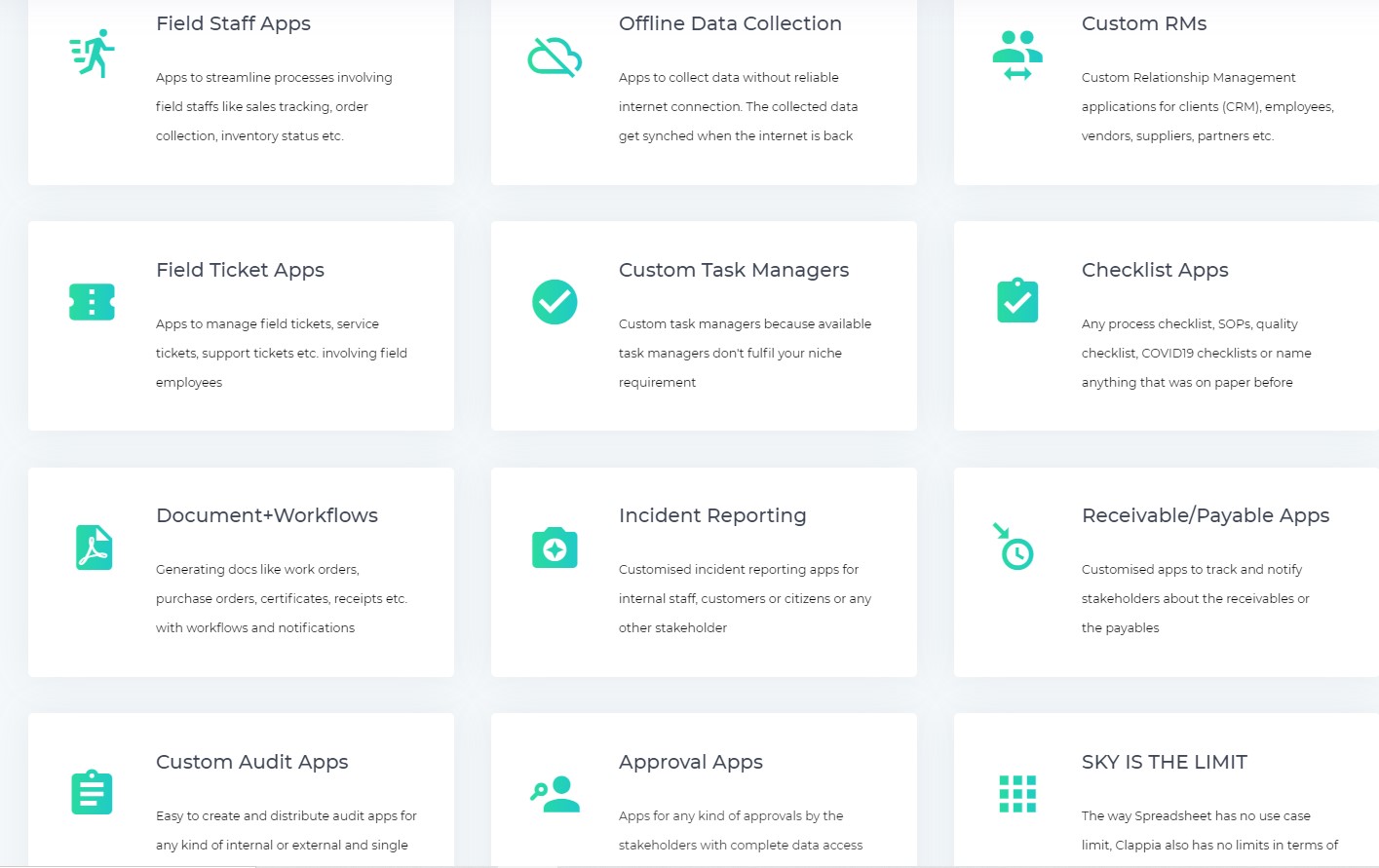
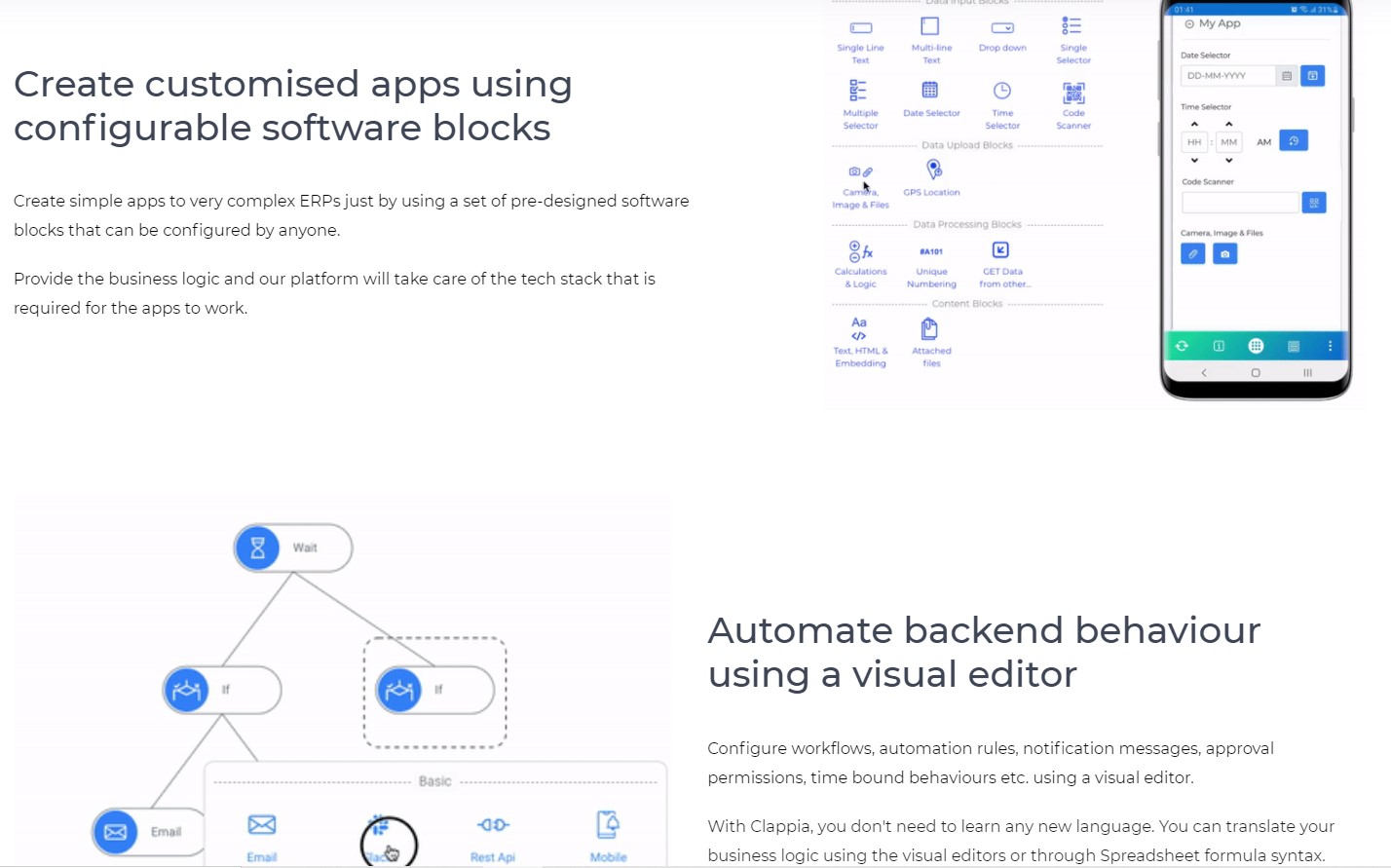
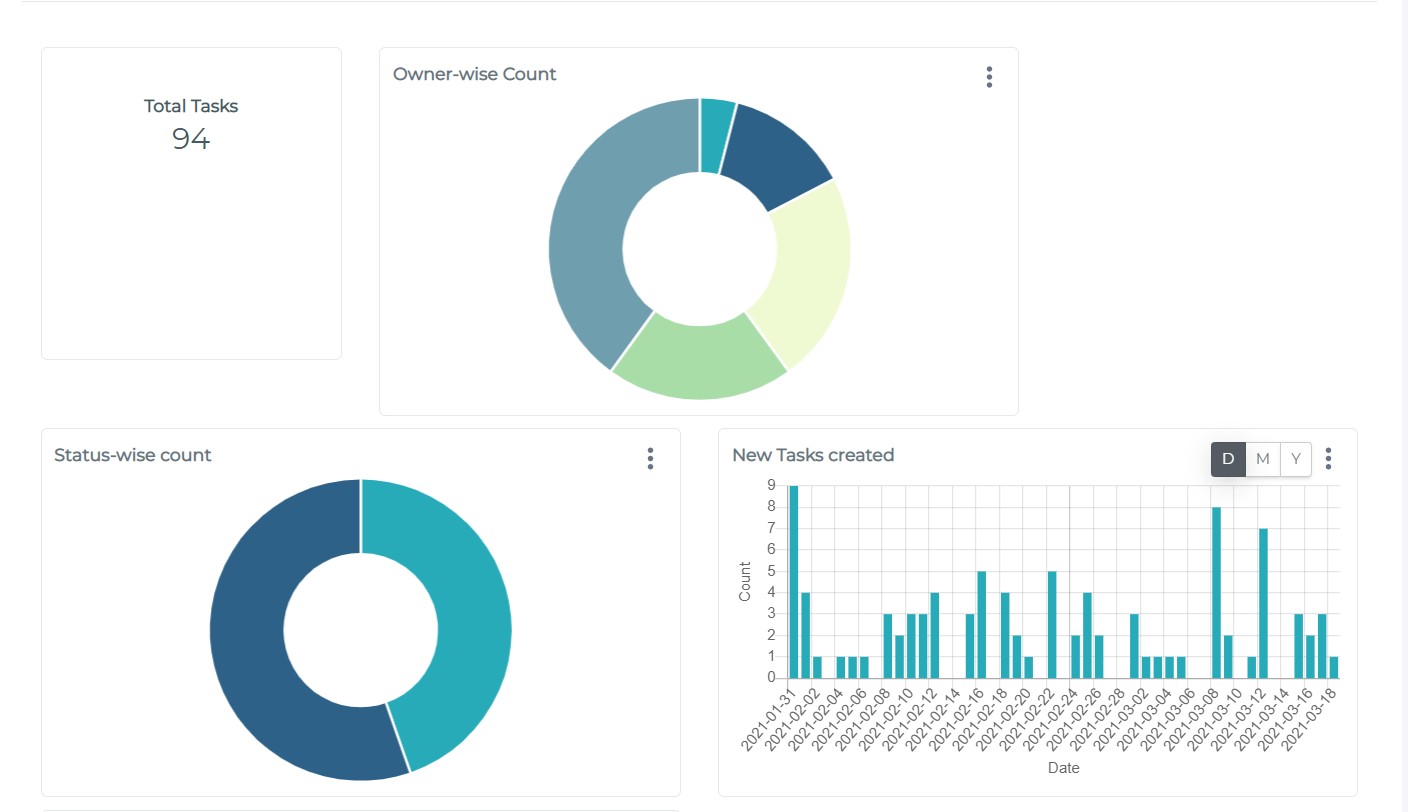
No Code App platform to create mobile and web apps as easily as working with excel sheets to reduce the time of development and procurement. The apps can be designed using drag and drop components and to it, automated workflow behaviour and analytics can be designed. Its features are designed to make it ideal for user-friendly business process management apps.
$7
per user, per month
Xamarin
Score 6.0 out of 10
N/A
N/A
N/A
Pricing
Appium
Clappia
Xamarin
Editions & Modules
No answers on this topic
Clappia
$7
per user, per month
Xamarin
Free
Offerings
Pricing Offerings
Appium
Clappia
Xamarin
Free Trial
No
Yes
No
Free/Freemium Version
No
Yes
Yes
Premium Consulting/Integration Services
No
Yes
No
Entry-level Setup Fee
No setup fee
$7 per user, per month
No setup fee
Additional Details
—
Annual Billing is also available at $5/user/month.
Appium is comparable with Calabash because it's the only cross-platform tool like appium. Espresso is only to automate Android tests and XCTest is only for iOS. We selected Appium because it solves a lot of automation situations and gestures of the mobile apps. We've used …
1. It's open source which supports range of languages, operating systems and languages. Well suited for Android and IOS mobile automation. Supports all kinds of apps, which makes it flexible and robust mobile testing tool 2. It is less appropriate where we need intercept network call to verify the API calls. Extensive coding experience is required to work Appium
Clappia is the perfect NO CODE platform for you if you don't know any programming languages, servers, or cloud hosting skills, but you do know everything else around your requirement, workflow, or circumstance. If you're worried about IT skills, Cloud, server hosting & maintenance, or programming language skill in your web/mobile app development startup, Clappia is your one-stop solution. Apart from these low rates and hassle-free service in all other aspects, you will be able to focus entirely on NO CODE app creation and client management, leaving all data, server security, and other concerns to Clappia. There really is no additional fee or condition for using cloud storage, which is ideal.
If you are required to develop applications that are cross-platformed, Xamarin is a great tool to use. It will help save time and effort from your development team to be able to build applications seamlessly for android, IOS, Windows, and web on a single platform instead of requiring multiple tools to get the job done.
Xamarin allows you to write cross platform code. This allows companies to build apps more quickly by writing less code. Having code abstracted and reused across multiple platforms allows for more testing and less issues overall.
The ability to use Visual Studio is a huge plus. Visual Studio is one of the best IDE's available and being able to write cross platforms apps while in a great IDE makes everything less painful.
Xamarin is now free with a large company backing. This means that bugs on the platform get fixed more quickly and there is a large community of developers.
Xamarin has been great for developing different projects efficiently and effectively. It's nice to reuse the core business logic across different platforms so that there are less to maintain and little replications are needed. The biggest benefit is that C# programmers do not have to learn a different language to do mobile development.
I would like to give 9/10 rating to Appium because of it can easily integrate with popular frameworks and CI/CD tools, as well as it is reliable, flexible and easy to use. The setup can bit complex in initial step, but once on configured it's very easy to use and enables stable and scalable mobile automation for real and cloud devices.
If you are required to develop applications that are cross-platformed, Xamarin is a great tool to use. It will help save time and efforts from your development team to be able to build applications seamlessly for android, IOS, windows, and web on a single platform instead of requiring multiple tools to get the job done
I never had to contact support for any help. Most of the problems we ran into, we were able to identify and use peer support through blogs and other internet sources to resolve the problems. There are plenty of sources online which provide tutorials, discuss problems, etc. Example: StackOverflow
Just with any programming tasks, have a plan first. Design out the system, spend time to build it correctly the first time and have plenty of testing and user acceptance opportunities. Xamarin was easy to implement for a C# programmer. However, you need to do tutorials to realize the platform's capabilities.
If you're an Apple developer, you use Xcode. It's practically a forced necessity. For system testing though, it doesn't have to be. You can have your development team focus on unit and integration tests in their platform and another team automate acceptance tests with a language they are more familiar with.
Xamarin runs natively on MacOS, and the debugger and other integration and auto-complete tools are far better than Eclipse for C# .NET. It also carries much of the plugin/add-on capabilities that are so desirable on Atom. Eclipse is a better for generalized software development, provided a developer is comfortable switching between the IDE the command line for certain parts of their workflow, like building, package management, or debugging. But for C# .NET development on MacOS specifically, Xamarin is the best product I've used for the job.