TrustRadius: an HG Insights company

Save this comparison

Save this comparison

Add Product

Recommended Comparisons

    Overview
    ProductRatingMost Used ByProduct SummaryStarting Price

    AutoCAD LT

    Score7.9 out of 10
    N/AAutoCAD LT computer-aided design (CAD) software that architects, engineers, construction professionals, and designers rely on to produce solely 2D drawings, drafts, and documentation. AutoCAD LT is a CAD software used for 2D drawing, drafting, and documentation whereas AutoCAD is a CAD software used to create 2D drawings and 3D models. While AutoDesk's AutoCAD includes industry-specific toolsets that can provide productivity gains, both AutoCAD and AutoCAD LT include the AutoCAD web and…

    $58

    per month

    Pixpro

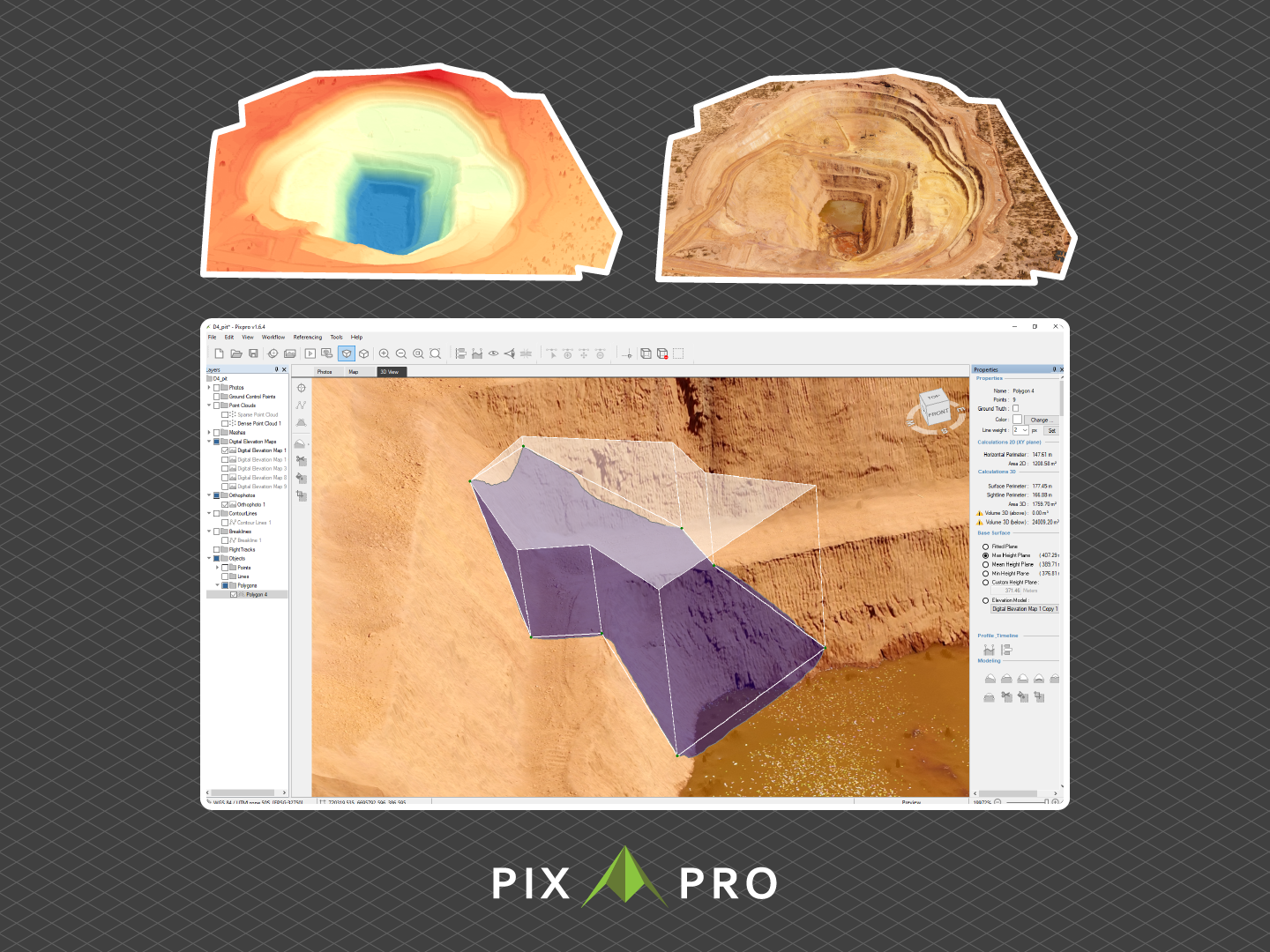
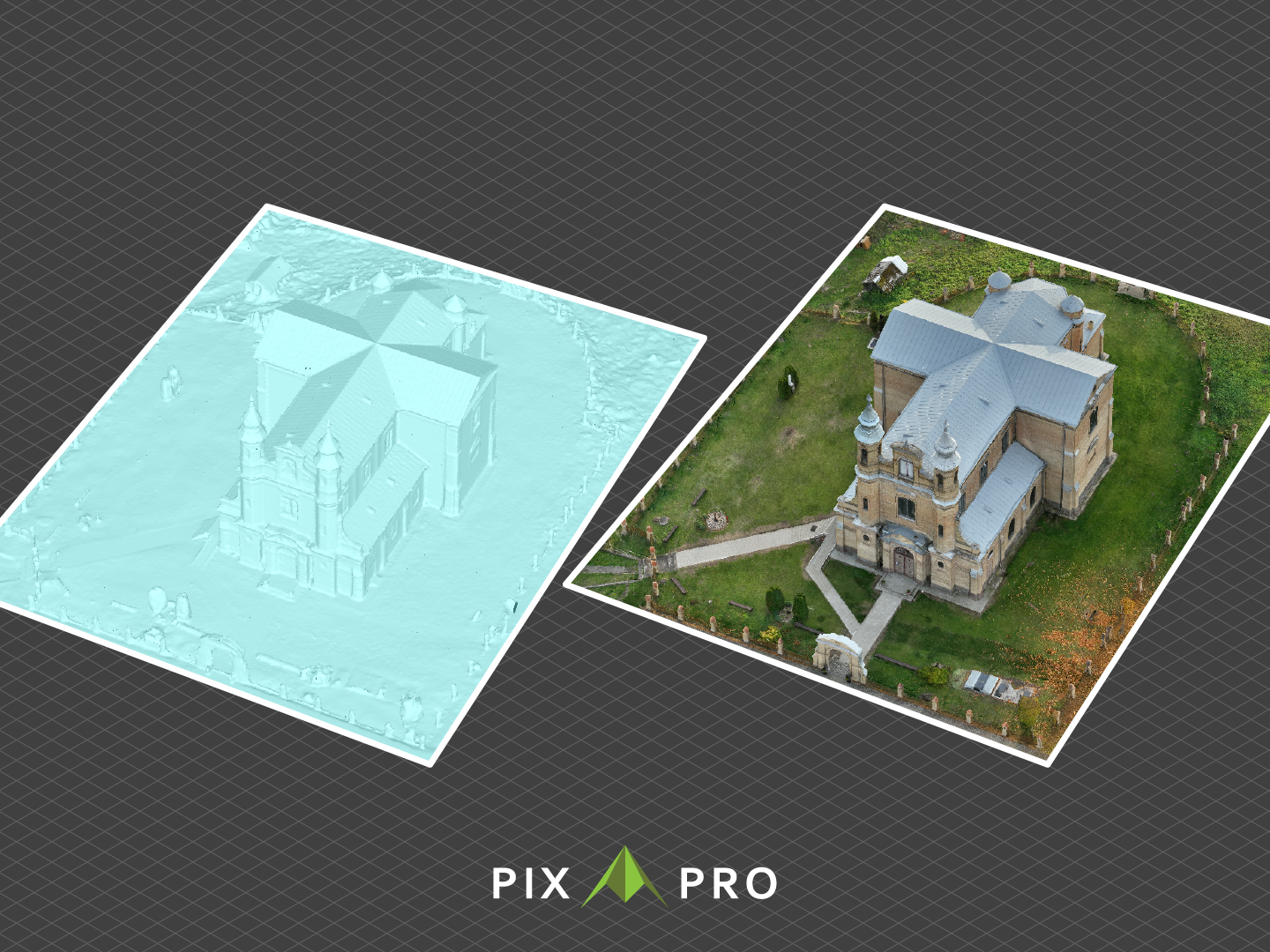
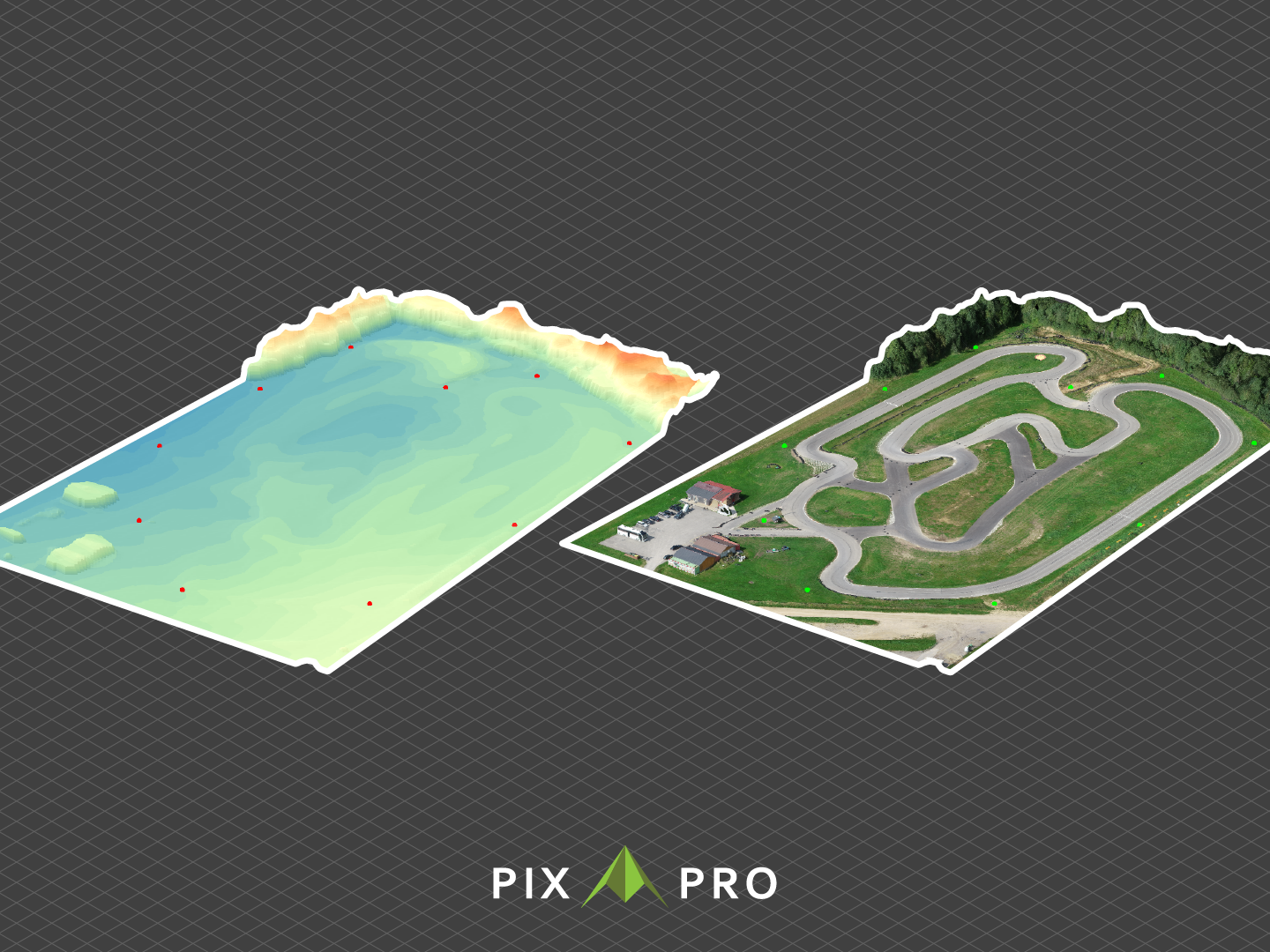
    N/AN/APixpro is enterprise photogrammetry software that converts drone and camera imagery into 3D models for measurement, terrain modeling, and spatial analysis. The platform supports engineering, surveying, construction, infrastructure, mining, renewable-energy, and environmental projects that require geospatial data. Pixpro provides a workflow from flight planning with Waypoints through image processing, 3D reconstruction, measurement, analysis, and reporting.…

    $12

    per month per user

    TurboCAD

    Score9 out of 10
    N/ATurboCAD is 2D and 3D CAD software sold in many different editions, including Deluxe, Expert, and ProPlatinum.N/A
    Pricing
    AutoCAD LTPixproTurboCAD
    Editions & Modules
    Monthly Subscription
    $60
    per month per user
    Yearly Subscription
    $490
    per year per user
    3-Year Subscription
    $1470
    3 years per user
    Solo
    $12
    per month per user
    Solo Plus
    $56
    per month per user
    Premium
    $112
    per month per user
    Enterprise
    Contact us
    per month per user
    No answers on this topic
    Offerings
    Pricing Offerings
    AutoCAD LTPixproTurboCAD
    Free Trial
    YesYesNo
    Free/Freemium Version
    NoNoNo
    Premium Consulting/Integration Services
    NoYesNo
    Entry-level Setup FeeNo setup feeNo setup feeNo setup fee
    Additional Details———
    More Pricing Information
    Community Pulse
    AutoCAD LTPixproTurboCAD
    Considered Multiple Products
    Autodesk
    No answer on this topic
    Pixpro
    No answer on this topic
    IMSI Design
    No answer on this topic
    Key User Insights
    Would buy again
    100%
    Would buy again
    6 Answers
    No answers on this topic
    No answers on this topic
    Delivers good value for the price
    100%
    Delivers good value for the price
    6 Answers
    No answers on this topic
    No answers on this topic
    Happy with the feature set
    100%
    Happy with the feature set
    6 Answers
    No answers on this topic
    No answers on this topic
    Lived up to sales and marketing promises
    No answers on this topic
    No answers on this topic
    No answers on this topic
    Implementation went as expected
    100%
    Implementation went as expected
    5 Answers
    No answers on this topic
    No answers on this topic
    Features
    AutoCAD LTPixproTurboCAD
    Computer-Aided Design Software
    Comparison of Computer-Aided Design Software features of AutoCAD LT and Pixpro and TurboCAD
    Feature
    AutoCAD LT
    7.5
    3 Ratings
    0% above category average
    Pixpro
    -
    Ratings
    TurboCAD
    9.0
    1 Ratings
    18% above category average
    2D Drafting10.03 Ratings00 Ratings9.01 Ratings
    Parametric Design8.01 Ratings00 Ratings9.01 Ratings
    Collaboration and Sharing7.52 Ratings00 Ratings8.01 Ratings
    Compatibility with other software and formats4.83 Ratings00 Ratings10.01 Ratings
    Assembly Design8.52 Ratings00 Ratings10.01 Ratings
    Simulation and Analysis7.01 Ratings00 Ratings7.01 Ratings
    Documentation and Annotation6.03 Ratings00 Ratings10.01 Ratings
    Customization and Extensions8.52 Ratings00 Ratings10.01 Ratings
    Rendering and Visualization00 Ratings00 Ratings8.01 Ratings
    Best Alternatives
    AutoCAD LTPixproTurboCAD
    Small Businesses
    Onshape
    Score6.4 out of 10
    Onshape
    Score6.4 out of 10
    Onshape
    Score6.4 out of 10
    Medium-sized Companies
    Onshape
    Score6.4 out of 10
    Onshape
    Score6.4 out of 10
    Onshape
    Score6.4 out of 10
    Enterprises
    PTC Creo
    Score7.6 out of 10
    PTC Creo
    Score7.6 out of 10
    PTC Creo
    Score7.6 out of 10
    All AlternativesView all alternativesView all alternativesView all alternatives
    User Ratings
    AutoCAD LTPixproTurboCAD
    Likelihood to Recommend
    8.6
    (6 ratings)
    -
    (0 ratings)
    9.0
    (4 ratings)
    Usability
    8.6
    (3 ratings)
    -
    (0 ratings)
    9.0
    (1 ratings)
    User Testimonials
    AutoCAD LTPixproTurboCAD
    Likelihood to Recommend
    Autodesk
    AutoCAD LT is suitable for engineers that uses DWG formats casually and don't rely on AutoCAD as the main tool to issue drawings in the workflow. AutoCAD LT is best suited for firms that do not use LISP functions in AutoCAD and do not care about 3D modeling. Although AutoCAD LT has other missing functions when compared to standard AutoCAD, these features are of less importance and can't be noticed.
    Incentivized
    Read full review
    Pixpro
    No answers on this topic
    IMSI Design
    TurboCAD is well suited to a smaller budget, it is by no means the best there is but for the money, it fills the gap. Being an AutoCAD & DraftSight user I find the user interface a little old and the lack of common drafting industry shortcut keys a bit of a hindrance. However this product, TurboCAD gets the job done, other packages like DraftSight do not even come with an active 3D option on the cheaper end, standard license whereas TurboCAD does, even though it's a little clumsy to use.
    Incentivized
    Read full review
    Pros
    Autodesk
    • The library feature for all areas is to me AutoCAD LT's extra strong point, it makes it easier to find information within the program itself.
    • The fast solutions and precise development of drawings and projects is also another strong point.
    • I use the floor plans, elevations, sections and the hydraulic designs to work with my students on physics projects.
    • The software allows you to scale model and remodel as many times as you need, from simple to more complex designs
    • Importing and exporting files is also very simple to perform making corrections and quick feedback to students easy.
    Read full review
    Pixpro
    No answers on this topic
    IMSI Design
    • Produces accurate drawings to scale, and with several ways to show the "views" to people in need of them at our factory.
    • Relatively easy to use, once you understand the toolset. You can draw anything with it.
    • Sending files to CNC machine shops to produce parts is easy with this program.
    • Sending to mold making companies works out well. Just ask them what file format they want and TurboCAD can give it to them.
    Incentivized
    Read full review
    Cons
    Autodesk
    • The differences between the Mac and PC versions are quite difficult to navigate. It would be better to have a more streamlined experience between the two platforms
    • It would be nice to have feature like geolocation on the online or mac version and not just the PC version
    • Make it more compatible with other AutoCAD formats so that I can at least view things when they are coming from Civil 3D
    Incentivized
    Read full review
    Pixpro
    No answers on this topic
    IMSI Design
    • Some of the load times are lengthy is there a way to streamline this?
    • Path Hatching and Object Trim could use a hot key
    • More intuitive layer management system
    Incentivized
    Read full review
    Usability
    Autodesk
    It’s easy to use, easy to customize, easy to understand on the logic behind it and the guides provides everything to improve further. the buttons are well displaced and easy to use and remember. everything seems really well fought to make it easier to use. in a single word: polished.
    Incentivized
    Read full review
    Pixpro
    No answers on this topic
    IMSI Design
    TurboCAD does all of the things we need it to do and some. The wide variety of options to create specificity in each of our projects is a large plus. The reason it was given a 9 is because the learning curve can be a little steep and sometimes certain processes are not as intuitive as they could be
    Incentivized
    Read full review
    Alternatives Considered
    Autodesk
    Although AutoCAD LT is the lite software when compared to standard AutoCAD, it does all the work when it comes to 2D modeling and issuing design drawings. When comparing it to BricsCAD, AutoCAD LT shines, as it works without freezing and is usually more responsive than BricsCAD, it just outclasses it.
    Incentivized
    Read full review
    Pixpro
    No answers on this topic
    IMSI Design
    3DS Max is the one I use the most, the other two are good choices also. They have more online tutorials for helping learn them.
    Incentivized
    Read full review
    Return on Investment
    Autodesk
    • The impact is always positive in my case when I use AutoCAD LT, because I provide intelligent lessons with few resources
    • The negative impact usually happens with professionals who don't like to innovate, study, or put a little more effort into their work. AutoCAD LT enables the enchantment at the end of the project by the public and at the beginning by the students that are delighted with so many tools
    Read full review
    Pixpro
    No answers on this topic
    IMSI Design
    • Ability to render quotes.
    • Ability to supply complete drawings.
    • Easy to use interface provides a faster design time window.
    Incentivized
    Read full review
    ScreenShots

    Pixpro Screenshots

    Screenshot of Area Measurements in PixproScreenshot of Profile MeasurementsScreenshot of Mining in PixproScreenshot of Mesh Texture in PixproScreenshot of Digital Elevation Map in PixproScreenshot of Roof Inspection in Pixpro