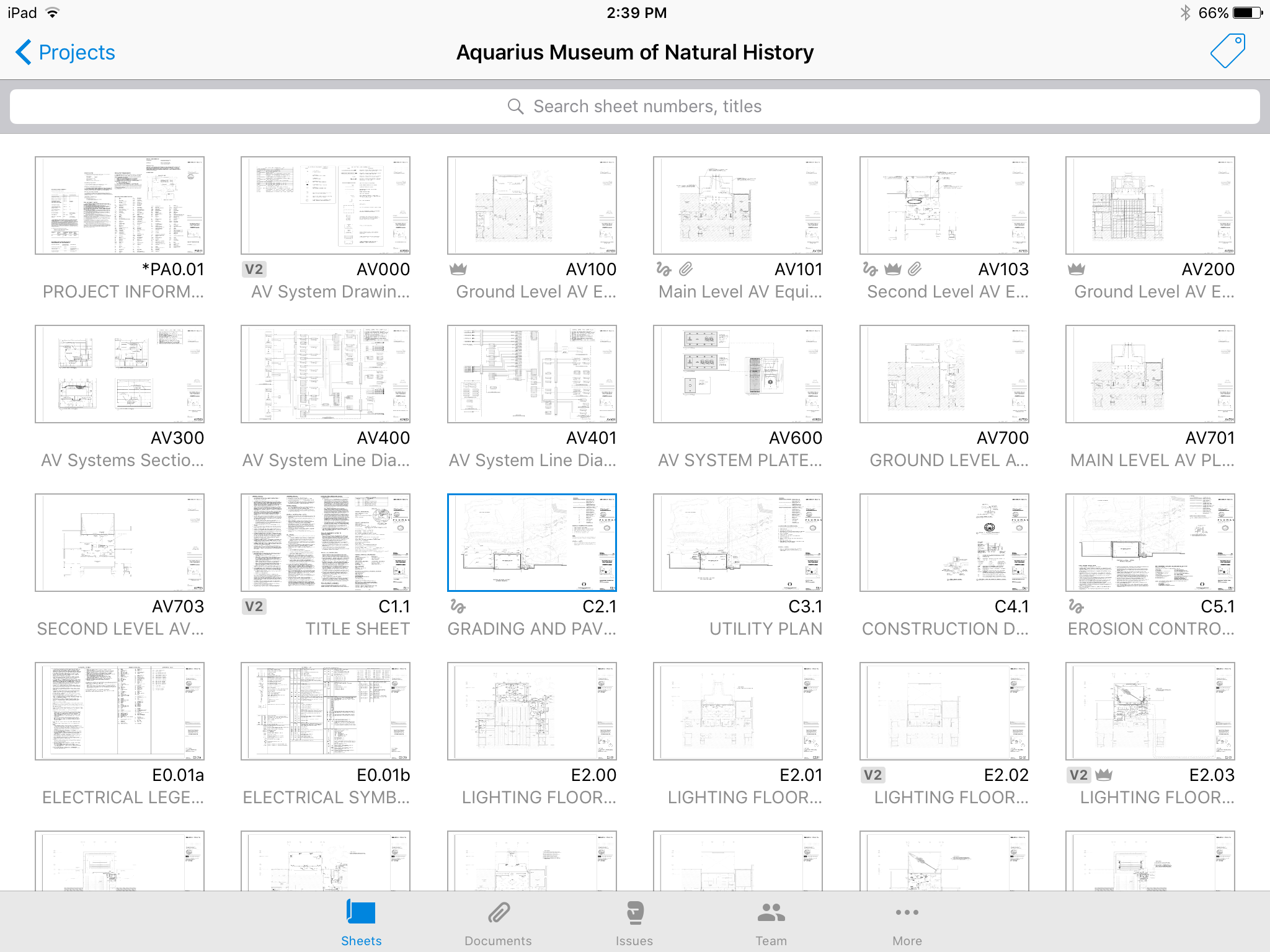
Autodesk Build, based on the former PlanGrid, is construction productivity software. It includes tools to collaborate, collect, and manage project information throughout the project’s construction and operations lifespan. It enables document centralization and tracking.
$39
user per month
WinEst
Score5.7 out of 10
N/A
With thousands of users world-wide, WinEst estimating from Trimble GC is a database-driven construction project management solutions on the market. It looks and feels just like Excel with familiar Windows navigation, including drop-down menus and ribbon bars. Behind the covers is a database with multiple work-breakdown structures (WBS) and filters that can be customized to the user's preferences so that estimating data can be sliced and diced and presented in different ways. WinEst…
N/A
Pricing
Autodesk Build
WinEst
Editions & Modules
Nailgun
$39
user per month
Dozer
$59
user per month
Crane
$139
user per month
No answers on this topic
Offerings
Pricing Offerings
Autodesk Build
WinEst
Free Trial
Yes
No
Free/Freemium Version
No
No
Premium Consulting/Integration Services
Yes
No
Entry-level Setup Fee
No setup fee
No setup fee
Additional Details
—
—
More Pricing Information
Features
Autodesk Build
WinEst
Construction Project & Field Management
Comparison of Construction Project & Field Management features of Autodesk Build and WinEst by Trimble
Feature
Autodesk Build
6.5
58 Ratings
16% below category average
WinEst by Trimble
-
Ratings
Plan distribution & viewing
7.057 Ratings
00 Ratings
Plan markups & sharing
6.057 Ratings
00 Ratings
Issue tracking & punchlists
5.052 Ratings
00 Ratings
Photo documentation
9.049 Ratings
00 Ratings
Jobsite reports
9.037 Ratings
00 Ratings
Document sharing
8.056 Ratings
00 Ratings
RFI tools
5.039 Ratings
00 Ratings
Collaboration & approvals
8.043 Ratings
00 Ratings
As-built drawings
5.043 Ratings
00 Ratings
Mobile app
3.055 Ratings
00 Ratings
Estimating
Comparison of Estimating features of Autodesk Build and WinEst by Trimble
PlanGrid performs really well in all aspects of construction from the general to the sub/trade. The platform distributes and communicates project documentation in an extremely user-friendly manner. As with most software, it is cheaper the larger the scale of the project. In situations where the project is relatively small, and the trade contracts are also of relatively low dollar value, the product can be cost-prohibitive.
A de minimis incentive was given to thank the reviewer for their time. The incentive was not used to bias or drive a particular response, nor was the incentive contingent on a positive endorsement. More Info
WinEst is truly built for everyone. Their assemblies/database linking is perfect for self perform and subcontractors while their database management and custom reporting is perfect for GCs. While Excel set the bar, WinEst is on another planet. With the immediacy required by today's markets, WinEst allows you to deliver a superior product while being more accurate.
A de minimis incentive was given to thank the reviewer for their time. The incentive was not used to bias or drive a particular response, nor was the incentive contingent on a positive endorsement. More Info
Plangrid is the best SaaS I have seen for ease of uploading construction plans and automated organization of those plans.
For companies that are not using other products for mobile access, the Plangrid mobile apps are perfect to allow people on and off site to share and collaborate in many phases of construction project documentation.
Plangrid has a very responsive technical support team (although it is pretty much email only).
Plangrid's website layout is easy to use and understand and allows new users to jump right in and do basic to moderate tasks without little training.
A de minimis incentive was given to thank the reviewer for their time. The incentive was not used to bias or drive a particular response, nor was the incentive contingent on a positive endorsement. More Info
It's very flexible when building an estimate and selecting items to include. You can either click your way to the datebase or quickly copy and paste similar items.
The numerous ways to view and estimate whether it's by CSI, Uniformat, Master Format, or any view you'd like to see. One of ours is by program area, i.e. Sitework, Tower, Parking Deck, etc. After that, you can sort by Bid Package, CSI, etc. Quick buttons can be created far all the views you'd need which allows changing between views a breeze.
The visual interface is pleasing and easy to read.
It's easy to create your own database using Excel. Once you tag an item with unit costs, sort codes, etc., Winest will import it. You can also build it manually within the program but Excel was faster.
A de minimis incentive was given to thank the reviewer for their time. The incentive was not used to bias or drive a particular response, nor was the incentive contingent on a positive endorsement. More Info
The photo attachment process is a bit complicated. In ProCore (another similar software I've used), you can upload photos directly into RFIs for your reference, or into e-mails. For PlanGrid, you have to first upload the photo into the documents tab, then link them into the RFI. It's not intuitive and can add confusion to the documents tab.
Photos can't be directly uploaded. Between different devices and colleagues, it's possible you'll get an important photo outside of the PlanGrid photo capture feature within its app. Again, it's complicated for users to use.
In their new drawings viewer, the icons for actions do not have icons available. I had to use them all in order to understand what they meant, and I'm fairly tech savvy. I'm not sure if a new person to PlanGrid will pick up on each icon's abilities very easily.
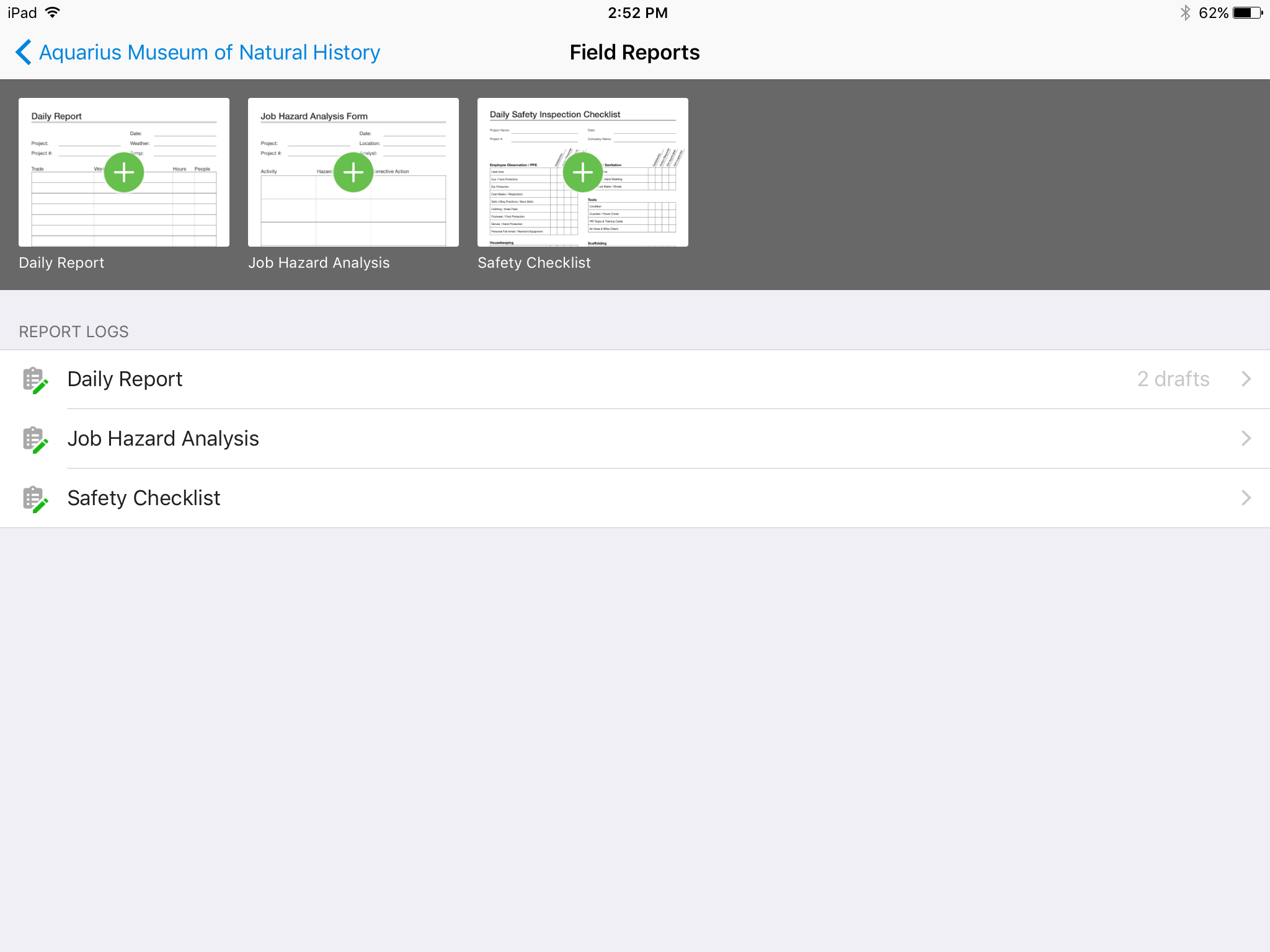
There's no all-in-one solution in CM, but PlanGrid is fairly barebones, and I don't believe it has any ability to connect to other software. There's no ability to take meeting munites; you can hack the field reports feature to accomplish this, but it's clear that was not the intent of the designers.
A de minimis incentive was given to thank the reviewer for their time. The incentive was not used to bias or drive a particular response, nor was the incentive contingent on a positive endorsement. More Info
At times, WinEst controls feel counter intuitive. Also the tools available for actually developing the database can feel clunky. This means that if you do not take the time to create a robust import file, you will spend a serious amount of time fixing your errors.
WinEst is also an object based database which means that it is difficult to do mass dumps of information (mainly takeoff) into the program. While this is great for ensuring that everything is done purposefully, it does lead to extended hours of data entry
It takes hours upon hours of use before you begin to realize the true potential. The sheer number of tools is overwhelming and their help resources are very basic and only explain how to correctly enter the data but not the feature's best use cases.
A de minimis incentive was given to thank the reviewer for their time. The incentive was not used to bias or drive a particular response, nor was the incentive contingent on a positive endorsement. More Info
We are at the point where we have shown our teams what is possible with this software. We cannot take it away and go back to the way we used to do things. I think that they would push back on us to give them access to something electronic. It is a good program that we will continue to use
A de minimis incentive was given to thank the reviewer for their time. The incentive was not used to bias or drive a particular response, nor was the incentive contingent on a positive endorsement. More Info
Hard to get the hang of this software, but with time it become very repetitive and easier to navigate. I have used this software for over a year now and the constant updates by Autodesk have made the software better and better to use at work. This allows me to use this tool more effectively
A de minimis incentive was given to thank the reviewer for their time. The incentive was not used to bias or drive a particular response, nor was the incentive contingent on a positive endorsement. More Info
Online chat during business hours is extremely helpful. The Plangrid staff has gone above and beyond many times to help us. One time they even offered to completely rebuild our 900+ sheet project so I could slip sheet a few old drawing revisions! This undoubtedly would have taken hours on Plangrid's end. They are always responsive and are continually improving, listening to user feedback.
A de minimis incentive was given to thank the reviewer for their time. The incentive was not used to bias or drive a particular response, nor was the incentive contingent on a positive endorsement. More Info
Doug Quinn was our trainer and travels all over the country. Whenever I have an issue I shoot him an email and he quickly responds as soon as his training gets a break.
A de minimis incentive was given to thank the reviewer for their time. The incentive was not used to bias or drive a particular response, nor was the incentive contingent on a positive endorsement. More Info
Plangrid, while not serving the external document distribution function, is unrivaled for internal document distribution and sharing in the construction industry. The speed at which documents are navigatable, the ability to download your projects for viewing without an internet connection, and the document mark-up and photo tools place it head and shoulders above the competition.
A de minimis incentive was given to thank the reviewer for their time. The incentive was not used to bias or drive a particular response, nor was the incentive contingent on a positive endorsement. More Info
WinEst simply blows excel and Timberline out of the water. The shear depth of functionality is unparalleled. Not only does WinEst deliver a better product, it also shortens the amount of man hours required for each bid, alternate, pricing exercise, etc. On top of this, it has a number of redundant safeguards for catching errors that the others don't have.
A de minimis incentive was given to thank the reviewer for their time. The incentive was not used to bias or drive a particular response, nor was the incentive contingent on a positive endorsement. More Info
It helped us "wow" a joint commission survey in 2016 and have a successful survey because he loved how we could access plans on an iPad, check suite sizes, and didn't have to carry around huge, heavy sets of life safety plans.
A de minimis incentive was given to thank the reviewer for their time. The incentive was not used to bias or drive a particular response, nor was the incentive contingent on a positive endorsement. More Info
A de minimis incentive was given to thank the reviewer for their time. The incentive was not used to bias or drive a particular response, nor was the incentive contingent on a positive endorsement. More Info