AWS CodePipeline is a fully managed continuous delivery service that helps users automate release pipelines. CodePipeline automates the build, test, and deploy phases of the release process every time there is a code change, based on the release model a user defines.
$1
per active pipeline/per month
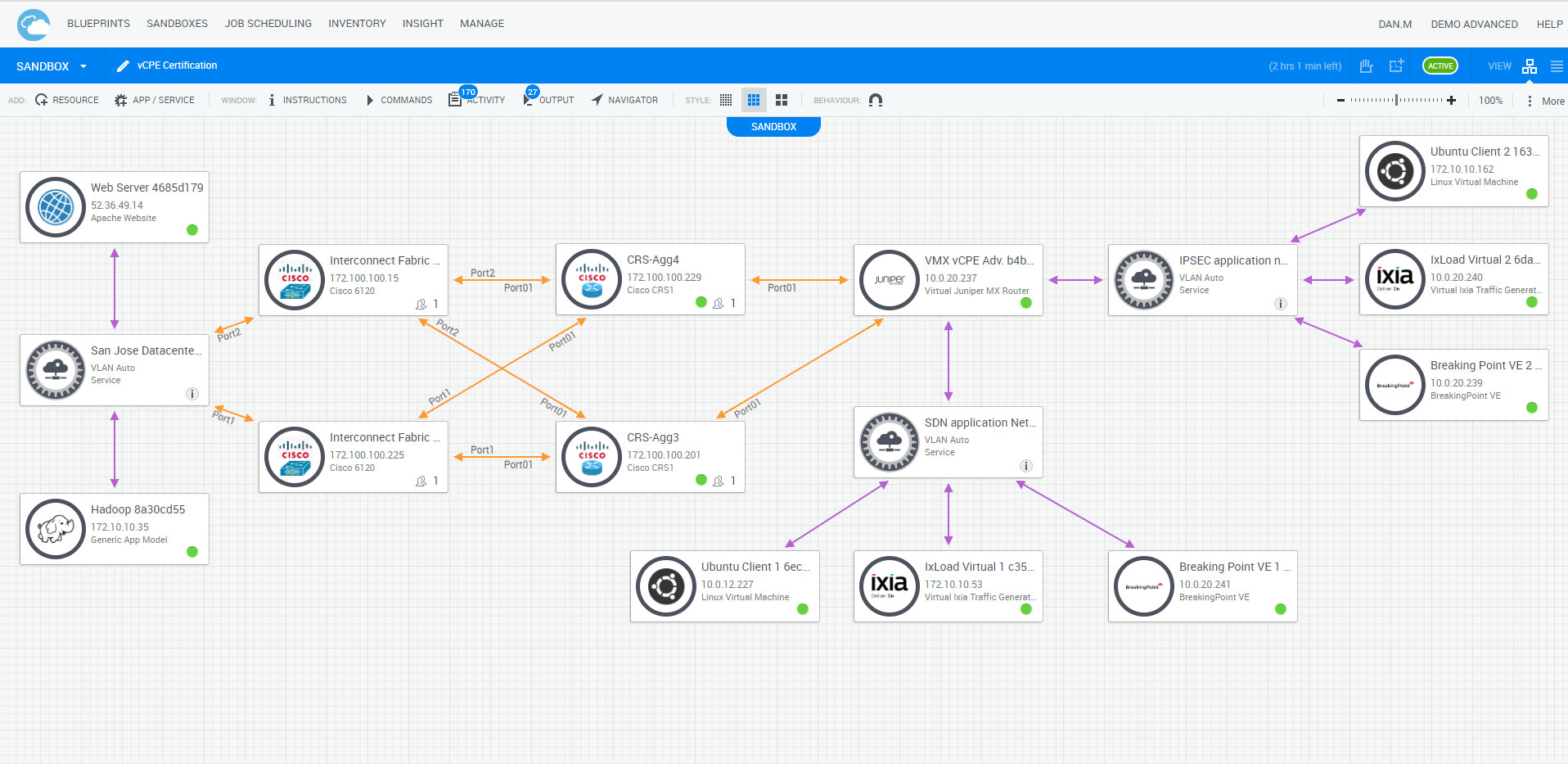
Quali CloudShell
Score 9.1 out of 10
N/A
CloudShell, from Quali headquartered in Austin, is an infrastructure automation solution for cloud, on-premise, or hybrid environments.
N/A
TeamCity
Score 7.1 out of 10
N/A
TeamCity is a continuous integration server from Czeck company JetBrains.
I think AWS CodePipeline is a great tool for anyone wanted automated deployments in a multi-server/container AWS environment. AWS also offers services like Elastic Beanstalk that provide a more managed hosting & deployment experience. CodePipeline is a good middle ground with solid, built-in automation with enough customizability to not lock people into one deployment or architecture philosophy.
TeamCity is very quick and straightforward to get up and running. A new server and a handful of agents could be brought online in easily under an hour. The professional tier is completely free, full-featured, and offers a huge amount of growth potential. TeamCity does exceptionally well in a small-scale business or enterprise setting.
The customization is still fairly complex and is best managed by a dev support team. There is great flexibility, but with flexibility comes responsibility. It isn't always obvious to a developer how to make simple customizations.
Sometimes the process for dealing with errors in the process isn't obvious. Some paths to rerunning steps redo dependencies unnecessarily while other paths that don't are less obvious.
Overall, I give AWS Codepipeline a 9 because it gets the job done and I can't complain much about the web interface as much of the action is taking place behind the scenes on the terminal locally or via Amazon's infrastructure anyway. It would be nicer to have a better flowing and visualizable web interface, however.
Our pipeline takes about 30 minutes to run through. Although this time depends on the applications you are using on either end, I feel that it is a reasonable time to make upgrades and updates to our system as it is not an every day push.
TeamCity runs really well, even when sharing a small instance with other applications. The user interface adequately conveys important information without being overly bloated, and it is snappy. There isn't any significant overhead to build agents or unit test runners that we have measured.
We didn't need a lot of support with AWS CodePipeline as it was pretty straightforward to configure and use, but where we ran into problems, the AWS community was able to help. AWS support agents were also helpful in resolving some of the minor issues we encountered, which we could not find a solution elsewhere.
The tool can automate almost any workflow and infrastructure consumption. It has state of the art develop and support with great online training, online full manual set, and a comprehensive support team and network of SIs/VARS that are very qualified.
CodeCommit and CodeDeploy can be used with CodePipeline so it’s not really fair to stack them against each other as they can be quite the compliment. The same goes for Beanstalk, which is often used as a deployment target in relation to CodePipeline.
CodePipeline fulfills the CI/CD duty, where the other services do not focus on that specific function. They are supplements, not replacements. CodePipeline will detect the updated code and handle deploying it to the actual instance via Beanstalk.
Jenkins is open source and not a native AWS service, that is its primary differentiator. Jenkins can also be used as a supplement to CodePipeline.
VMware is too hard to use, too expensive to support, and not a full lifecycle tool for workflows and Infrastructure (no support of physical either). AWS or Azure or Google solutions are good if you are only in the cloud and only using their tools. Not good if you have on-prem or non-Cloud based tools/infrastructure. Build it yourself automation frameworks can be good for people with unlimited funds, but they are not the best way to go and missing many capabilities typically.
TeamCity is a great on-premise Continuous Integration tool. Visual Studio Team Services (VSTS) is a hosted SAAS application in Microsoft's Cloud. VSTS is a Source Code Repository, Build and Release System, and Agile Project Management Platform - whereas TeamCity is a Build and Release System only. TeamCity's interface is easier to use than VSTS, and neither have a great deployment pipeline solution. But VSTS's natural integration with Microsoft products, Microsoft's Cloud, Integration with Azure Active Directory, and free, private, Source Code repository - offer additional features and capabilities not available with Team City alone.
CodePipeline has reduced ongoing devops costs for my clients, especially around deployment & testing.
CodePipeline has sped up development workflow by making the deployment process automated off git pushes. Deployment takes very little coordination as the system will just trigger based on what is the latest commit in a branch.
CodePipeline offered a lot of out-of-the-box functionality that was much simpler to setup than a dedicated CI server. It allowed the deployment process to built and put into production with much less and effort and cost compared to rolling the functionality manually.
TeamCity has greatly improved team efficiency by streamlining our production and pre-production pipelines. We moved to TeamCity after seeing other teams have more success with it than we had with other tools.
TeamCity has helped the reliability of our product by easily allowing us to integrate unit testing, as well as full integration testing. This was not possible with other tools given our corporate firewall.
TeamCity's ability to include Docker containers in the pipeline steps has been crucial in improving our efficiency and reliability.