Chose SAP Integration Suite
SAP Integration suite stacks up well against Azure API Management. We selected Integration suite because we use SAP as our ERP

| Product | Rating | Most Used By | Product Summary | Starting Price |
|---|---|---|---|---|
 Azure API Management | N/A | Microsoft's Azure API Management supports creation of API. | $0.04 per 10,000 calls | |
 SAP Integration Suite | N/A | SAP Integration Suite is a modern, secure integration platform as a service (iPaaS) that connects applications, data, processes, and AI agents across SAP and non‑SAP environments. | $11,199 per year |
| Azure API Management | SAP Integration Suite | |||||||||||||||
|---|---|---|---|---|---|---|---|---|---|---|---|---|---|---|---|---|
| Editions & Modules |
| No answers on this topic | ||||||||||||||
| Offerings |
| |||||||||||||||
| Entry-level Setup Fee | No setup fee | No setup fee | ||||||||||||||
| Additional Details | — | Access to free tier services does not expire while there is an active Pay-As-You-Go or CPEA account with SAP. Once a free tier service limit has been reached users have the option to update from a free to a paid service plan in the same account. | ||||||||||||||
| More Pricing Information | ||||||||||||||||
| Azure API Management | SAP Integration Suite | |
|---|---|---|
| Considered Both Products |  Azure API Management No answer on this topic | SAP Integration Suite  Michael Ong Senior Developer Chose SAP Integration Suite Other services seem to have a head start in supporting open standards. Not only in the support of up-and-coming ones but some fringe technologies as well. The biggest advantage of SAP is connectivity and interoperability with their core modules. |
| Azure API Management | SAP Integration Suite | ||||||||||||||||||||||||
|---|---|---|---|---|---|---|---|---|---|---|---|---|---|---|---|---|---|---|---|---|---|---|---|---|---|
| API Management |
| ||||||||||||||||||||||||
| Cloud Data Integration |
|
| Azure API Management | SAP Integration Suite | |
|---|---|---|
| Small Businesses |  NGINX Score 9.1 out of 10 |  Make Score 9.3 out of 10 |
| Medium-sized Companies |  Workato Score 9.3 out of 10 | Workato Score 9.3 out of 10 |
| Enterprises | Workato Score 9.3 out of 10 | Workato Score 9.3 out of 10 |
| All Alternatives | View all alternatives | View all alternatives |
| Azure API Management | SAP Integration Suite | |
|---|---|---|
| Likelihood to Recommend | 8.0 (4 ratings) | 8.4 (358 ratings) |
| Likelihood to Renew | - (0 ratings) | 8.8 (13 ratings) |
| Usability | - (0 ratings) | 6.7 (6 ratings) |
| Support Rating | - (0 ratings) | 6.7 (9 ratings) |
| Implementation Rating | - (0 ratings) | 7.0 (2 ratings) |
| Azure API Management | SAP Integration Suite | |
|---|---|---|
| Likelihood to Recommend | Microsoft
 Gordon Lo Digital Solutions Architect | SAP
|
| Pros | Microsoft
| SAP
|
| Cons | Microsoft
| SAP
|
| Likelihood to Renew | Microsoft No answers on this topic | SAP
|
| Usability | Microsoft No answers on this topic | SAP
|
| Support Rating | Microsoft No answers on this topic | SAP
|
| Implementation Rating | Microsoft No answers on this topic | SAP
|
| Alternatives Considered | Microsoft
Gordon Lo Digital Solutions Architect | SAP
 Zulma Quiroz Corporate Credit Risk Analyst |
| Return on Investment | Microsoft
| SAP
 Andrey Shalaurov Group Director of Software Engineering |
| ScreenShots | SAP Integration Suite Screenshots  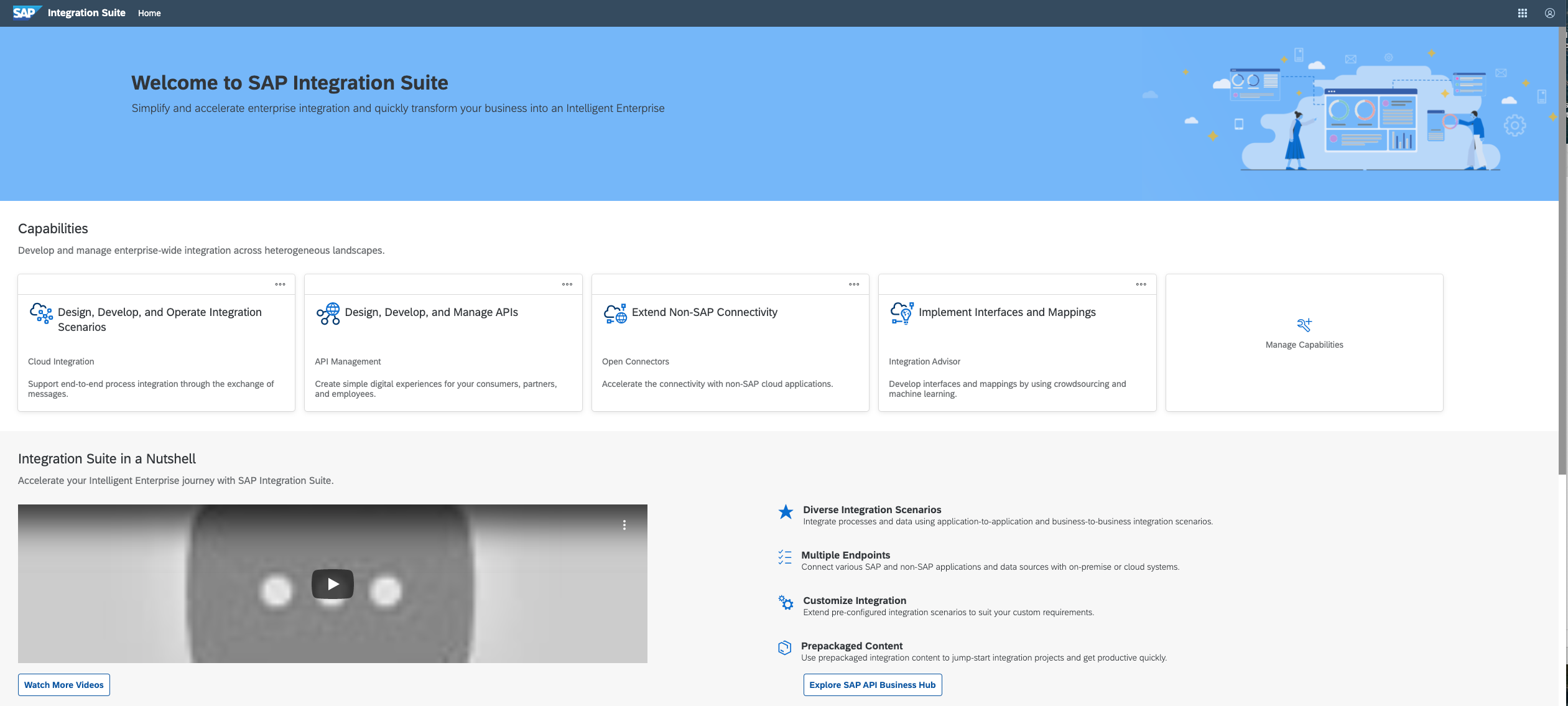   |