Microsoft offers the Azure Logic Apps as a cloud-based integration service, supporting data and application integration.
$0
per execution
Qlik Automate
Score8.8 out of 10
N/A
Qlik Automate is used to create dynamic processes that automatically respond to business events and trigger informed actions to an enterprise's SaaS applications. Its highly-visual automation builder helps users to rapidly assemble blocks to create sophisticated workflows.
N/A
SAP Integration Suite
Score8.5 out of 10
N/A
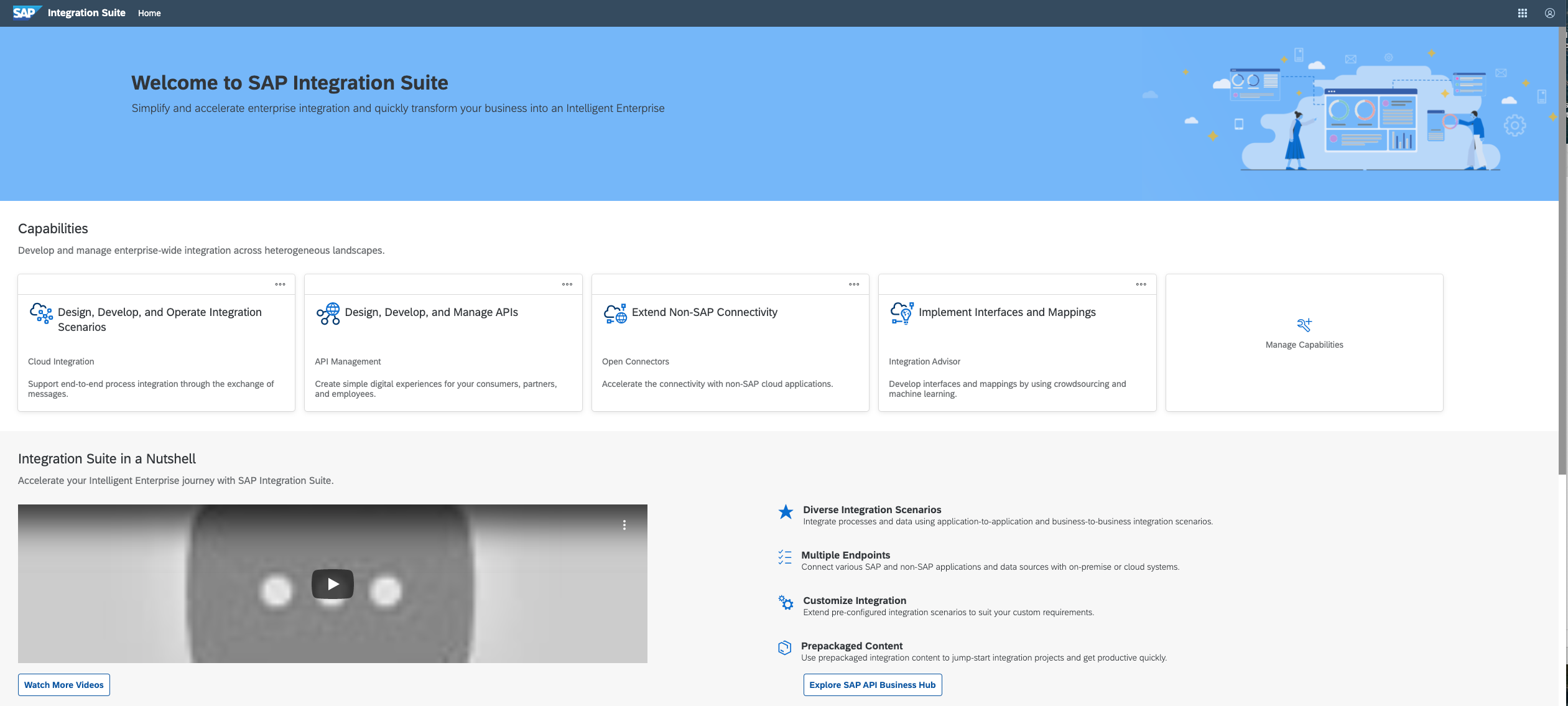
SAP Integration Suite is a modern, secure integration platform as a service (iPaaS) that connects applications, data, processes, and AI agents across SAP and non‑SAP environments.
$11,199
per year
Pricing
Azure Logic Apps
Qlik Automate
SAP Integration Suite
Editions & Modules
Actions
$0.000025
per execution
Standard Connector
$0.000025
per execution
Enterprise Connector
$0.001
per execution
Integration Account - Basic
$0.42
per hour
Integration Account - Standard
$1.37
per hour
No answers on this topic
No answers on this topic
Offerings
Pricing Offerings
Azure Logic Apps
Qlik Automate
SAP Integration Suite
Free Trial
Yes
Yes
Yes
Free/Freemium Version
No
No
No
Premium Consulting/Integration Services
No
Yes
No
Entry-level Setup Fee
No setup fee
Optional
No setup fee
Additional Details
—
—
Access to free tier services does not expire while there is an active Pay-As-You-Go or CPEA account with SAP. Once a free tier service limit has been reached users have the option to update from a free to a paid service plan in the same account.
Administrative Support Manager in Corporate at Teachables (Education Management, 5001-10,000 employees)
Chose Azure Logic Apps
When we proposed products for central integration, we were also introduced to software like Pabbly - which was in its early stages of company growth. The main reason why we picked Azure Logic apps over the other software is that it is manufactured by the renowned company …
A de minimis incentive was given to thank the reviewer for their time. The incentive was not used to bias or drive a particular response, nor was the incentive contingent on a positive endorsement. More Info
Qlik
No answer on this topic
SAP
Verified User
Chose SAP Integration Suite
Because of ease and the plethora of adapters and connectors, we use the SAP integration suite.
A de minimis incentive was given to thank the reviewer for their time. The incentive was not used to bias or drive a particular response, nor was the incentive contingent on a positive endorsement. More Info
A de minimis incentive was given to thank the reviewer for their time. The incentive was not used to bias or drive a particular response, nor was the incentive contingent on a positive endorsement. More Info
Microsoft Azure Logic Apps was a perfect solution for us to integrate the apps and products we used in our business to create automated workflows which were also complex and very advanced. This was a very new feature for us, and also it reduced our software costs massively and also saved us a lot of time. With the crisis, we were in back then Azure turned out to be the best cost-friendly solution because we only had to pay for what we used!
A de minimis incentive was given to thank the reviewer for their time. The incentive was not used to bias or drive a particular response, nor was the incentive contingent on a positive endorsement. More Info
Good at: 1. Integrations with in SAP applications, especially with event based triggers 2. Can be integrated very well with other BTP services to attain Batch processing and store credentials 3. Supports many authentication models Improvements: 1. No version history available compared to as it is available in S4HANA 2. Need a lot of improvement in git hub connections
A de minimis incentive was given to thank the reviewer for their time. The incentive was not used to bias or drive a particular response, nor was the incentive contingent on a positive endorsement. More Info
A de minimis incentive was given to thank the reviewer for their time. The incentive was not used to bias or drive a particular response, nor was the incentive contingent on a positive endorsement. More Info
A de minimis incentive was given to thank the reviewer for their time. The incentive was not used to bias or drive a particular response, nor was the incentive contingent on a positive endorsement. More Info
Microsoft Azure should be unclouded with its pricing. We don't always know how much an inclusion will affect the monthly price. So we have to speculate where we are with the price and if we can afford to include another asset.
A de minimis incentive was given to thank the reviewer for their time. The incentive was not used to bias or drive a particular response, nor was the incentive contingent on a positive endorsement. More Info
Provide more pre-built integrations to use within SuccessFactors or other modules instead of everything having to be custom built
Support is unable to provide advice on custom builds so you often have to engage a 3rd party partner
Works best when you have the functional and technical teams working together. Otherwise, the system is too technical for a functional user to create integration and a technical user not always understand the functional perspective
A de minimis incentive was given to thank the reviewer for their time. The incentive was not used to bias or drive a particular response, nor was the incentive contingent on a positive endorsement. TR verified that a representative sample of customers was invited. More Info
It is in place, our system integrators are familiar with it, and it fits into the ecosystem. A better user interface, flow build and debugging experience would see it grow, many technical staff do not enjoy using it for this reason, however it is quite capable and powerful behind this one shortcoming.
A de minimis incentive was given to thank the reviewer for their time. The incentive was not used to bias or drive a particular response, nor was the incentive contingent on a positive endorsement. TR verified that a representative sample of customers was invited. More Info
I found them easy to use and adapt to different scenarios, from Azure management to link processes between REST APIs. Together with Function Apps, they're probably the most useful resource type for Azure. Today, I use them in production, and that's a key component: stable, secure, easy to manage, and maintain.
A de minimis incentive was given to thank the reviewer for their time. The incentive was not used to bias or drive a particular response, nor was the incentive contingent on a positive endorsement. More Info
The user interface is messy and not intuitive. It has a steep learning curve, and flows developed around are easy to make a mess with layout and can be difficult to follow. The debugging is also quite difficult, it takes some time to figure out how to follow the flow and examine data. Error handling is also difficult and not intuitive, it is better to let some errors leak and monitor through ALM.
A de minimis incentive was given to thank the reviewer for their time. The incentive was not used to bias or drive a particular response, nor was the incentive contingent on a positive endorsement. TR verified that a representative sample of customers was invited. More Info
Azure Logic Apps are backed by Azure and Microsoft. There is a wealth of information on the internet about both of these platforms. In addition to this Microsoft has a huge bush to using this platform and have offered many solutions and support options to the user. The only drawback is that it is a fairly new platform so the 3rd party information tends to be lacking.
A de minimis incentive was given to thank the reviewer for their time. The incentive was not used to bias or drive a particular response, nor was the incentive contingent on a positive endorsement. More Info
The support for SAP Integration Suite is satisfactory. We leverage SAP support through our manage services partner. So far, we have not had many major issues. One concern, to make our rating a ten, would be turnaround time on high priority incidents. SAP Integration Suite drives our key business functions forward. Without a reasonable service level agreement on turnaround, we sometimes find us running into issues running pay, etc.
A de minimis incentive was given to thank the reviewer for their time. The incentive was not used to bias or drive a particular response, nor was the incentive contingent on a positive endorsement. More Info
A de minimis incentive was given to thank the reviewer for their time. The incentive was not used to bias or drive a particular response, nor was the incentive contingent on a positive endorsement. More Info
This is very dependent on the line of work you are in and the unique company requirements, as is the case with everything. We utilize Azure Logic Apps for all of our computing solutions within our domain, and it has always worked flawlessly. One of the simplest clouds to set up and use is by far the most popular.
A de minimis incentive was given to thank the reviewer for their time. The incentive was not used to bias or drive a particular response, nor was the incentive contingent on a positive endorsement. More Info
Before deploying SAP Integration Suite, we assessed Oracle Financial Services Analytics and IBM Risk Analytics. While Oracle had proved its mettle in the exceptional database support and IBM in presenting risk model tools, SAP Integration Suite overwhelmed others by being effortlessly integrated with our existing banking framework.
Moving to Serverless Computing obviously makes the organization get rid of dependent Infra.
ROI can be seen immediately as the required infra can be decommissioned after a successful quarter run.
Being deployed as a single entity or single app on Azure Logic Apps, Organizations need to be more careful with controls applied to meet compliance and security posture.
A de minimis incentive was given to thank the reviewer for their time. The incentive was not used to bias or drive a particular response, nor was the incentive contingent on a positive endorsement. More Info
A de minimis incentive was given to thank the reviewer for their time. The incentive was not used to bias or drive a particular response, nor was the incentive contingent on a positive endorsement. TR verified that a representative sample of customers was invited. More Info