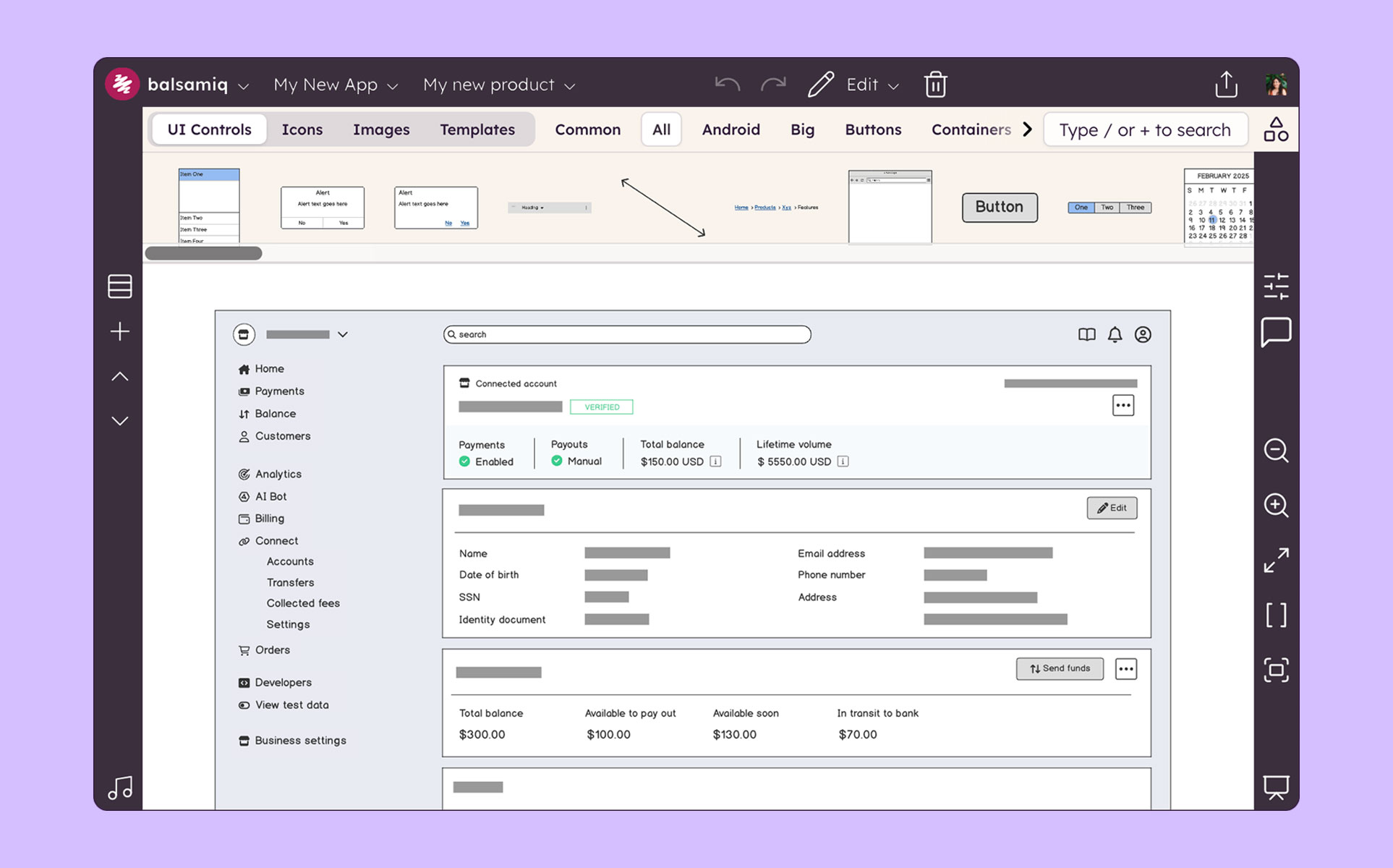
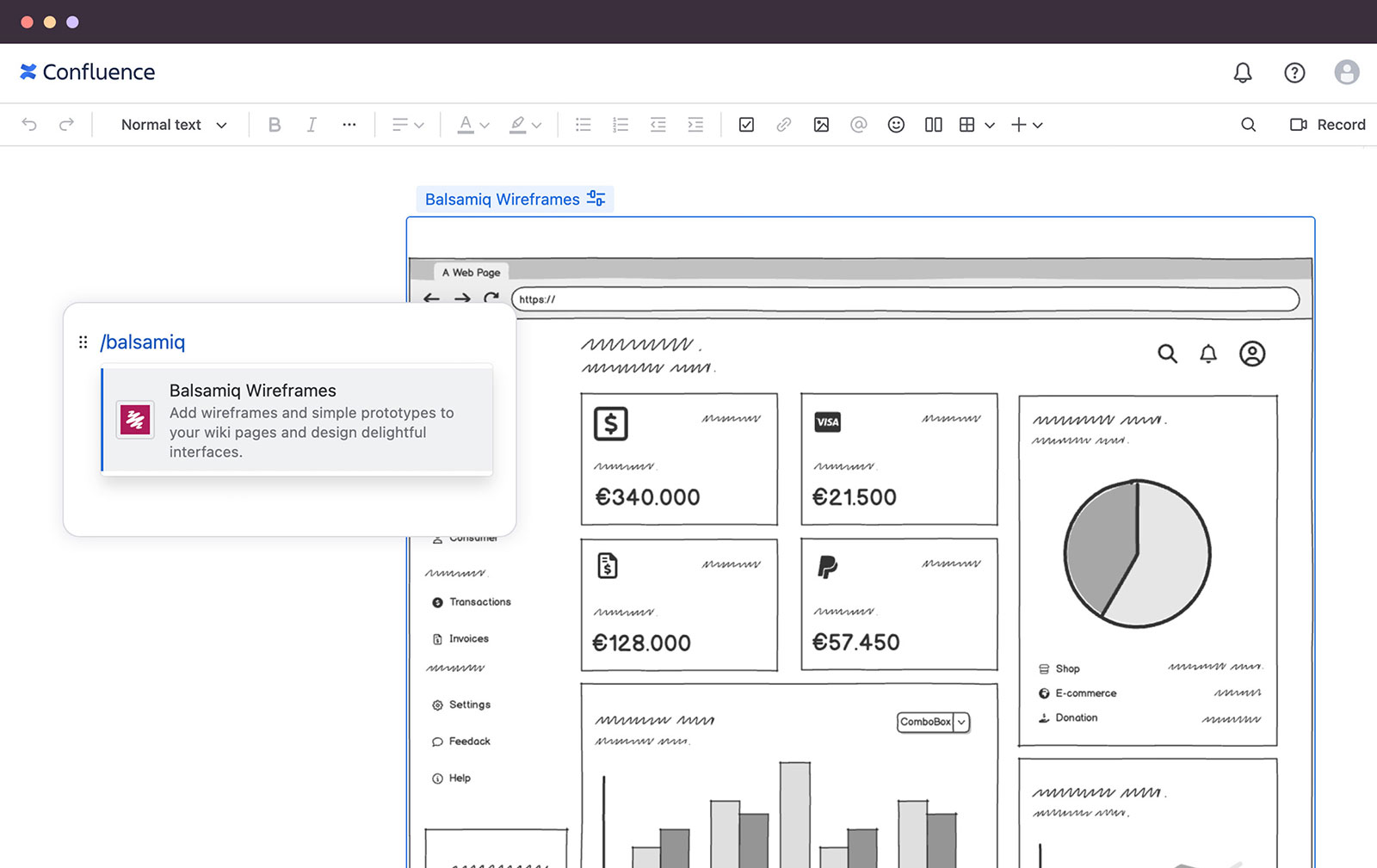
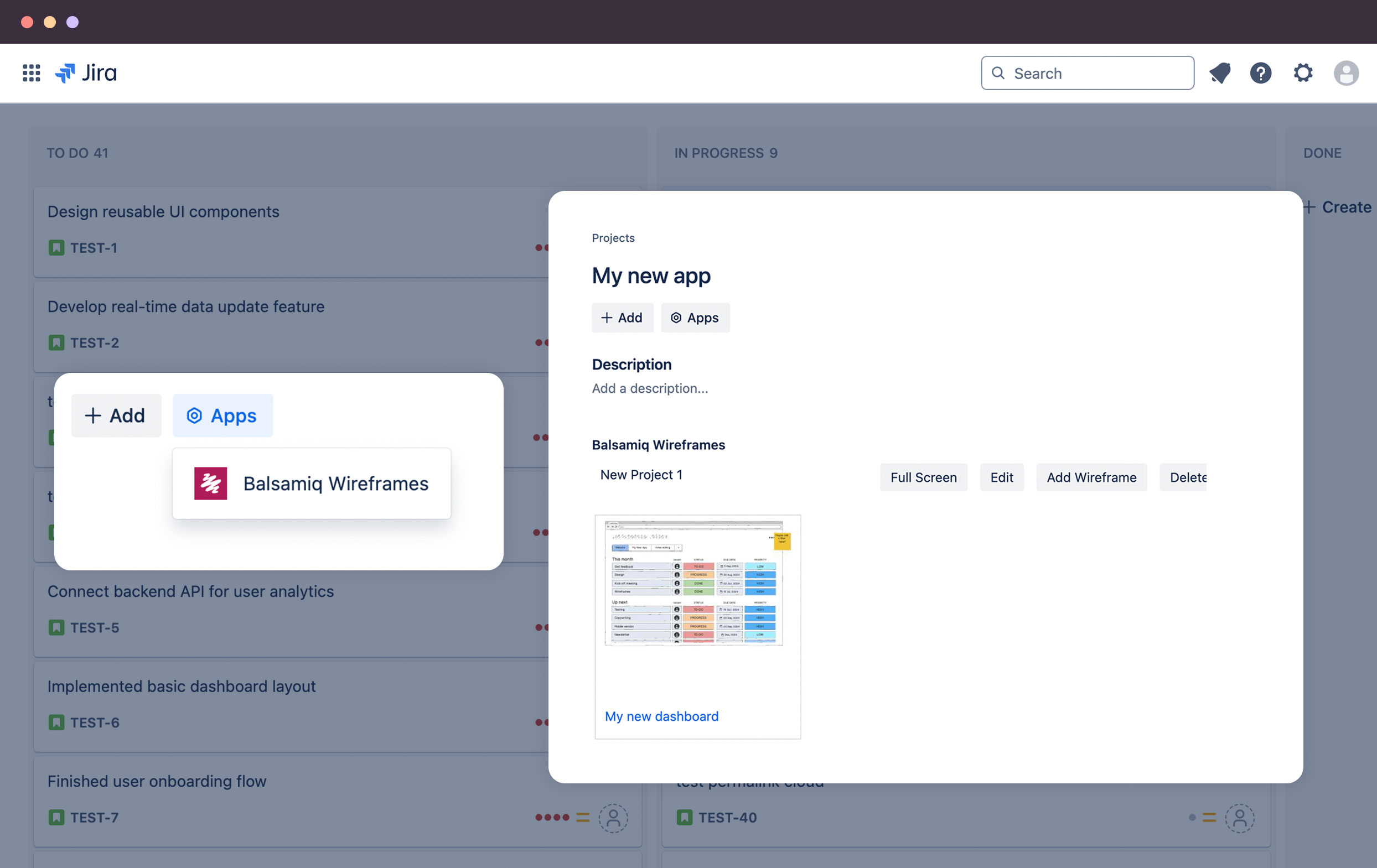
Balsamiq is a wireframing tool that helps lean product teams turn early ideas into clear, actionable direction. The tool helps product managers, founders, and engineers worldwide share concepts, reduce rework, and build better products.
$12
per month (up to 2 projects)
PractiTest
Score 8.0 out of 10
N/A
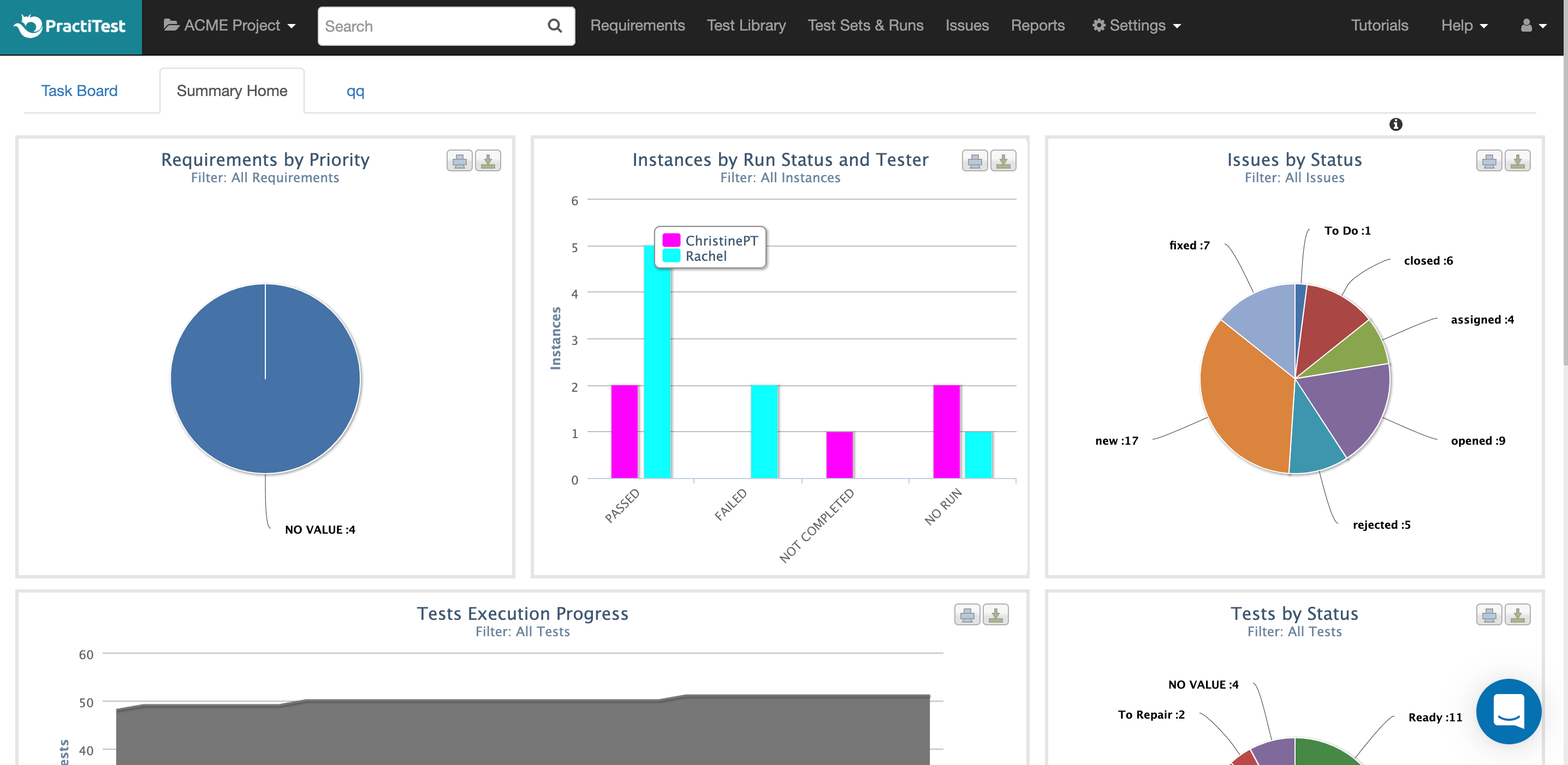
PractiTest is presented as a cloud-based test management tool that provides its customers with an end-to-end system to meet testing and QA needs. It is described by the vendor as flexible but methodological, enabling organizations to ensure visibility and communication at all levels. The solution aims to help users and project development teams streamline and manage their testing processes, while providing management with a clear and simple view of their project status at all times.
$39
user
Pricing
Balsamiq
PractiTest
Editions & Modules
No answers on this topic
Professional
$39.00
user
Enterprise
$49.00
user
Offerings
Pricing Offerings
Balsamiq
PractiTest
Free Trial
Yes
Yes
Free/Freemium Version
No
No
Premium Consulting/Integration Services
No
No
Entry-level Setup Fee
No setup fee
Optional
Additional Details
Pay per project, not per user
—
More Pricing Information
Community Pulse
Balsamiq
PractiTest
Features
Balsamiq
PractiTest
Test Management
Comparison of Test Management features of Product A and Product B
Balsamiq is a great tool for quickly getting ideas into visual form. At first it seems like there are not that many UI assets, but this constraint actually adds to the speed. There are less things for you to fuss over, you can focus on getting your ideas down. This is a tool for lofi rough drawings not a tool for building beautiful prototypes for developers to code to. It is fantastic for ideation because you mostly just drag and drop components onto the canvas and move things around. It's great in a live workshop setting for that reason.
PractiTest works GREAT as a test case repository. It is very easy to gather metrics, filter, and sort based on custom fields. We were able to work with the API to pull our automation results in as well. The support team is always very quick with their responses and monitors the "in-app chat." They are very open to answering questions, providing best practice materials, and looking for additional feedback. If you already have a central location for all of your test cases and testing needs, then I guess you probably wouldn't need to add another. However, PractiTest has high capability and potential, so if it's set up properly you can easily save time managing your tests.
Mock ups are obviously only just mock ups (this is important as if users see mock-ups in HTML, for example, they tend to think the system is ready to use or not far off)
Has a good selection of standard shapes that mock real world fields / controls
Allows not for profit organisations use it for free
The sketch-like style can be off-putting to some stakeholders, and it’s not initially very clear that there is the option to turn this “off.” While I do think there is benefit to the default style, knowing from the start that this flexibility existed would have helped us be able to use this tool more often in the past and in different situations.
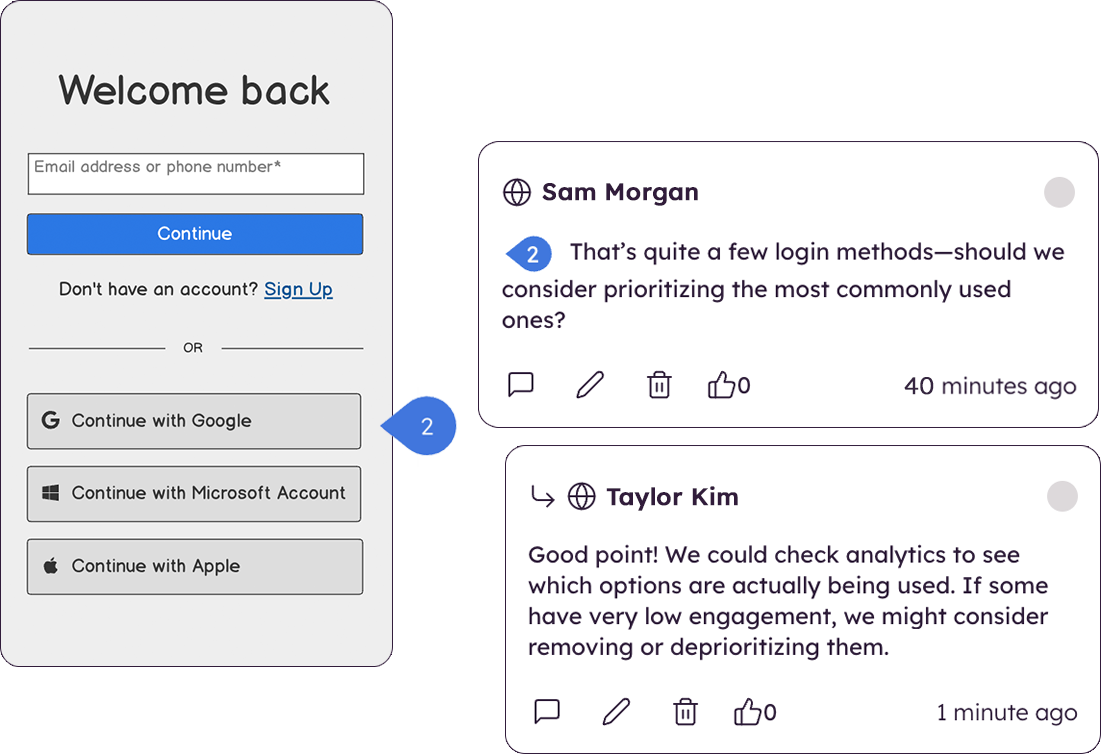
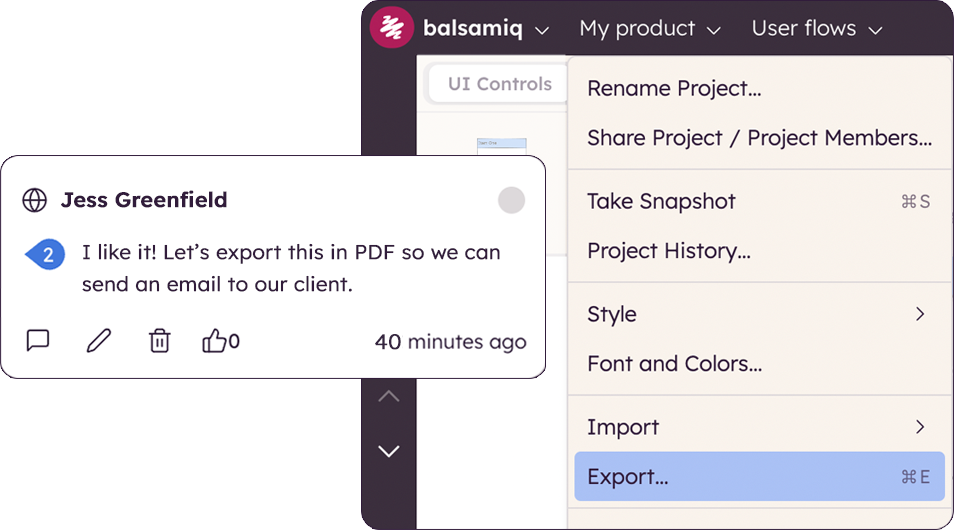
There are very limited collaborative functionalities. When it’s early in the design process, it’s often really helpful to have a number of people in the design to offer in-app feedback so the designer doesn’t have the burden of collecting feedback from many disparate sources in order to incorporate the feedback.
There are limited UI elements. As design evolves, there are more and more UI elements to consider, and many to stop using. Our Balsamiq wireframes would be a lot more effective in communicating design ideas to stakeholders if there was a wider range of UI elements to choose from.
I'm not sure how else we would be able to complete our work without Balsamiq or another similar tool. All of my experience with Balsamiq has been positive and they continue to develop new features so that my job gets easier. I would be very surprised if we didn't renew Balsamiq
Very intuitive and easy to understand. It only takes minutes to get the hang of it and get back to work. For new analysts (like, brand new, fresh out of school) it's not difficult and they need minimal to no hand-holding. The training content that is embedded is easy to find and use.
The chat button is available to anyone who logs into PractiTest. In my experience, the support has always been very quick, very friendly, and very thorough. They make sure that your question is answered in a way that you understand it. They also provide documentation of best practices so you are never left hanging on what to do next.
Creating digital wireframes in Photoshop is a nightmare. Photoshop was not really designed for this purpose. It doesn't have good collaboration options and it doesn't allow pattern libraries, which are essential for consistency and efficiency. We use UXPin and Axure for some time, but found that these platforms were a bit bloated. Balsamiq is much simpler than any of these options. It's a perfect wireframing platform for non-designers or for designers that want to focus on content and element-placement prior to design
I've used many different Test Case Repository tools, and while each of them has its perks, I like the capabilities of PractiTest best. When creating a test in qTest for example, you can only input information into the fields provided, and you have everything set up in a folder tree structure. With PractiTest, we are able to create custom fields and filter our tests based on those fields to provide more accurate information in a readily available format while quickly searching for the filter instead of through a folder tree. TestRail did not appear to meet our needs as a company. It just didn't have the potential that we found with PractiTest. Zephyr for example worked seamlessly with Jira, which is really nice since that is what we use for the most part. However since we cater to many different clients, we needed an external Test Case repository so we could use something that wasn't tied to 1 Jira instance.
The product works very well for showing product owners and developers design ideas for purposes of discussion, debate and refinement.
The products also works very well for specifying new designs for developers. This is best done in a series of screens that show various screen states and user interactions.
I also use the products to document bugs in software products and websites we have developed. This includes outlining and documenting bugs and changes to user interactions and refinements to the usability of completed interfaces and user experiences.