Beekeeper vs. Google Slides

Overview
ProductRatingMost Used ByProduct SummaryStarting Price
Beekeeper
Score 8.0 out of 10
N/A
Beekeeper is a social collaboration software solution offered by Beekeeper AG.N/A
Google Slides
Score 8.2 out of 10
N/A
Google Slides is a presentation tool that enables users to create, edit, collaborate, and present. It is free for personal use, and available to businesses via a Google Workspaces subscription.N/A
Pricing
BeekeeperGoogle Slides
Editions & Modules
No answers on this topic
Offerings
Pricing Offerings
BeekeeperGoogle Slides
Free Trial
YesNo
Free/Freemium Version
NoYes
Premium Consulting/Integration Services
YesNo
Entry-level Setup FeeOptionalNo setup fee
Additional Details
More Pricing Information
Community Pulse
BeekeeperGoogle Slides
Best Alternatives
BeekeeperGoogle Slides
Small Businesses
Flock
Flock
Score 9.4 out of 10
Canva
Canva
Score 9.1 out of 10
Medium-sized Companies
Zoho Cliq
Zoho Cliq
Score 8.9 out of 10
Mentimeter
Mentimeter
Score 8.3 out of 10
Enterprises
Axonify
Axonify
Score 10.0 out of 10
Mentimeter
Mentimeter
Score 8.3 out of 10
All AlternativesView all alternativesView all alternatives
User Ratings
BeekeeperGoogle Slides
Likelihood to Recommend
10.0
(2 ratings)
6.9
(8 ratings)
Likelihood to Renew
-
(0 ratings)
10.0
(1 ratings)
Usability
-
(0 ratings)
6.9
(4 ratings)
User Testimonials
BeekeeperGoogle Slides
Likelihood to Recommend
Beekeeper AG
Beekeeper is one of those gems which can not get replaced by any other application that easily as it comes in everyday use. Being an SDE I can say that it get used a lot in creating, updating or deleting any data also sharing files is really fast among users. It is suitable if you have a vivid project and need to store huge database and contacts and interaction is daily requirement . It takes sometime to get load but that does not make it any less suitable.
Read full review
Google
Well-suited to working on presentations or PowerPoint-style documents, including setting up templated slides and working collaboratively on presentations. It's less well-suited to setting up printable documents, though I have used it for simple printable documents, you just need to remember to set the slide size to A4 (or your preferred paper size) measurements.
Read full review
Pros
Beekeeper AG
  • Beekeeper is ultimately the most viable option for managing tasks and getting a solid result from projects.
  • It has very extraordinary support; I can solve configuration issues.
  • It gives us significant advantages in communication and collaboration within the organization.
  • It is extraordinary to complement a system of coordination and systematization of priorities in any environment.
Read full review
Google
  • Real-time collaboration makes it easy for multiple people to work on one presentation or deck.
  • Sharing is very straight forward, so it's easy to keep control of who can do or can't do.
  • Flexible so it's uses don't stop in presentations.
Read full review
Cons
Beekeeper AG
  • It takes a few seconds to a minute to get load with all the tables and database.
  • Its UI could be a bit better and it has room for improvement.
  • Sometimes it lags that could be resolved as well.
Read full review
Google
  • The slides generated by the "Beautify this slide" feature are not editable. You need to prompt again to make the changes you want.
  • You don't have a way to switch to another company template. For example, if you want to switch from light to dark theme, you can't.
  • The layout of the Animations sequence is not easy to read.
Read full review
Likelihood to Renew
Beekeeper AG
No answers on this topic
Google
The popularity for Google Slides among the casual technology tool users is so great that we are not in a position to replace this tool with anything else. Every other tool either doesn't have the popularity, or doesn't match the ease of sharing level of Slides. The training needed to learn a different tool is too great. Google Slides is very easy to pick up and master.
Read full review
Usability
Beekeeper AG
No answers on this topic
Google
Google Slides is very easy and intuitive for creating simple, straightforward presentations. Its limitations make for less decision making. Being part of the Google Suite makes for easy sharing and collaboration, auto-saving, and time-stamped versions/edit history. However, unlike a platform like Canva, there's no icon library, photos, graphics, or elements built-in, so if you're wanting more creative designs, you have to import or create yourself.
Read full review
Alternatives Considered
Beekeeper AG
Beekeeper has been able to bring us considerable advantages in terms of communication and collaboration within our organization. It is a fantastic tool that allows us to communicate with colleagues.
Read full review
Google
Google Slides works both online and offline, they are free to use if you have a Google account. Easy to share and are supported by most web browsers. A great addition to your arsenal of interactive educational online platforms.
Read full review
Return on Investment
Beekeeper AG
  • Since we need to deploy project and beekeeper makes it easy to store database it has positive impact on ROI.
  • Beekeeper makes whole task very easy and hassle free making it easier to developers to work and get the tasks done thus having a positive impact on ROI.
  • It does not have any negative impact.
Read full review
Google
  • We’ve closed all our clients using Google slides.
  • Google slides has directly led to 100's of thousands of dollars in our org.
  • It has helped us add dozens of new clients.
  • Has helped us present information to businesses making 10M+ revenue.
Read full review
ScreenShots

Beekeeper Screenshots

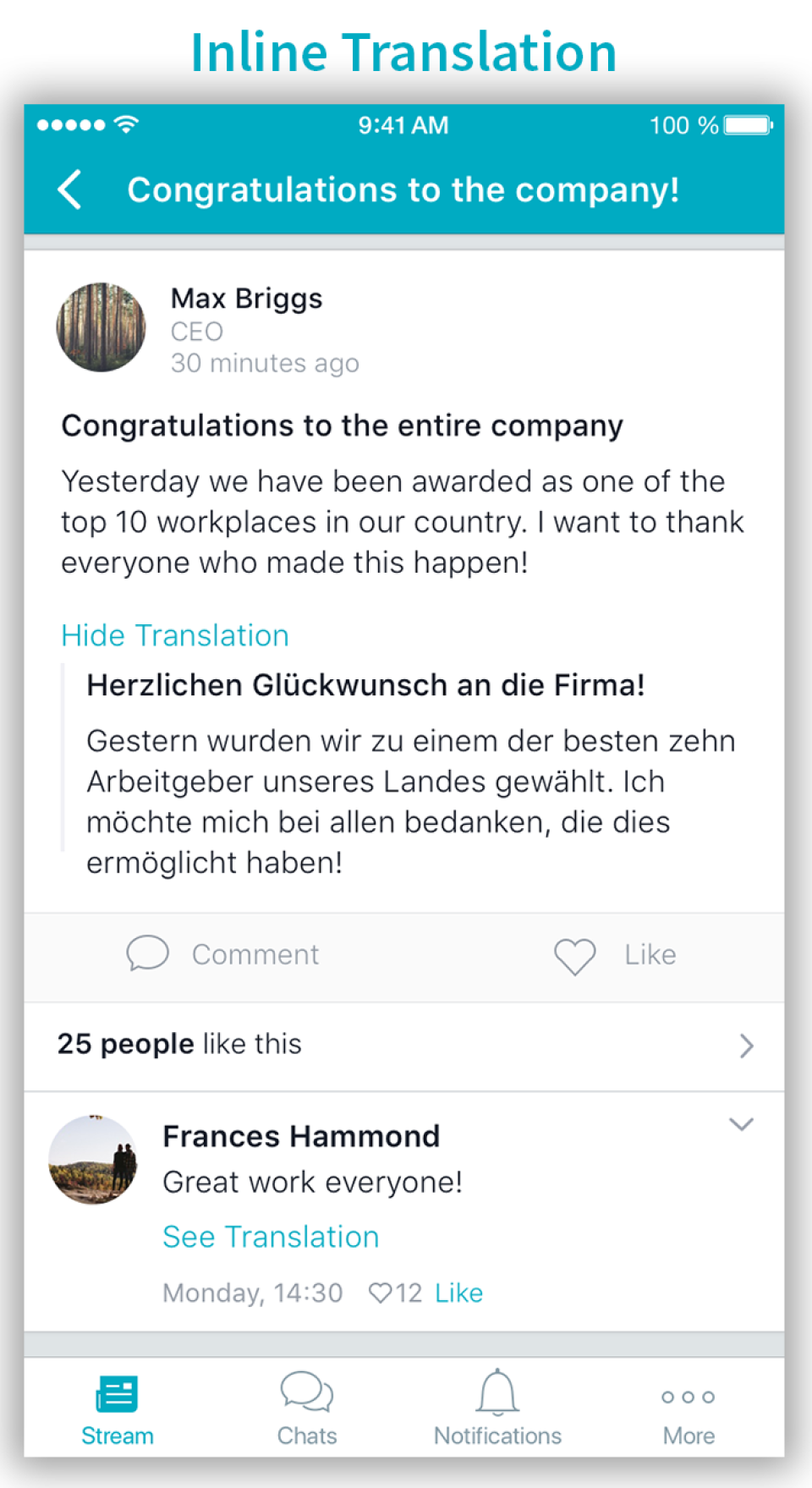
Screenshot of Group MessagingScreenshot of Inline Translation