brahms® is a digital asset manager. A solution designed to empower employees to structure, find, localize, and share digital assets using time- and role-based workflows and increase the value of a brand by accelerating collaboration within and outside the organization. WHAT DOES brahms® SOLVE? THE QUANTITY ISSUE For teams overwhelmed by the amount of digital information available at a company. brahms® is a repository where…
N/A
CoSchedule Marketing Suite
Score 10.0 out of 10
N/A
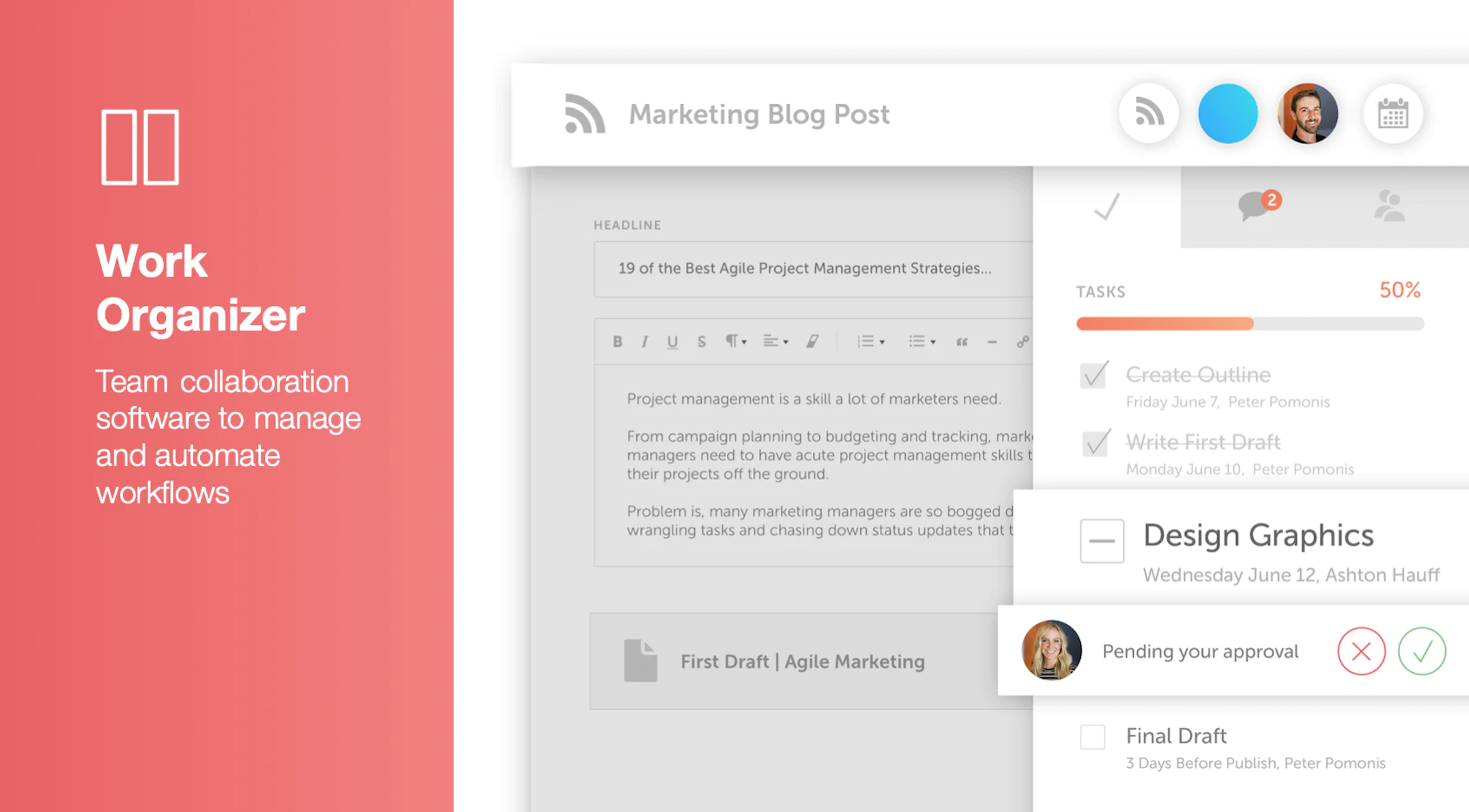
CoSchedule provides a content calendar, content optimization, and contentmarketing products, with users among 50,000 marketers worldwide, helping them organize their work, deliver projects on time, and prove marketing team value.
N/A
Pricing
brahms
CoSchedule Marketing Suite
Editions & Modules
No answers on this topic
No answers on this topic
Offerings
Pricing Offerings
brahms
CoSchedule Marketing Suite
Free Trial
Yes
No
Free/Freemium Version
No
Yes
Premium Consulting/Integration Services
No
No
Entry-level Setup Fee
Optional
No setup fee
Additional Details
—
—
More Pricing Information
Community Pulse
brahms
CoSchedule Marketing Suite
Considered Both Products
brahms
No answer on this topic
CoSchedule Marketing Suite
Verified User
Anonymous
Chose CoSchedule Marketing Suite
Hootsuite has gotten soooooo expensive in relation to the functionality it provides. The value is just not there compared to when prices were lower for SMBs.
In contrast, CoSchedule Marketing Suite provides huge value for the price and the tiered pricing based on users, number …
CoSchedule is definitely a more powerful marketing tool than Loomly or Buffer, which are more dedicated to straight social media scheduling. I preview the calendar overview offered by CoSchedule, which makes it easy to see everything at a glance. PromoRepublic is similar but …
CoSchedule offers a lot more than some of its competitors, but you have to evaluate what your organization needs and doesn't need. For some organizations, they only need a content planner for social media, and CoSchedule might not be the best fit due to price compared to some …
CoSchedule provides collaborative planning of projects. The calendar view is very well designed. Meetings and tasks can be scheduled and tracked easily. Whatever is being done, no matter how big the task/project is, it gives a bird-eye view of everything. Additionally, it also …
After trying other social media scheduling tools, CoSchedule is my favorite. Like I said previously, it fills the gaps I've found in other tools. I feel more organized with CoSchedule and prefer their mobile app as well.
CoSchedule better supports the content creation and redistribution of content activities. The best thing was that you can get it all automated here, while other tools do not provide with support. I would say CoSchedule is one of the best tools for managing both content and …
Crescendo has some very powerful features such as a built in editor that provides a simpler editing suite than Wordpress, especially valuable for contributors. The fact that it has multiple levels of contributor/author/editor is a real plus. There is also a comments box that …
CoSchedule does more than just content planning, it helps you organize your content, betters your content with headline analyzers, and allows you to organize your work and marketing calendars as well. If your organization is in a spot where you need a well-rounded tool to help with content, marketing, or even task organization, CoSchedule might be the right fit.
The import Google Doc to WordPress functionality never worked successfully or reliably for me. So I just manually copy and paste Google Docs to the WordPress editor instead.
The social sharing counter was not that helpful, because it only counted Facebook and Google+. Who uses Google+ anymore? Plus, now they don't even show the social counter in the monthly calendar view. so you can't see the numbers without doing some extra digging.
In the monthly calendar view, some titles get cut off if they don't wrap cleanly in the day's box. So I would make it look cleaner instead of having words broken up by a hyphen.
The interface is very intuitive, from setting up social profiles, to posting, to tags, to optimizing for best day/time to post. It's super easy to scan the aggregate analytics. The calendar is very easy to grok at a glance, and the more advanced functionality is intuitive to set up.
I didn't have to use their official support, but I can say that they put out a lot of content online to help users. Their YouTube page has quite an array of tutorial videos explaining how things work and how to get the most out of their tools. If you're struggling, before picking up a phone or blasting off an email, try searching for your problem on YouTube or their forums.
CoSchedule is definitely a more powerful marketing tool than Loomly or Buffer, which are more dedicated to straight social media scheduling. I preview the calendar overview offered by CoSchedule, which makes it easy to see everything at a glance. PromoRepublic is similar but has the added Canva-type integration, which makes it more appealing to our clients who want to be able to easily put together their own images. CoSchedule is a bit pricy, which can be prohibitive for clients who don't pay in dollars.