
CATIA vs. Railing Designer
CATIA vs. Railing Designer
| Product | Rating | Most Used By | Product Summary | Starting Price |
|---|---|---|---|---|
 CATIA | N/A | CATIA from Dassault Systemes is a 3D product modeling and design tool used across multiple industries. | N/A | |
 Railing Designer | N/A | Railing manufacturers historically encountered significant Drafting Latency during the quoting process. Railing Designer integrates component data, pricing, and engineering rules into a Browser-Based Interface for use by sales teams and dealers: the platform enables 2D Design, 3D Visualization, and the generation of a Quote with an automated Parts List and Bill of Materials (BOM). According to the vendor, users have reduced Quoting Latency through integrated engineering rules that identify… | N/A |
| CATIA | Railing Designer | |||||||||||||||
|---|---|---|---|---|---|---|---|---|---|---|---|---|---|---|---|---|
| Editions & Modules | No answers on this topic | No answers on this topic | ||||||||||||||
| Offerings |
| |||||||||||||||
| Entry-level Setup Fee | No setup fee | Required | ||||||||||||||
| Additional Details | — | With Performance Payment Plan, users pay a percentage of the additional income made from using the software as long as it is providing value. The downloadable attached to this product page explains this in greater detail. | ||||||||||||||
| More Pricing Information | ||||||||||||||||
| CATIA | Railing Designer |
|---|
| CATIA | Railing Designer | |||||||||||||||||||||||||||||||||
|---|---|---|---|---|---|---|---|---|---|---|---|---|---|---|---|---|---|---|---|---|---|---|---|---|---|---|---|---|---|---|---|---|---|---|
| Computer-Aided Design Software |
|
| CATIA | Railing Designer | |
|---|---|---|
| Small Businesses |  Onshape Score 6.4 out of 10 | Onshape Score 6.4 out of 10 |
| Medium-sized Companies | Onshape Score 6.4 out of 10 | Onshape Score 6.4 out of 10 |
| Enterprises |  Rhino Score 8.7 out of 10 | Rhino Score 8.7 out of 10 |
| All Alternatives | View all alternatives | View all alternatives |
| CATIA | Railing Designer | |
|---|---|---|
| Likelihood to Recommend | 7.2 (10 ratings) | - (0 ratings) |
| Usability | 7.2 (2 ratings) | - (0 ratings) |
| Support Rating | 7.8 (3 ratings) | - (0 ratings) |
| CATIA | Railing Designer | |
|---|---|---|
| Likelihood to Recommend |  Dassault Systemes
 Subal Sharma Product Design/Development Engineer | RoleModel Software No answers on this topic |
| Pros | Dassault Systemes
 Özgür Erkek, MSc, PRINCE2® Exhaust Systems Supervisor | RoleModel Software No answers on this topic |
| Cons | Dassault Systemes
 Stéfano Bellote Engenheiro de desenvolvimento de produtos Jr | RoleModel Software No answers on this topic |
| Usability | Dassault Systemes
| RoleModel Software No answers on this topic |
| Support Rating | Dassault Systemes
 Umurefe Demir D&R Engineer | RoleModel Software No answers on this topic |
| Alternatives Considered | Dassault Systemes
 Alan Urbina Designer | RoleModel Software No answers on this topic |
| Return on Investment | Dassault Systemes
 Sailender Naidu Autocad Designer | RoleModel Software No answers on this topic |
| ScreenShots | Railing Designer Screenshots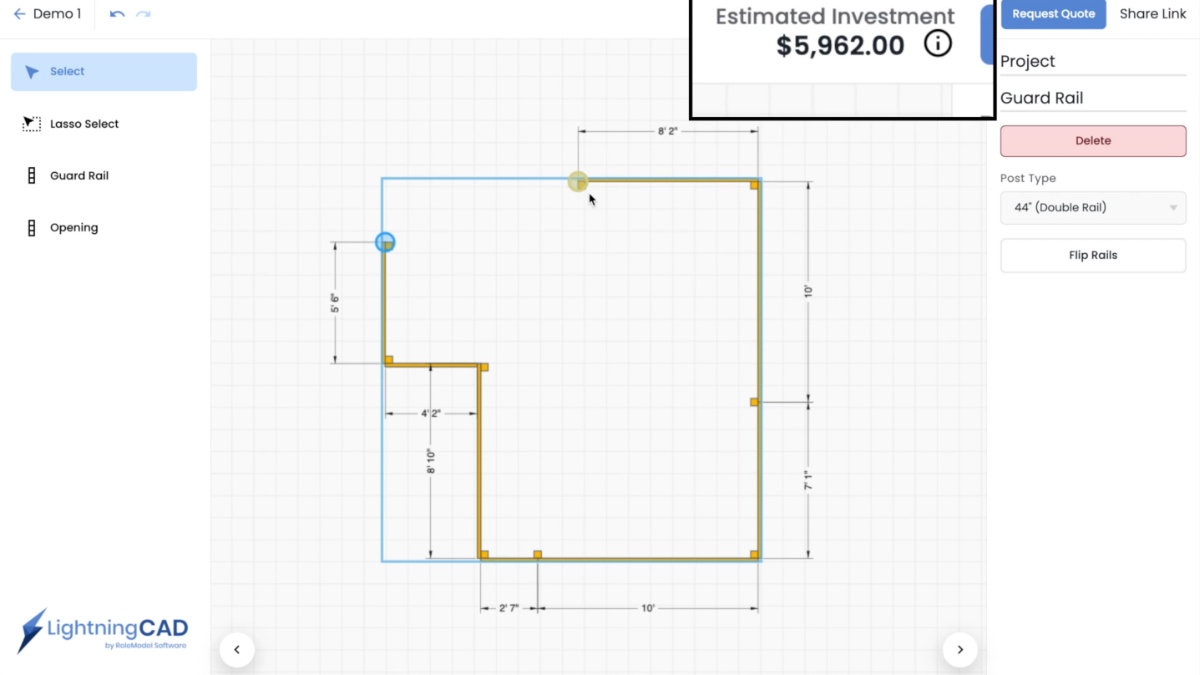 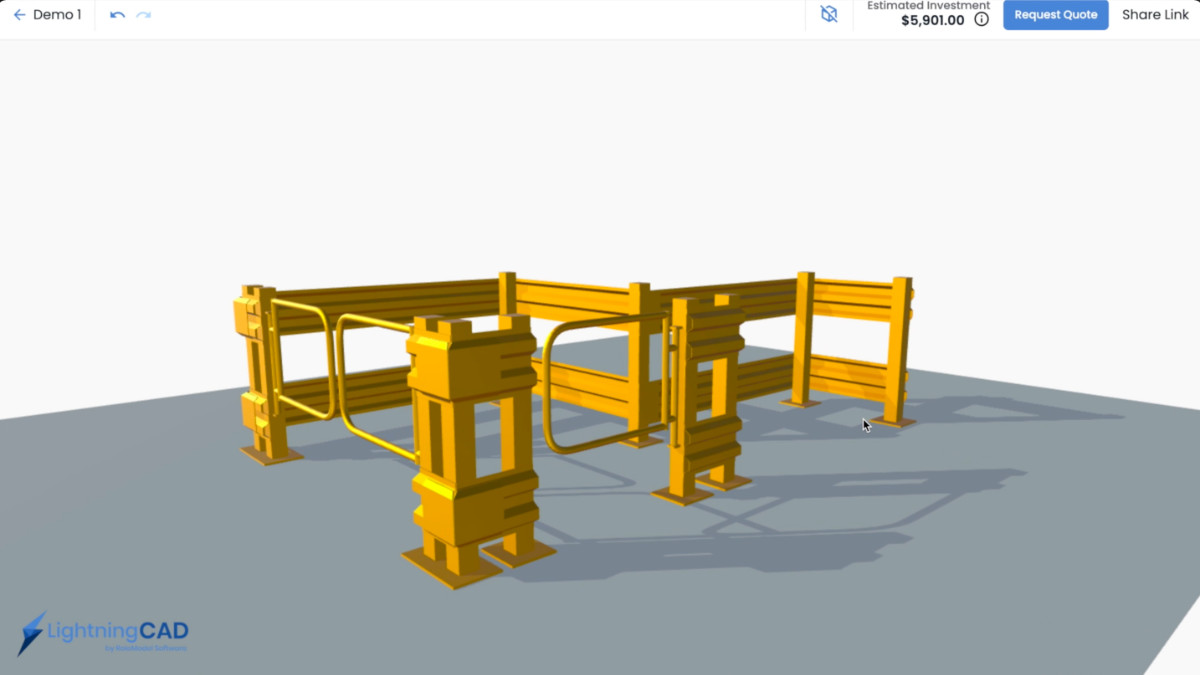  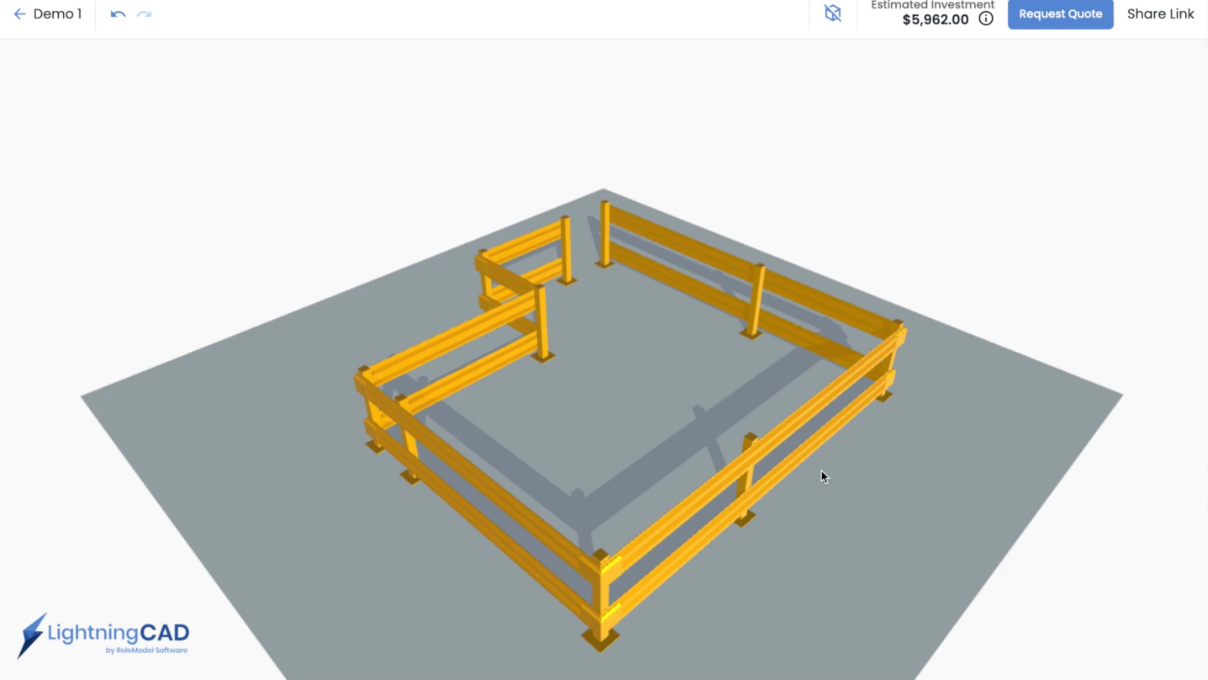 |