
Make vs. resynced.io
| Product | Rating | Most Used By | Product Summary | Starting Price |
|---|---|---|---|---|
 Make | Score9.3 out of 10 | N/A | Make (formerly Integromat) automates integration between applications. It features data transformation capabilities within a no-code graphic interface. The former Integromat was acquired by Celonis in 2020, and the current product Make is a Celonis brand. | $9 per month |
 resynced.io | N/A | N/A | resynced.io is a platform used to keep data in sync across different tools like monday.com, Google Sheets, Notion, and Smarsheet. It supports both one-way and two-way synchronization, so that the user decides whether changes flow in a single direction or stay in sync across both platforms. The goal of resynced.io is to reduce the need for manual data copying or repetitive updates between tools. For example, if a team manages tasks in monday.com but builds reports in Google… | $29 per month |
| Make | resynced.io | |||||||||||||||
|---|---|---|---|---|---|---|---|---|---|---|---|---|---|---|---|---|
| Editions & Modules |
|
| ||||||||||||||
| Offerings |
| |||||||||||||||
| Entry-level Setup Fee | No setup fee | No setup fee | ||||||||||||||
| Additional Details | — | Discount of up to 20% for annual pricing. | ||||||||||||||
| More Pricing Information | ||||||||||||||||
| Make | resynced.io | |
|---|---|---|
| Considered Both Products | No answer on this topic | No answer on this topic |
| Key User Insights | ||
| Would buy again | ||
100% Would buy again 6 Answers | No answers on this topic | |
| Delivers good value for the price | ||
100% Delivers good value for the price 6 Answers | No answers on this topic | |
| Happy with the feature set | ||
100% Happy with the feature set 6 Answers | No answers on this topic | |
| Lived up to sales and marketing promises | ||
100% Lived up to sales and marketing promises 6 Answers | No answers on this topic | |
| Implementation went as expected | ||
100% Implementation went as expected 6 Answers | No answers on this topic | |
| Make | resynced.io | ||||||||||||||||||||||
|---|---|---|---|---|---|---|---|---|---|---|---|---|---|---|---|---|---|---|---|---|---|---|---|
| Cloud Data Integration |
| ||||||||||||||||||||||
| Make | resynced.io | |
|---|---|---|
| Small Businesses |  Zapier Score8.9 out of 10 | Make Score9.3 out of 10 |
| Medium-sized Companies |  IBM App Connect Score9 out of 10 | IBM App Connect Score9 out of 10 |
| Enterprises |  Workato Score9.3 out of 10 | Workato Score9.3 out of 10 |
| All Alternatives | View all alternatives | View all alternatives |
| Make | resynced.io | |
|---|---|---|
| Likelihood to Recommend | 9.6 | - |
| Likelihood to Renew | 10.0 | - |
| Usability | 9.0 | - |
| Support Rating | 2.0 | - |
| Make | resynced.io | |
|---|---|---|
| Likelihood to Recommend |
| No answers on this topic |
| Pros |
| No answers on this topic |
| Cons |
| No answers on this topic |
| Likelihood to Renew |
| No answers on this topic |
| Usability |
| No answers on this topic |
| Support Rating |
| No answers on this topic |
| Alternatives Considered |
| No answers on this topic |
| Return on Investment |
| No answers on this topic |
| ScreenShots | resynced.io Screenshots  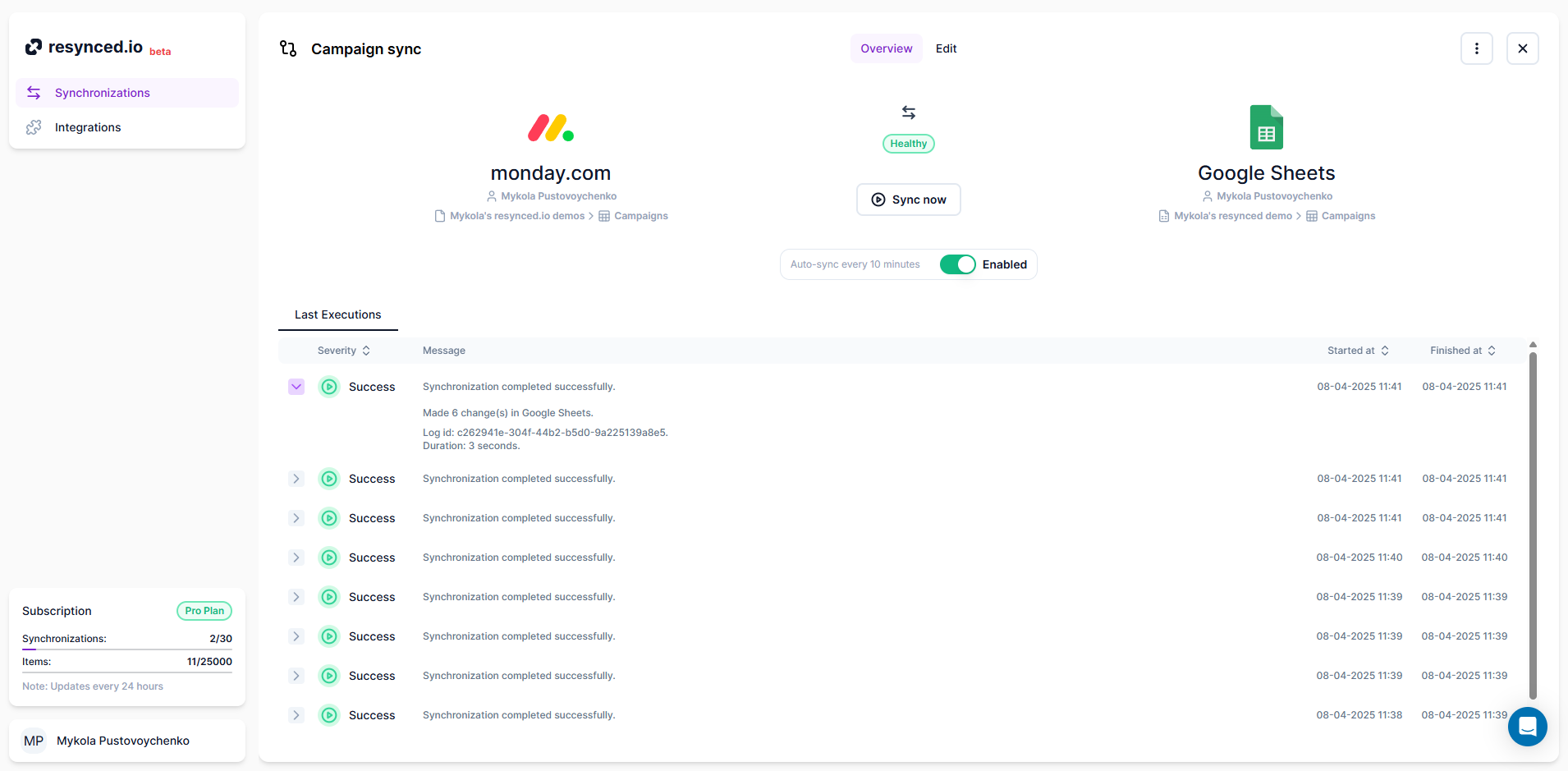 |


