ChiroTouch is cloud chiropractic software offering an integrated EHR software built for chiropractors, top to bottom. ChiroTouch is an integrated system for payment processing and insurance claims management.
$159
per month
Zoho Invoice
Score9.5 out of 10
N/A
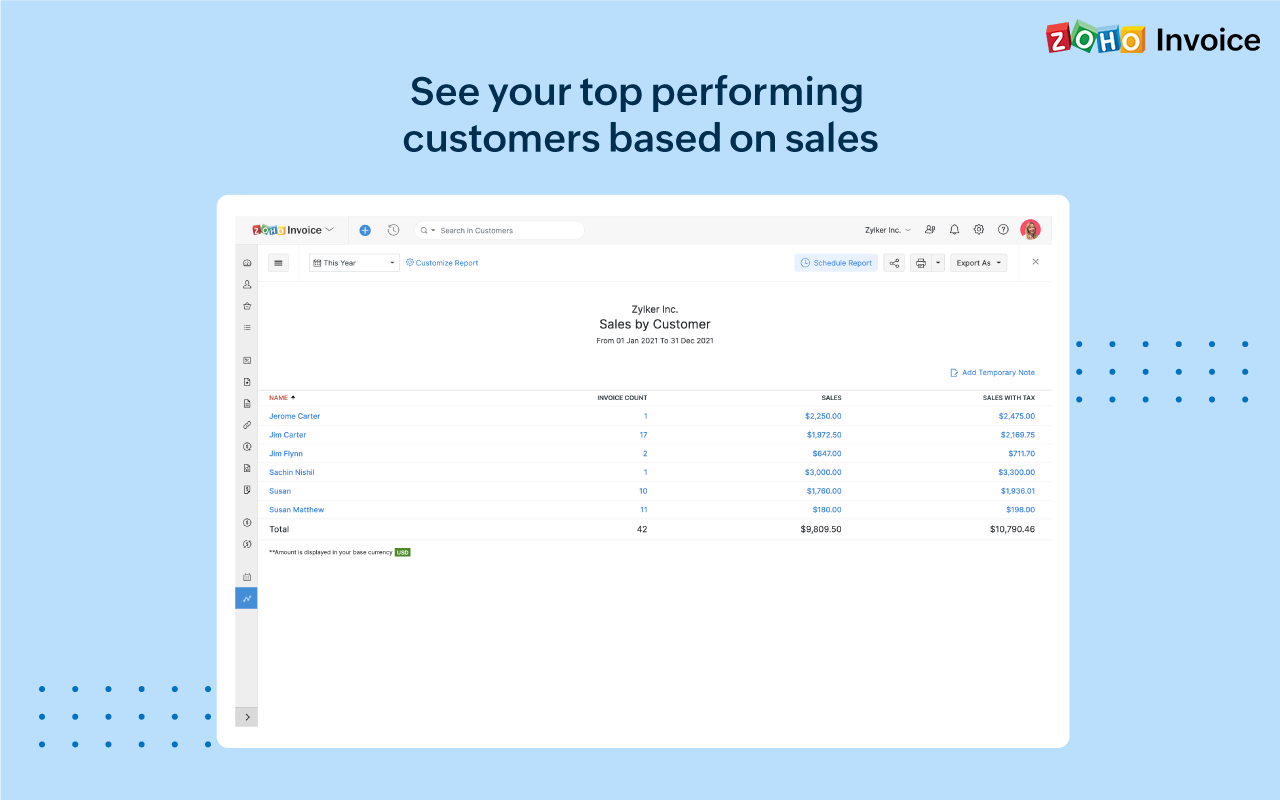
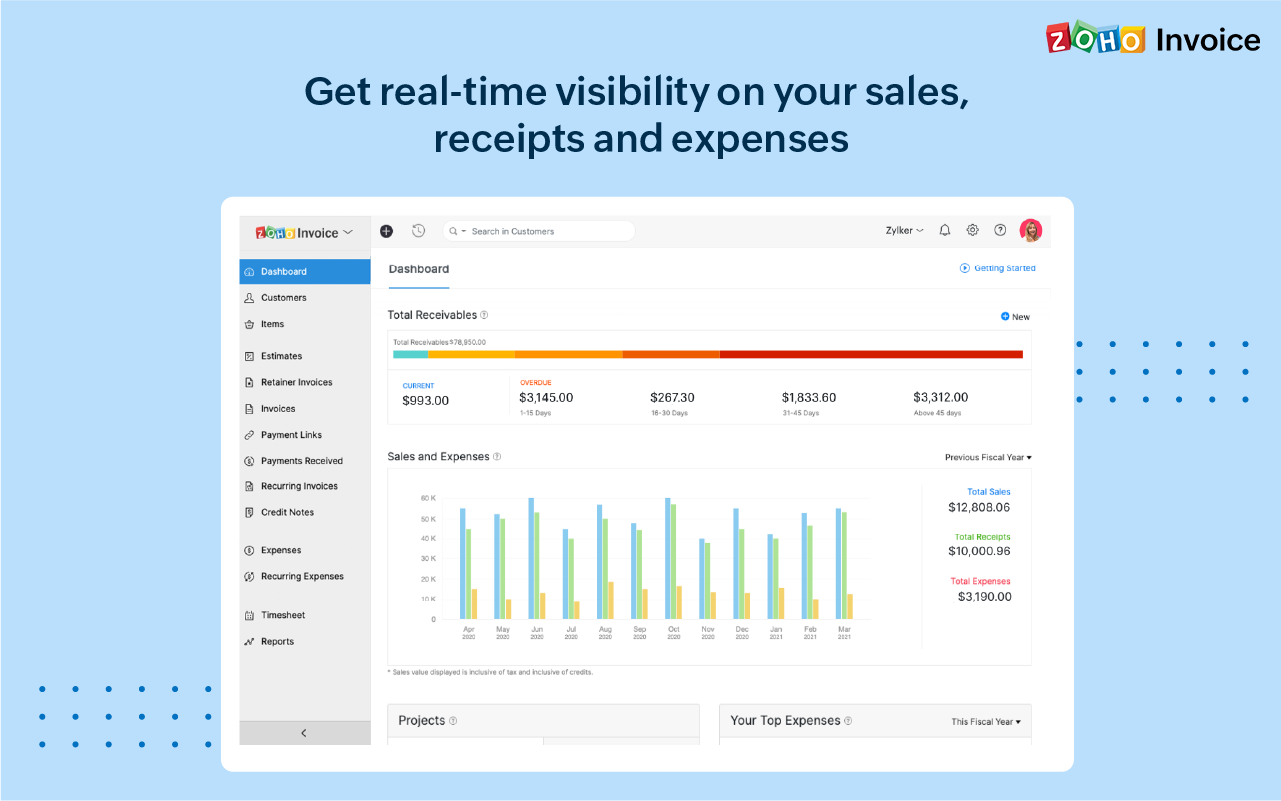
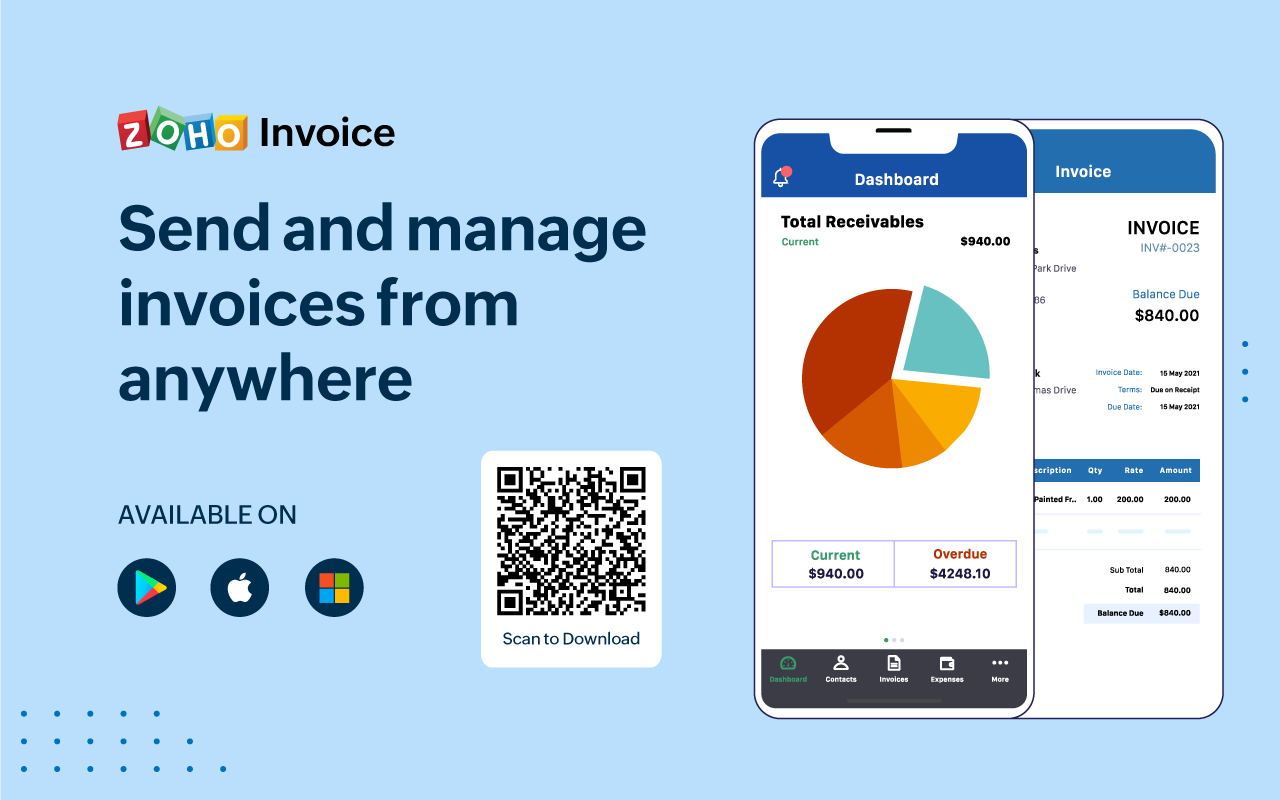
Zoho Invoice is a cloud-based invoicing solution designed to help small businesses with invoicing, tracking expenses, and accepting online payments. Key features include project billing, time tracking, reporting, customizable templates, and a client portaI. Teams using Zoho Invoice can track estimates, convert them to invoices, and send reminders to clients to complete their outstanding payments. Additionally, users can create tasks, collect advance payments for projects, and keep…
$0
Per Organisation, Per Month
Pricing
ChiroTouch
Zoho Invoice
Editions & Modules
ChiroTouch
$159.00
per month
Free
$0
Per Organisation, Per Month
Offerings
Pricing Offerings
ChiroTouch
Zoho Invoice
Free Trial
No
No
Free/Freemium Version
No
Yes
Premium Consulting/Integration Services
No
No
Entry-level Setup Fee
No setup fee
Required
Additional Details
—
Zoho Invoice is a completely free product. It has no contracts, no ads, and no hidden fees
ChiroTouch has helped us maintain more accurate records, notes, billing, and the text reminders help to ensure the patients remember their appointment which keeps our numbers good.
A de minimis incentive was given to thank the reviewer for their time. The incentive was not used to bias or drive a particular response, nor was the incentive contingent on a positive endorsement. More Info
Zoho Invoice streamlines invoicing, payments, and customer interactions, improving financial health and saving time, money, and energy. It ensures billing accuracy, reduces errors, and streamlines client billing by tracking goals and streamlining invoice generation. Zoho Invoice focuses on automation and invocation management to efficiently complete multiple tasks. Zoho Invoice has all the features needed for an invoicing system, but it could be better at integrating with other CRM platforms and simplifying taxation.
A de minimis incentive was given to thank the reviewer for their time. The incentive was not used to bias or drive a particular response, nor was the incentive contingent on a positive endorsement. More Info
A de minimis incentive was given to thank the reviewer for their time. The incentive was not used to bias or drive a particular response, nor was the incentive contingent on a positive endorsement. More Info
There is quite a bit to learn, even if you have experience with other EHR systems like I did, and required our staff and providers time and patience to get accustomed to it. It may be helpful for the Chirotouch team to develop a curriculum of sorts to navigate practices through learning the system in a logical way.
The EHR system is higher in price than other comparable systems, especially with all the add-ons - it would be nice if Chirotouch were a little more transparent about what you get when purchasing the item off the shelf, and, more importantly, what features are not included without a package upgrade.
The graphic layout and color scheme isn't as "pretty" as other EHR systems I've worked with, and actually looks quite outdated. It might be worthwhile for Chirotouch to work with graphic designers to make the interface a little more aesthetically pleasing.
A de minimis incentive was given to thank the reviewer for their time. The incentive was not used to bias or drive a particular response, nor was the incentive contingent on a positive endorsement. More Info
Time tracking, though easy enough, could be simplified. Having the ability to change default settings when entering time could save a few keystrokes.
The ability to automatically take unbilled hours and pull into a new invoice seems to be there, but it is a bit cumbersome. It also defaults to too much detail. Having the ability to customize would be great.
The ability to auto-BCC yourself on all invoices sent out would be a nice feature.
A de minimis incentive was given to thank the reviewer for their time. The incentive was not used to bias or drive a particular response, nor was the incentive contingent on a positive endorsement. More Info
A de minimis incentive was given to thank the reviewer for their time. The incentive was not used to bias or drive a particular response, nor was the incentive contingent on a positive endorsement. More Info
It is fine once it is up and running, but the customization takes a long time, does not have some things setup in advance that seem very straight forward, and for most people the learning curve is very high for learning the system even once it is properly setup and customized. However, it is "fine" not particularly impressive. Additionally, their customer support and training is substandard.
A de minimis incentive was given to thank the reviewer for their time. The incentive was not used to bias or drive a particular response, nor was the incentive contingent on a positive endorsement. More Info
Zoho invoice has changed my expectations of what services like this can be. Providing something as simple as invoicing for small businesses who are struggling to find places to cut costs at such a reasonable rate is life-changing for some businesses. I know it was for mine. We saved so much that we did not have to cut in other areas. That has helped to keep us in business and grow it as well.
A de minimis incentive was given to thank the reviewer for their time. The incentive was not used to bias or drive a particular response, nor was the incentive contingent on a positive endorsement. More Info
Sometimes we get weird error messages. We have been having a problem with our check-in computer and ChiroTouch hasn't been able to figure out the problem
A de minimis incentive was given to thank the reviewer for their time. The incentive was not used to bias or drive a particular response, nor was the incentive contingent on a positive endorsement. More Info
Generally we never have problems with speed. If we have, it's been because we needed to perform software updates, and then it went back to working quickly.
A de minimis incentive was given to thank the reviewer for their time. The incentive was not used to bias or drive a particular response, nor was the incentive contingent on a positive endorsement. More Info
A de minimis incentive was given to thank the reviewer for their time. The incentive was not used to bias or drive a particular response, nor was the incentive contingent on a positive endorsement. More Info
The particular person we were assigned was not very well versed in the software. Several things we asked about we were told we not possible, and then I later figure out how to do them by myself after getting to know the software. I guess that is what comes from trainers who use the system in theory but not in an actual office. They are basically reading off a script that guides you how to set things up, nothing more. If she didn't know the answer, she didn't research it, she just told us it wasn't possible. However, it was a multi-session training spread out over a couple weeks and they did walk you through all the basics. It does take a lot of customization, so this was appreciated. It would have been very intimidating to do without guided support sessions.
A de minimis incentive was given to thank the reviewer for their time. The incentive was not used to bias or drive a particular response, nor was the incentive contingent on a positive endorsement. More Info
A de minimis incentive was given to thank the reviewer for their time. The incentive was not used to bias or drive a particular response, nor was the incentive contingent on a positive endorsement. More Info
We had been using medisoft before and it wasn't organized enough or clear enough for insurance billing, coding and doctors notes. Chirotouch solved all of these problems with the additional bonus of being customizable
A de minimis incentive was given to thank the reviewer for their time. The incentive was not used to bias or drive a particular response, nor was the incentive contingent on a positive endorsement. More Info
Google Drive stored my invoices in one accessible location but required more time and maintenance. I didn't want to invest the time into building out sheet functions to carry over figures across sheets, so I researched invoicing options. I am already a fan of Zoho services, so it was an easy decision to try out their Invoicing site. Same login, the same level of support, free trial. No risk! I was pleased to find the solution on my first try.
A de minimis incentive was given to thank the reviewer for their time. The incentive was not used to bias or drive a particular response, nor was the incentive contingent on a positive endorsement. More Info
It's reliable, though occasionally has connectivity issues. Their support says it's our computing issue, not the software, but we don't have similar problems with other software. Definitely needs to be backed up daily. We use ChiroTouch's backup and it works well
A de minimis incentive was given to thank the reviewer for their time. The incentive was not used to bias or drive a particular response, nor was the incentive contingent on a positive endorsement. More Info
A de minimis incentive was given to thank the reviewer for their time. The incentive was not used to bias or drive a particular response, nor was the incentive contingent on a positive endorsement. More Info
Zoho Invoice has created a positive impact by allowing us to successfully organize and track online payments and invoices.
Zoho Invoice has saved us both time and money by making our invoicing business processes automatic and effortless.
Zoho Invoice has created a positive return on our investment many times over. It's increased business functions to help generate more profits in shorter periods of time.
A de minimis incentive was given to thank the reviewer for their time. The incentive was not used to bias or drive a particular response, nor was the incentive contingent on a positive endorsement. More Info