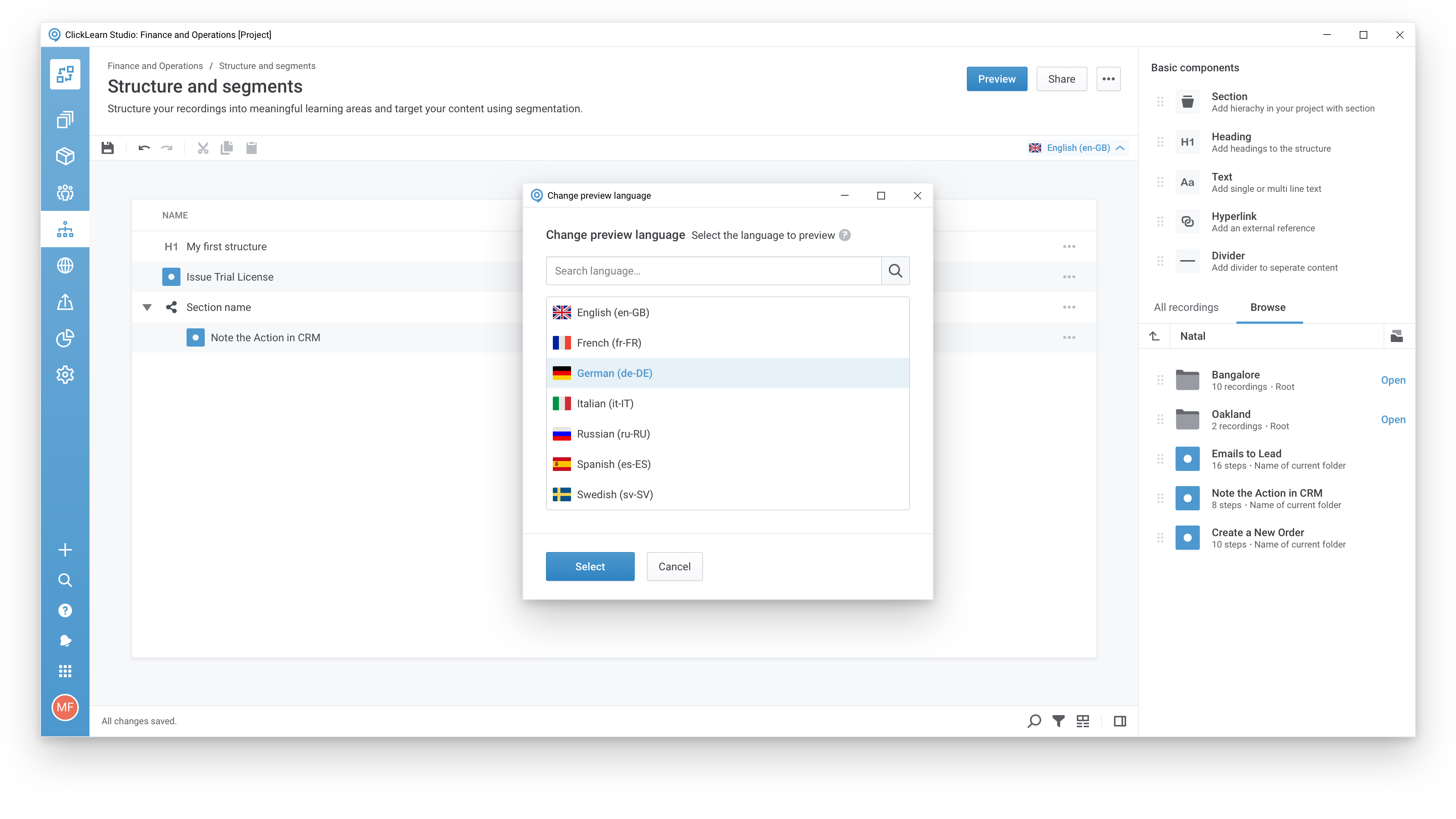
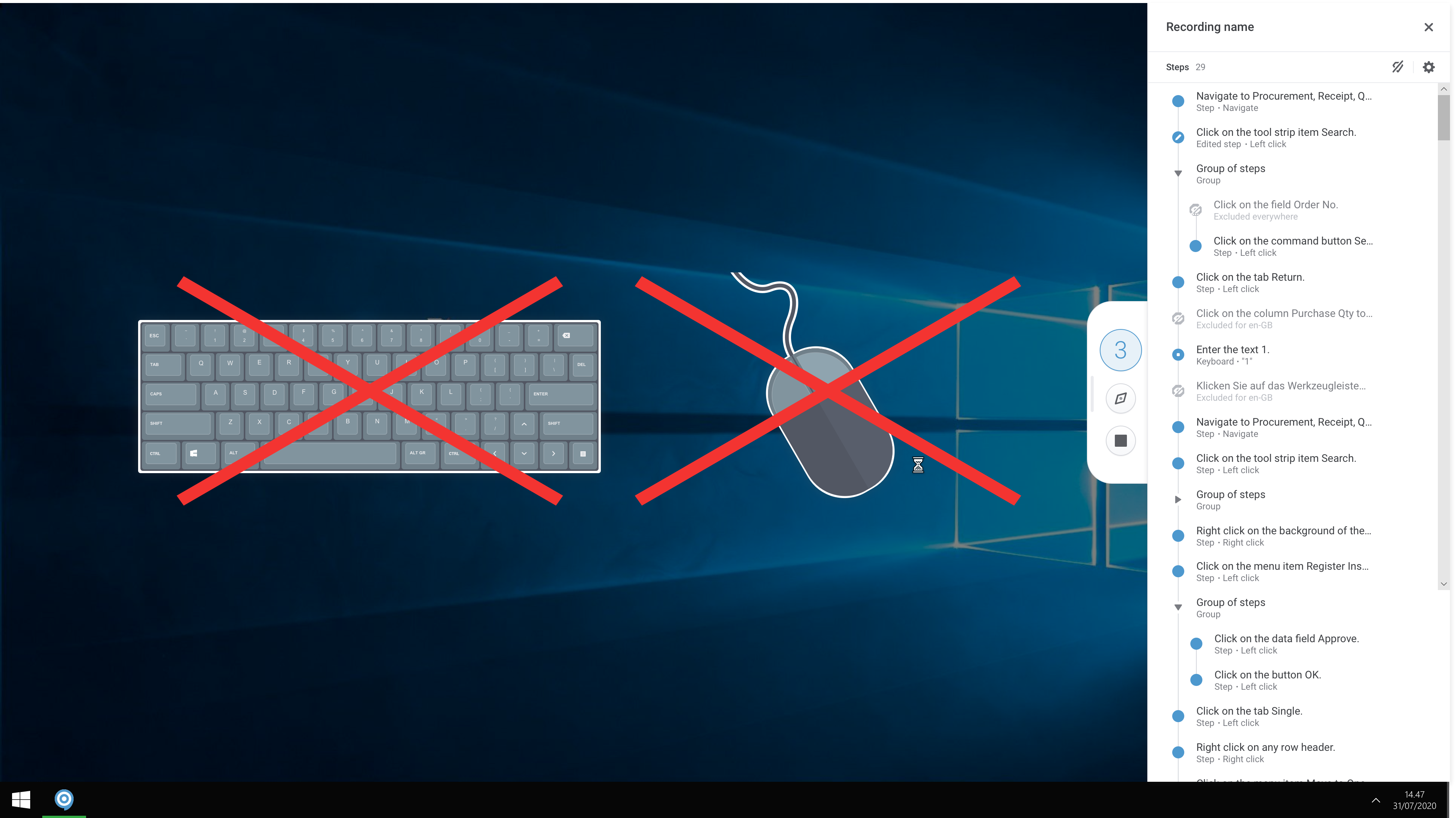
ClickLearn automates the process of creating training material and documentation of popular business systems such as Microsoft D365, SAP, and Oracle. With ClickLearn, users click through processes and ClickLearn records actions. When these are recorded, ClickLearn automatically delivers the resulting content in these 7 different formats to be used in training situation: Step-by-step instructions in HTML for posting online Step-by-step instructions in Word and…
$208
per installation
ProProfs Knowledge Base
Score10 out of 10
N/A
ProProfs Knowledge Base is a help authoring tool for creating help documents or web pages, online FAQs, or other knowledge bases.
Even though ClickLearn is quite a handy tool, it takes time to create new records, or more like modifying those to be suitable for use. Also, when I have had questions about ClickLearn and considering that the software is for generating for example manuals, I have struggled with finding solutions to cases from the ClickLearn site. For example how to enable/disable Assistant -functionality. Had two private sessions, with two different support persons, getting two different ways to do things. Not good.
A de minimis incentive was given to thank the reviewer for their time. The incentive was not used to bias or drive a particular response, nor was the incentive contingent on a positive endorsement. More Info
ProProfs Knowledge Base is ideal for businesses that want to improve their customer support process, make agents more knowledgeable and productive, induct new employees, or manage their internal business knowledge. We used it mainly for our customer support function, and we are satisfied with the performance. The best part is it scales as a team or business grows. When we started using this tool, we had a support team of 10 members, and now it has expanded to 25. But the knowledge base is still working as efficiently as before. It has the capability to accommodate a large amount of data with ease.
A de minimis incentive was given to thank the reviewer for their time. The incentive was not used to bias or drive a particular response, nor was the incentive contingent on a positive endorsement. More Info
It helps in creating an internal knowledge base that employees from different teams can access to find and share information.
Creating a customer support knowledge base is quite simple with this software. The customization and branding options it has have helped in giving the knowledge base a professional and appealing look.
Its conditional content feature allows setting specific conditions that control content visibility. This helps in restricting or allowing access to a page.
The product is good as it is. We don’t feel that any significant changes are needed. But, yes, we would definitely love to see a more advanced version of the product soon.
Using this tool is a no-brainer, as we said before. Its features are simple yet powerful. Besides, the product’s self-help documentation is also great. It has got some great videos on specific features and use cases. Those were of real help in the initial few days.
Whenever we had any issues while using the product or understanding a feature, its support team was always available. They helped us get familiar with the product and make the most of it in the initial few days itself. Its support team was literally a phone call or a message away. Very supportive and available 24x7.
We found ProProfs Knowledge Base more user-friendly and well-designed than the other similar tools we tried in the past. It also offers better integrations with software like Google Analytics, Zendesk, Google Translate, Freshdesk, Wufoo, and many others. That’s what gave this tool an edge over others. We can integrate it with any tool we want and expand its capabilities to gain better results.
A de minimis incentive was given to thank the reviewer for their time. The incentive was not used to bias or drive a particular response, nor was the incentive contingent on a positive endorsement. More Info