Clockwise, from the company of the same name in San Francisco, is calendar optimization software, which uses AI to create uninterrupted blocks of time, enhance Slack, take the stress out of complex scheduling, resolve double bookings, and balance appointments while allowing users to meet their Focus Time goals.
June 16, 2020 Bain Capital Ventures announced leading an $18M Series B funding round in Clockwise.
$0
per month per user
Zoho Bookings
Score 9.0 out of 10
N/A
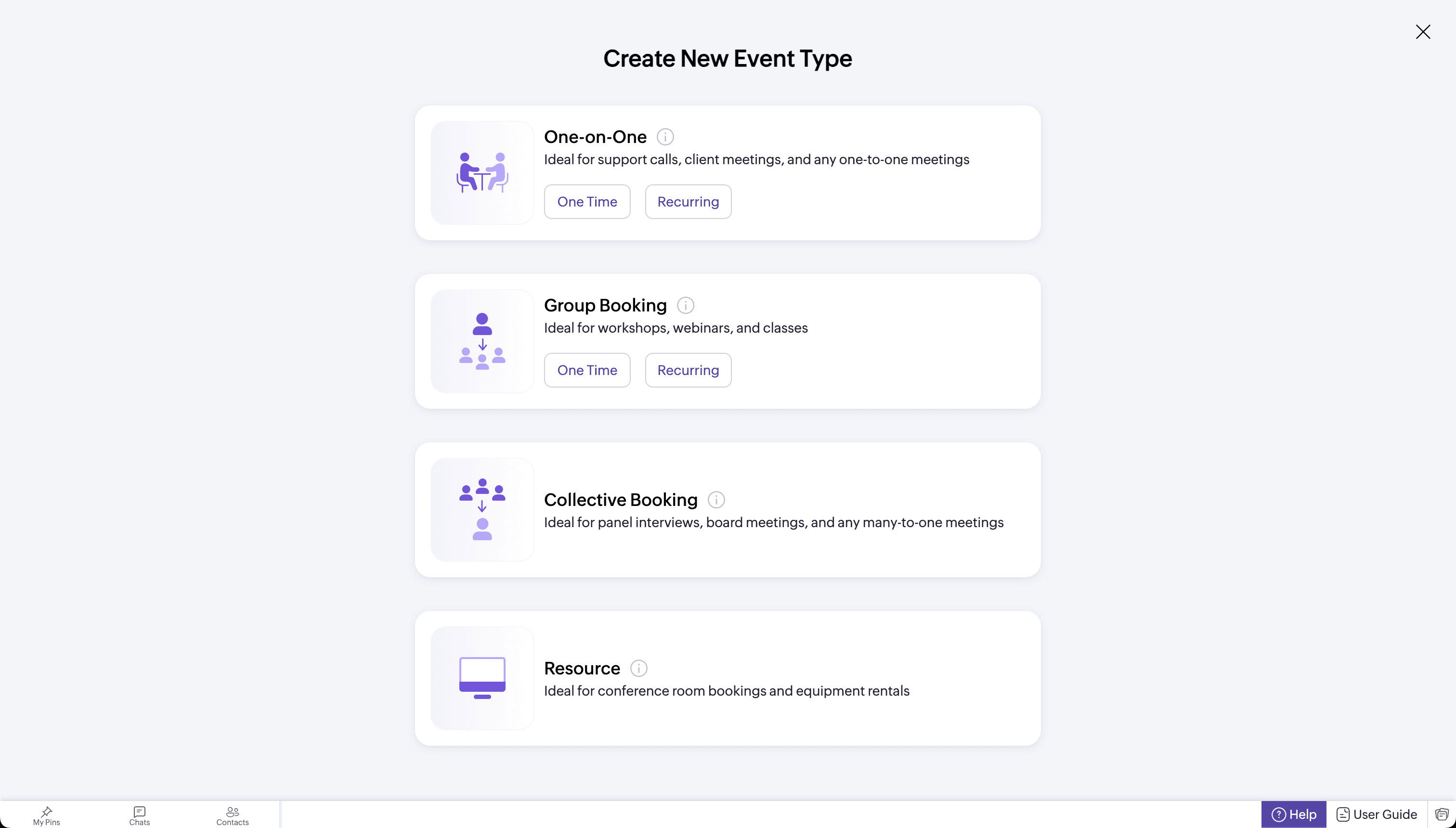
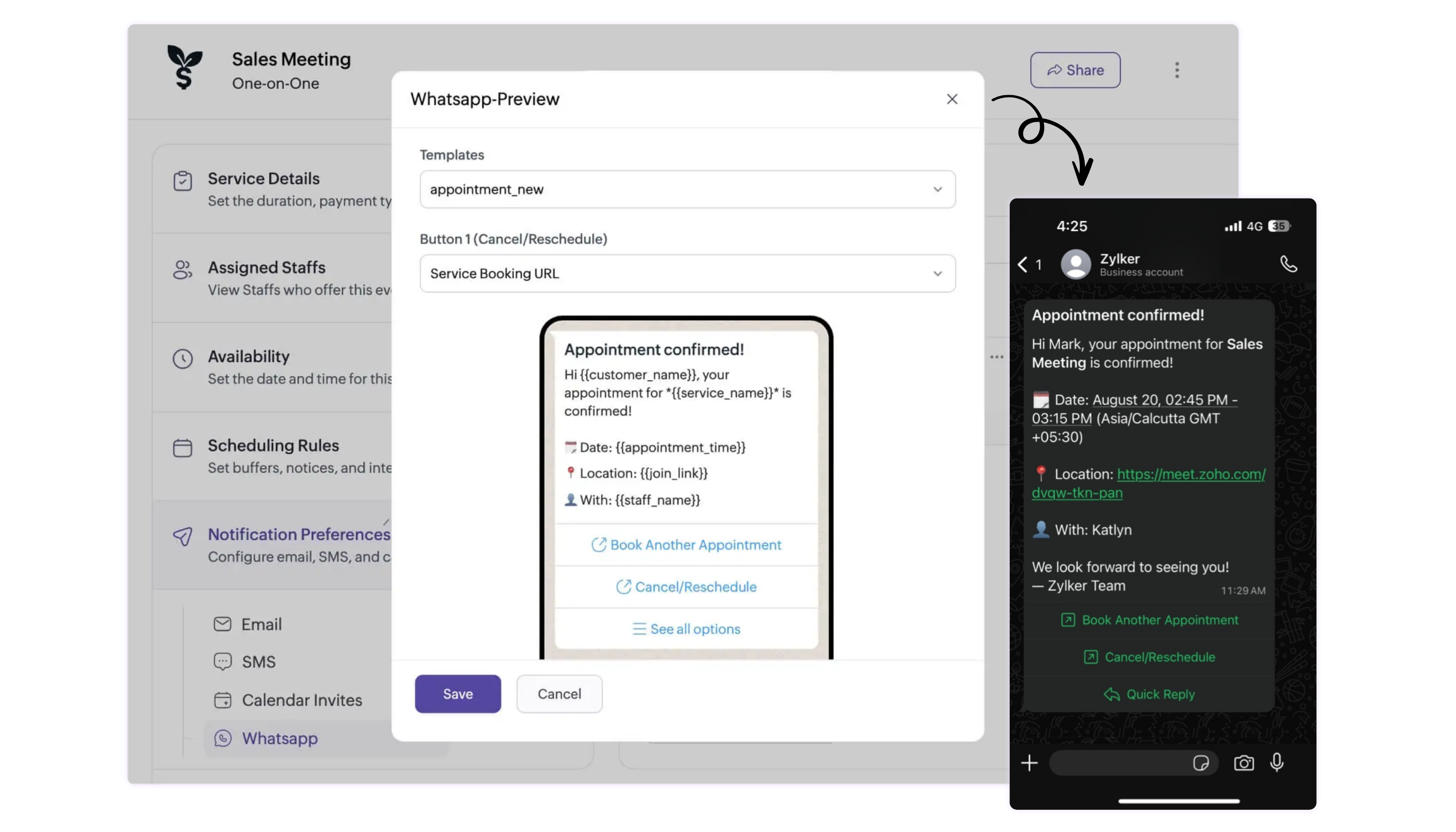
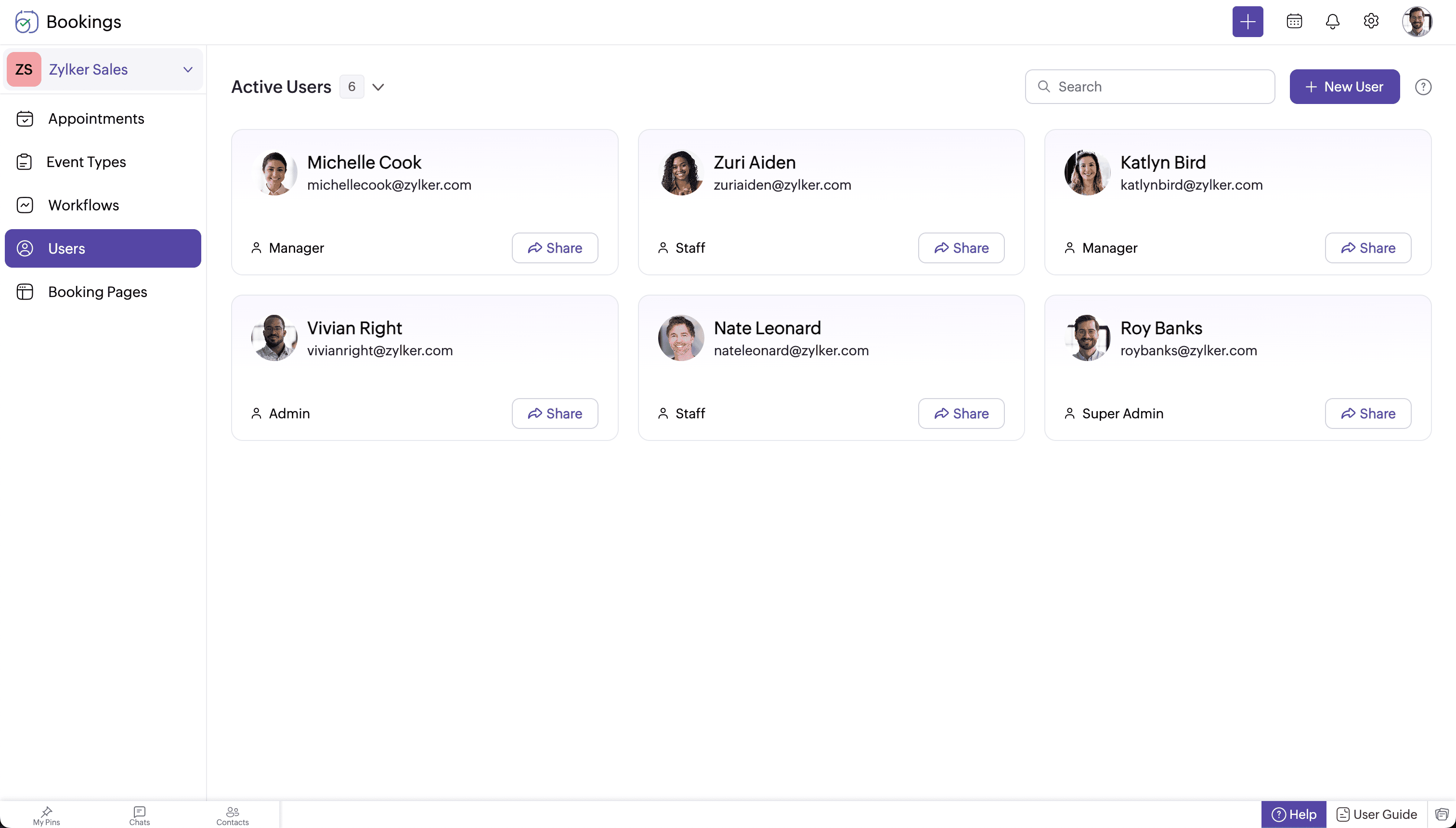
Zoho Bookings is an appointment scheduling software that helps individuals and teams across industries book meetings and services.
$8
per month per user
Pricing
Clockwise
Zoho Bookings
Editions & Modules
Teams
$81
per year per user
Business
$138
per year per user
Enterprise
Contact Sales
per year per user
Basic
$8
per month per user
Premium
$12
per month per user
Offerings
Pricing Offerings
Clockwise
Zoho Bookings
Free Trial
Yes
Yes
Free/Freemium Version
Yes
Yes
Premium Consulting/Integration Services
No
No
Entry-level Setup Fee
No setup fee
No setup fee
Additional Details
—
Up to a 25% discount available for annual billing.
This is great for Operations people who need to parse through many calendars at once when scheduling meetings, even if the rest of the organization isn't using it. Clockwise does not allow you to put meetings on other people's calendars, though, or find times for meetings that you aren't in, so keep that in mind. It has still been a life-saver for me. Clockwise isn't great for scheduling client meetings due to the fact that it automatically places emojis in the names of the meetings, and there are other little branding things that are impossible to remove even on paid plans. I tended to just find time for the meetings in Clockwise and then move back to Google Calendar to schedule them
I've tried some of the other online booking services and while there were good, they didn't have all of the features that Zoho Bookings does and since I'm already a Zoho One subscriber, it doesn't cost me anything more. I think virtually any type of business can use Bookings as it's not geared to a specific industry but can be customized for use in any type of industry. I would love to see salons use it as I think it can be truly a way for them to better book clients than using a paper calendar which I see many using. I also think massage therapists would also benefit but using Bookings. If you are a solopreneur or have a sales team, there's no way you can't benefit by using Bookings for your phone appointments, Zoom/Video meetings, or in-person meetings. There is also a resource function which allows you to block out conference rooms and other resources.
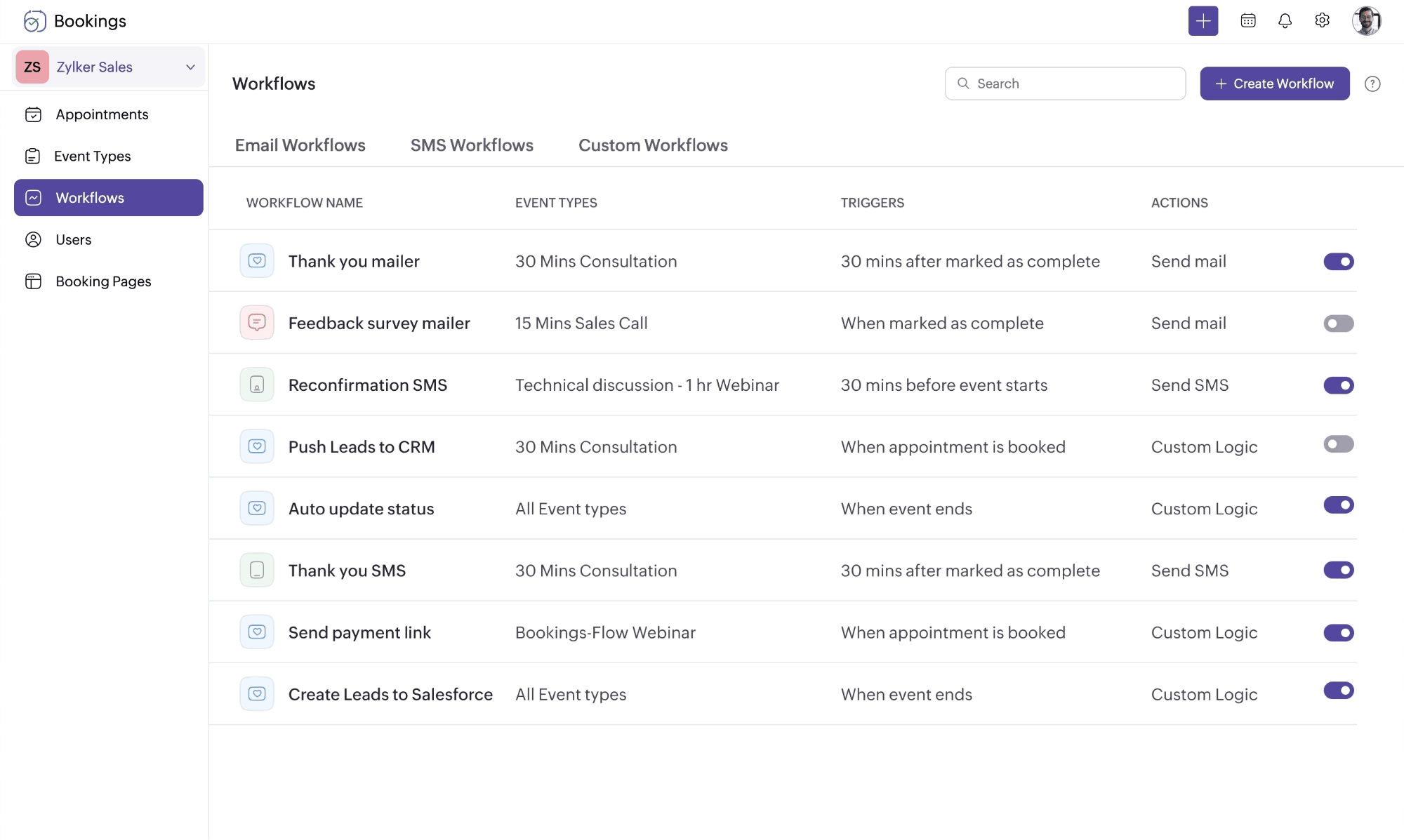
It still needs more robust features and customization, like workflows and such. I'm confident they'll continue improving it, but some particular customization settings aren't available, in terms of triggers, content, look and feel, but it is mostly very detailed and particular. If you're ok with adapting to it, it is an excellent tool.
It doesn't have a dark mode, which is not fun. There is no Month or Year view which isn't great, only day or week. It's hard to get used to and the flexible meetings aren't as intuitive as they claim to be/should be. This is great for scheduling, but in terms of functioning as a calendar, it's not my go-to choice. The JOIN button for the upcoming virtual meeting is nice, though. Clockwise would have gotten a nine if I could schedule meetings on other people's calendars or remove my availability from the equation when scheduling meetings that I won't be in
Some of the integrations and features are harder to set up. Once everything is set up its fairly straightforward, but if like ATI you have multiple branches or departments utilizing Bookings, you would need to set up separate booking sites for each office/salesperson
A lot of things are not great as this is a new tool, but they fix it relatively quickly. They don't have a direct phone number, but Zoho support has good service overall
Clockwise has additional features/bells and whistles that the others do not. For example, the travel time feature if you are booking meetings that you need to drive to and from. Also booking across teams, rather than having to enter each individual manually
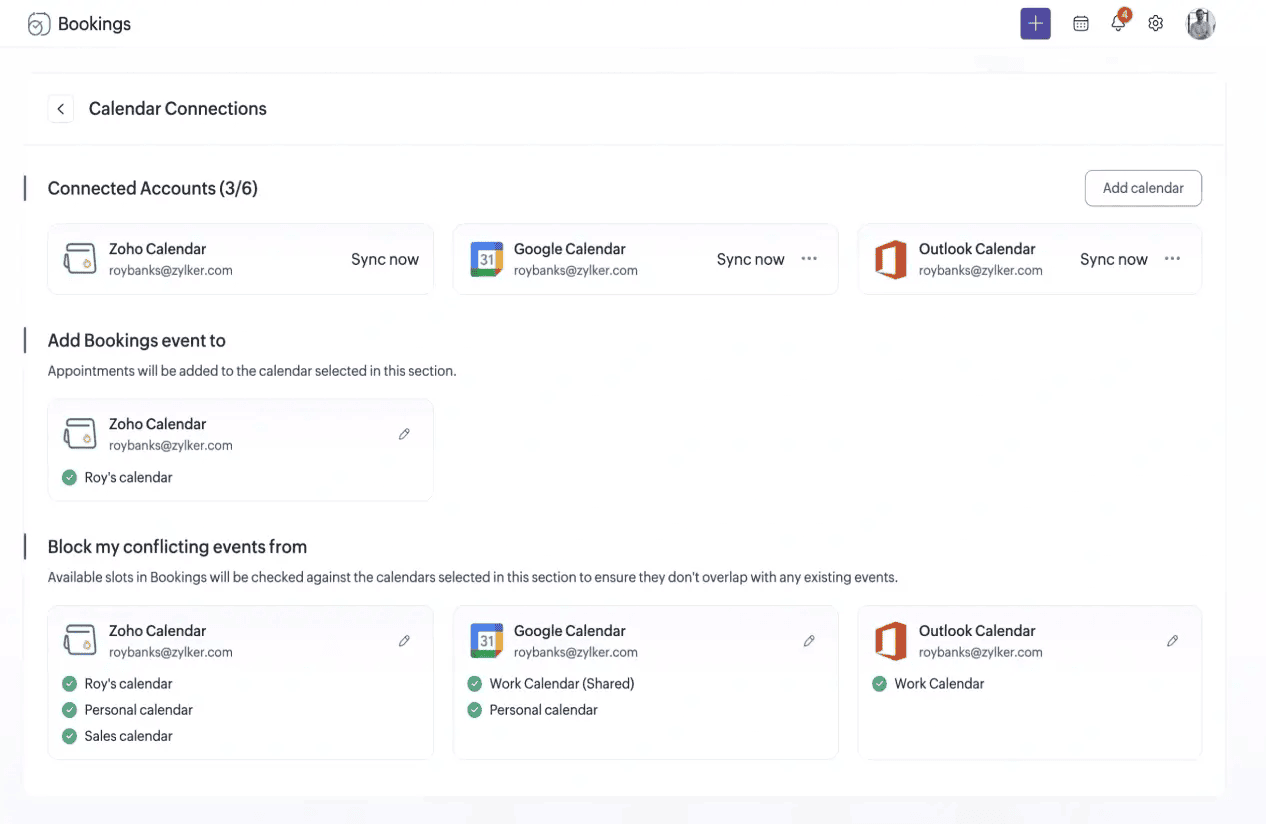
I found the integration with the two above is great if you're a Google Calendar user which we are not. While with Zoho Calendar we can have two way integration with Google Calendar there wasn't a need to do so. With Zoho Bookings which also integrates with Google Calendar we didn't have to worry about that as the integration with our Zoho Calendar was virtually automatic. There was also the cost consideration as the two above have a free version it was limited and didn't have all the bells and whistles we needed. Zoho Bookings provide us with everything from a single sign-on web browser and mobile app