
Colasoft Capsa vs. IBM SevOne
| Product | Rating | Most Used By | Product Summary | Starting Price |
|---|---|---|---|---|
 Colasoft Capsa | Score9 out of 10 | N/A | Colasoft Capsa is a network performance monitoring and protocol analyzing tool. Capsa provides core monitoring features, as well as automated diagnostics and packet decoding. Colasoft offers a limited free version of the software. | N/A |
 IBM SevOne | Score8.6 out of 10 | N/A | IBM SevOne’s app-centric, hybrid network observability empowers NetOps teams with ML-driven insights, enabling proactive issue prevention and resolution. With a single source of truth for network performance, it delivers visibility to optimize operations and support agility in complex, multi-cloud environments. | N/A |
| Colasoft Capsa | IBM SevOne | |||||||||||||||
|---|---|---|---|---|---|---|---|---|---|---|---|---|---|---|---|---|
| Editions & Modules | No answers on this topic | No answers on this topic | ||||||||||||||
| Offerings |
| |||||||||||||||
| Entry-level Setup Fee | No setup fee | No setup fee | ||||||||||||||
| Additional Details | — | IBM® SevOne® uses Managed Device (MD) and Managed Client Device (MCD) as pricing metrics. These can be mapped to managed devices for physical, virtualized and containerized functions in the managed environment. | ||||||||||||||
| More Pricing Information | ||||||||||||||||
| Colasoft Capsa | IBM SevOne | |
|---|---|---|
| Considered Both Products | No answer on this topic | No answer on this topic |
| Key User Insights | ||
| Would buy again | ||
No answers on this topic | 100% Would buy again 15 Answers | |
| Delivers good value for the price | ||
No answers on this topic | 100% Delivers good value for the price 14 Answers | |
| Happy with the feature set | ||
No answers on this topic | 100% Happy with the feature set 15 Answers | |
| Lived up to sales and marketing promises | ||
No answers on this topic | 92% Lived up to sales and marketing promises 11 Answers | |
| Implementation went as expected | ||
No answers on this topic | 91% Implementation went as expected 10 Answers | |
| Colasoft Capsa | IBM SevOne | ||||||||||||||||||||||||||||||||||
|---|---|---|---|---|---|---|---|---|---|---|---|---|---|---|---|---|---|---|---|---|---|---|---|---|---|---|---|---|---|---|---|---|---|---|---|
| Network Performance Monitoring |
| ||||||||||||||||||||||||||||||||||
| Colasoft Capsa | IBM SevOne | |
|---|---|---|
| Small Businesses | No answers on this topic |  Auvik Score8.8 out of 10 |
| Medium-sized Companies |  Cisco Catalyst Assurance Score8.1 out of 10 |  PingPlotter Score9 out of 10 |
| Enterprises | Cisco Catalyst Assurance Score8.1 out of 10 |  Nmap Score8.7 out of 10 |
| All Alternatives | View all alternatives | View all alternatives |
| Colasoft Capsa | IBM SevOne | |
|---|---|---|
| Likelihood to Recommend | 9.0 | 7.7 |
| Colasoft Capsa | IBM SevOne | |
|---|---|---|
| Likelihood to Recommend |
|
|
| Pros |
|
|
| Cons |
|
|
| Alternatives Considered |
|
|
| Return on Investment |
|
|
| ScreenShots | IBM SevOne Screenshots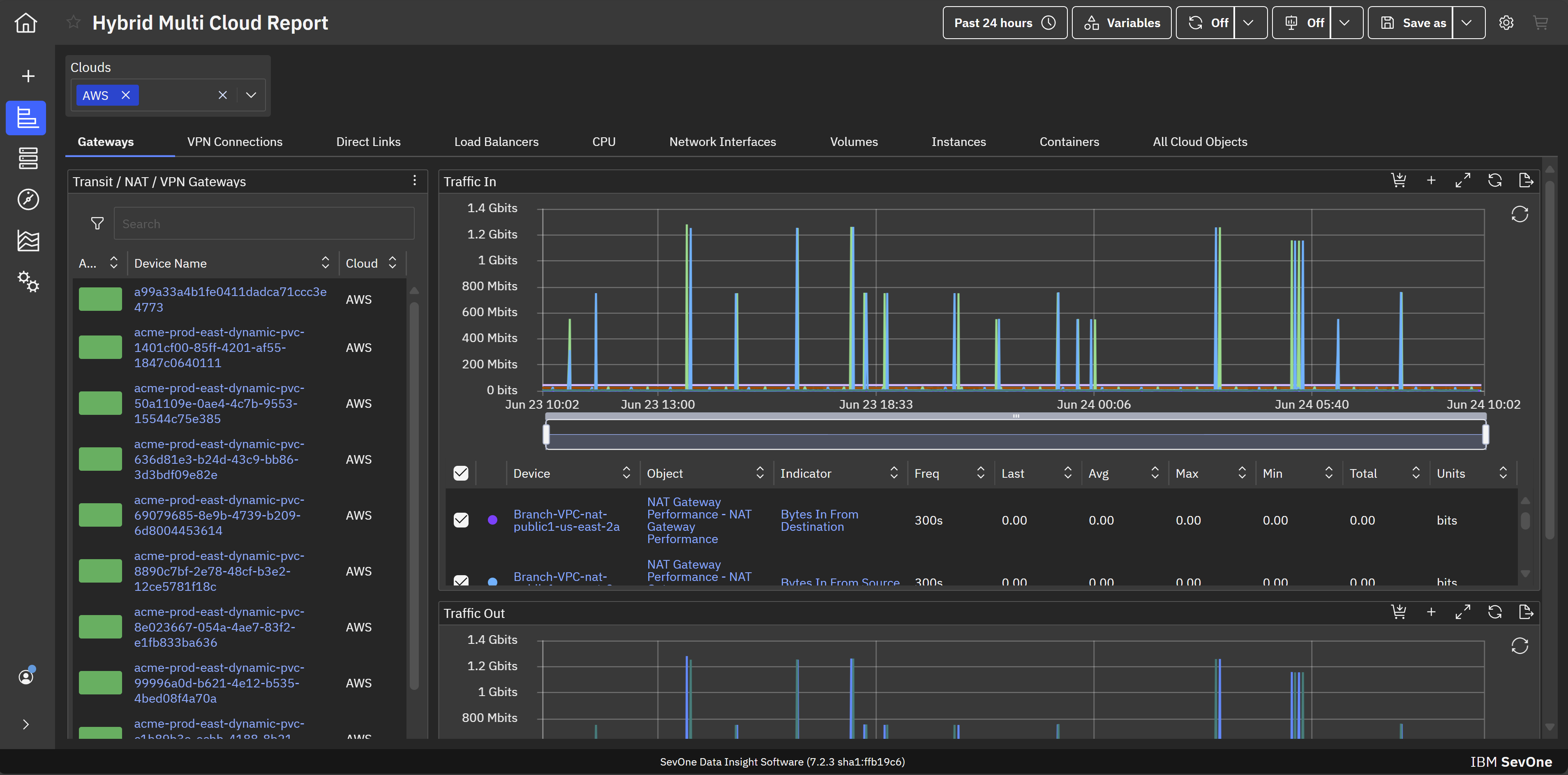 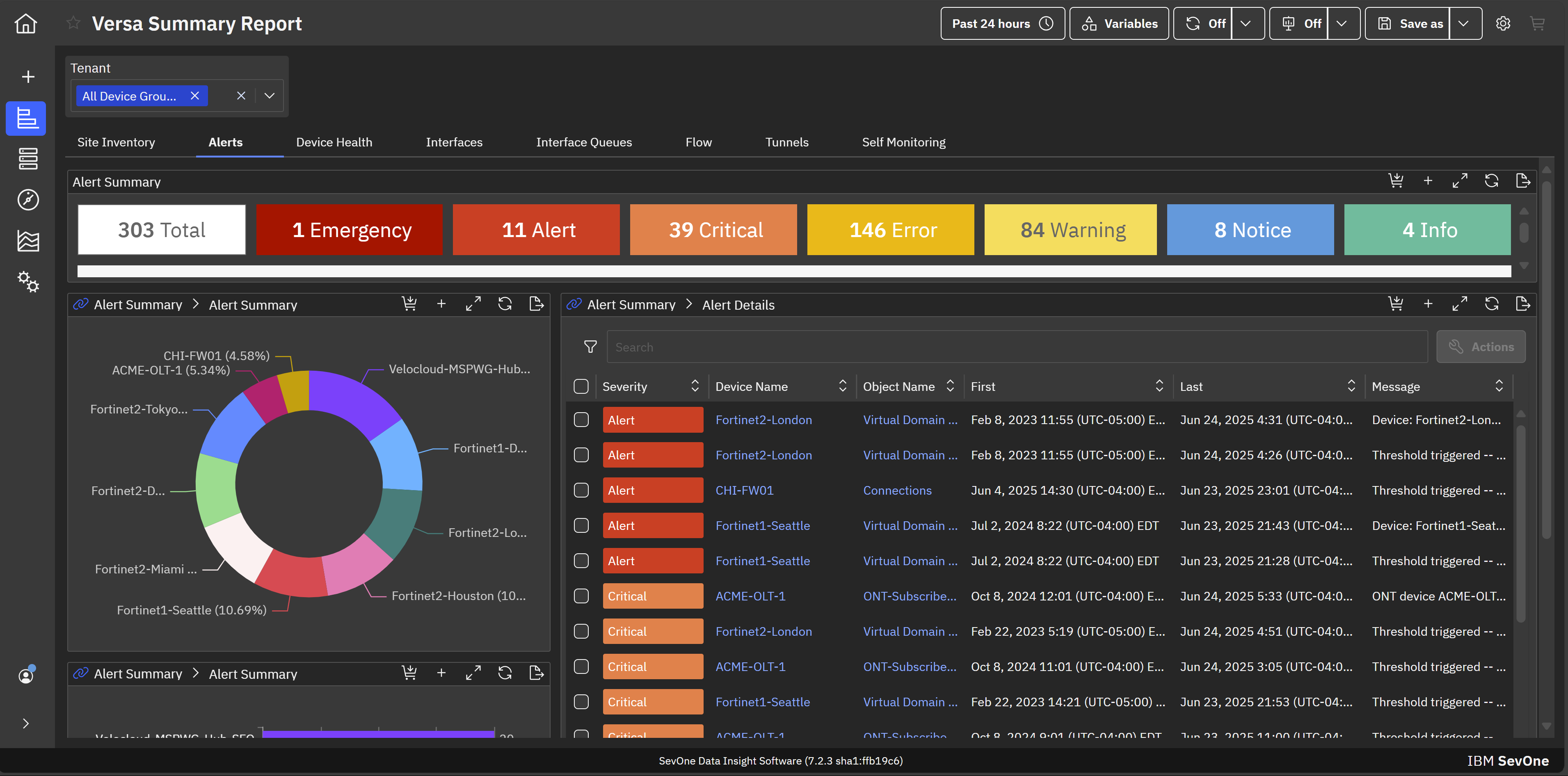 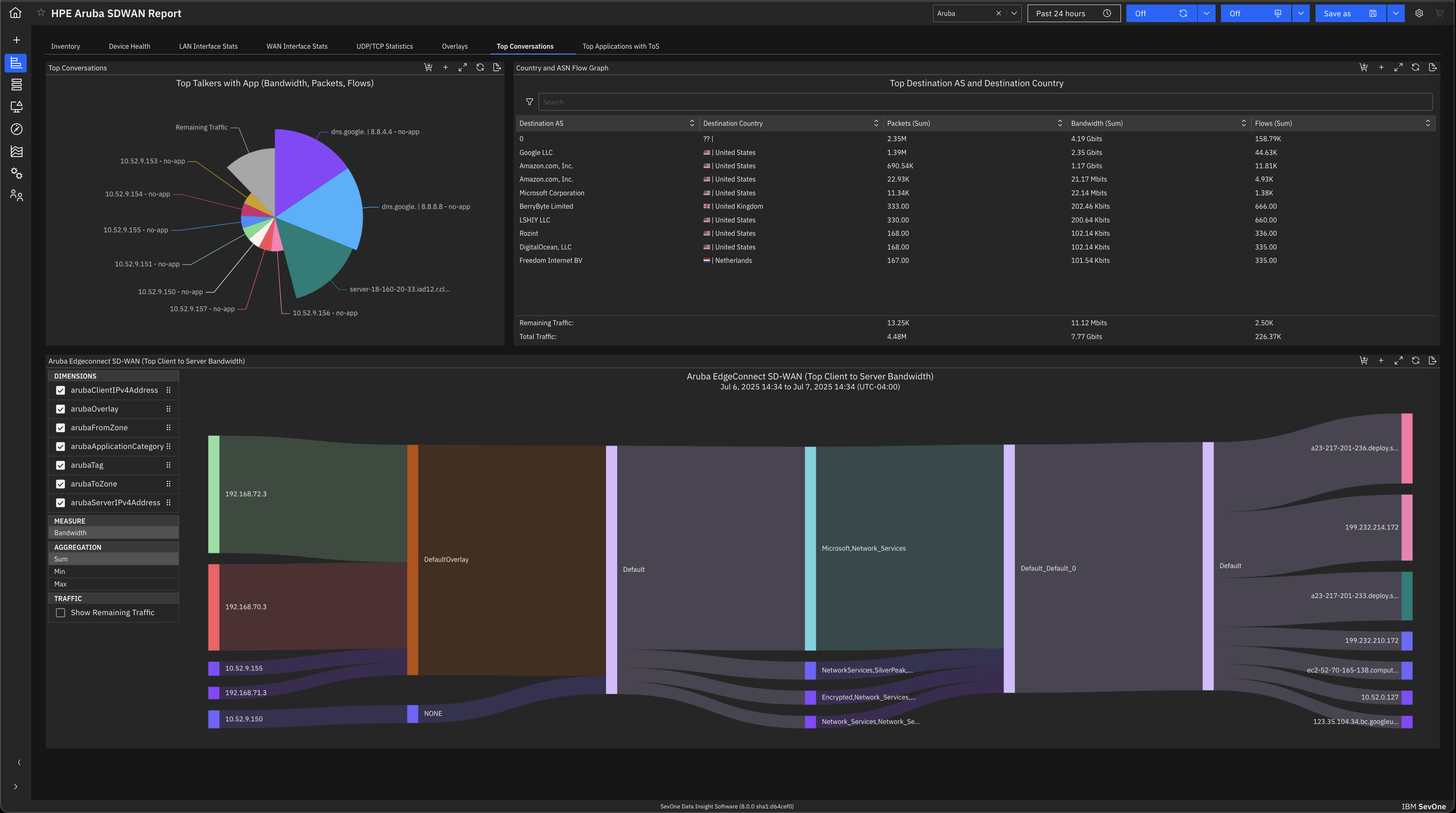 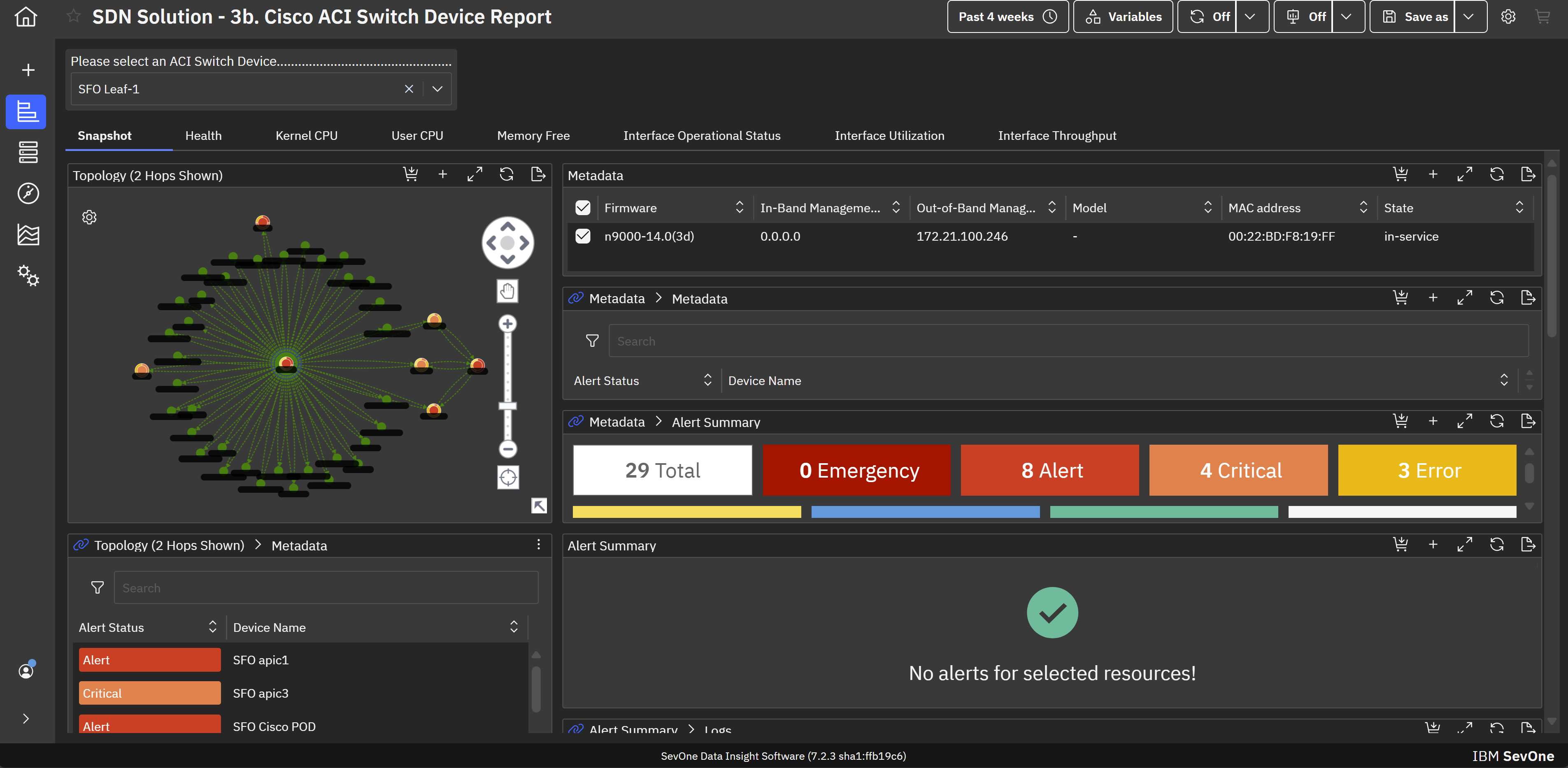   |
