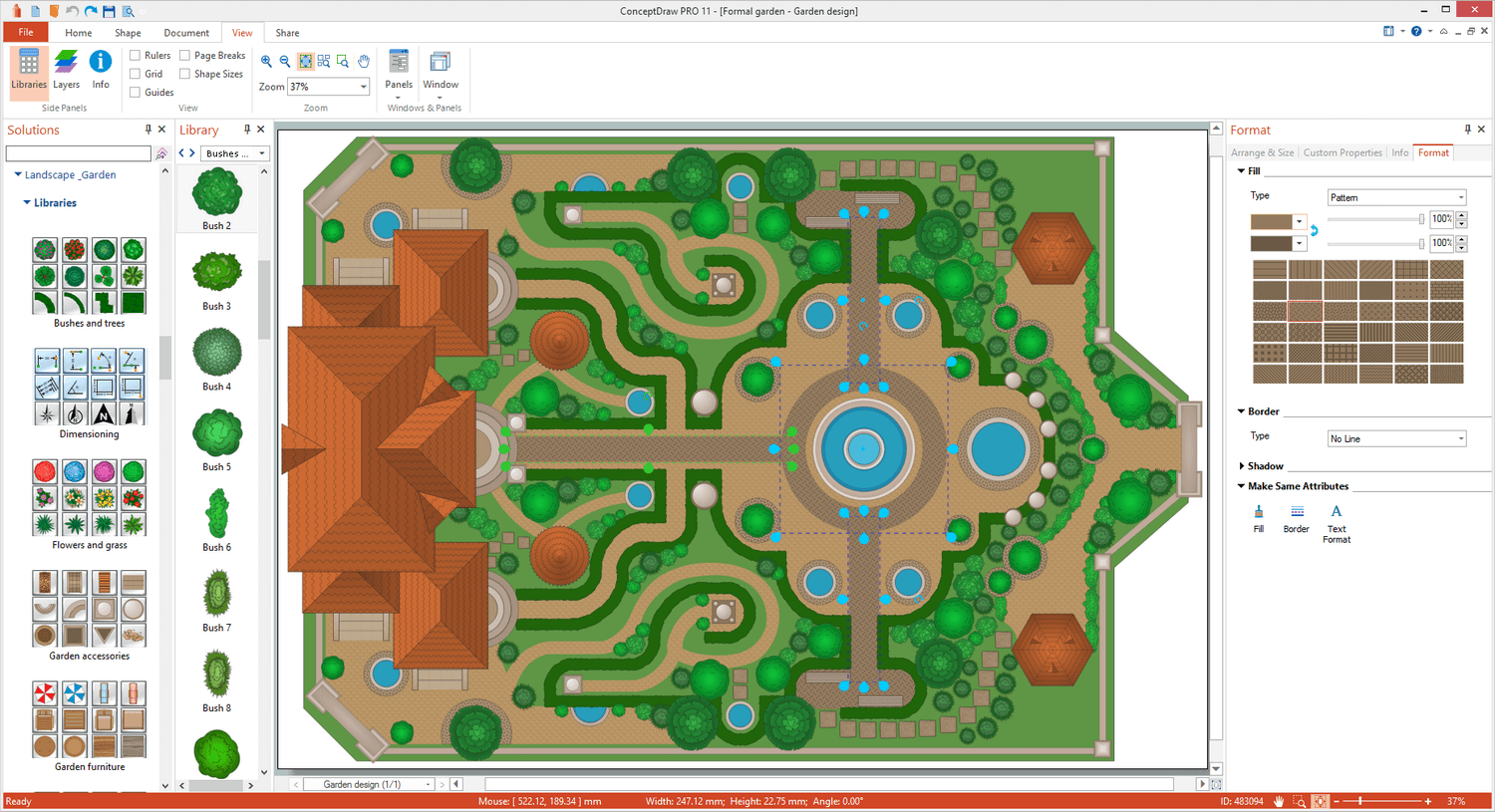
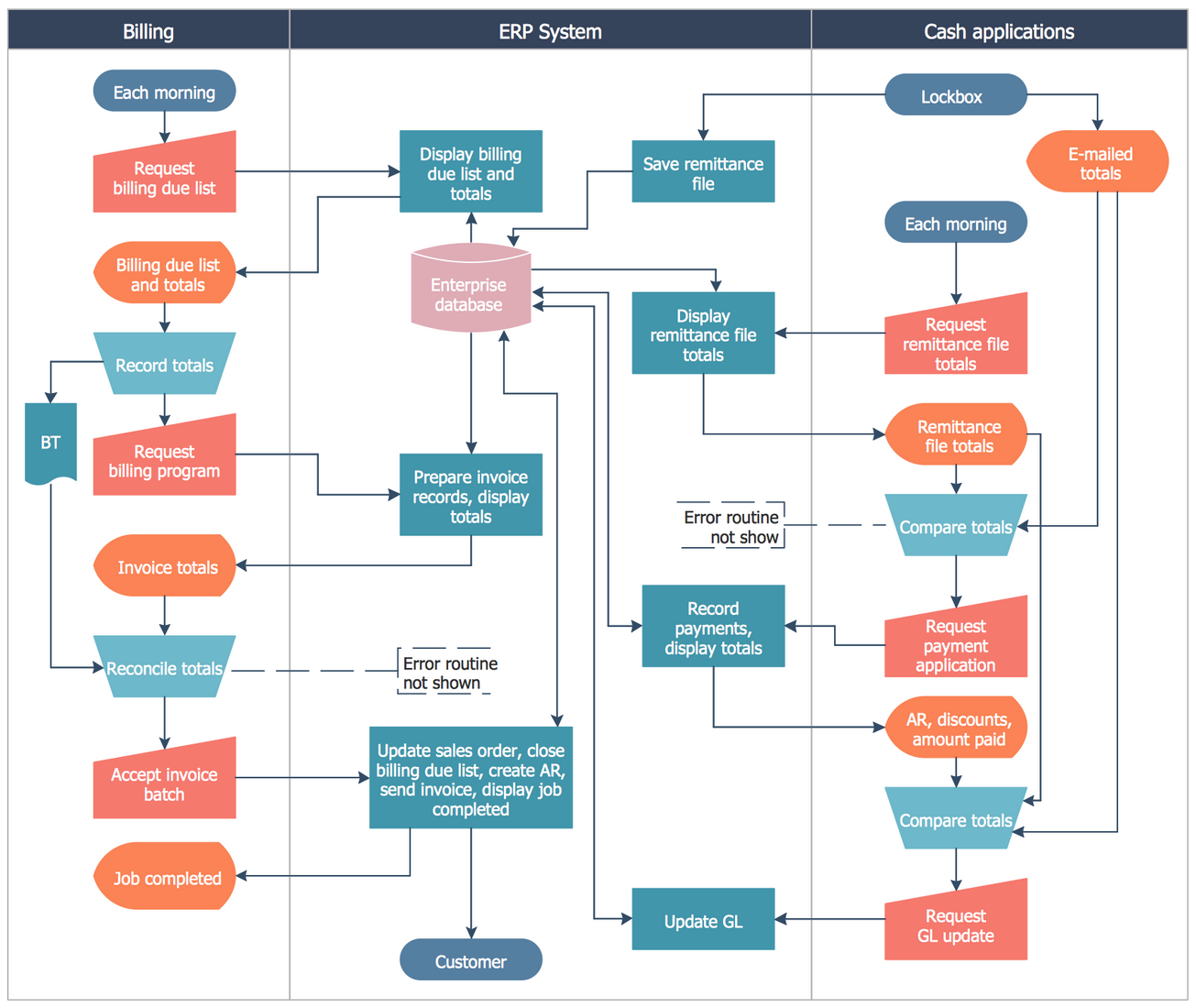
ConceptDraw DIAGRAM is an on-premise diagramming tool that, according to the vendor, allows users to create designs of any
complexity level either on Macintosh or Windows, regardless of the platform being used. Users can install the same license of ConceptDraw DIAGRAM on multiple computers. The vendor also offers a number of add-ons, called "solutions". The product comes with a number of built-in stencils and templates that cover different areas and fields such…
N/A
Pricing
ConceptDraw DIAGRAM
Editions & Modules
No answers on this topic
Offerings
Pricing Offerings
ConceptDraw DIAGRAM
Free Trial
Yes
Free/Freemium Version
No
Premium Consulting/Integration Services
No
Entry-level Setup Fee
No setup fee
Additional Details
Price varies for Individual, Commercial, Academic, Nonprofit and Government
Operations and Policy Analyst at Nevada Primary Care Association (Hospital & Health Care, 11-50 employees)
Chose ConceptDraw DIAGRAM
Cheaper, lower learning curve. Looked for something that would meet our needs and allow us to quickly diagram a database and process maps. I have been using this in place of Visio and the one-time purchase is much better than a Microsoft sub. Looking forward to using this …
A de minimis incentive was given to thank the reviewer for their time. The incentive was not used to bias or drive a particular response, nor was the incentive contingent on a positive endorsement. More Info
Verified User
Chose ConceptDraw DIAGRAM
ConceptDraw DIAGRAM is the best value for the money and has a very extensive set of ready to use libraries and solutions.
A de minimis incentive was given to thank the reviewer for their time. The incentive was not used to bias or drive a particular response, nor was the incentive contingent on a positive endorsement. More Info
Verified User
Chose ConceptDraw DIAGRAM
We actually purchased ConceptDraw DIAGRAM instead of Visio because it was far cheaper with a similar looking feature set. Since then, I can't think of anything that I have wanted to do with this software that would be better in Visio.
A de minimis incentive was given to thank the reviewer for their time. The incentive was not used to bias or drive a particular response, nor was the incentive contingent on a positive endorsement. TR verified that a representative sample of customers was invited. More Info
Química Legal - Estágiario in Engineering at Universidade Federal do Paraná (Higher Education, 5001-10,000 employees)
Chose ConceptDraw DIAGRAM
The main problem with Visio is the relatively high price and the incompatibility with Apple devices. If you're in this scenario, where price or OS is your problem, I highly recommend giving it a try with the ConceptDraw Diagram. Furthermore, the CDDiagram has the capability of …
A de minimis incentive was given to thank the reviewer for their time. The incentive was not used to bias or drive a particular response, nor was the incentive contingent on a positive endorsement. More Info
Junior Systems Administrator | POS Programming Specialist in Information Technology at AIKG LLC (Entertainment, 501-1000 employees)
Chose ConceptDraw DIAGRAM
Visio just did not have the resources or shapes that I needed to create clean and beautiful layouts for our business. I stumbled upon ConceptDraw while trying to find something with restaurant and bar shapes. After I purchased it, I was very disappointed with how difficult it …
A de minimis incentive was given to thank the reviewer for their time. The incentive was not used to bias or drive a particular response, nor was the incentive contingent on a positive endorsement. More Info
Great for anything that you would use Microsoft Visio for. It is a great software and has a great team behind it. At the end of the day, it will do everything that you need it to and it looks like they are always expanding. I have been surprised by their product and plan to continue to use it in my nonprofit role. If you are hesitant, don't be, it is everything Visio is plus more.
A de minimis incentive was given to thank the reviewer for their time. The incentive was not used to bias or drive a particular response, nor was the incentive contingent on a positive endorsement. More Info
A de minimis incentive was given to thank the reviewer for their time. The incentive was not used to bias or drive a particular response, nor was the incentive contingent on a positive endorsement. More Info
A de minimis incentive was given to thank the reviewer for their time. The incentive was not used to bias or drive a particular response, nor was the incentive contingent on a positive endorsement. TR verified that a representative sample of customers was invited. More Info
A de minimis incentive was given to thank the reviewer for their time. The incentive was not used to bias or drive a particular response, nor was the incentive contingent on a positive endorsement. More Info
I've never had any major problems with the ConceptDraw team. Actually, they update their software frequently. It's always small updates, but they're necessary to make sure it will work properly. I had a question one time and decided to send to them. The problem was solved in less than three hours, which I believe is a really good point to consider.
Cheaper, lower learning curve. Looked for something that would meet our needs and allow us to quickly diagram a database and process maps. I have been using this in place of Visio and the one-time purchase is much better than a Microsoft sub. Looking forward to using this software in the future and hoping to get a copy for college classes as well in Database Design.
A de minimis incentive was given to thank the reviewer for their time. The incentive was not used to bias or drive a particular response, nor was the incentive contingent on a positive endorsement. More Info
A de minimis incentive was given to thank the reviewer for their time. The incentive was not used to bias or drive a particular response, nor was the incentive contingent on a positive endorsement. More Info