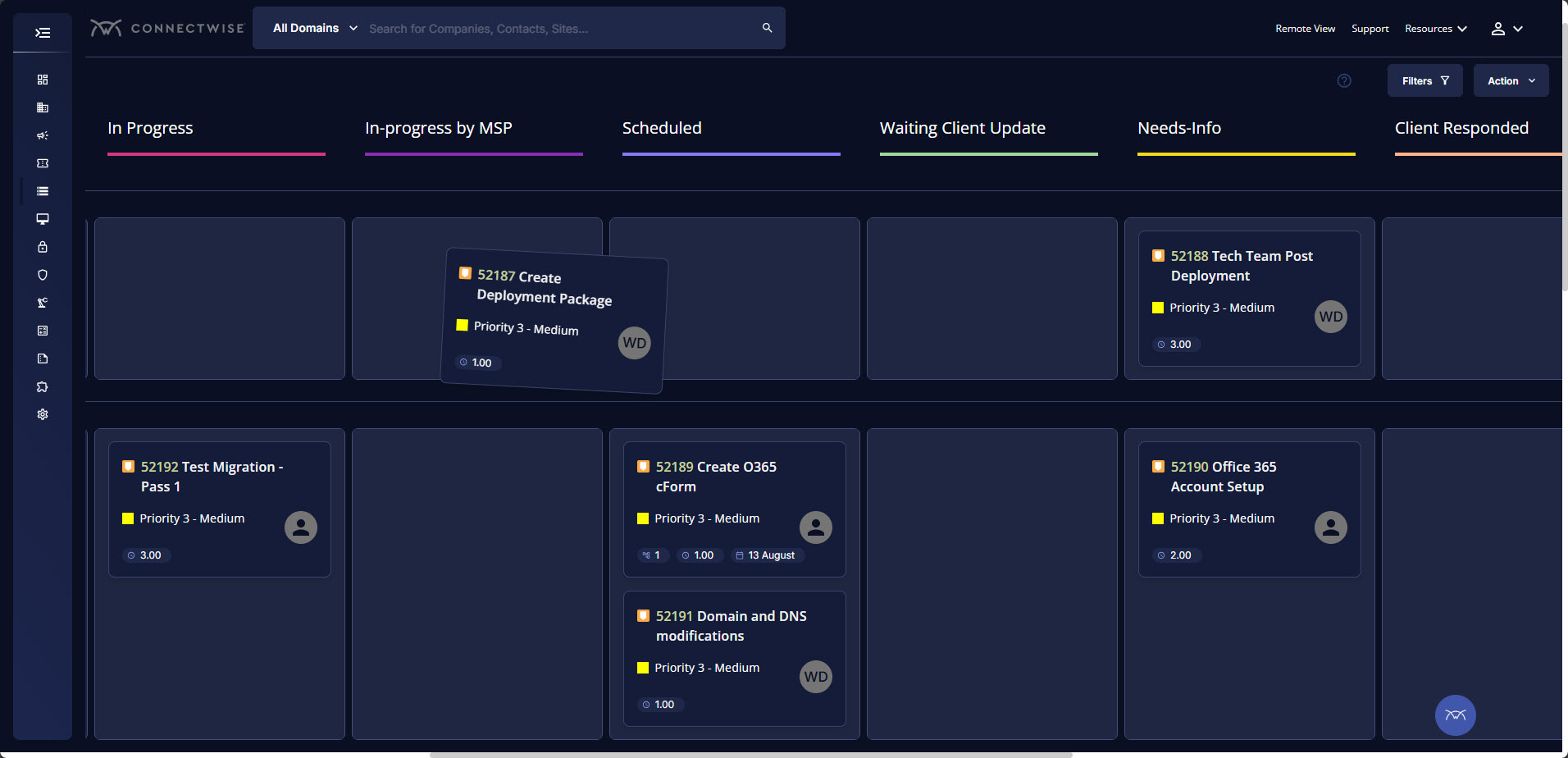
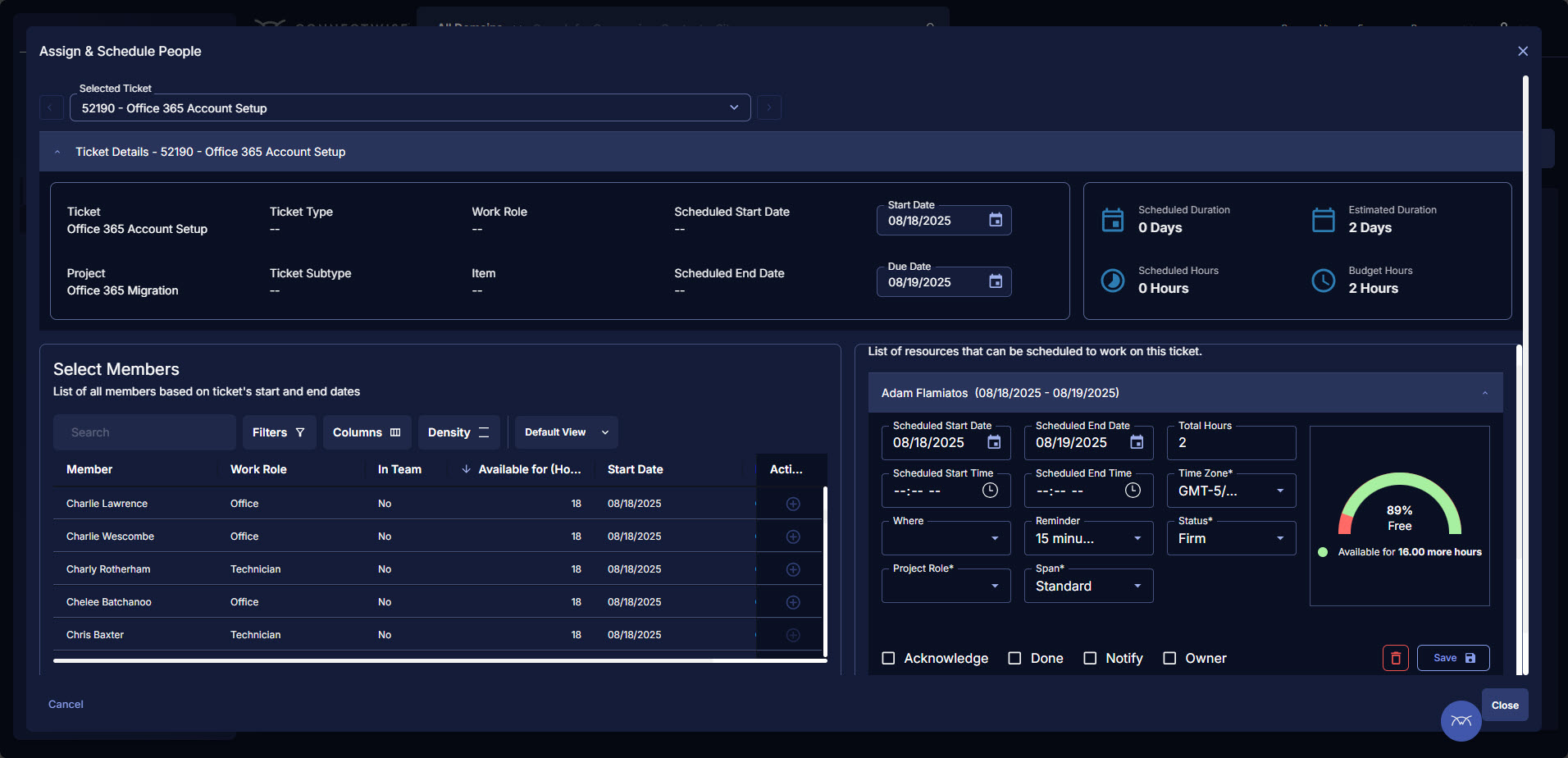
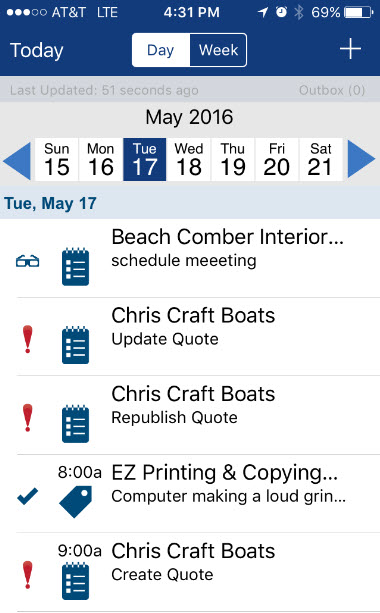
ConnectWise PSA (formerly Manage) is a business management platform for companies that sell, service, and support technology. The platform is cloud-based and integrates automation, help desk and customer service, sales, marketing, project management, and business analytics. It is the hub of the ConnectWise suite.
$35
Per Tech Per Month
Zendesk Chat
Score 8.3 out of 10
N/A
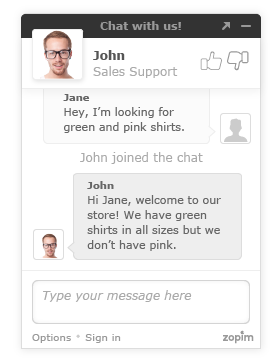
Zendesk Chat (formerly Zopim) is a live chat tool developed by the Singaporean company also called Zopim, acquired by Zendesk in April 2014.
$11.20
per month
Pricing
ConnectWise PSA
Zendesk Chat
Editions & Modules
Subscription
$35.00
Per Tech Per Month
Lite
$0
per user
Basic
$14
per user
Advanced
$25
per user
Premium
$55
per user
Offerings
Pricing Offerings
ConnectWise PSA
Zendesk Chat
Free Trial
No
Yes
Free/Freemium Version
No
Yes
Premium Consulting/Integration Services
No
No
Entry-level Setup Fee
No setup fee
Optional
Additional Details
—
The pricing above is price per user per month. You will get a discount when you opt for annual payment.
More Pricing Information
Community Pulse
ConnectWise PSA
Zendesk Chat
Features
ConnectWise PSA
Zendesk Chat
Incident and problem management
Comparison of Incident and problem management features of Product A and Product B
ConnectWise PSA
8.8
89 Ratings
7% above category average
Zendesk Chat
-
Ratings
Organize and prioritize service tickets
9.589 Ratings
00 Ratings
Expert directory
6.950 Ratings
00 Ratings
Subscription-based notifications
8.562 Ratings
00 Ratings
ITSM collaboration and documentation
8.169 Ratings
00 Ratings
Ticket creation and submission
9.989 Ratings
00 Ratings
Ticket response
9.788 Ratings
00 Ratings
Self Help Community
Comparison of Self Help Community features of Product A and Product B
ConnectWise PSA
7.7
83 Ratings
4% below category average
Zendesk Chat
-
Ratings
External knowledge base
8.768 Ratings
00 Ratings
Internal knowledge base
6.778 Ratings
00 Ratings
Multi-Channel Help
Comparison of Multi-Channel Help features of Product A and Product B
ConnectWise PSA
9.3
86 Ratings
15% above category average
Zendesk Chat
-
Ratings
Customer portal
8.081 Ratings
00 Ratings
IVR
10.021 Ratings
00 Ratings
Social integration
10.028 Ratings
00 Ratings
Email support
9.681 Ratings
00 Ratings
Help Desk CRM integration
8.976 Ratings
00 Ratings
Chat Analytics and Reports
Comparison of Chat Analytics and Reports features of Product A and Product B
BrightGauge lets us know when we have critical issues that need solving. A massive influx of tickets all at the same time triggers an investigation. Usually, it is tied to a server going down, which we can address. It would not be helpful for a small MSP or IT department with just a few daily tickets. The stats are better used to track a large amount of clients.
Zendesk Chat is suited for all the support teams that provide real-time assistance. Like if someone wants to block the debit/credit card, it is a high-priority case that needs real-time assistance. Whereas issues like close my account, and invoice request doesn't need real-time assistance, where Zendesk tickets support will be perfect.
Tickets- Customers can email and a ticket is generated and falls under their profile for historical records. You can save documents and select if they are customer facing or only internal facing. The option as well to have communication in tickets whether its internal facing or customer facing is nice to have when you're trying to keep a record or important details for just internal means and the customer doesn't have to see all the jargon.
Procurement - It's great to have this integrate with Quosal Sell. Quotes being processed into opportunities and then into a sales order which connects to a ticket or project is pretty easy to use. It does have a learning curve but once you get the hang of it, it's straightforward. Everything is pretty connected, whether keeping track of products customers have purchased historically through us, to knowing what ticket is associated to an RMA.
Annual or more than annualized data is desperately needed for MSPs to show trends, current limitation is previous 240 days for ConnectWise tickets
Alerts when datasets do not sync properly, I have to rely on my team to notice vs get an automated alert from BrightGauge
Small thing, but it would be nice to have more options on the report scheduler to enable a start date. If you wish to do it quarterly, you have to start the schedule exactly 3 months from the next run.
ConnectWise has uniquely positioned themselves with the Modern Office Suite to have direct integration with a nearly full suite of tools for MSPs. Although each tool may not necessarily be the absolute best tool on the market, the efficiencies leveraged through direct integration make the entire suite an obvious choice for most companies.
Due to staffing issues, we have temporarily stopped offering chat as an available channel. We're also interested in the best ways to integrate chat with our FAQs and AI to provide quick responses, either during off-hours or prior to speaking with a live agent. I've also found that reporting is rather limited where some of the interesting and useful data made available and visible during the chat cannot be pulled post-chat; it would be great to pull a high-level report so we can analyze this data.
I have been using ConnectWise since 2004 and I am impressed with the progress they have made. However, there are still bugs that don't work quite like they should. If I were to run reports and get consistent answers along with a couple other annoyances, then I would score CW as a 10
As mentioned previously, it's a clunky product that lacks user-friendliness. It feels old and behind the times compared to other products we have used. The inability to have a wrap-up time before a new chat comes in is also a big issue for our team.
We use the cloud version of ConnectWise and in the last 5 years it has never been down for us during business hours. I can only recall 1 time when it was not available during off hours when we wanted to use it.
Some tab for certain areas load speeds could be better. Dashboards can load slowly when they reference multiple reports. Some reports can load slowly based on the tables and views they are accessing. At times the SQL queries being performed in the background can actually timeout and a tab or screen will fail to load.
The front line support techs are wildly inconsistent when it comes to the level of support. Sometimes you get someone who just wants to throw links to University documentation at you, sometimes you get someone who truly tries to understand your issue and confers with peers and managers to find an answer, and sometimes you get someone who just wants to create a ticket and escalate immediately. If you ask three different techs the same question you will probably get three different answers, one of them being, "That's not possible."
Getting assistance and/or troubleshooting anything with Zendesk can be quite frustrating. In my years of experience with Zednesk, I have almost never found the answer to my question without going through multiple articles, ultimately getting frustrated and reaching out to our contact for more assistance. So for a consumer, the support is not as relieving as Zendesk Chat is to our customers in getting the questions answered by us.
We are a telecoms company. Whilst CW were very happy to sell us their product and tell us how good it is for telecoms. All the training material is geared towards IT MSP's. The on-line training material was virtually useless. We found the implementation a bit of a joke. They tried telling us 12 hours of implementation time would be sufficient to launch the product. We erred on the side of caution and paid for 24 hours. This was quickly eaten away and we were nowhere near ready to go-live. I find the on-line chat facility is of much more use for us.
Rather than letting them sell you a block of time for implementation, create a list of things that must be completed do declare the implementation complete. The implementer will have the discretion on what they set up and in what order. They will be trying to end their services in as little time as possible and may not get things set up right. You are best advised to hire a third-party wizard that has done many of these setups. Record the audio and video of all of your implementation sessions.
Everyone but dynamics had holes in it. Dynamics is good, but it requires more development time. I spoke with some people that have CW and liked it. But when I inquired after our frustrations, I discovered they had a full time scheduling & logistics CW manager and the field people were using it purely like any other more simplistic ticket system. They said it would be impossible otherwise. The one big difference is the transparency of the sales effort. The other sales people were honest on the limitations or potential challenges and worked with us. They also worked with our agenda. At CW they don't have that option. The consulting time is eaten through a pre-formatted agenda which they communicate too you, not with you.
Zendesk Chat is far more user friendly than some of the other competitors on the market. It has a very all the features that you require to ensure your customers are contacted in 'real time'. Its main tools include a live chat interface for quick communication, customisable chat widgets to fit your brand, mobile responsiveness for all devices, and canned responses for common questions. The platform can also start chats based on visitor actions, like time on a page or exit intent. A real must for any leading company
ConnectWise seems to have a good understanding of the IT service industry. During the required onboarding training, they even preach configuring only features that you need right now, as you can always scale up later. The feature set for the most part takes into considerations all aspects of an IT business, whether small or enterprise, or growing from one to the next.
Positive impact - Compared to our old system, this newly updated system provides features and functionality that has increased our agent productivity and provided customer insight like we've never had before. This has resulted in fewer hold times and higher customer satisfaction.
Negative impact - Our reporting team still struggles with obtaining the right information from time to time with the chats. This leads to loss of productivity and more resources dedicated to reporting.
Positive impact - Due to Zopim's embed, we are able to more successfully place them on the appropriate self-service portals and pages, reaching a larger audience, and being more readily available to answer our client's questions. This has resulted in an increase in our self-service portal usage, driving down the phone and email support channels, which in turn reduces support costs.