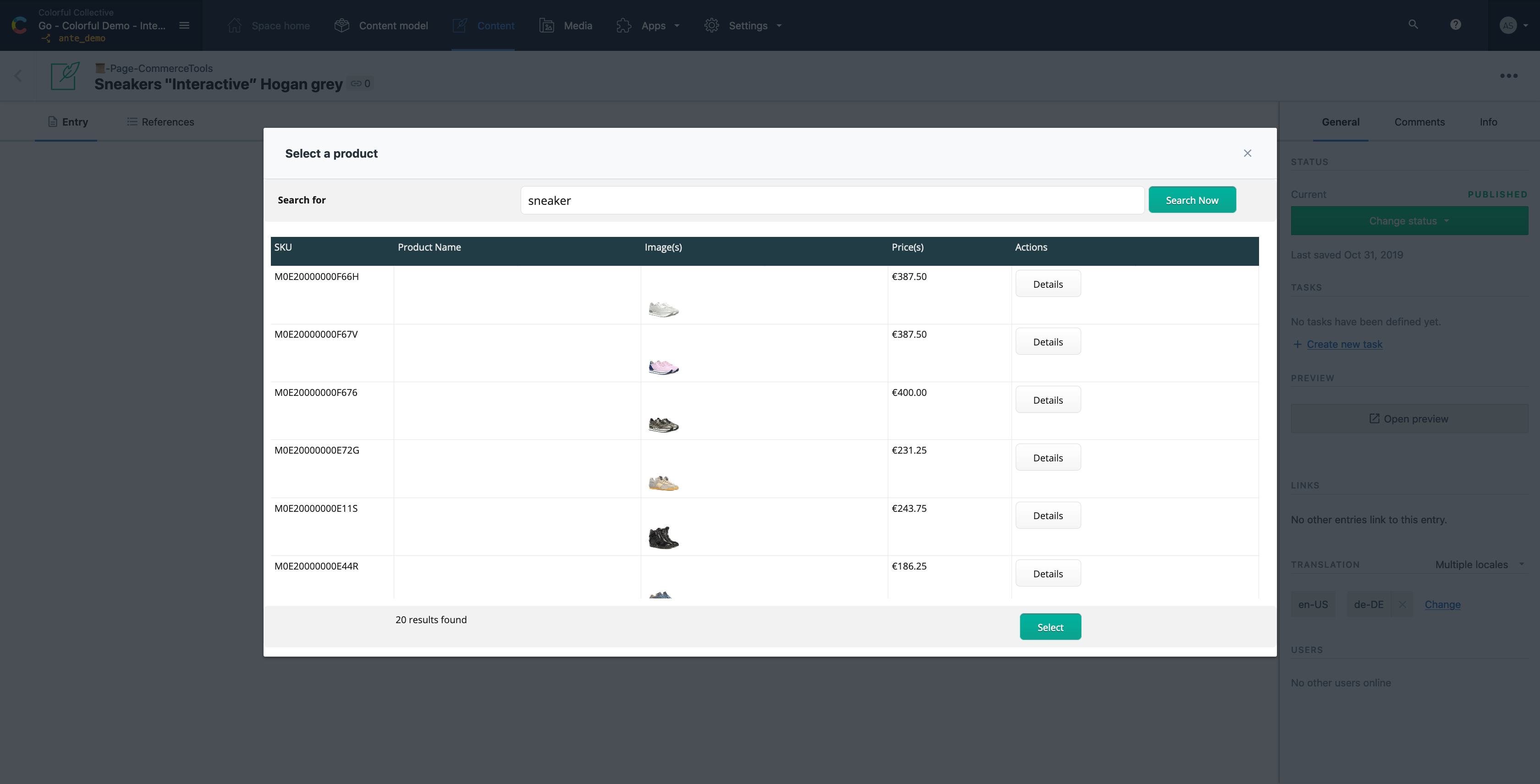
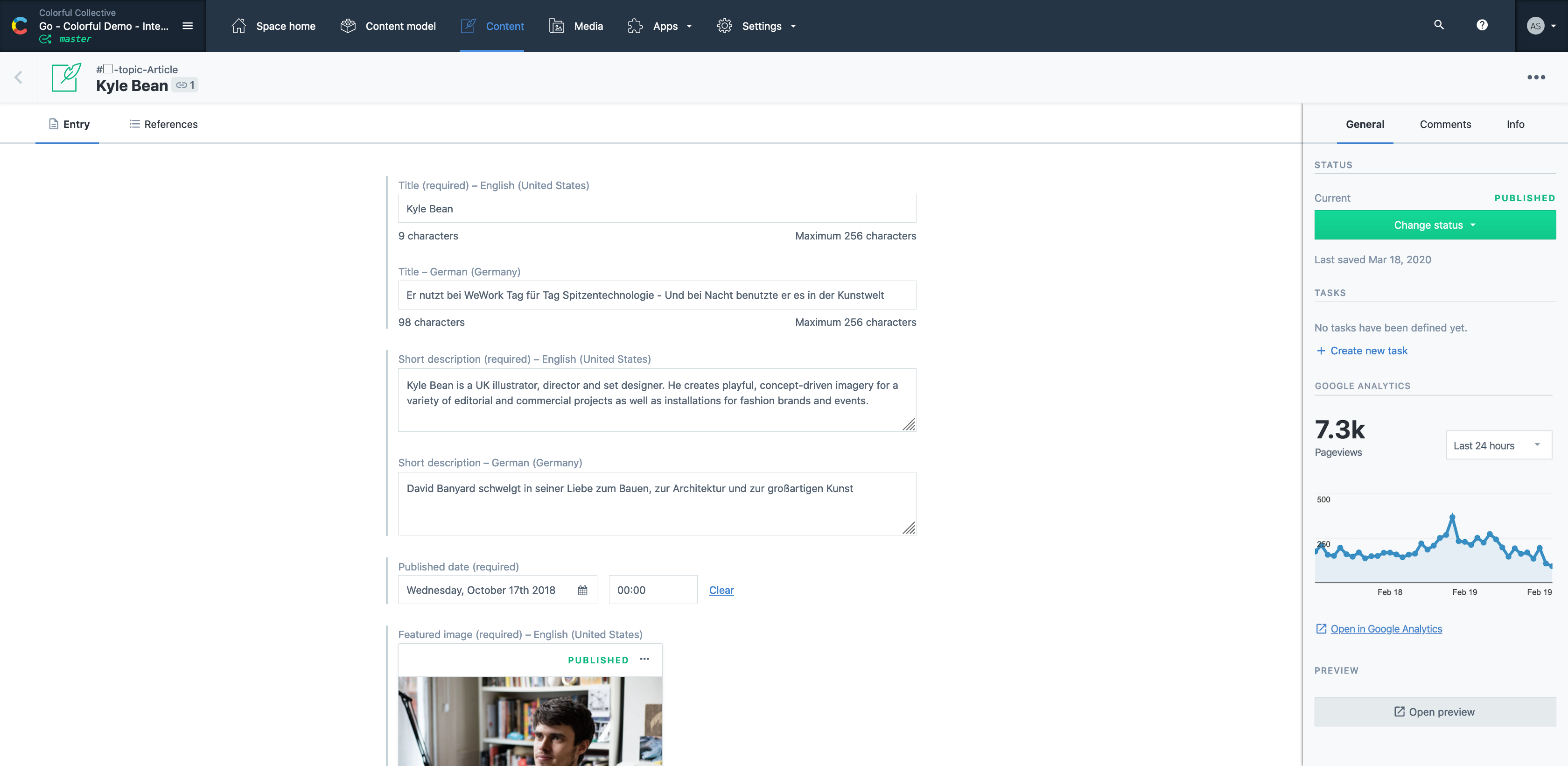
Contentful is a cloud based CMS solution that provides the ability to manage content across multiple platforms.The editing interface allows for managing content interactively and provides developers the ability to deliver the content with the programming language and template framework of their choice.
$0
Modern Campus CMS
Score8 out of 10
N/A
Modern Campus CMS (formerly Omni Campus) is a CMS for institutions of higher education. It can be deployed as a cloud-based service or hosted locally. It is built in Java, uses open standards, and is extensible through APIs.
It's a great all rounder for content projects. It's easy in the basics and powerful in the complex, data heavy scenarios. Extending the platform is straightforward and the SDK gives you everything you need. If you have many many varying content types , it gets expensive and perhaps not the best choice .
A de minimis incentive was given to thank the reviewer for their time. The incentive was not used to bias or drive a particular response, nor was the incentive contingent on a positive endorsement. More Info
OU Campus is the best CMS product I've seen, especially when you have a large organization with less staff and resources. Also, its power, if one team likes marketing, handles all pages and that saves a lot of time and effort. I strongly like the components/snippets. Tags all dynamic modules.
A de minimis incentive was given to thank the reviewer for their time. The incentive was not used to bias or drive a particular response, nor was the incentive contingent on a positive endorsement. More Info
The JustEdit feature makes updating content a breeze. With a small staff, we rely on others to update their content. OU Campus makes it easy.
Site-wide find and replace. I use the site-wide find and replace feature for all sorts of things - links, enrollment numbers, department names. It's really helpful.
Customer service. The staff at OU Campus answers questions quickly and is always willing to discuss the most effective ways to take on new projects.
A de minimis incentive was given to thank the reviewer for their time. The incentive was not used to bias or drive a particular response, nor was the incentive contingent on a positive endorsement. More Info
Contentful uses "references" to allow you to build very modular content. If I have a "slider" content type, I can create a "slide" content type which references a "button" content type, and so forth. This works well, but I occasionally wish there was a better solution for one-off content, like a settings page. Currently, this is done for creating an entire content type called "settings" with a single entry. Not a big deal, but not ideal, either.
There are a few quirks with GatsbyJS integration, etc, but these issues are being fixed and improved upon very quickly.
A minor gripe, but Contentful does not have a way to organize fields within an entry. Entries with many fields are somewhat tiresome to scroll through.
A de minimis incentive was given to thank the reviewer for their time. The incentive was not used to bias or drive a particular response, nor was the incentive contingent on a positive endorsement. More Info
Formatting. The page can sometimes look very differently when published than what it looks like while editing. Some improvements have been made in this area with version 10 however.
Find and replace. The command+F needs to find text on the page while editing, not present an actual find and replace dialog box. At least give me the option to simply "find" the text I'm looking for. The dialog box just gets in the way most of the time.
There is not a way to "unpublish" items. At least not a way that I can think of. I would like the ability to pull a page offline without deleting it. Seems like it should be done simpler.
A de minimis incentive was given to thank the reviewer for their time. The incentive was not used to bias or drive a particular response, nor was the incentive contingent on a positive endorsement. More Info
It is a very easy to use and configure application. I find that it is on the user to manage the content after the models have been created, yet I still do not encounter issues finding or creating new components for our site. It is easy to set up and easy to navigate.
A de minimis incentive was given to thank the reviewer for their time. The incentive was not used to bias or drive a particular response, nor was the incentive contingent on a positive endorsement. More Info
A de minimis incentive was given to thank the reviewer for their time. The incentive was not used to bias or drive a particular response, nor was the incentive contingent on a positive endorsement. More Info
Easy to use and much more organized as a single platform versus multi. The layout is clean and easy to read and we don’t have to worry about certain users safe guarding data or content then losing it when they leave the company. It’s a one stop shop for imagery
A de minimis incentive was given to thank the reviewer for their time. The incentive was not used to bias or drive a particular response, nor was the incentive contingent on a positive endorsement. More Info
Before using OU Campus Content Management System we were using Adobe's DreamWeaver suite for creating and maintaining web pages. The core web development environment was cumbersome to set up. Non-tech people also had trouble understanding how the web works and how web pages are created/maintained. OU Campus Content Management System solved all problems for us.
Contentful has saved us valuable development time that was previously spent doing deploys for minor content updates.
Contentful has helped us maintain consistent documentation, reducing time needed to review for consistency.
Can't say we've really experienced any negative ROI impacts from using Contentful, but we've run into some limitations in adding too many content models and the next pricing tier is substantially more expensive.
A de minimis incentive was given to thank the reviewer for their time. The incentive was not used to bias or drive a particular response, nor was the incentive contingent on a positive endorsement. More Info