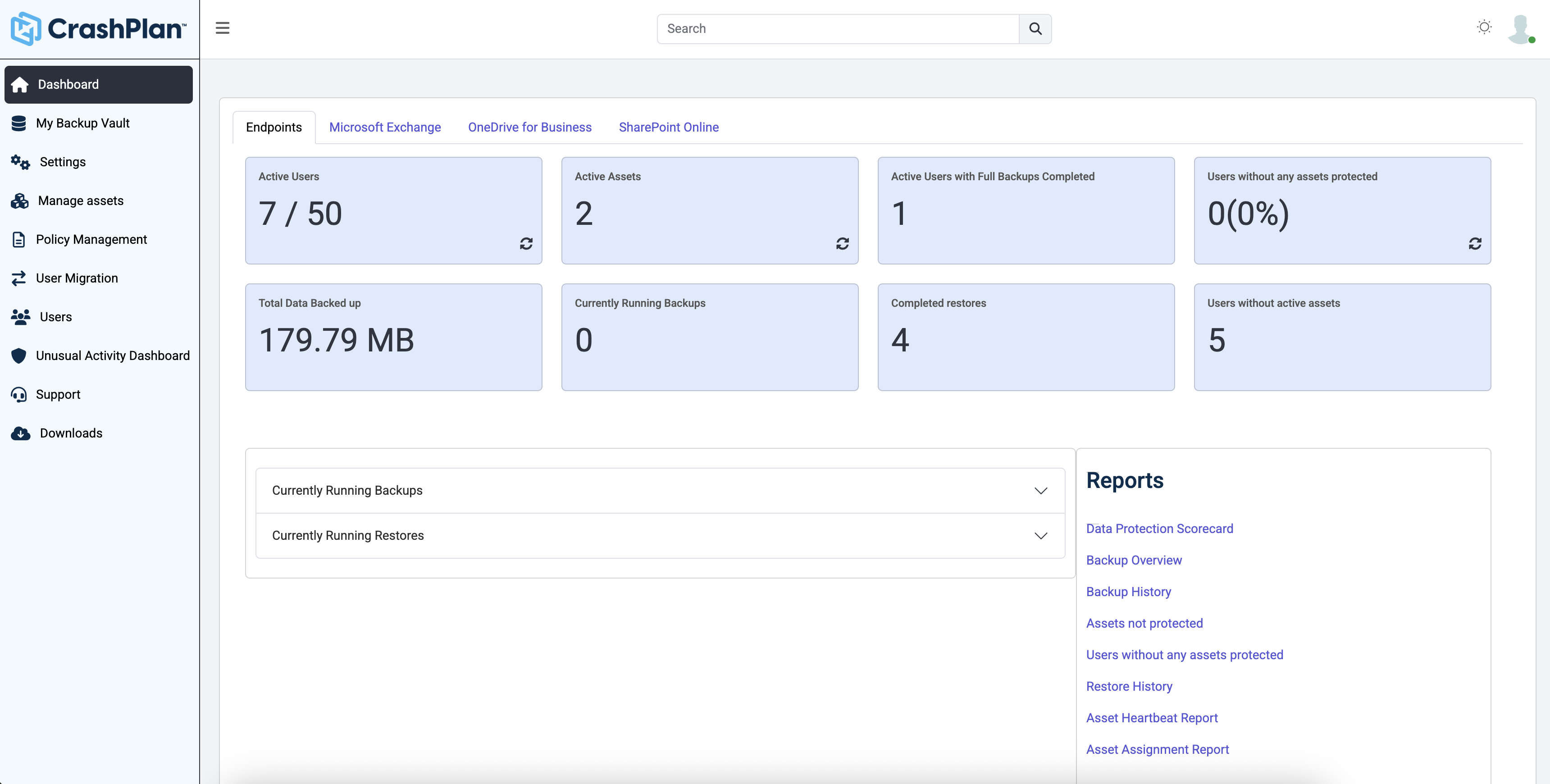
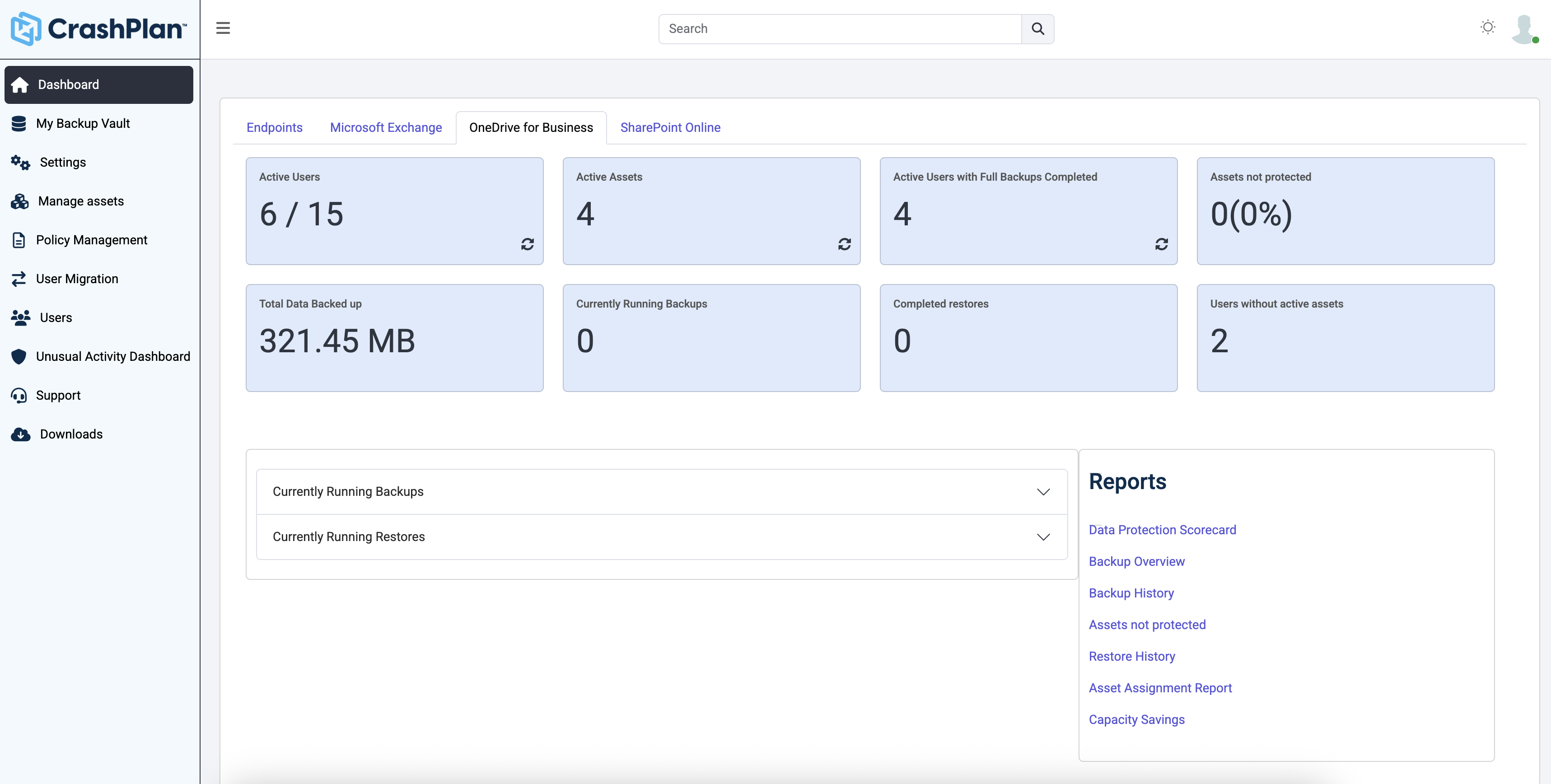
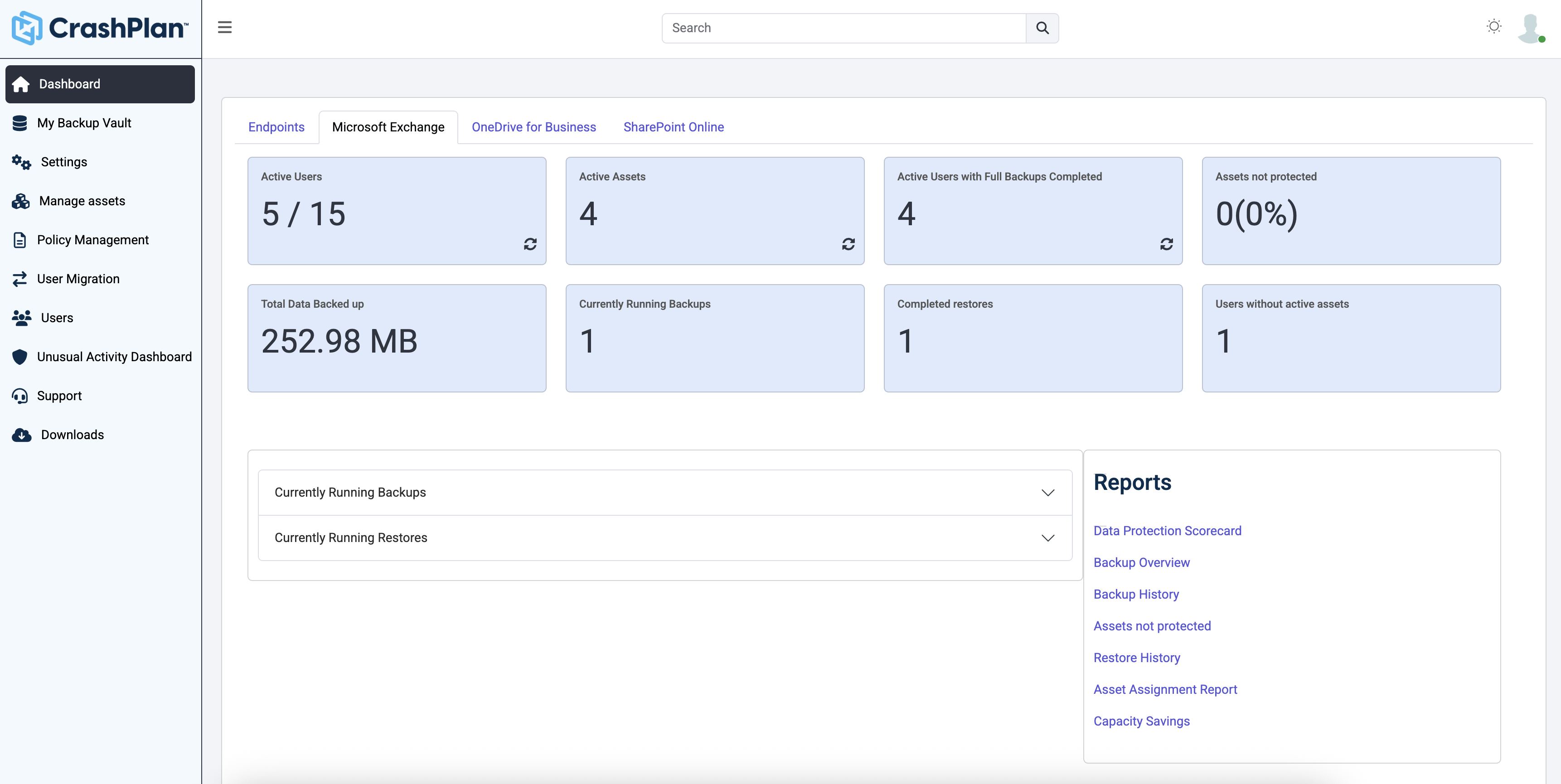
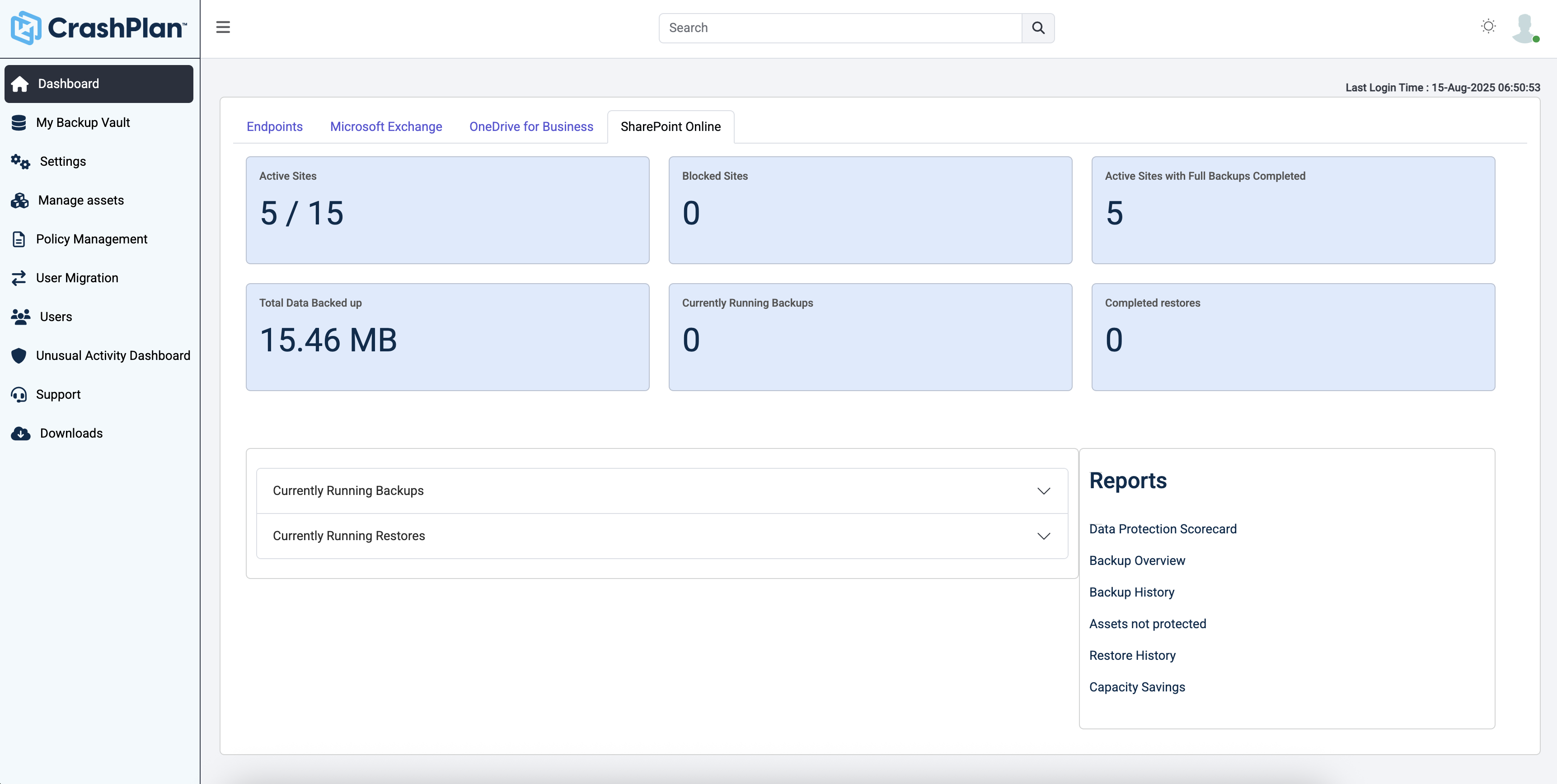
CrashPlan® provides secure, scalable, and straightforward endpoint data backup, to help organizations recover from any worst-case scenario, whether it is a disaster, simple human error, a stolen laptop, ransomware, or an as-of-yet-undiscovered calamity.
$8
per month per user
NetApp SaaS Backup
Score8.8 out of 10
N/A
NetApp SaaS Backup for Microsoft Office 365 and Salesforce is available in annual subscriptions
at $45.00 USD per user per year. It includes 24/7 support, unlimited storage and data retention.
Individuals (SOHO), families and SMBs, who have a tight budget for offsite critical company data backup are well suited to this product. Especially if you want your data to be hosted locally (Australia in our case). Larger companies, with higher requirements and budgets would be better served elsewhere. Especially when you consider the poor technical support. Although, to be fair, their poor support may just be issues with their Pro/SMB products, as opposed to their enterprise products. However, if that is the case it's a pretty poor show/indicator still.
My favorite feature of cloud data management is that it's simple to get all the business reports and analytics I need from a variety of data sources in a matter of minutes. As far as I'm concerned, it's the finest I've come across in terms of backup and safe access control.
A de minimis incentive was given to thank the reviewer for their time. The incentive was not used to bias or drive a particular response, nor was the incentive contingent on a positive endorsement. More Info
Code42 is the most affordable backup system offering unlimited storage that I could find. I came from SOS Online Backup, which I ultimately decided to drop after my monthly rate for their unlimited plan increased by 20x.
With Code42's unlimited storage option, I don't have to worry about the fact that my backups are significant in space. As a photographer with thousands of images at stake, I need to run large backups often.
Code42 runs continuously and silently in the background of my desktop computer. It is truly "set and go", so I don't have to think about it when I'm away. It runs until the designated drive has been fully backed up to my cloud storage. It will then automatically email me once the backup is complete (or, it will email me if it encounters any errors).
Customer service is above par. Anytime I need help, a chat agent is available (chat is my communication preference), they are always friendly, and go above and beyond to resolve my needs.
A de minimis incentive was given to thank the reviewer for their time. The incentive was not used to bias or drive a particular response, nor was the incentive contingent on a positive endorsement. More Info
A de minimis incentive was given to thank the reviewer for their time. The incentive was not used to bias or drive a particular response, nor was the incentive contingent on a positive endorsement. More Info
The CrashPlan program installed on your computer is Java-based vs. a native application. While this makes development for CrashPlan easier, there are a lot of drawbacks to Java programs including more resources usage, less stability, and overall more clunky interface.
While this was also in the Pros category - CrashPlan is an extremely powerful and flexible program, which adds a great deal of complexity. Setting up CrashPlan isn't always a simple procedure, and depending on the complexity of your backup set, can take a while to tinker around with the settings to get everything to work properly.
The CrashPlan desktop program consists of a Java program front end, as well as a backend service - there are times when the backend service will crash, and the front end Java program will refuse to load. Typically, restarting the service or restarting the computer will resolve the issue, but sometimes more in-depth troubleshooting is required.
Perhaps one of the biggest downsides to CrashPlan is its price - at $10/month/computer CrashPlan is more than double the price of some existing backup services such as Backblaze (priced at $50/year/computer). To add salt to the wound, about a year and a half ago, CrashPlan discontinued their consumer options - which were very reasonably priced at $60/year for a single computer or a family plan priced at $150/year for up to 10 computers. When these options were discontinued, the cost of backing up with CrashPlan was effectively doubled for the same feature set.
Along with the previous example, CrashPlan had the option to back up to a remote machine on a different network with a free Crashplan account. This option was eliminated when the consumer line of services were discontinued.
While the backup service provided by CrashPlan are still first in class, the above two controversial changes have broken some trust between CrashPlan and its clients.
A de minimis incentive was given to thank the reviewer for their time. The incentive was not used to bias or drive a particular response, nor was the incentive contingent on a positive endorsement. More Info
A de minimis incentive was given to thank the reviewer for their time. The incentive was not used to bias or drive a particular response, nor was the incentive contingent on a positive endorsement. More Info
Friendly and knowledgeable support team available to assist with this product. Code 42 (formerly CrashPlan) offers unlimited storage options for reasonable costs, so you really can't go wrong with this product. They have been a reliable resource for our company, and I would recommend to others looking for an easy setup with unlimited storage.
A de minimis incentive was given to thank the reviewer for their time. The incentive was not used to bias or drive a particular response, nor was the incentive contingent on a positive endorsement. More Info
Unitrends is our primary backup solution here at my place of employment, and I have no complaints. It does on-prem backups to a storage pool and with that, we chose not to also use Unitrends could storage as the cost was pretty high. Crashplan has a low cost and we were familiar with it. We found a great fit for Crashplan at a remote office with a web server, file share server, and a Domain Controller in addition to the Unitrends solution there. I also set up CrashPlan for a nonprofit org, as well as a Health foods store. I felt like I could stand behind the CrashPlan solution with my experience with it, in places like these where every dollar mattered.
A de minimis incentive was given to thank the reviewer for their time. The incentive was not used to bias or drive a particular response, nor was the incentive contingent on a positive endorsement. More Info
We utilize it to implement database and cloud backups. It's a lot more efficient than Rubrik, for example. SLA domains can be used to establish backup and retention depending on business requirements because of the high frequency of backups. Additionally, NetApp SaaS Backup provides a constant cloud product backup.
A de minimis incentive was given to thank the reviewer for their time. The incentive was not used to bias or drive a particular response, nor was the incentive contingent on a positive endorsement. More Info
Tremendous cost savings as the amount of data you backup doesn't impact cost. One flat rate!
Implementation time was minimal and requires little to no maintenance. Since installation, I've not had to correct or fix any issues. It just works.
We opted to supplement Code42 with another solution that allowed us to backup data to a local repository due to the amount for data that changes in our firm.
A de minimis incentive was given to thank the reviewer for their time. The incentive was not used to bias or drive a particular response, nor was the incentive contingent on a positive endorsement. More Info
A de minimis incentive was given to thank the reviewer for their time. The incentive was not used to bias or drive a particular response, nor was the incentive contingent on a positive endorsement. More Info