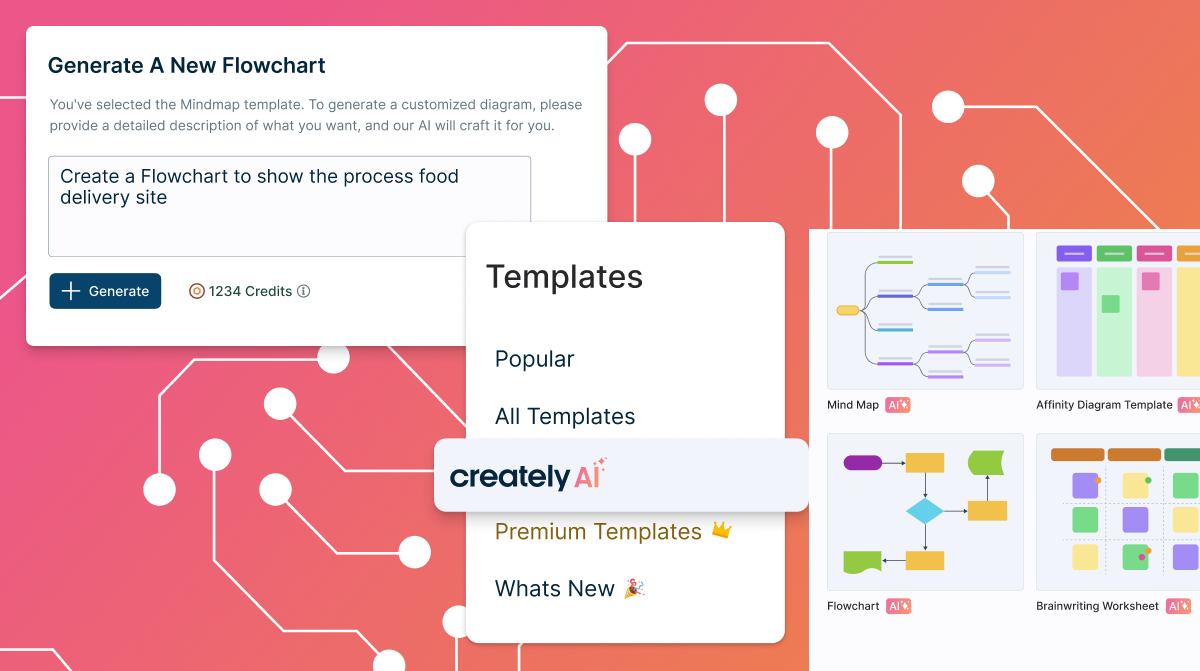
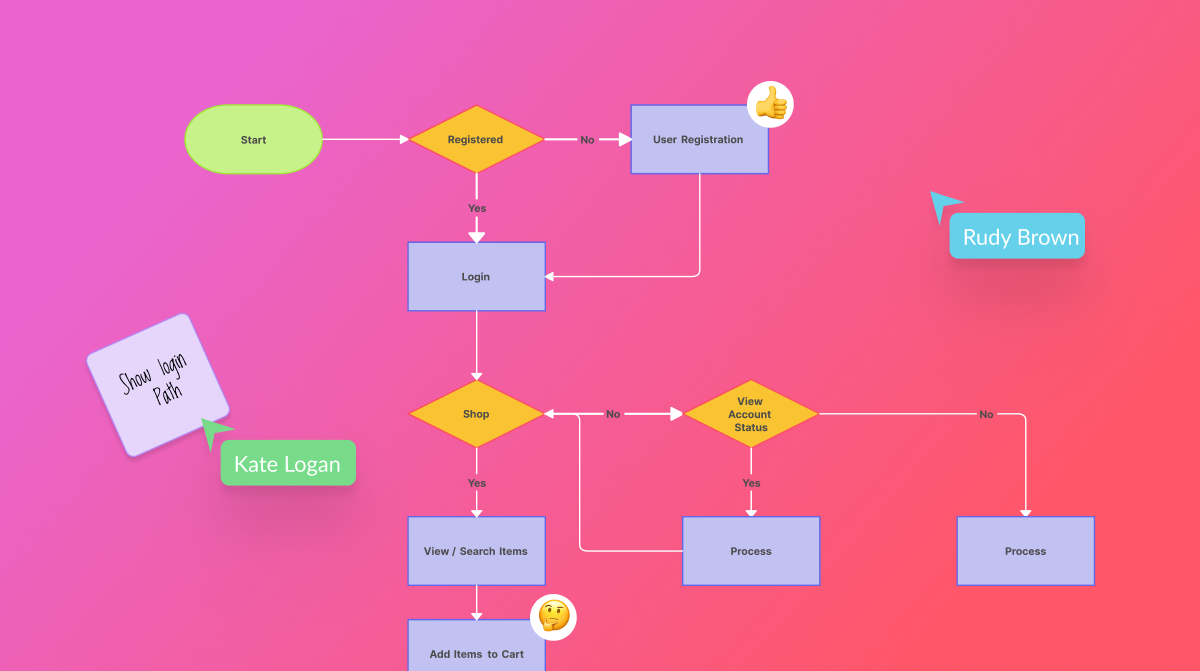
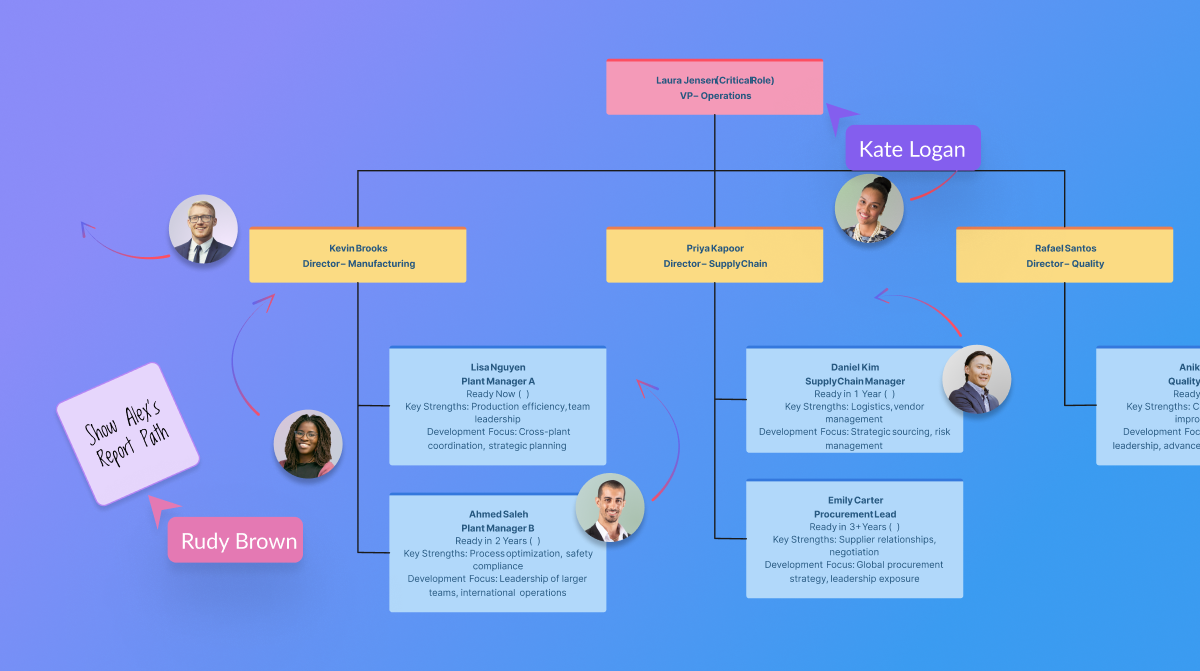
Creately is a visual collaboration platform that supports genograms, flowcharts, org charts, mind maps, and UML diagrams. Featuring template-based AI diagram generation, Creately boasts speed and accuracy in visual planning.
$8
per month (single user)
Lucid Visual Collaboration Suite
Score9 out of 10
N/A
The Lucid Visual Collaboration Suite empowers teams to ideate, plan, design, build, and launch game-changing solutions from a shared infinite canvas.
$0
per month
Pricing
Creately
Lucid Visual Collaboration Suite
Editions & Modules
Creately Personal
$8
per month
Creately Team
$8
per month per user
Creately Team
$60
per year per user
Creately Personal
$60
per year
Creately Business
$149
per month Unlimited Users
Creately Business
$1,068
per year Unlimited Users
Free
$0
Individual
$9
per month per user
Team
$10
per month per user (3 user minimum)
Enterprise
.
per year
Offerings
Pricing Offerings
Creately
Lucid Visual Collaboration Suite
Free Trial
Yes
Yes
Free/Freemium Version
Yes
Yes
Premium Consulting/Integration Services
Yes
Yes
Entry-level Setup Fee
No setup fee
Optional
Additional Details
Discounted prices for non profits, educational institutes, and charities.
A de minimis incentive was given to thank the reviewer for their time. The incentive was not used to bias or drive a particular response, nor was the incentive contingent on a positive endorsement. More Info
Verified User
Chose Creately
Creately's folder system is a novel feature that beats its competitors. It helps keep everything organized. In addition, there are many more customization possibilities, especially in the shapes and in the library of templates and drawings. It has an intelligent drawing …
A de minimis incentive was given to thank the reviewer for their time. The incentive was not used to bias or drive a particular response, nor was the incentive contingent on a positive endorsement. More Info
Lucid Software
Verified User
Chose Lucid Visual Collaboration Suite
Creately doesn't offer any integration with other applications, while Lucidchart does.
A de minimis incentive was given to thank the reviewer for their time. The incentive was not used to bias or drive a particular response, nor was the incentive contingent on a positive endorsement. More Info
COO (Chief Operations Officer) in Customer Service at INTERTEL (Computer & Network Security, 51-200 employees)
Chose Lucid Visual Collaboration Suite
We used both solutions before deciding to use LucidChart. Creately works really great and is an excellent option, but their pricing was so outside of our requirements that it did not make sense to continue with our demo. Also, their salespeople did not follow up with us, they …
A de minimis incentive was given to thank the reviewer for their time. The incentive was not used to bias or drive a particular response, nor was the incentive contingent on a positive endorsement. More Info
Verified User
Chose Lucid Visual Collaboration Suite
Lucidchart in my books is the superior application to the ones I have listed for the specific needs my team used it for. It provided a much easier setup process and the working space is much more clear to newcomers and people who have not used such an application before.
A de minimis incentive was given to thank the reviewer for their time. The incentive was not used to bias or drive a particular response, nor was the incentive contingent on a positive endorsement. More Info
Verified User
Chose Lucid Visual Collaboration Suite
It gives a big page to design all diagrams and its shapes are also good.
A de minimis incentive was given to thank the reviewer for their time. The incentive was not used to bias or drive a particular response, nor was the incentive contingent on a positive endorsement. More Info
A de minimis incentive was given to thank the reviewer for their time. The incentive was not used to bias or drive a particular response, nor was the incentive contingent on a positive endorsement. More Info
Creately sells itself as software specializing in a wide variety of areas, which is true in some cases. Visualizing and creating marketing processes, research, user flows, and general flowcharts is an extremely powerful tool. However, in other areas, such as Human Resources, UI/UX prototyping, and Wireframe design, it leaves a little to be desired compared to the competition.
A de minimis incentive was given to thank the reviewer for their time. The incentive was not used to bias or drive a particular response, nor was the incentive contingent on a positive endorsement. More Info
Lucid Visual Collaboration Suite is effective for process documentation and knowledge sharing across teams. For us, we used it to map out individual roles and specific tasks within each role to create clear and visual workflows that others can follow at any time. A key scenario where it works well in our business for business continuity during absences another colleague can pick up the role by following the process on Lucid Visual Collaboration Suite with minimal disruption. The visual diagrams are easy to understand and a written document.
A de minimis incentive was given to thank the reviewer for their time. The incentive was not used to bias or drive a particular response, nor was the incentive contingent on a positive endorsement. More Info
A de minimis incentive was given to thank the reviewer for their time. The incentive was not used to bias or drive a particular response, nor was the incentive contingent on a positive endorsement. More Info
Large number of predefined charts, diagrams, flows
A great repository of various symbols and objects
The easiness of using and manipulating objects and shapes. There is a lot of auto-editing and adjusting which the software does for you which saves a lot of your time.
Easy way of duplicating shapes.
While working with the app everything feels organic and natural. You don't get the clunky/limited feeling which happens with some other similar apps.
A de minimis incentive was given to thank the reviewer for their time. The incentive was not used to bias or drive a particular response, nor was the incentive contingent on a positive endorsement. More Info
A de minimis incentive was given to thank the reviewer for their time. The incentive was not used to bias or drive a particular response, nor was the incentive contingent on a positive endorsement. More Info
The sign in page could use some help. When I first signed up, it was really difficult to login, unless I was logged into the perfect Lucid Visual Collaboration Suite software. It doesn’t seem to have a route to get people to the right place if you’re in the wrong place.
It’s nearly impossible to move content off of the Lucid Visual Collaboration Suite if you’re looking to get your content into a different platform.
Lucid Visual Collaboration Suite requires frequent updates and refreshes of the pages (at least daily).
A de minimis incentive was given to thank the reviewer for their time. The incentive was not used to bias or drive a particular response, nor was the incentive contingent on a positive endorsement. TR verified that a representative sample of customers was invited. More Info
Creately is one of its Kind. The software has a straightforward interface and very supportive customer services providers. It is very well suited in diagramming and collaboration.
The usability of Lucid Visual Collaboration Suite is bar none and incomparable to any other tool used in the past. There is such a vast offering that covers all the needs of any user in industries far and wide. It is no doubt that this is a firm recommendation for anyone and everyone to utilize this tool for all their needs.
A de minimis incentive was given to thank the reviewer for their time. The incentive was not used to bias or drive a particular response, nor was the incentive contingent on a positive endorsement. More Info
A de minimis incentive was given to thank the reviewer for their time. The incentive was not used to bias or drive a particular response, nor was the incentive contingent on a positive endorsement. More Info
I reached out about being able to access Linear through their new acquisition partner, and they kept pointing me to the same article even though I told them it wasn't giving me the information I needed. I asked for a meeting with a CSM and they didn't reach out to help. I've also tried to contact some PM friends to give feedback, but no one seems to care
A de minimis incentive was given to thank the reviewer for their time. The incentive was not used to bias or drive a particular response, nor was the incentive contingent on a positive endorsement. TR verified that a representative sample of customers was invited. More Info
Creately's folder system is a novel feature that beats its competitors. It helps keep everything organized. In addition, there are many more customization possibilities, especially in the shapes and in the library of templates and drawings. It has an intelligent drawing capability superior to all the competition, allowing more customization and detail.
A de minimis incentive was given to thank the reviewer for their time. The incentive was not used to bias or drive a particular response, nor was the incentive contingent on a positive endorsement. More Info
Lucidchart is well beyond Microsoft Visio and is constantly improving. Visio is pretty much stagnant and hasn't been improved for several years, Lucid is constantly adding new functionality like AI powered functions and tools. We have no reason to pay for Visio licenses when Lucid can provide so much more for less.
A de minimis incentive was given to thank the reviewer for their time. The incentive was not used to bias or drive a particular response, nor was the incentive contingent on a positive endorsement. More Info
A de minimis incentive was given to thank the reviewer for their time. The incentive was not used to bias or drive a particular response, nor was the incentive contingent on a positive endorsement. More Info
Though I can't necessarily provide hard numbers, I can confidently say that Lucidchart has saved countless hours for myself and my teams as we don't need to try to develop some type of complex diagram using markup or any kind of code.
I have previously been able to build a complete ERD using Lucidchart in a past position, which the company never had before. It ended up being used by countless teams in the company and ultimately in a large-scale data stack migration effort.
A de minimis incentive was given to thank the reviewer for their time. The incentive was not used to bias or drive a particular response, nor was the incentive contingent on a positive endorsement. More Info