
Creativity 365 vs. Stackby
| Product | Rating | Most Used By | Product Summary | Starting Price |
|---|---|---|---|---|
 Creativity 365 | Score10 out of 10 | N/A | Creativity 365 is a comprehensive, cross-device contention creation tool set designed for both business and creative professionals. The suite aims to help individuals and teams collaborate and improve their productivity and efficiency. The set includes five apps along with 1TB Kdan Cloud storage and access to all of Kdan Mobile's online communities. Platforms: Android, iOS, Mac, Windows According to the vendor key features and business benefits… | N/A |
 Stackby | Score8.8 out of 10 | N/A | Stackby is designed to bring together the simplicity of spreadsheets, the functionality of databases and integrations with best business APIs to let anyone build their own tools, the way they want. No coding needed. Users can build a database from scratch, import data from pre-existing sources like spreadsheets or Google Sheets, or choose from over 100 pre-built templates across multiple categories. Stackby offers over 25 unique column types like text,… | $5 per month per user |
| Creativity 365 | Stackby | |||||||||||||||
|---|---|---|---|---|---|---|---|---|---|---|---|---|---|---|---|---|
| Editions & Modules | No answers on this topic |
| ||||||||||||||
| Offerings |
| |||||||||||||||
| Entry-level Setup Fee | No setup fee | No setup fee | ||||||||||||||
| Additional Details | Monthly $9.99 (*3-day free trial available) Semi-annually $39.99 Annually $59.99 (*14-day free trial available) Also, comes with a free stylus.** Quarterly plan with 7-day free trial to come in the following months. *Special and bulk purchasing options available for educational institutions and businesses. *Free trials only available on iTunes. **Free stylus details. Currently, new users subscribing to our Creativity 365 annual plan will receive an Adonit Dash 3 stylus. Once the free stylus has been shipped order is no refundable. | 20% discount for annual pricing. | ||||||||||||||
| More Pricing Information | ||||||||||||||||
| Creativity 365 | Stackby | |
|---|---|---|
| Considered Both Products | No answer on this topic | No answer on this topic |
| Key User Insights | ||
| Would buy again | ||
No answers on this topic | 100% Would buy again 15 Answers | |
| Delivers good value for the price | ||
No answers on this topic | 100% Delivers good value for the price 15 Answers | |
| Happy with the feature set | ||
No answers on this topic | 100% Happy with the feature set 15 Answers | |
| Lived up to sales and marketing promises | ||
No answers on this topic | 100% Lived up to sales and marketing promises 14 Answers | |
| Implementation went as expected | ||
No answers on this topic | 87% Implementation went as expected 13 Answers | |
| Creativity 365 | Stackby | ||||||||||||||||||||||||||||
|---|---|---|---|---|---|---|---|---|---|---|---|---|---|---|---|---|---|---|---|---|---|---|---|---|---|---|---|---|---|
| Project Management |
| ||||||||||||||||||||||||||||
| Communication |
| ||||||||||||||||||||||||||||
| File Sharing & Management |
| ||||||||||||||||||||||||||||
| Creativity 365 | Stackby | |
|---|---|---|
| Small Businesses |  Flock Score9.5 out of 10 |  Microsoft Excel Score9 out of 10 |
| Medium-sized Companies |  Troop Messenger Score9.8 out of 10 | Microsoft Excel Score9 out of 10 |
| Enterprises |  Cisco Business Edition 7000 (discontinued) Score9 out of 10 | Microsoft Excel Score9 out of 10 |
| All Alternatives | View all alternatives | View all alternatives |
| Creativity 365 | Stackby | |
|---|---|---|
| Likelihood to Recommend | 10.0 | 8.8 |
| Usability | - | 7.3 |
| Support Rating | 10.0 | 10.0 |
| Creativity 365 | Stackby | |
|---|---|---|
| Likelihood to Recommend |
|
|
| Pros |
|
|
| Cons |
|
|
| Usability | No answers on this topic |
|
| Support Rating |
|
|
| Alternatives Considered |
|
|
| Return on Investment |
|
|
| ScreenShots | Creativity 365 Screenshots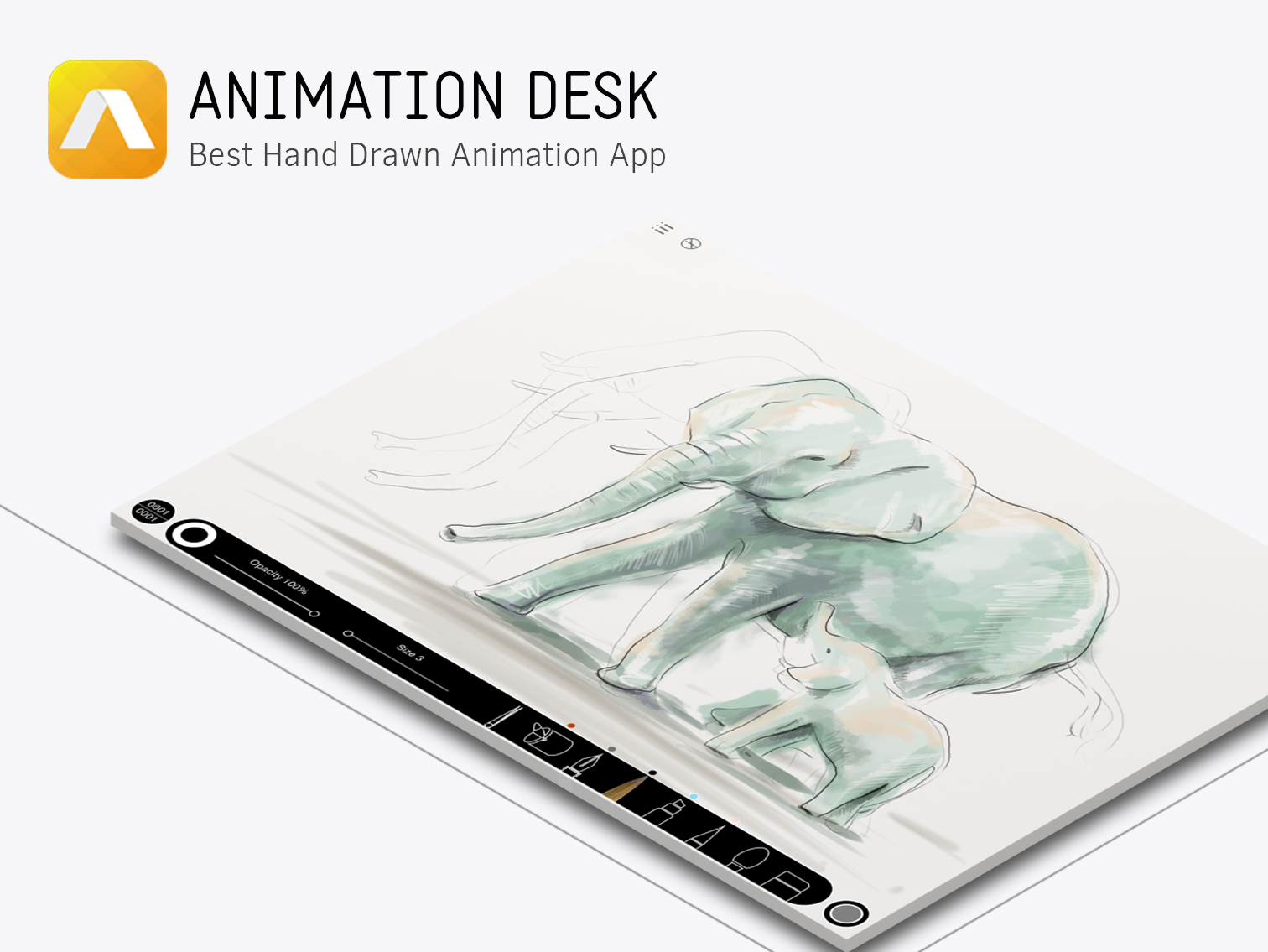  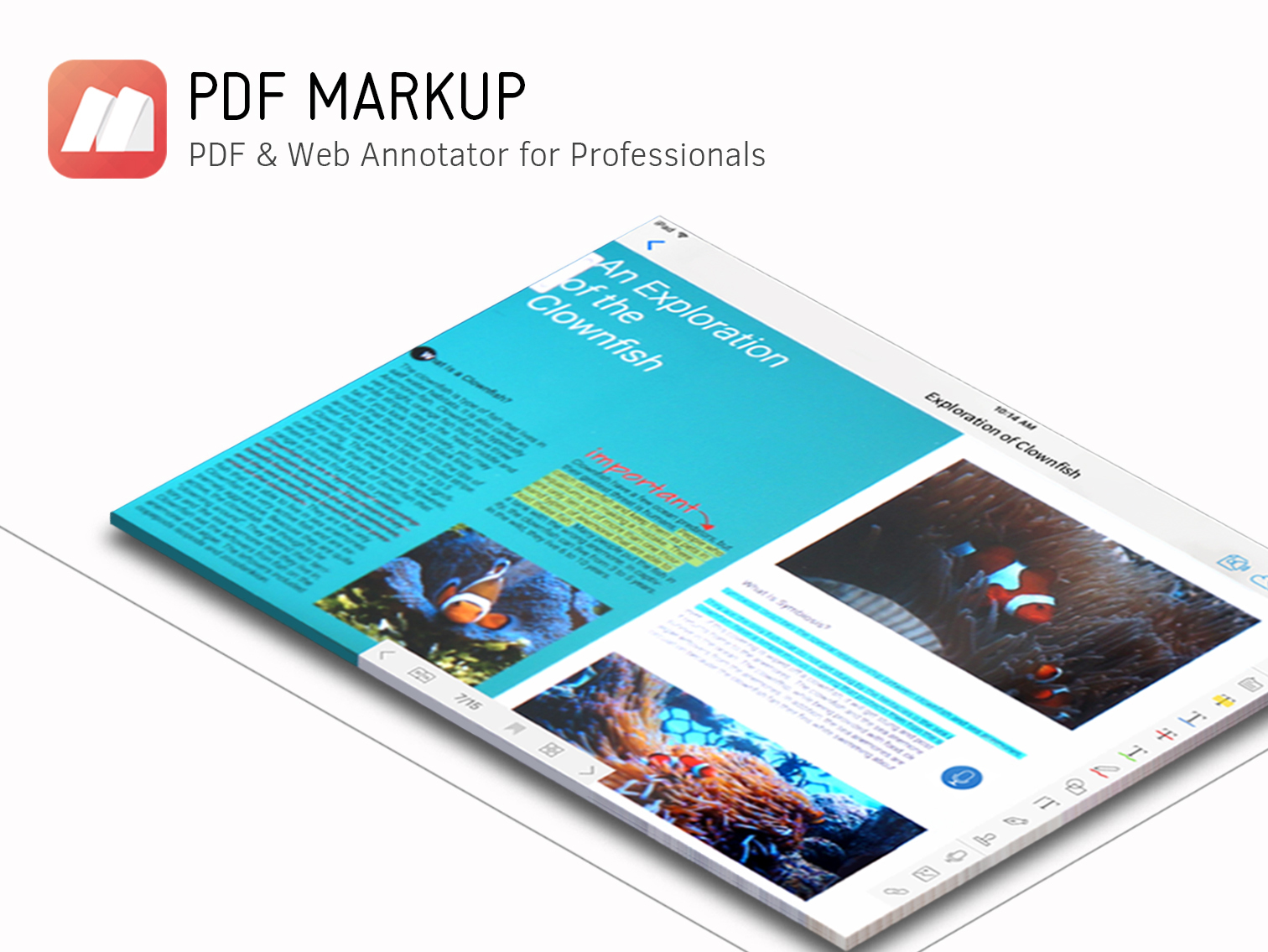  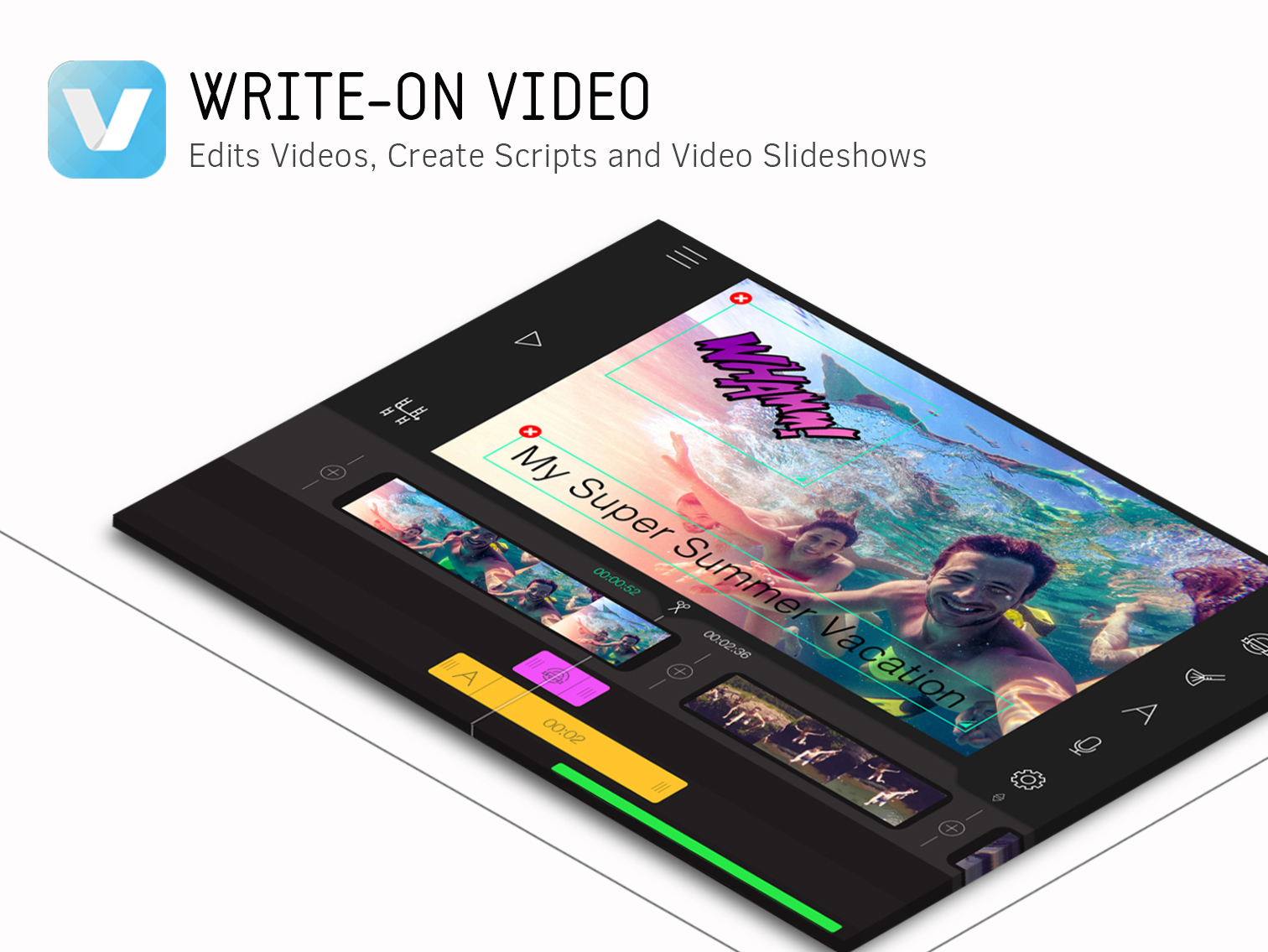  | Stackby Screenshots     |


