
CubeBackup vs. Cove Data Protection
CubeBackup vs. Cove Data Protection
| Product | Rating | Most Used By | Product Summary | Starting Price |
|---|---|---|---|---|
 CubeBackup | Small Businesses (1-50 employees) | CubeBackup is a self-hosted Google Workspace backup solution that can back up business data to on-premises storage or to cloud storage like AWS S3, Google Cloud, Azure Blog Storage. | $2 per user per year | |
 Cove Data Protection | N/A | Cove Data Protection (formerly N-Able Backup) is designed to cover servers, datacenters, applications, and workstations, and is provided to ensure business continuity and at-a-glance assessment and fast issue resolution via customizable dashboard. | N/A |
| CubeBackup | Cove Data Protection | |||||||||||||||
|---|---|---|---|---|---|---|---|---|---|---|---|---|---|---|---|---|
| Editions & Modules |
| No answers on this topic | ||||||||||||||
| Offerings |
| |||||||||||||||
| Entry-level Setup Fee | No setup fee | No setup fee | ||||||||||||||
| Additional Details | — | Cove offers one flat rate per server or workstation and one flat per-user price for Microsoft 365, with cloud storage included. Each license carries a defined amount of included storage that is pooled across an MSPs customers, so smaller devices that use less can offset larger ones. | ||||||||||||||
| More Pricing Information | ||||||||||||||||
| CubeBackup | Cove Data Protection |
|---|
| CubeBackup | Cove Data Protection | |||||||||||||||||||||||||||||||||||||||||||||
|---|---|---|---|---|---|---|---|---|---|---|---|---|---|---|---|---|---|---|---|---|---|---|---|---|---|---|---|---|---|---|---|---|---|---|---|---|---|---|---|---|---|---|---|---|---|---|
| Data Center Backup |
|
| CubeBackup | Cove Data Protection | |
|---|---|---|
| Small Businesses |  IDrive Online Backup and Object Storage e2 Score 9.1 out of 10 |  Veeam Data Platform Score 8.9 out of 10 |
| Medium-sized Companies |  Spanning Backup Score 7.4 out of 10 |  Bacula Enterprise Score 8.6 out of 10 |
| Enterprises |  Keepit Score 9.4 out of 10 | Bacula Enterprise Score 8.6 out of 10 |
| All Alternatives | View all alternatives | View all alternatives |
| CubeBackup | Cove Data Protection | |
|---|---|---|
| Likelihood to Recommend | - (0 ratings) | 7.8 (19 ratings) |
| Usability | - (0 ratings) | 9.7 (7 ratings) |
| Support Rating | - (0 ratings) | 9.8 (4 ratings) |
| CubeBackup | Cove Data Protection | |
|---|---|---|
| Likelihood to Recommend | CubeBackup Inc. No answers on this topic | N-able
|
| Pros | CubeBackup Inc. No answers on this topic | N-able
 Russ Taylor Technical Customer Representative |
| Cons | CubeBackup Inc. No answers on this topic | N-able
|
| Usability | CubeBackup Inc. No answers on this topic | N-able
|
| Support Rating | CubeBackup Inc. No answers on this topic | N-able
|
| Alternatives Considered | CubeBackup Inc. No answers on this topic | N-able
 Aaron Highsmith Help Desk Technician |
| Return on Investment | CubeBackup Inc. No answers on this topic | N-able
 Marc Shaffer CEO (Chief Executive Officer) |
| ScreenShots | CubeBackup Screenshots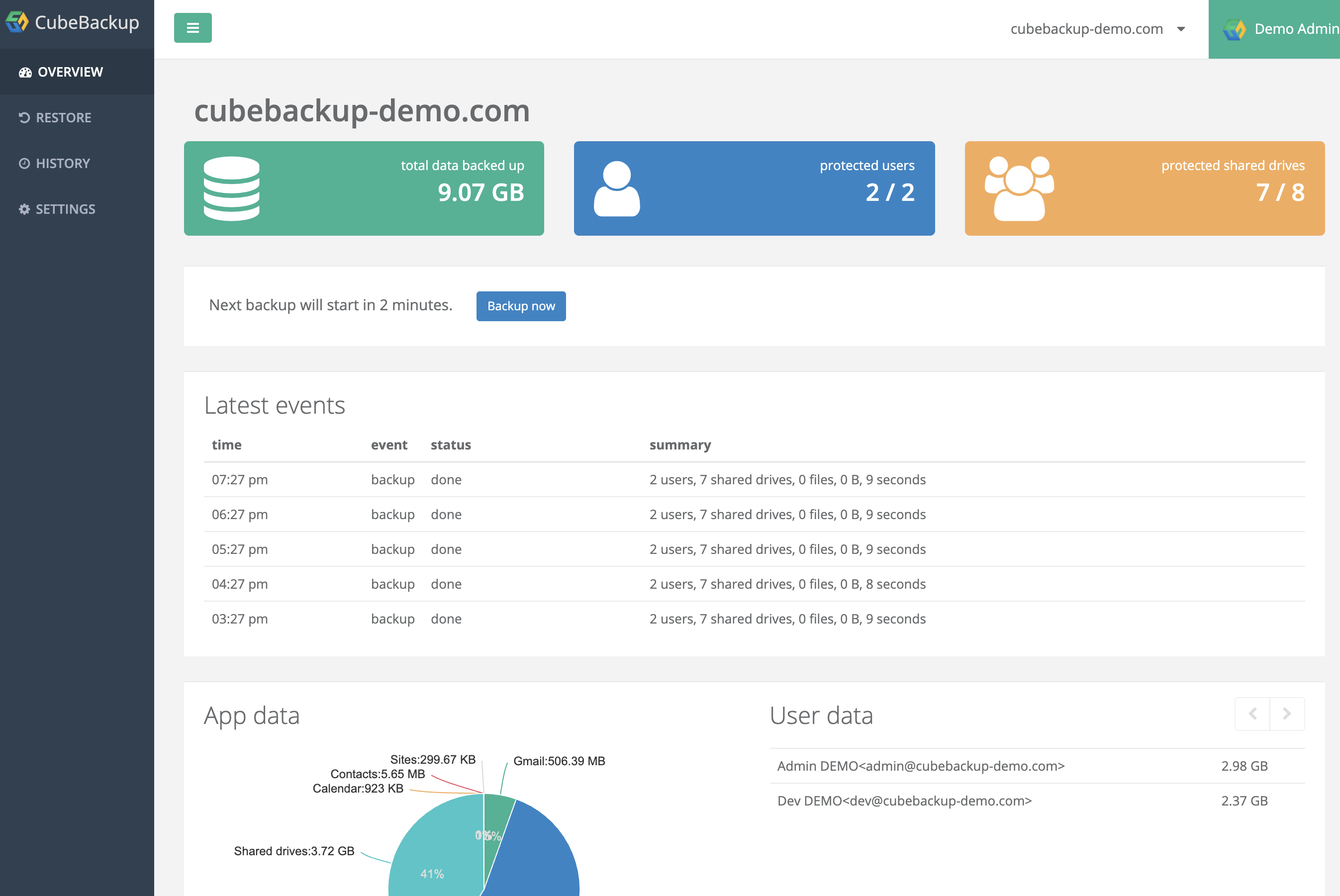  |