TrustRadius: an HG Insights company

Save this comparison

Save this comparison

Add Product

Recommended Comparisons

    Overview
    ProductRatingMost Used ByProduct SummaryStarting Price

    CyberArk Workforce Identity

    Score8 out of 10
    N/ACyberArk Identity is a SaaS-delivered suite of solutions designed to simplify identity and access management in enterprises. CyberArk Identity unifies Workforce Access and Identity Management solutions in a single offering. Workforce Access capabilities include single sign-on, multi-factor authentication, session security, and credential management. Identity Management capabilities include lifecycle management, identity orchestration, and identity governance. With CyberArk Identity,…N/A

    ShareGate

    Score9 out of 10
    N/AShareGate is an Microsoft 365 migration and governance platform that focuses on simplicity, boasting over 100,000 IT pros as users.

    $5,995

    per year

    Pricing
    CyberArk Workforce IdentityShareGate
    Editions & Modules
    No answers on this topic
    ShareGate Protect
    $1995
    per year
    Migrate Essentials
    $5,995
    per year 1 machine activation for essential migrations
    Migrate Pro
    $9,995
    per year 5 machine activation for essential migrations
    Migrate Enterprise
    $17,995
    per year 25 machine activation for essential migrations
    Offerings
    Pricing Offerings
    CyberArk Workforce IdentityShareGate
    Free Trial
    YesYes
    Free/Freemium Version
    NoNo
    Premium Consulting/Integration Services
    YesNo
    Entry-level Setup FeeNo setup feeNo setup fee
    Additional Details——
    More Pricing Information
    Community Pulse
    CyberArk Workforce IdentityShareGate
    Considered Both Products
    Cyberark
    No answer on this topic
    Workleap
    No answer on this topic
    Key User Insights
    Would buy again
    No answers on this topic
    100%
    Would buy again
    6 Answers
    Delivers good value for the price
    No answers on this topic
    100%
    Delivers good value for the price
    6 Answers
    Happy with the feature set
    No answers on this topic
    100%
    Happy with the feature set
    6 Answers
    Lived up to sales and marketing promises
    No answers on this topic
    100%
    Lived up to sales and marketing promises
    6 Answers
    Implementation went as expected
    No answers on this topic
    100%
    Implementation went as expected
    5 Answers
    Features
    CyberArk Workforce IdentityShareGate
    Identity Management
    Comparison of Identity Management features of CyberArk Workforce Identity and ShareGate
    Feature
    CyberArk Workforce Identity
    9.0
    3 Ratings
    9% above category average
    ShareGate
    -
    Ratings
    ID-Management Access Control9.03 Ratings00 Ratings
    ID Management Single-Sign On (SSO)9.02 Ratings00 Ratings
    Multi-Factor Authentication9.02 Ratings00 Ratings
    Password Management9.02 Ratings00 Ratings
    Account Provisioning and De-provisioning9.03 Ratings00 Ratings
    ID Management Workflow Automation9.03 Ratings00 Ratings
    ID Risk Management9.03 Ratings00 Ratings
    Best Alternatives
    CyberArk Workforce IdentityShareGate
    Small Businesses
    JumpCloud
    Score9.3 out of 10
    No answers on this topic
    Medium-sized Companies
    OneLogin by One Identity
    Score9.4 out of 10
    No answers on this topic
    Enterprises
    RSA Access Manager (Discontinued)
    Score10 out of 10
    No answers on this topic
    All AlternativesView all alternativesView all alternatives
    User Ratings
    CyberArk Workforce IdentityShareGate
    Likelihood to Recommend
    9.0
    (43 ratings)
    8.0
    (6 ratings)
    Likelihood to Renew
    10.0
    (2 ratings)
    8.0
    (3 ratings)
    Usability
    -
    (0 ratings)
    8.0
    (3 ratings)
    Availability
    -
    (0 ratings)
    9.5
    (2 ratings)
    Performance
    -
    (0 ratings)
    7.5
    (2 ratings)
    Support Rating
    9.0
    (4 ratings)
    9.0
    (2 ratings)
    Implementation Rating
    -
    (0 ratings)
    8.3
    (2 ratings)
    Configurability
    -
    (0 ratings)
    7.0
    (2 ratings)
    Contract Terms and Pricing Model
    -
    (0 ratings)
    8.0
    (2 ratings)
    Ease of integration
    -
    (0 ratings)
    8.0
    (2 ratings)
    Product Scalability
    -
    (0 ratings)
    9.0
    (2 ratings)
    Professional Services
    -
    (0 ratings)
    8.0
    (2 ratings)
    Vendor post-sale
    -
    (0 ratings)
    8.0
    (2 ratings)
    Vendor pre-sale
    -
    (0 ratings)
    8.0
    (2 ratings)
    User Testimonials
    CyberArk Workforce IdentityShareGate
    Likelihood to Recommend
    Cyberark
    Centrify is a great solution for anyone looking to start using Office 365. It is also a great solution for anyone wanting to provide their users with an SSO solution using OAUTH, Federation, or SAML for any hosted service. If you are looking to use Centrify for MDM but you aren't using a hosted/hybrid email solution such as Office 365, there are better on-premise options that should be explored.
    Incentivized
    Read full review
    Workleap
    ShareGate is well suited for SharePoint on-prem to on prem site migrations, on-prem site to online SharePoint migrations, file share migrations to SharePoint online. Moving power and automating workflows using the ShareGate tool is less appropriate.
    Incentivized
    Read full review
    Pros
    Cyberark
    • User provisioning is accurate, effective, and fully customizable.
    • Custom configuration of applications for SSO and provisioning is easy using fully customizable scripts to address your exact need.
    • The user interface is clean and easy to navigate.
    • Support is helpful and prompt.
    Incentivized
    Read full review
    Workleap
    • Migrating Sites and data on harddrives to SharePoint
    • Copying all kinds of SharePoint objects between sites
    • Reports on Orphaned users and other audit requirements
    Incentivized
    Read full review
    Cons
    Cyberark
    • Occasionally, I get logged out of Gmail, sometimes in the middle of an email. I'm not sure why it happens, but I think it has something to do with timing out. Which is strange because I'm on email all day. Not sure why.
    Incentivized
    Read full review
    Workleap
    • Auditing -connect with MS purview
    • Better reports export for permissions matrix
    • Better user mapping (poll source and destination sites and try to auto map)
    Incentivized
    Read full review
    Likelihood to Renew
    Cyberark
    Centrify is central to creating efficiency and safety for our clients and internally. To remove it would cause a massive disturbance in the lives of our employees and our clients.
    Incentivized
    Read full review
    Workleap
    It is a powerful tool for copying files along with their associated metadata and version history. It integrates seamlessly with Microsoft 365 and supports workflow migrations. However, it may not be ideal for non-technical users. Currently, it does not support Power Platform workflow migrations and lacks a pause function—offering only start or stop options during migration.
    Incentivized
    Read full review
    Usability
    Cyberark
    No answers on this topic
    Workleap
    Overall, I am very satisfied with the ShareGate tool, which is used effectively for migration purposes, not only to migrate the contents from SharePoint to SharePoint but also to the contents from file share to SharePoint. This tool helps us review the warnings/errors from the migrations quickly and helps us identify what caused the errors. I hope the ShareGate product team will consider migration of power automated workflows using this tool in future releases.
    Incentivized
    Read full review
    Reliability and Availability
    Cyberark
    No answers on this topic
    Workleap
    The tool is generally very reliable, with minimal downtime or unplanned outages. It performs consistently during migrations and administrative tasks, and users rarely encounter critical application errors.
    Incentivized
    Read full review
    Performance
    Cyberark
    No answers on this topic
    Workleap
    In most cases, ShareGate performs well—pages load quickly, and reports are generated in a reasonable timeframe, even for moderately complex environments. Its interface is responsive, and it handles standard migrations and administrative tasks efficiently. However, performance can slow down during very large migrations or when processing high volumes of data, especially if the source or destination environments are heavily customized
    Incentivized
    Read full review
    Support Rating
    Cyberark
    The support staff thus far has been very helpful. At times I feel they are driving the process forward without my intervention or constant reminder, which is nice to have in a company for a change. Most support seems to be a hassle but so far Centrify appears to treat your project as their own project.
    Incentivized
    Read full review
    Workleap
    Haven't needed it that many times. But they respond very fast and are knowledgeable. They are easy to reach!
    Incentivized
    Read full review
    Implementation Rating
    Cyberark
    No answers on this topic
    Workleap
    You only need some global admin consent after that you can do almost anything which is available in the app.
    Incentivized
    Read full review
    Alternatives Considered
    Cyberark
    Centrify offered us more for our money by being more than just an SSO platform. There were several other features included such as MDM and MFA. This started other initiatives for us and felt the other solutions we evaluated would not have been able to provide.
    Incentivized
    Read full review
    Workleap
    Cost prohibitive since it's based on size migrated and rather expensive. However, the feature-set is VERY good and has some things ShareGate doesn't.
    Incentivized
    Read full review
    Scalability
    Cyberark
    No answers on this topic
    Workleap
    ShareGate scales well across departments and sites, supporting large migrations and tenant moves with strong Microsoft 365 integration. However, it lacks advanced automation, Power Platform support, and pause/resume functionality, which can limit its effectiveness in highly complex or enterprise-scale environments.
    Incentivized
    Read full review
    Return on Investment
    Cyberark
    • CyberArk Workforce Identity provides secure access to on-premises and cloud applications. The platform is highly scalable and works well for companies of any size.
    • I can classify and label data. Also keep track of activity in shared applications and data, to know exactly who accesses each of the files.
    Incentivized
    Read full review
    Workleap
    • Share gate has saved my colleagues and I hundreds of hours of migration headaches
    • Share Gates reporting tools as an administrator make my job very very simple.
    • The ROI could be measured alone in man hours saved migrating environments. That alone has probably paid for the licensing cost
    Incentivized
    Read full review
    ScreenShots

    CyberArk Workforce Identity Screenshots
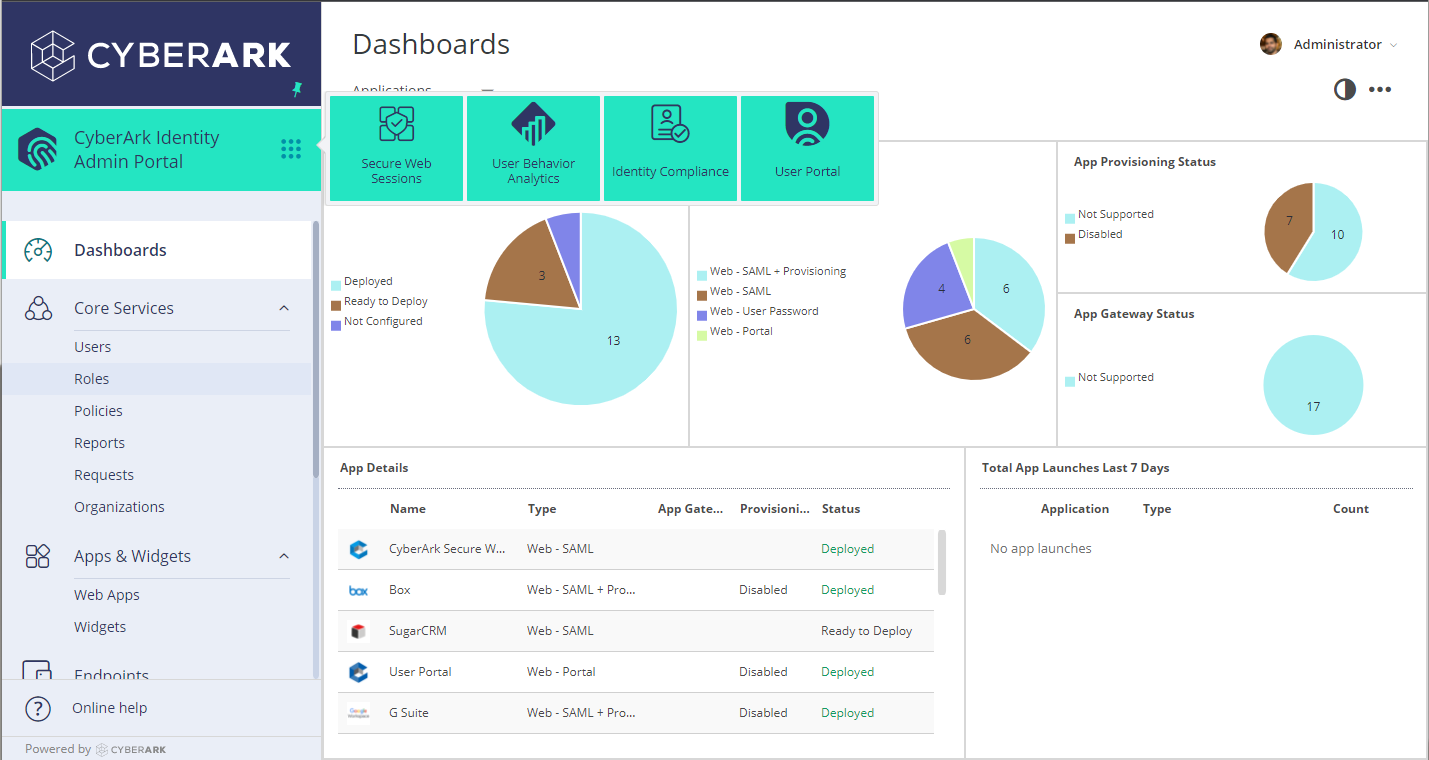
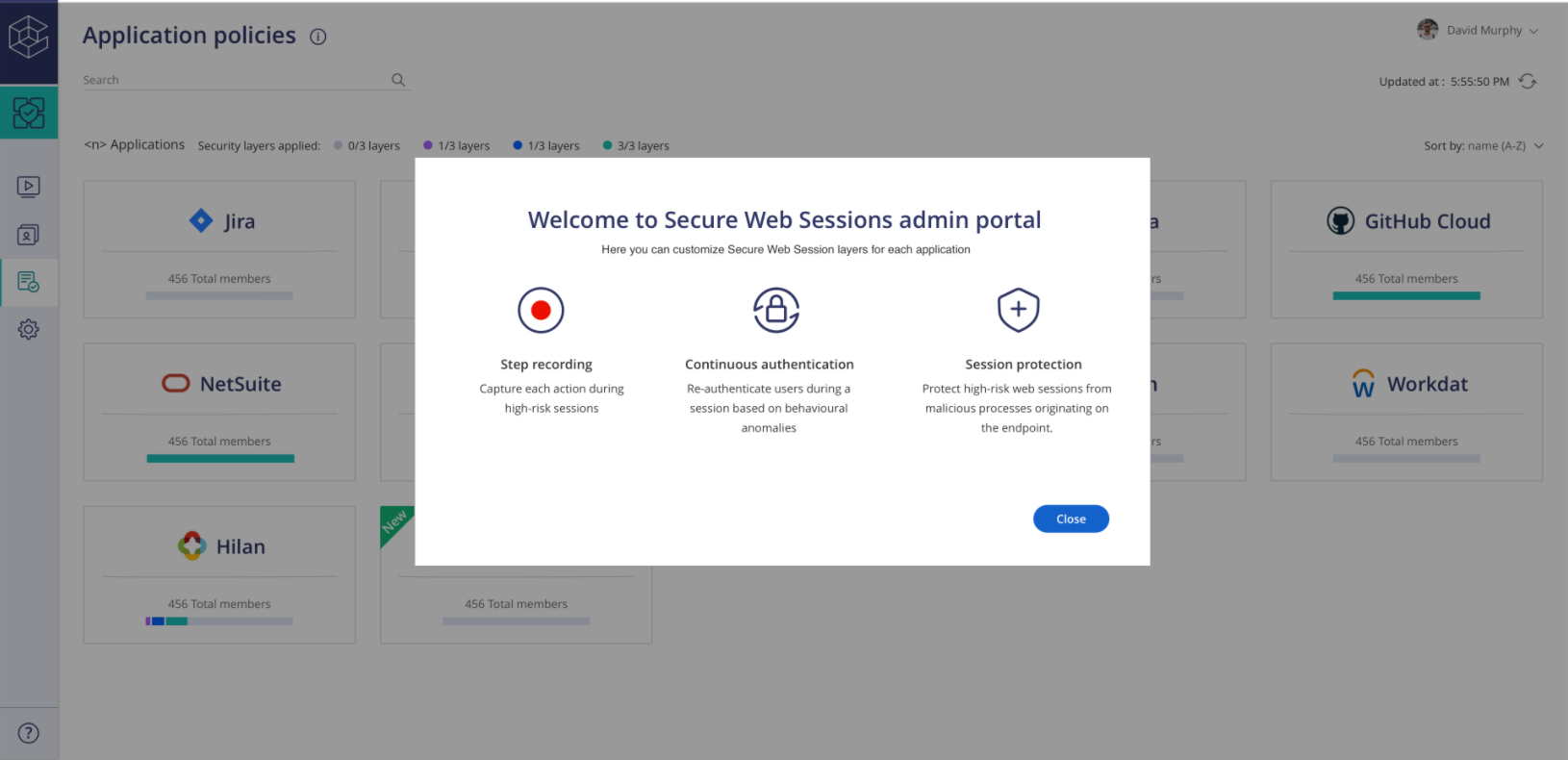
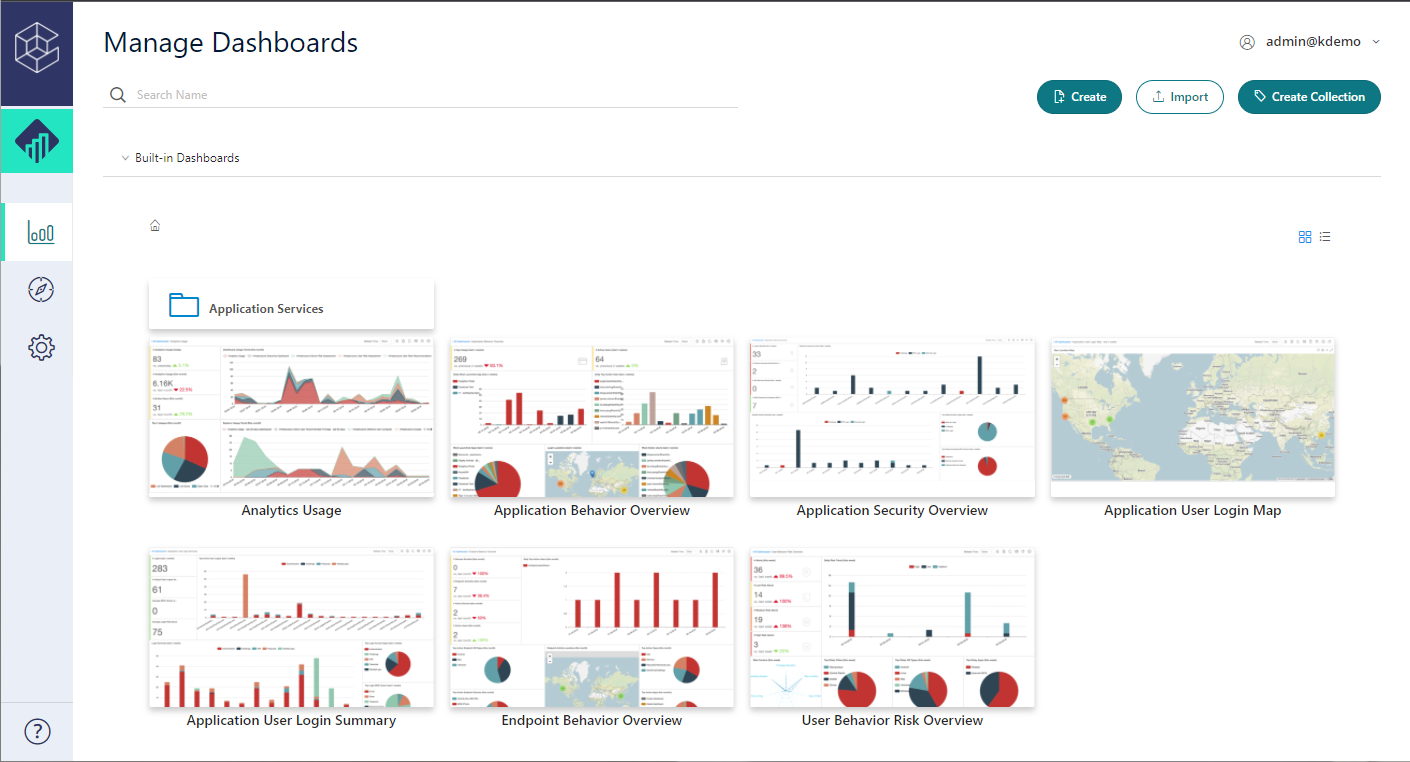
    Screenshot of Admin PortalScreenshot of Identity LoginScreenshot of SWS PortalScreenshot of UBA PortalScreenshot of User Portal

    ShareGate Screenshots

    Screenshot of the ShareGate migration tool – from migration to content management, it is used to migrate to Microsoft 365, move channels in Teams, and merge tenants.Screenshot of the Permissions Matrix Report used to validate, monitor and manage permissions for internal and external users. It is also used to audit permissions security without scripting, or update permissions in bulk.Screenshot of the built-in and custom reports that offer an overview of SharePoint and Teams inventory. They display what exists, and who created it.Screenshot of the team management interface, used to manage a SharePoint team and communication sites without PowerShell scripts. It is also used to build governance policies, and automatically spot risks, gaps and clutter.Screenshot of a display of who can do what in the SharePoint environment. From the interface, users can copy and edit permissions in bulk, control and review external sharing and guest access, or delegate control to owners to review, without leaving Teams.Screenshot of the interface where users can provision their workspaces using templates, with guardrails in place – like minimum owners, blueprint sites, naming conventions, multiple approvers, and privacy level.