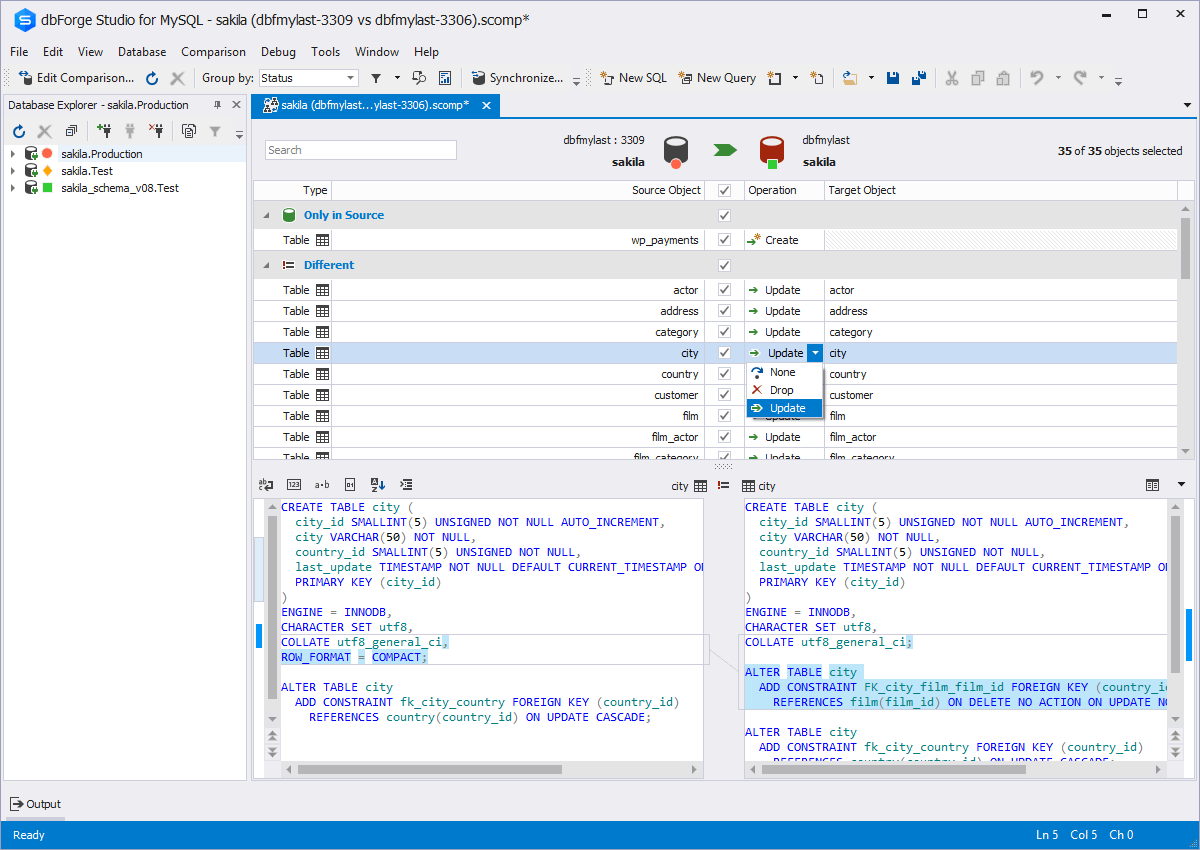
dbForge Studio is provided by
Devart and is a universal front-end client for database
management, administration and development. Devart's GUI tool provides
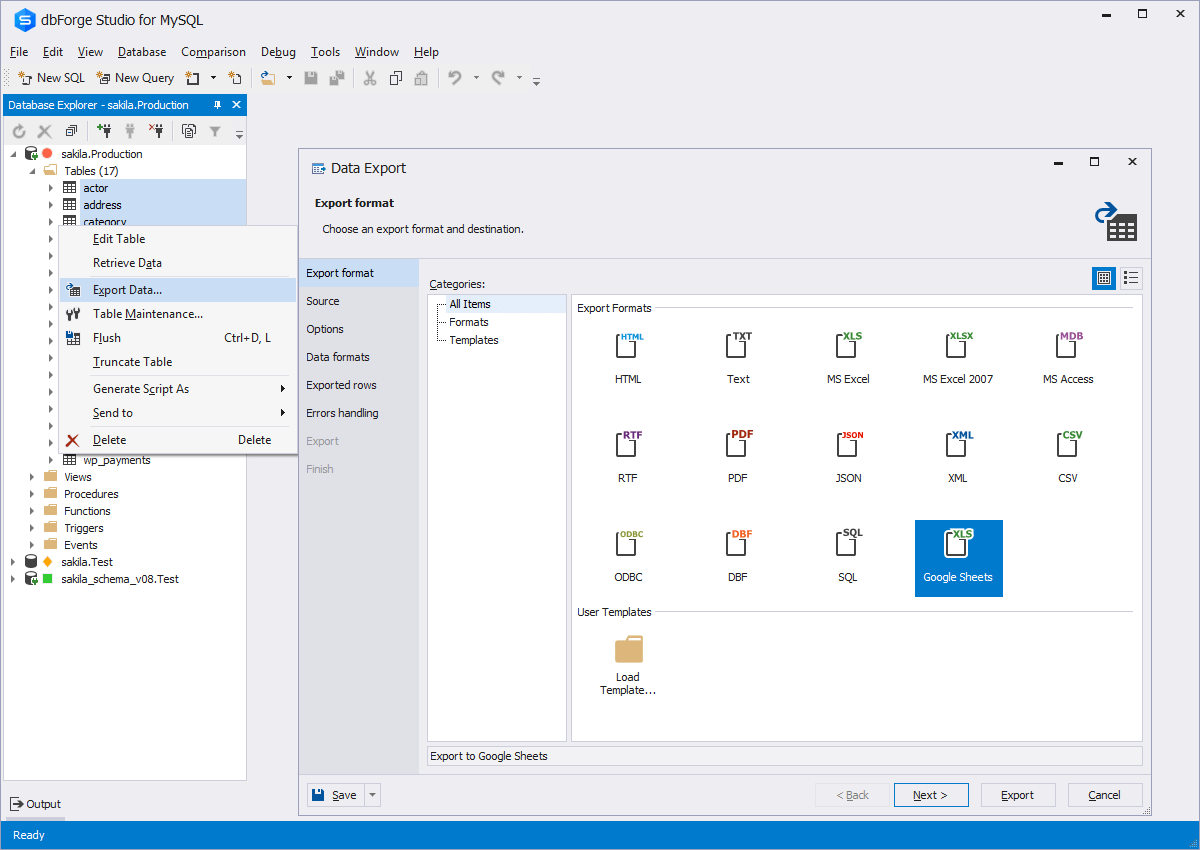
utilities to compare, synchronize, and back up databases (e.g. MySQL, Oracle, SQL Server, PostgreSQL, etc.) with scheduling,
and includes the possibility to analyze and report MySQL tables data. For example, dbForge
Studio for MySQL works with any MariaDB database servers, and supports all
MariaDB objects types. This solution enables users…
$9.95
per month
DataGrip
Score 9.4 out of 10
N/A
DataGrip, from JetBrains, is a database IDE that is tailored to suit the specific needs of professional SQL developers.
$9.90
per month per user
PyCharm
Score 9.2 out of 10
N/A
PyCharm is an extensive Integrated
Development Environment (IDE) for Python developers. Its
arsenal includes intelligent code completion, error detection, and rapid
problem-solving features, all of which aim to bolster efficiency. The product supports programmers in composing orderly and maintainable
code by offering PEP8 checks, testing assistance, intelligent refactorings, and
inspections. Moreover, it caters to web development frameworks like Django and
Flask by providing framework…
$9.90
per month per user
Pricing
dbForge Studio (Edge)
DataGrip
PyCharm
Editions & Modules
Standard (subcription)
$9.95
per month
Professional (subscription)
$19.95
per month
Enterprise (subscription)
$29.95
per month
Standard (subcription)
$99.95
per year
Professional (subscription)
$179.95
per year
Standard
$199.95
Enterprise (subscription)
$229.95
per year
Professional
$349.95
Enterprise
$449.95
For Individuals
$99
per year per user
For Organizations
$229
per year per user
All Products Pack for Individuals
$289
per year per user
All Products Pack for Organizations
$779
per year per user
For Individuals
$99
per year per user
All Products Pack for Organizations
$249
per year per user
All Products Pack for Individuals
$289
per year per user
For Organizations
$779
per year per user
Offerings
Pricing Offerings
dbForge Studio (Edge)
DataGrip
PyCharm
Free Trial
Yes
Yes
Yes
Free/Freemium Version
Yes
No
No
Premium Consulting/Integration Services
Yes
No
No
Entry-level Setup Fee
No setup fee
No setup fee
No setup fee
Additional Details
—
—
—
More Pricing Information
Community Pulse
dbForge Studio (Edge)
DataGrip
PyCharm
Features
dbForge Studio (Edge)
DataGrip
PyCharm
Database Development
Comparison of Database Development features of Product A and Product B
dbForge Studio (Edge)
8.4
2 Ratings
1% below category average
DataGrip
-
Ratings
PyCharm
-
Ratings
Version control tools
8.01 Ratings
00 Ratings
00 Ratings
Test data generation
7.01 Ratings
00 Ratings
00 Ratings
Performance optimization tools
9.01 Ratings
00 Ratings
00 Ratings
Schema maintenance
9.01 Ratings
00 Ratings
00 Ratings
Database change management
9.02 Ratings
00 Ratings
00 Ratings
Database Administration
Comparison of Database Administration features of Product A and Product B
This tool is useful for small and large IT departments and associated data analysts that perform direct database functions such as DBA tasks or extracting/importing data. Non-technical staff members would not benefit from this tool as much as the functions are detailed and technical. However, automation engineers will find this tool very open for automation, and can generate the scripting code for any of its functions.
You will like DataGrip; it is the best software to channel and influence data systems and efficiently. It will help you be more efficient and productive in exporting computer data; it is very effective. There are no errors, and you will feel comfortable using them. It promotes data quality and has excellent graphics to represent your information through statistical processes.
PyCharm is well suited to developing and deploying Python applications in the cloud using Kubernetes or serverless pipelines. The integration with GitLab is great; merges and rebates are easily done and help the developer move quickly. The search engine that allows you to search inside your code is also great. It is less appropriate for other languages.
Git integration is really essential as it allows anyone to visually see the local and remote changes, compare revisions without the need for complex commands.
Complex debugging tools are basked into the IDE. Controls like break on exception are sometimes very helpful to identify errors quickly.
Multiple runtimes - Python, Flask, Django, Docker are native the to IDE. This makes development and debugging and even more seamless.
Integrates with Jupyter and Markdown files as well. Side by side rendering and editing makes it simple to develop such files.
The ability to parameterize searches more would be advantageous. For example, being able to specify to only look for certain columns, certain data type changes, etc.
The output reports from dbForge are very plain and could contain more detail, and perhaps be structured more like a pivot table form Excel
The biggest complaint I have about PyCharm is that it can use a lot of RAM which slows down the computer / IDE. I use the paid version, and have otherwise found nothing to complain about the interface, utility, and capabilities.
dbForge Studio (Edge) has a great UI and it's versatile, but it still has some glitches. Its multiple database support makes it possible to stick with only one UI to handle different RDBM systems, even though you have to redefine user credentials for each new connection (no copying/cloning feature for database connections). The Edit View and diagramming features also could be improved.
Usability has two aspects, being a complete tool and being easy... DataGrip has a lot of features but it is big, not clear how to use most of the things and most people won't need them. In my opinion, usability is good enough but not friendly.
It's pretty easy to use, but if it's your first time using it, you need time to adapt. Nevertheless, it has a lot of options, and everything is pretty easy to find. The console has a lot of advantages and lets you accelerate your development from the first day.
Although experience here is limited, as only one question has been asked and answered promptly, the registration and licensing process was very smooth and professional. There are forums online that discuss dbForge issues, as well as a Facts and Questions section on dbForge's website, so product support does seem to exist if needed.
I rate 10/10 because I have never needed a direct customer support from the JetBrains so far. Whenever and for whatever kind of problems I came across, I have been able to resolve it within the internet community, simply by Googling because turns out most of the time, it was me who lacked the proper information to use the IDE or simply make the proper configuration. I have never came across a bug in PyCharm either so it deserves 10/10 for overall support
Before choosing dbForge Studio I evaluated at least a dozen tools, especially on the Visual Query Builder function. For now, I have identified only one product that has a better Visual Query Builder than dbForge Studio. This other product also manages UNIONs, while dbStudio still doesn't do it visually. However, the better alternative product is enormously slower in operations and less feature-rich than DbForge Studio
DataGrip provides a single UI for many DBMS platforms, instead of using one for each. Because of that, you can migrate things between platforms using the tool and "look across" all databases at once.
When it comes to development and debugging PyCharm is better than Spyder as it provides good debugging support and top-quality code completion suggestions. Compared to Jupiter notebook it's easy to install required packages in PyCharm, also PyChram is a good option when we want to write production-grade code because it provides required suggestions.