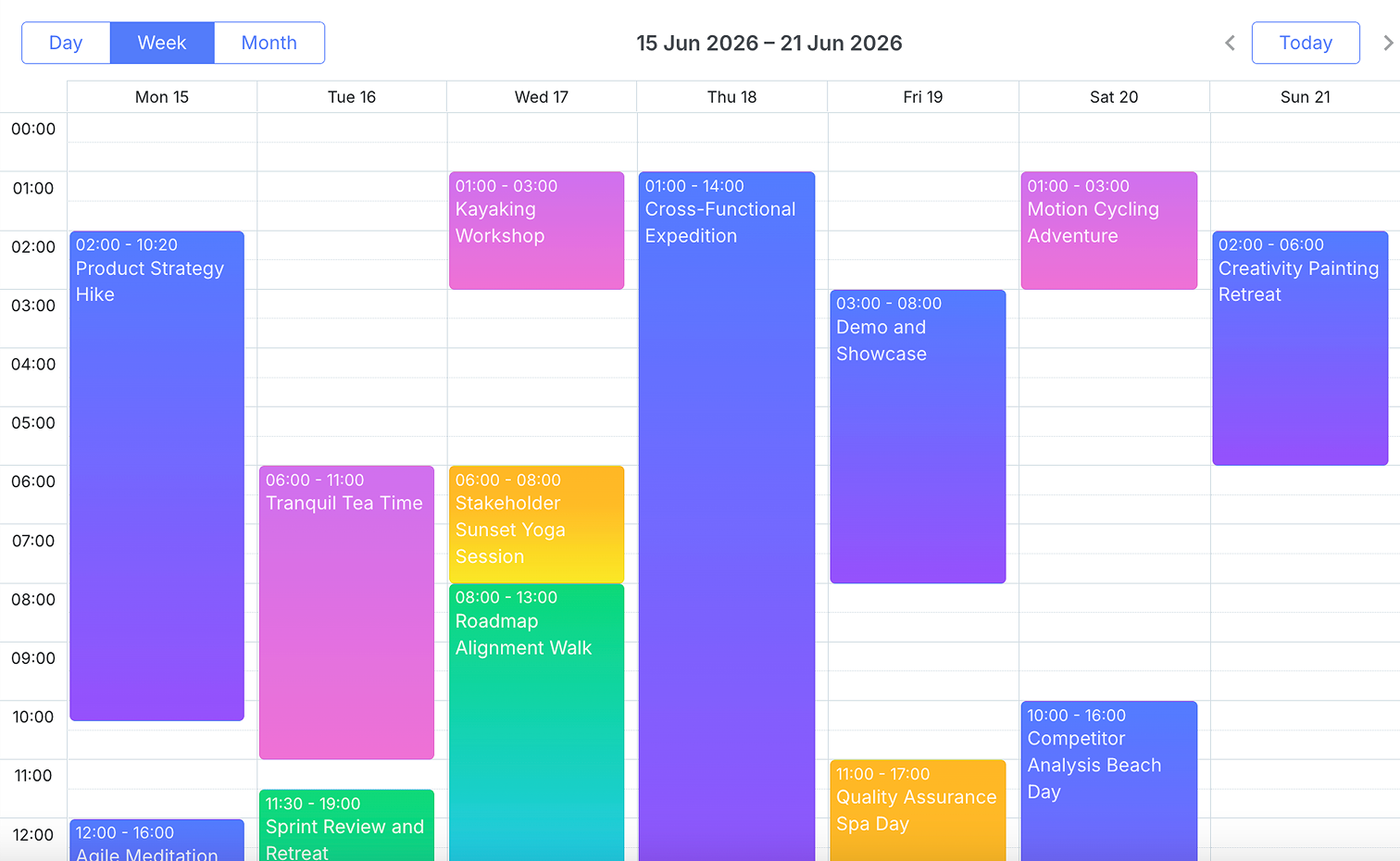
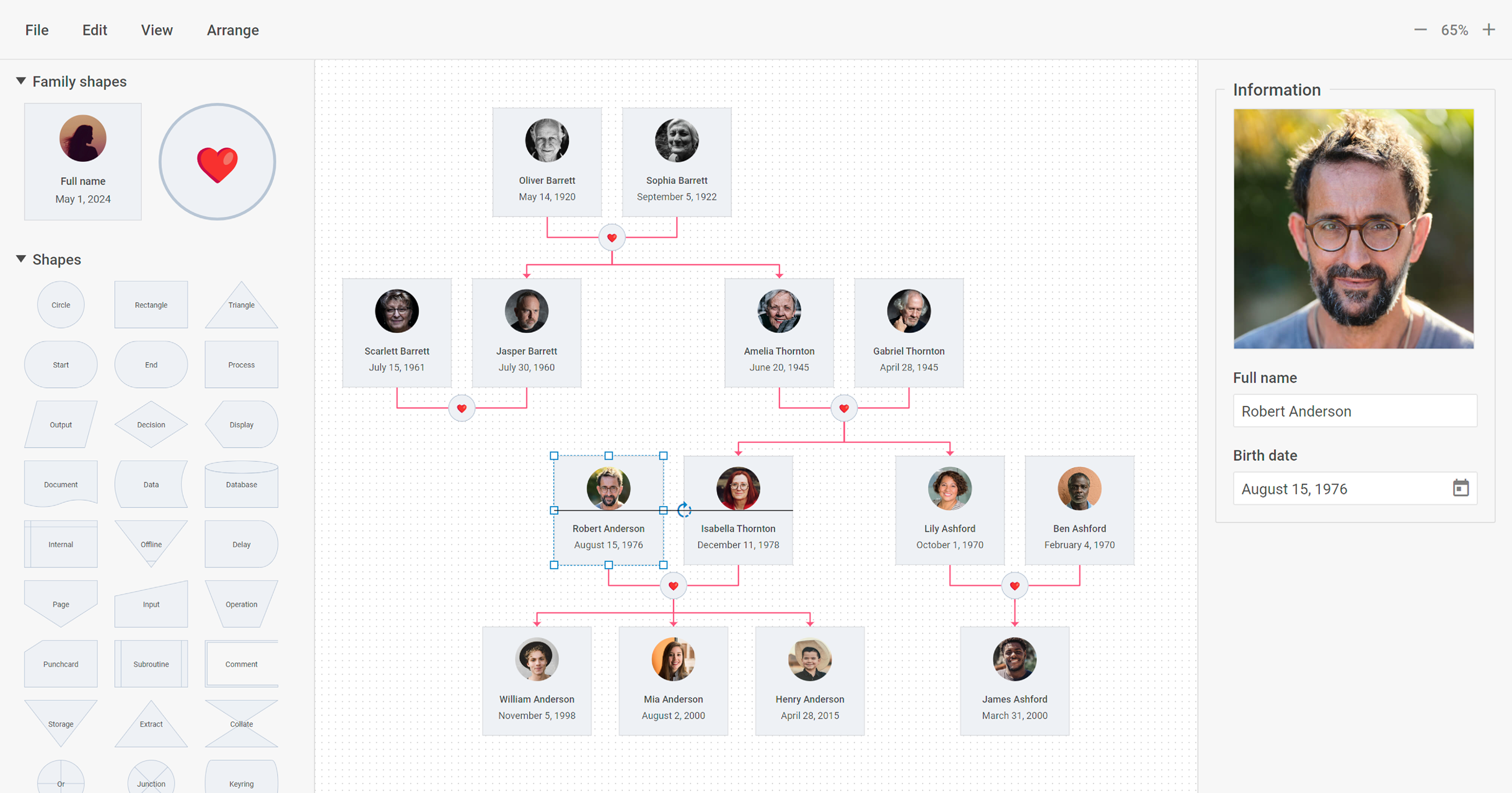
DHTMLX delivers JavaScript/HTML5 libraries and UI widgets designed for building enterprise web apps of any complexity. With these out-of-the-box components, web developers can streamline their coding processes and integrate advanced functionality, to reduce development time. The actual DHTMLX product lineup comprises a range of web-based tools that can cover most of the contemporary business needs. DHTMLX
$799
one-time fee lowest cost single component
Progress Telerik
Score9.4 out of 10
N/A
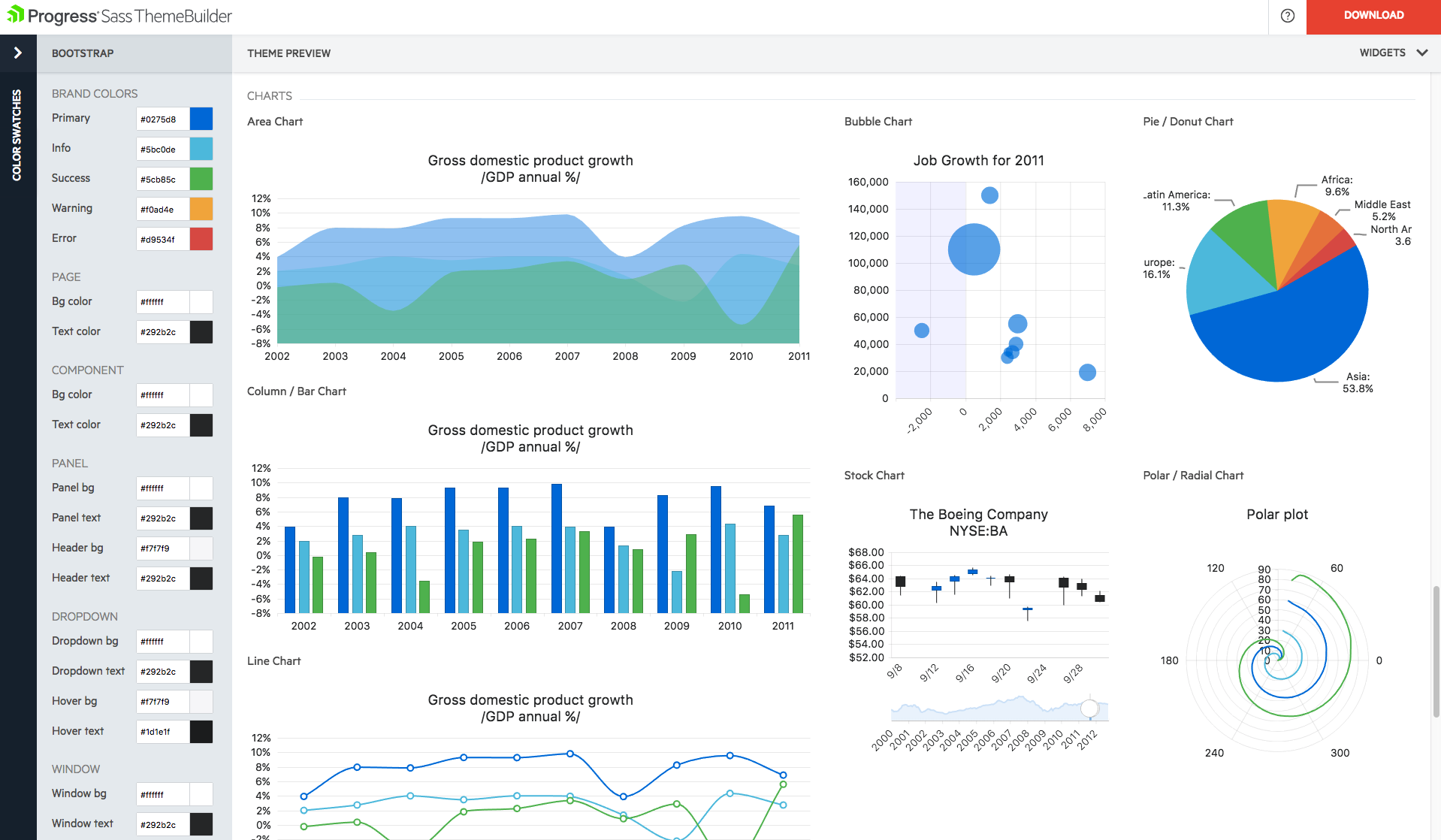
With Telerik UI libraries, Progress aims to equip .NET ninjas with a full arsenal of weapons, helping to create beautiful, modern and future-proof applications quickly and intuitively. The vendor states that with its over 1,250 UI components for all .NET platforms, as well as various themes, skins and customization options, Telerik users report cutting development time by up to 50 percent. Web
$999
per developer, royalty-free
Pricing
DHTMLX
Progress Telerik
Editions & Modules
DHTMLX Gantt Individual - Professional Functionality with Standard Support
$799
one-time fee for 1 developer
DHTMLX Gantt Commercial - Professional Functionality with Premium Support
$1599
one-time fee for 5 developers
DHTMLX Gantt Enterprise - Professional Functionality with Premium Support
$2999
one-time fee for 20 developers
DHTMLX Gantt Ultimate - Professional Functionality with Ultimate Support
$5999
one-time fee for an unlimited number of developers
Individual Product Licence
$999
per developer, royalty-free
DevCraft UI
$1,299
per developer, royalty-free
DevCraft Complete
$1,499
per developer, royalty-free
DevCraft Ultimate
$2,199
per developer, royalty-free
Offerings
Pricing Offerings
DHTMLX
Progress Telerik
Free Trial
Yes
Yes
Free/Freemium Version
Yes
No
Premium Consulting/Integration Services
No
Yes
Entry-level Setup Fee
No setup fee
No setup fee
Additional Details
UI widgets are available standalone or "a la carte," or as part of bundles built around a theme (e.g. complete edition, scheduling components, planning components, etc.).
—
More Pricing Information
Community Pulse
DHTMLX
Progress Telerik
Considered Both Products
DHTMLX
Verified User
Chose DHTMLX
We looked at Kendo UI for ASP.Net Core as it has a Gantt chart but it was not as close a fit to our requirements as the DHTMLX Gantt Resource Management component. We'd have had to do much more work to make this fit.
A de minimis incentive was given to thank the reviewer for their time. The incentive was not used to bias or drive a particular response, nor was the incentive contingent on a positive endorsement. More Info
Rapid development of web applications: DHTMLX provides a set of pre-built UI widgets that can be easily integrated into web applications, which makes it well suited for developing applications quickly. DHTMLX is well suited for building enterprise-level applications that require complex UI elements and data visualization. DHTMLX is less appropriate for Simple applications: If you are building a simple application that does not require a complex UI, DHTMLX may be overkill, and you may be better off using a lighter-weight framework.
A de minimis incentive was given to thank the reviewer for their time. The incentive was not used to bias or drive a particular response, nor was the incentive contingent on a positive endorsement. More Info
We have used the Telerik UI controls for our Admin user experience. We found that this lead to consistent user experience, with feature rich functions already provided. Effectively this meant that hour for hour, using the Telerik UI improved productivity in creating screens with more functions than using the default controls in ASP.NET. At this point most of our focus with the Telerik controls is User Interface oriented.
A de minimis incentive was given to thank the reviewer for their time. The incentive was not used to bias or drive a particular response, nor was the incentive contingent on a positive endorsement. More Info
A de minimis incentive was given to thank the reviewer for their time. The incentive was not used to bias or drive a particular response, nor was the incentive contingent on a positive endorsement. More Info
The Telerik UI has become part of our staple development tools. We can not be as productive without the feature set available to us in the Telerik UI ASP.NET AJAX control package.
With regard to the two major components we used, namely the tabular representation and the graphical modeler, we were able to effectively replace the existing building blocks of our applications by integrating them. We were able to retain existing functionalities and benefit from a significant enhancement with what DHTMLX offers natively. This made it easy for us to get our end-users to adopt the change.
Progress Telerik UI is very usable and one of the best tools to use by the front-end development engineers in our team. It has helped us to improve the overall design of our existing and new applications. Also, the time to build applications has also been reduced effectively and we are able to focus on other areas of improvement to deliver a better user experience for our customers.
A de minimis incentive was given to thank the reviewer for their time. The incentive was not used to bias or drive a particular response, nor was the incentive contingent on a positive endorsement. More Info
Telerik UI support is what you are paying for. If something does not work you ask them for an example of how to solve your use case. The SEO on their sites is awesome and so well bedded into Google. The videos are good, [they're] not used much but their examples and DoJo examples make all the difference.
A de minimis incentive was given to thank the reviewer for their time. The incentive was not used to bias or drive a particular response, nor was the incentive contingent on a positive endorsement. More Info
We looked at Kendo UI for ASP.Net Core as it has a Gantt chart but it was not as close a fit to our requirements as the DHTMLX Gantt Resource Management component. We'd have had to do much more work to make this fit.
A de minimis incentive was given to thank the reviewer for their time. The incentive was not used to bias or drive a particular response, nor was the incentive contingent on a positive endorsement. More Info
Progress Telerik UI provides a large amount of language support, demos, and documentation. While the competition is still great in their own right, Progress Telerik UI has provided enough resources to cover a number of current and future projects without having to expand to other libraries.
A de minimis incentive was given to thank the reviewer for their time. The incentive was not used to bias or drive a particular response, nor was the incentive contingent on a positive endorsement. More Info
A de minimis incentive was given to thank the reviewer for their time. The incentive was not used to bias or drive a particular response, nor was the incentive contingent on a positive endorsement. More Info
A de minimis incentive was given to thank the reviewer for their time. The incentive was not used to bias or drive a particular response, nor was the incentive contingent on a positive endorsement. More Info