Digital T Card vs. MeisterTask

Overview
ProductRatingMost Used ByProduct SummaryStarting Price
Digital T Card
Score 0.0 out of 10
N/A
Digital TCards is a Kanban solution for streamlined workflow management. It empowers industries to customise workflow solutions tailored to their needs. Every process is tracked in real-time, from managing work orders to conducting quality inspections. Bottlenecks in the process are anticipated and addressed with features like scheduling tools and process audits, to ensure complete visibility into operations. TCards can be used across diverse industries such as manufacturing,…
$57.27
per month 3 seats included
MeisterTask
Score 8.9 out of 10
Small Businesses (1-50 employees)
MeisterTask is a task management and collaboration tool that let teams manage tasks in a customizable environment. MeisterTask's project boards adapt to a team’s workflow, and is suitable for managing a variety of tasks from software sprints to editorial calendars. As opposed to only providing a tool that visualizes the work, MeisterTask automates recurring steps in users' workflows to help them work more efficiently and consistently. MeisterTask is developed by…
$16
per month per user
Pricing
Digital T CardMeisterTask
Editions & Modules
Starter
£45
per month 3 seats (£10 for additional seats)
Lite
£140
per month 10 seats (£9 for additional seats)
Pro
£299
per month 25 seats (£8 for additional seats)
Pro
$16
per month per user
Business
$32
per month per user
Enterprise
Custom
Offerings
Pricing Offerings
Digital T CardMeisterTask
Free Trial
YesNo
Free/Freemium Version
NoYes
Premium Consulting/Integration Services
YesNo
Entry-level Setup FeeNo setup feeNo setup fee
Additional DetailsDiscount available for annual pricing.Discounts are available for education and non-profit organisations. 28% discount for annual pricing.
More Pricing Information
Community Pulse
Digital T CardMeisterTask
Features
Digital T CardMeisterTask
Project Management
Comparison of Project Management features of Product A and Product B
Digital T Card
-
Ratings
MeisterTask
7.5
21 Ratings
3% below category average
Task Management00 Ratings10.020 Ratings
Gantt Charts00 Ratings8.03 Ratings
Scheduling00 Ratings6.16 Ratings
Workflow Automation00 Ratings7.019 Ratings
Team Collaboration00 Ratings8.020 Ratings
Support for Agile Methodology00 Ratings8.216 Ratings
Email integration00 Ratings7.017 Ratings
Mobile Access00 Ratings8.618 Ratings
Timesheet Tracking00 Ratings5.016 Ratings
Best Alternatives
Digital T CardMeisterTask
Small Businesses
7shifts
7shifts
Score 9.8 out of 10
Stackby
Stackby
Score 9.0 out of 10
Medium-sized Companies
Todoist
Todoist
Score 9.2 out of 10
InEight
InEight
Score 8.5 out of 10
Enterprises
TimeCamp
TimeCamp
Score 7.0 out of 10
InEight
InEight
Score 8.5 out of 10
All AlternativesView all alternativesView all alternatives
User Ratings
Digital T CardMeisterTask
Likelihood to Recommend
-
(0 ratings)
7.6
(20 ratings)
Support Rating
-
(0 ratings)
8.9
(2 ratings)
User Testimonials
Digital T CardMeisterTask
Likelihood to Recommend
Lean Transition Solutions Ltd
No answers on this topic
MeisterLabs GmbH
The best part about Meistertask is how dead simple it is, while still absolutely nailing what it needs to really get right. Meistertask makes task management dead simple for me and keeps the detail out of the way unless I specifically need it.
Read full review
Pros
Lean Transition Solutions Ltd
No answers on this topic
MeisterLabs GmbH
  • The learning curve is really short compared to other software that is related to this.
  • It is very easy to manage several projects at the same time, thus saving time in the work process.
  • Managing the elements of the list is very comfortable since its interface allows everything to work in an orderly manner based on what I want to put as important for me.
  • It has versions that are adapted to any type of company or if you want to give a personal use because it also has an option based on what you want to do with MeisterTask.
Read full review
Cons
Lean Transition Solutions Ltd
No answers on this topic
MeisterLabs GmbH
  • Some detailed task definitions may be difficult to implement.
  • Those using traditional project tools may find MeisterTask a little bit superficial and scattered.
  • Often you may need additional tools to complete the inefficiencies of Kanban board (no analytics for team performance, lack of time planning, etc.).
  • Reports and analytics are limited.
Read full review
Usability
Lean Transition Solutions Ltd
No answers on this topic
MeisterLabs GmbH
Simple. interface. Not a lot of extra bells and whistles which can be cumbersome to implement when trying to create a process for efficiency
Read full review
Support Rating
Lean Transition Solutions Ltd
No answers on this topic
MeisterLabs GmbH
Meister task is a great project management app. However, I moved to a move extensive project management tool for our growing team
Read full review
Alternatives Considered
Lean Transition Solutions Ltd
No answers on this topic
MeisterLabs GmbH
Meistertask seems like it was made for work, and it doesn’t hide its features amid complicated menus. The Mobile experience is one of the best I have used in task management. It integrates with other tools more widely via Zapier and various built-in ecosystem connections within the Meisterlabs space. If you need to get started simplifying your digital life, this can help.
Read full review
Return on Investment
Lean Transition Solutions Ltd
No answers on this topic
MeisterLabs GmbH
  • MeisterTask saves me a lot of time in communicating about various tasks of a project. The activity chat feature lets me communicate with other members of my team without having to be in the same location as them, and increasing our productivity.
  • It has caused me to use some additional time though, and create a Gantt chart myself instead of being able to use a built-in feature.
  • MeisterTask is great for letting us organize and keep track of all aspects of a project and make sure each one gets done by its respective due date.
Read full review
ScreenShots

Digital T Card Screenshots

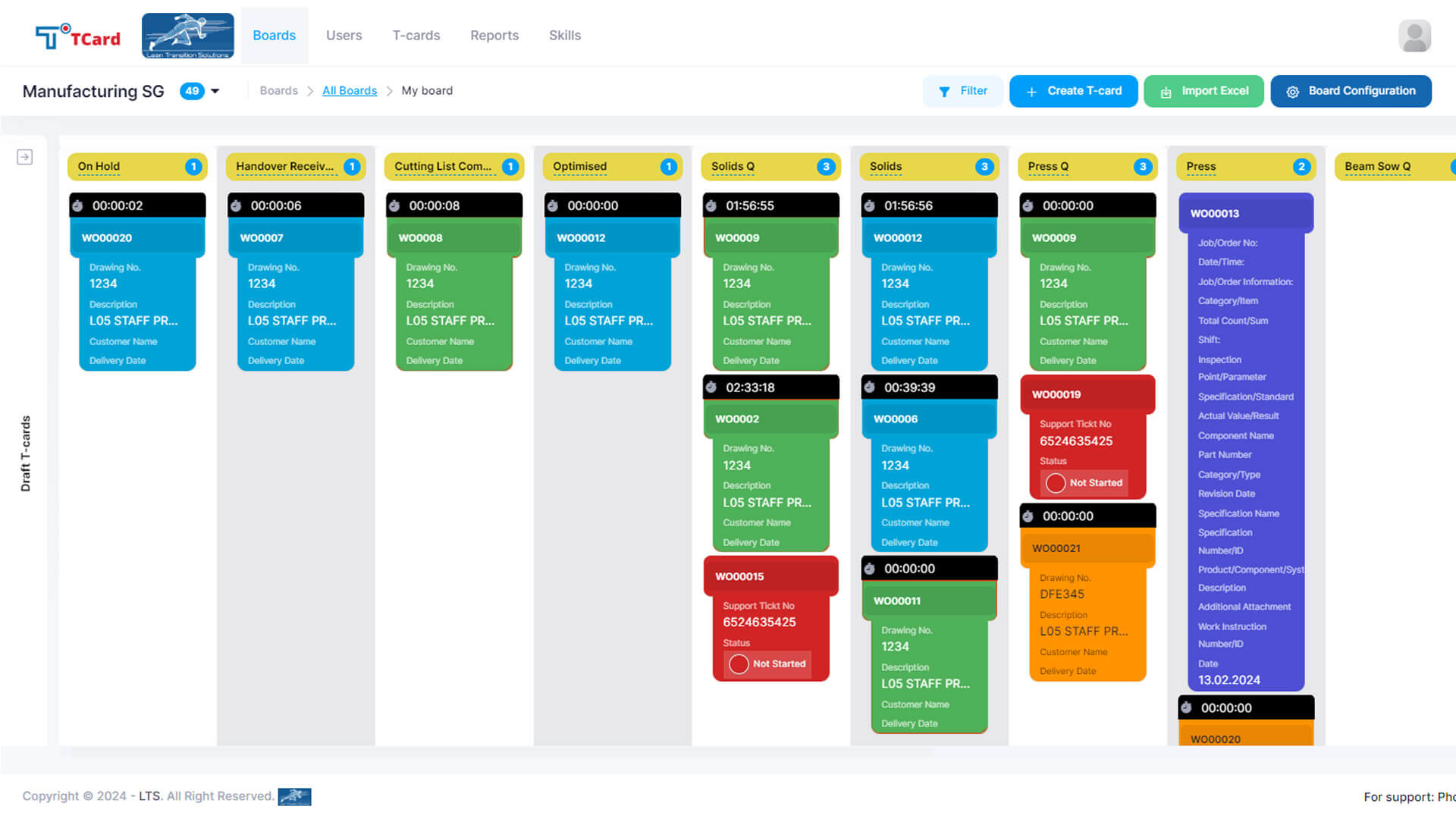
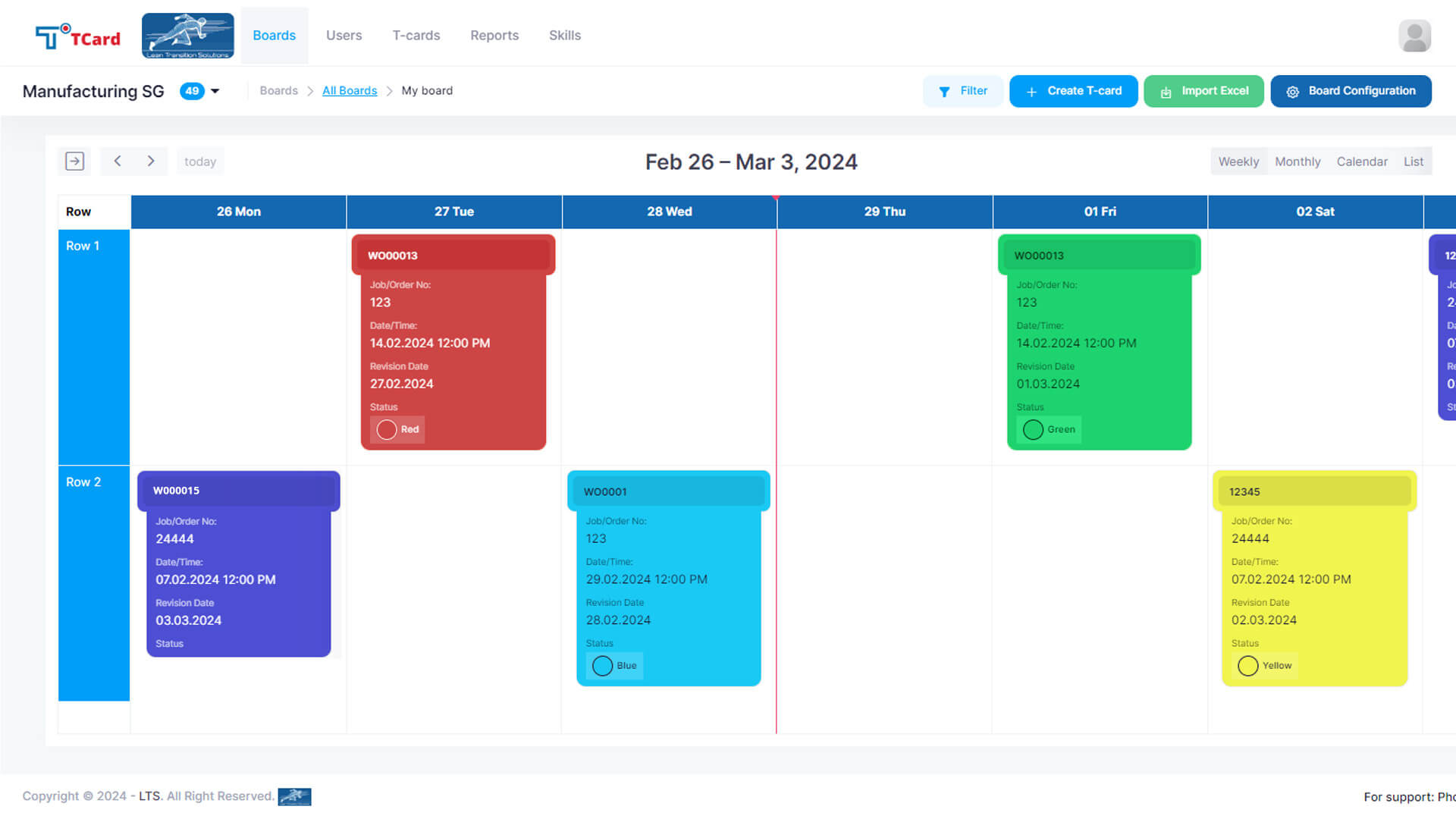
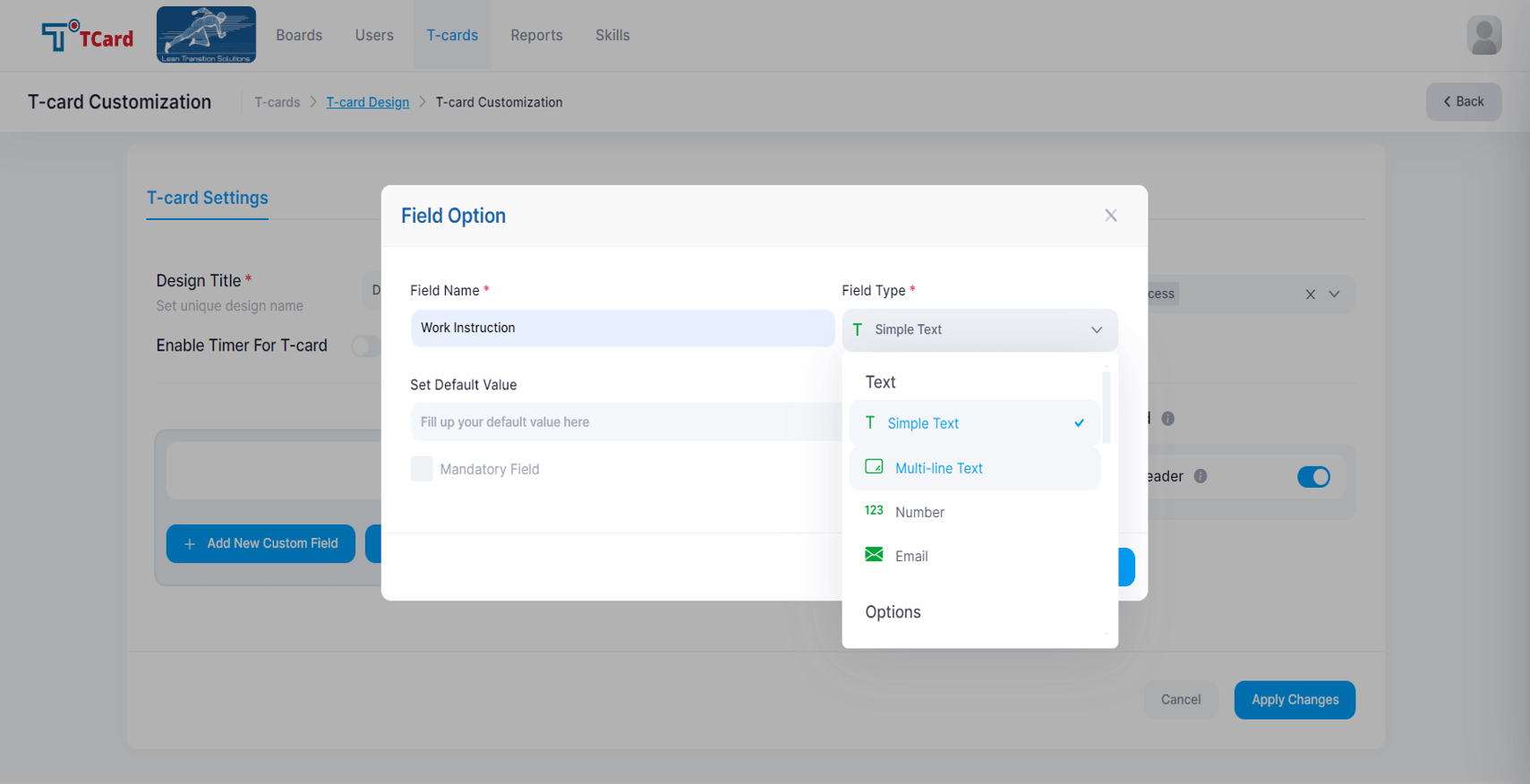
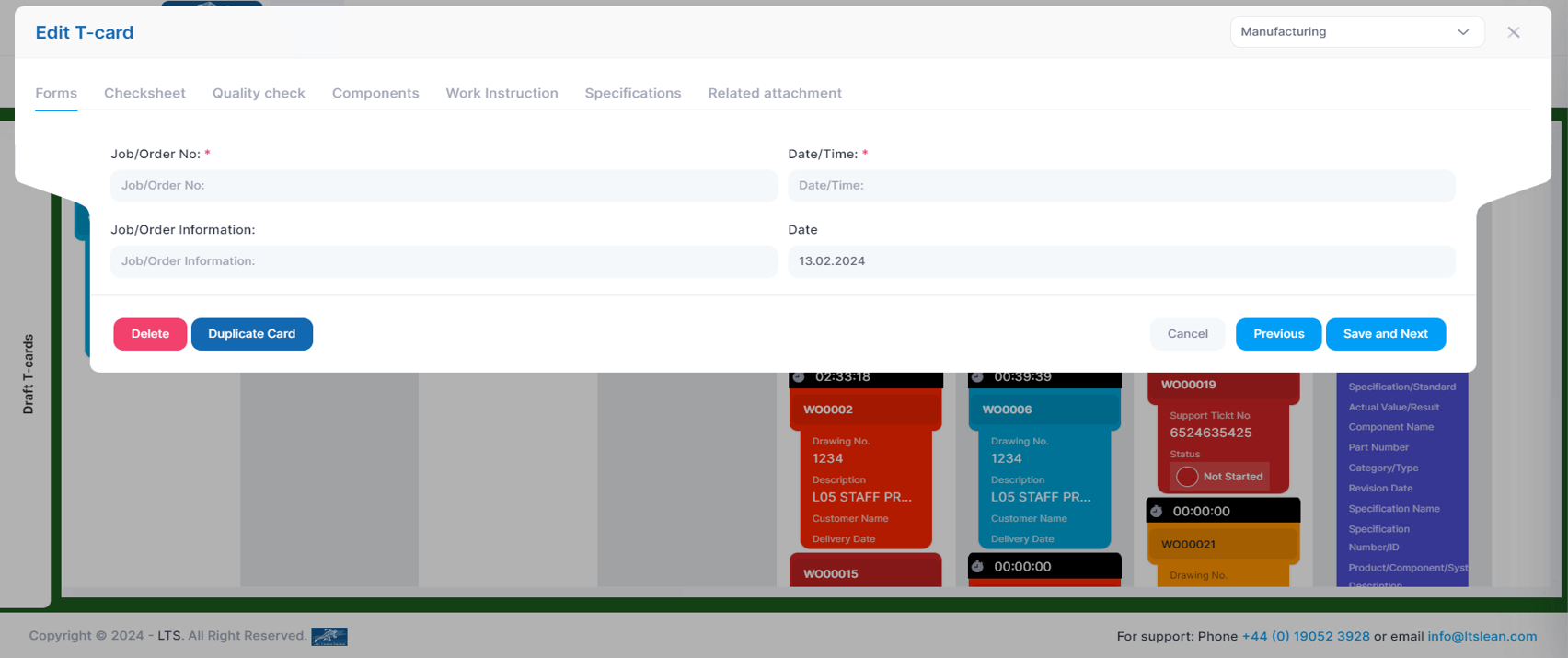
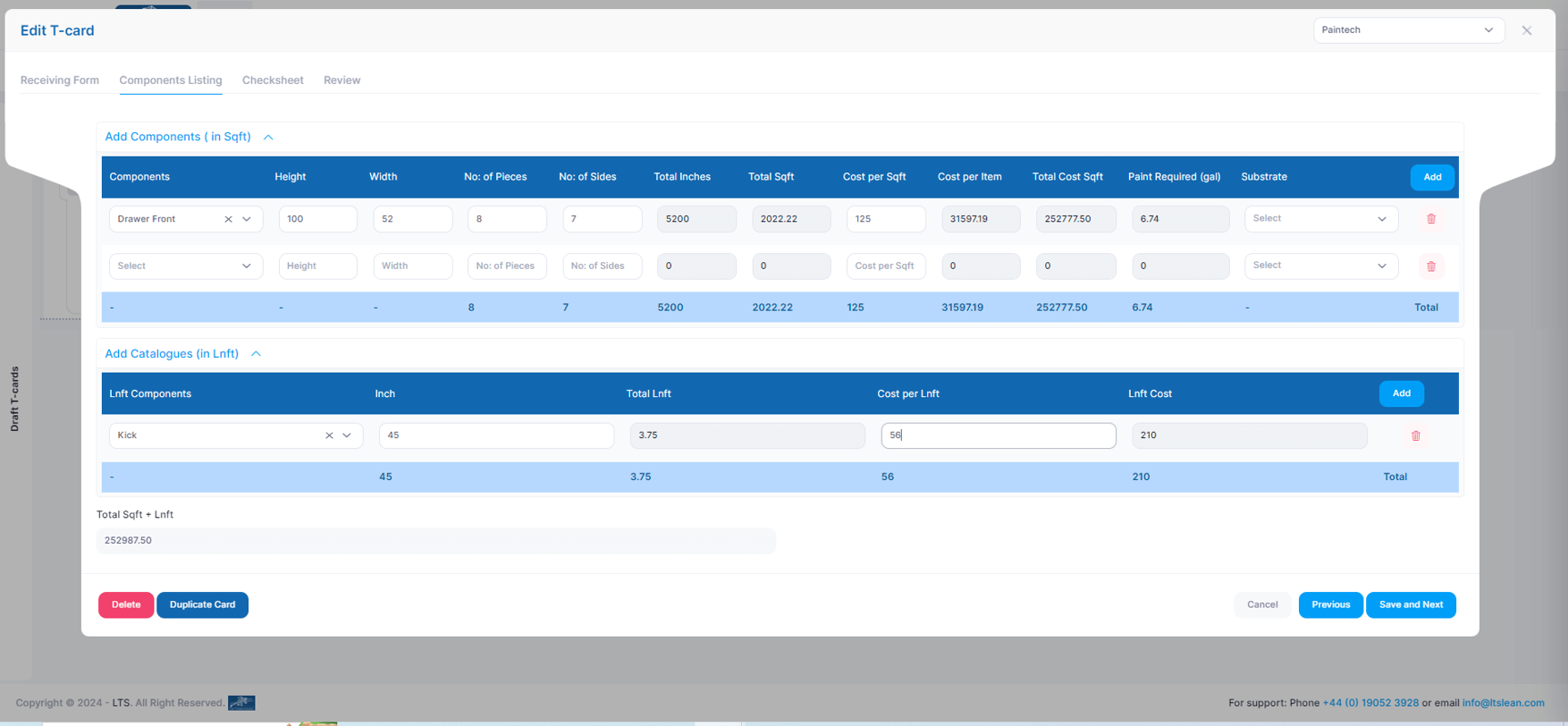
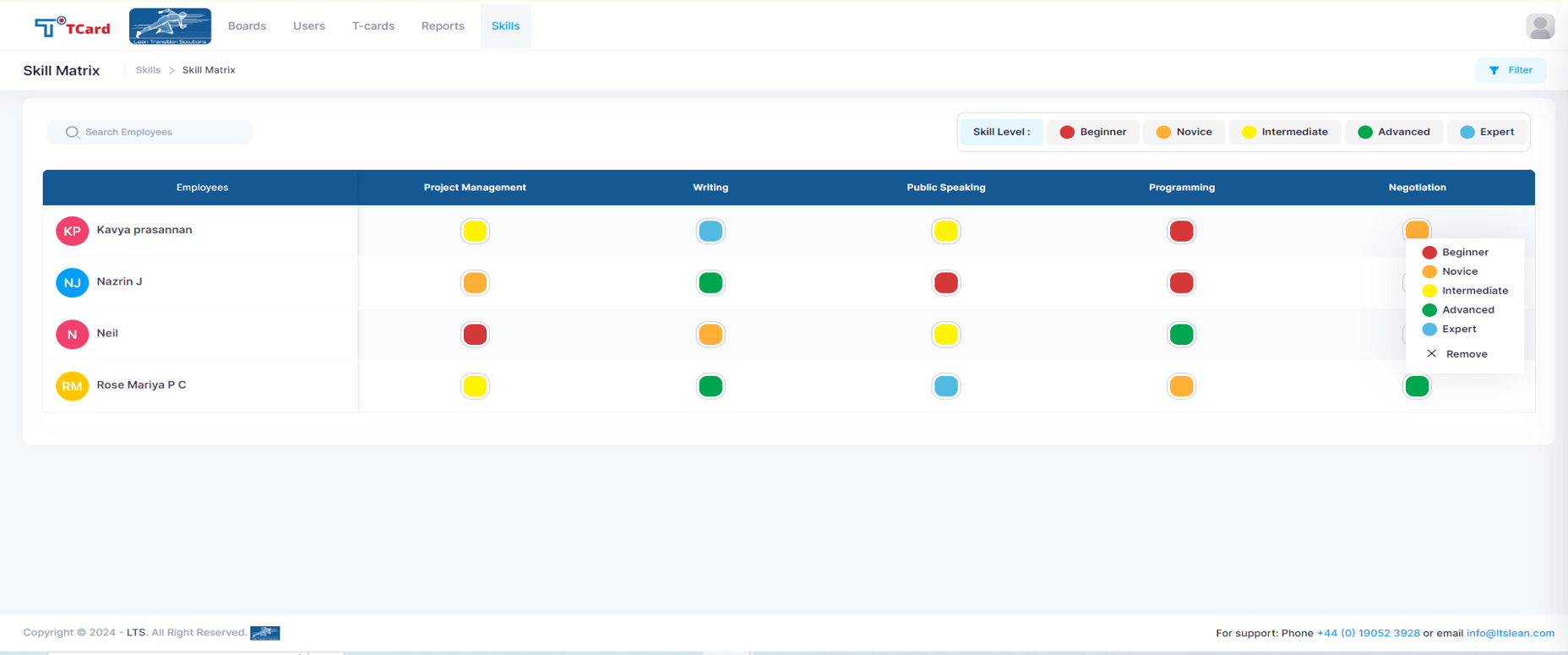
Screenshot of the Kanban boards that organise the process stages into columns and rows, giving a clear overview of each stage's progress.Screenshot of the Calendar view used to assign resources to specific dates by creating an associated card.Screenshot of the interface to tailor the cards, where users can create dynamic fields such as Text Area, Number, Dropdowns, Date and Time, Colour Options, Check Boxes, Radio Buttons, File Upload Area, Image Attachment, Dynamic Table, Icons and Users List.Screenshot of the screen to add multiple tabs in a Card that can help organise different data sets (Forms, Checksheets, Quality Checks, Components, Work Instructions, Specifications, Related Attachments), which will optimise the task flow.Screenshot of the advanced business rules in the TCard System, used to tailor workflow processes and customise how the tasks, information and data flow.Screenshot of the Skills Matrix, which is a tool used in workforce management to assess, document, and visualise the skills and competencies of employees. It helps identify skill gaps, training needs, and strengths, enabling better resource allocation and strategic planning by providing a clear overview of the skills available in a team or company. The skills matrix aids in making informed decisions about hiring, training, and project assignments.

MeisterTask Screenshots

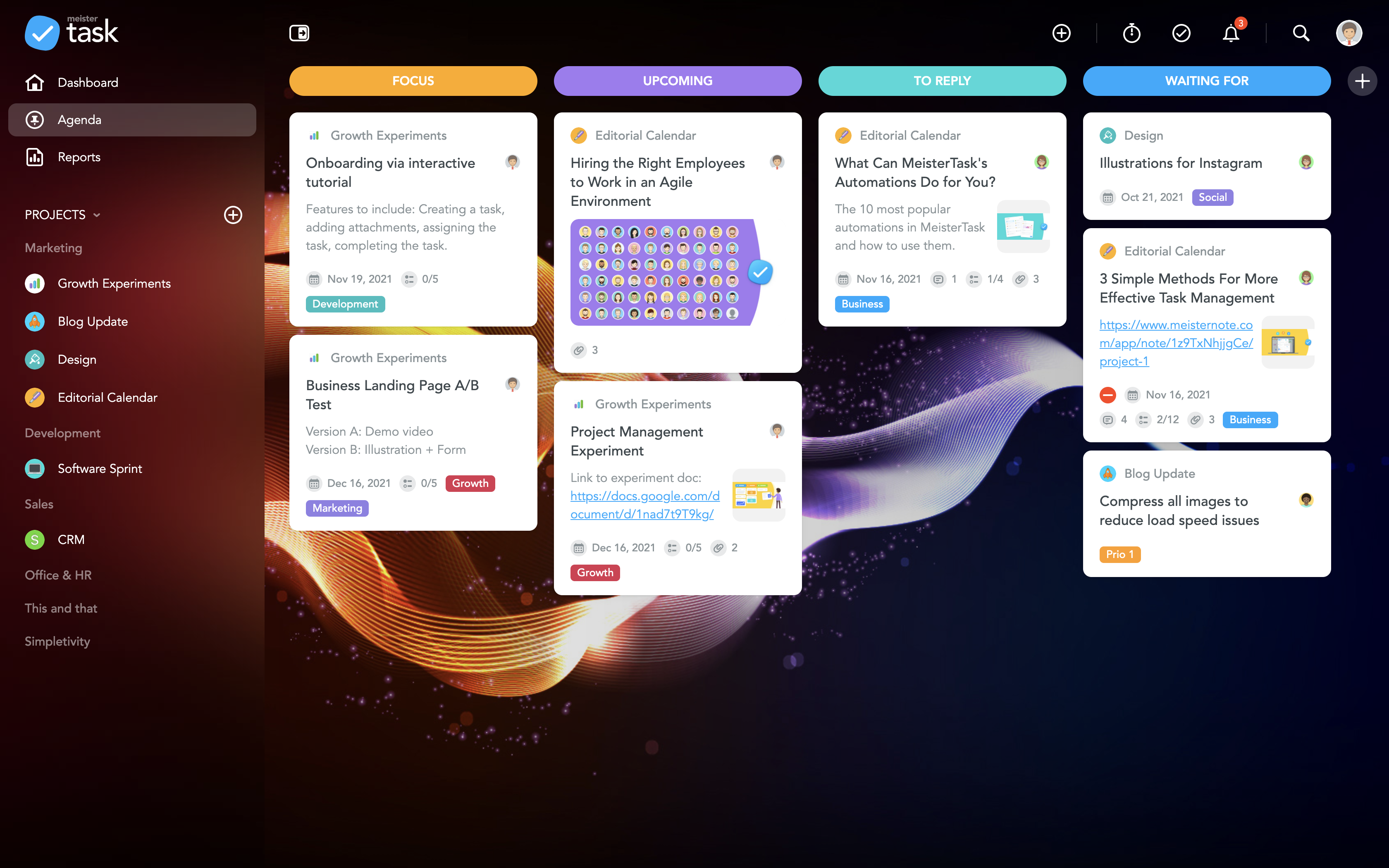
Screenshot of the MeisterTask DashboardScreenshot of MeisterTask's Personal AgendaScreenshot of MeisterTask's Project BoardScreenshot of the Task boardScreenshot of the MeisterTask TimelineScreenshot of MeisterTask Automations