DocuSign CLM, formerly SpringCM, is a cloud-based platform that can be used to manage documents, contracts and related collateral. The solution includes workflows that can be tailored to an organization's business processes. It is also designed to accelerate team collaboration. SpringCM was acquired by DocuSign in the summer of 2018.
$15
per month
SmartDocs
Score 6.0 out of 10
N/A
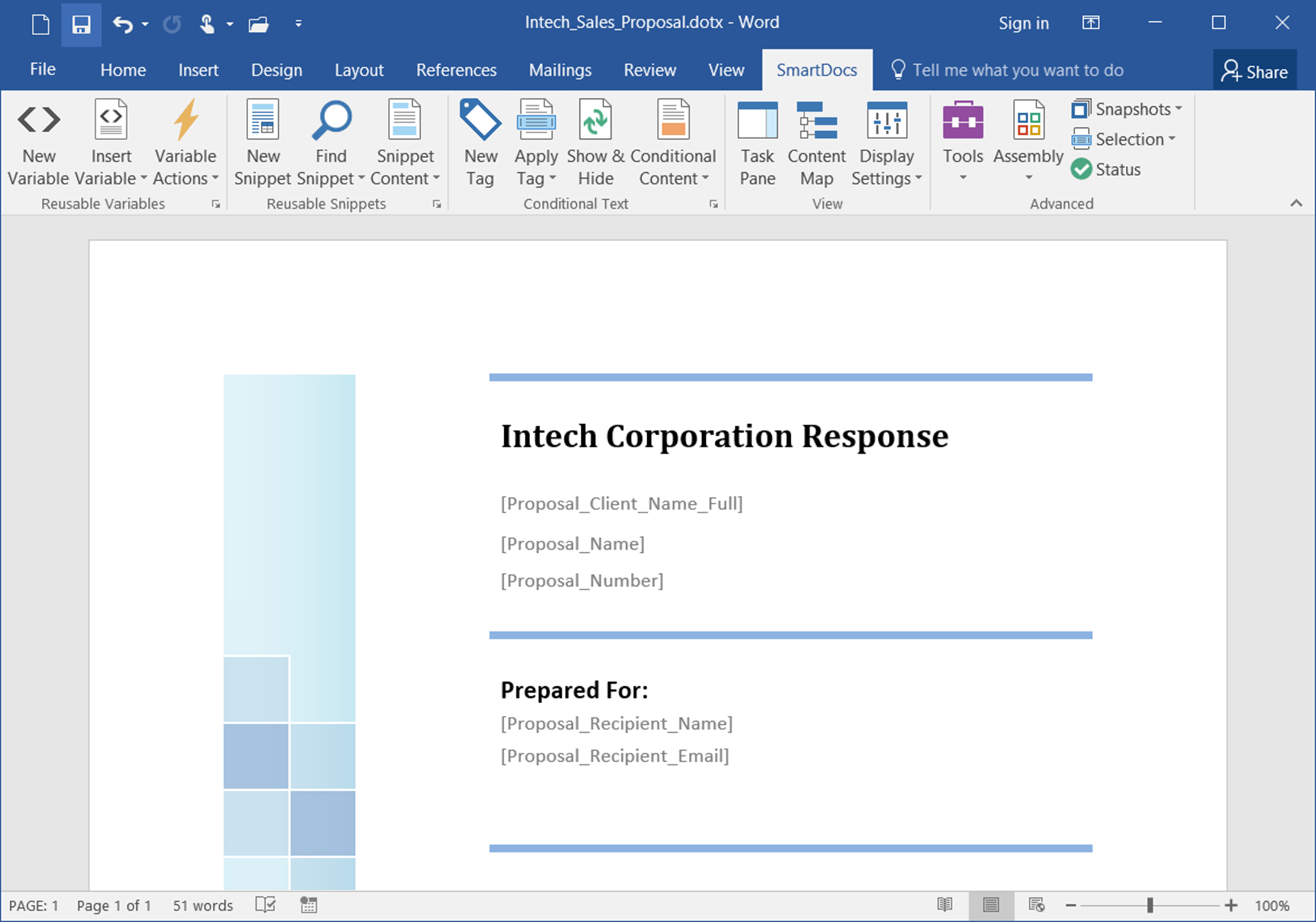
SmartDocs is a sales proposal automation software solution offered by ThirtySix Software.
$395
per license
Pricing
DocuSign CLM
SmartDocs
Editions & Modules
Personal
$15
per month
Real Estate Starter
$15
per month
DocuSign for Realtors
$35
per user/per month
Standard
$40
per user/per month
Business Pro
$60
per user/per month
Starter
$75
per month
Intermediate
$450
per month
Advanced Solutions
Contact sales team
Real Estate Plus, Broker Edition
Contact sales team
Sandbox Account
Free
Enterprise Offerings
Contact sales team
Desktop
$395
per license
Express
$395
per license
Professional
$695
per license
Offerings
Pricing Offerings
DocuSign CLM
SmartDocs
Free Trial
No
Yes
Free/Freemium Version
No
No
Premium Consulting/Integration Services
No
No
Entry-level Setup Fee
No setup fee
Optional
Additional Details
—
License pricing includes product updates, support, and maintenance.
DocuSign CLM has a much improved user experience compared to similar products we have used. The streamlining of templates and traceability through the signing process are huge benefits, and better than competitors. The ability to set up designated templates for different …
Adobe Acrobat sign was a more confusing process compared to DocuSign CLM. Acrobat presented signature abilities, yet sometimes this was electronic and sometimes this was done manually. Additionally, it is difficult to send and track the document when it goes to more than one …
This was the first software of this kind I had found and couldn't be happier. It had resolved the majority of our problems and we do not see the need of looking for another option at all.
The reason I have chosen DocuSign is because it is the most common app that will pop up (especially when opening something in Gmail or Google Drive) to let you sign a document. I do not necessarily want to use DocuSign, and I don't always use it, but sometimes it is just easier …
Because of all the options, we found in the market, this one was the most suitable for our needs. The price and the functionality were correct. We wanted a user-friendly tool to replace quickly and in an easy way, the handwriting sign-off and this was the best option we had.
I've used DocuSign CLM because that is what my employer usually sends me. I think DocuSign CLM is straight to the point and easy to upload and send back to my employer. Adobe Acrobat has more features when it comes to other actions.
- Docusign has better integration and flexibility. - Docusign costs $10 a month for an individual compared to $14.99 for Adobe. - 30 days free trial in DocuSign vs 14 days in adobe sign.
DocuSign was the more secure and accepted signature platform. A lot of our vendors would actually require we use it and initially would send the document over already signed by them with DocuSign.
I haven't evaluated other products similar to DocuSign. I have used Adobe Sign once but I am not in a position to review it against DocuSign since I only used Adobe Sign once.
I used it for documentation while joining my organization. It was used during the HR process. I had to upload all the documents on the portal and sign it and it was just a few clicks away and the entire process was done in a few clicks. This helped the HR and the BCG team to …
I have used Adobe's version and it does not do a better job. DocuSign is much easier to navigate/use. DocuSign has more options to edit and highlight parts that need to be signed. It has better signature options and you can resize them to make it look clean. Adobe doesn't …
We did not consider an alternative to DocuSign. The reputation and ease of use was enough to make the purchasing decision and begin using it internally and with customers.
I like DocuSign a lot better than Adobe Acrobat Sign....just easier to maneuver and save signatures and copies of the paperwork (contract) to forward to the next person.
DocuSign CLM, formerly SpringCM, was a superior solution when I purchased it two years ago. It is still driving improvements for the company (as of last night's check-in with my old team).
DocuSign is useful for collecting electronic signatures on isolated documents and packets that are administered separately or integrated into another system. DocuSign is integrated into our onboarding system, Paylocity, which is where the employee completes all onboarding tasks required for employment. Integrating DocuSign with Paylocity allows us to send documents that require more than one signature along with other onboarding tasks, which makes for a less confusing onboarding experience for the worker. DocuSign also allows us to automatically run E-Verify from the integrated Form I-9 Document, which saves us lots of time onboarding each employee.
When correcting a document, no new email is sent for notification of an update. The clients have to go back to the old document, and it feels uncomfortable for them.
Before we started using DocuSign, getting contracts actually signed by new clients was one more barrier to new business and to begin work. Once we started using DocuSign, it eliminated that barrier and has become a much less cumbersome process for us and our clients
DocuSign CLM has a much improved user experience compared to similar products we have used. The streamlining of templates and traceability through the signing process are huge benefits, and better than competitors. The ability to set up designated templates for different use-case scenarios, and roll out efficient documents for signing, is invaluable, as well as other functions like Bulk Send and PowerForms.