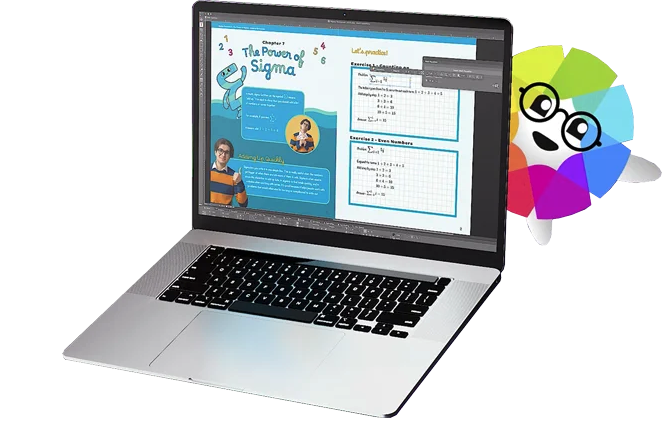
Drawtify is a Free Online Vector Graphic Editor with Design Templates and Elements. It is a SaaS tool, for people who want to make designs more easily and quickly with templates. The user chooses templates, adjusts, and exports. And they also can use Drawtify's tools to make their own design flexible. Drawtify developed by high-performance technology, and cross-platform. The Drawtify vector editor brings tools for designers to draw what they want and gives templates and design…
$14.99
per month per user
QuarkXPress
Score9 out of 10
N/A
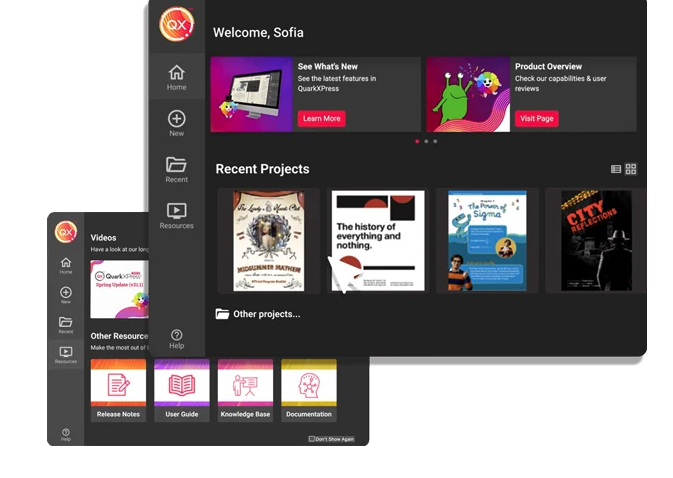
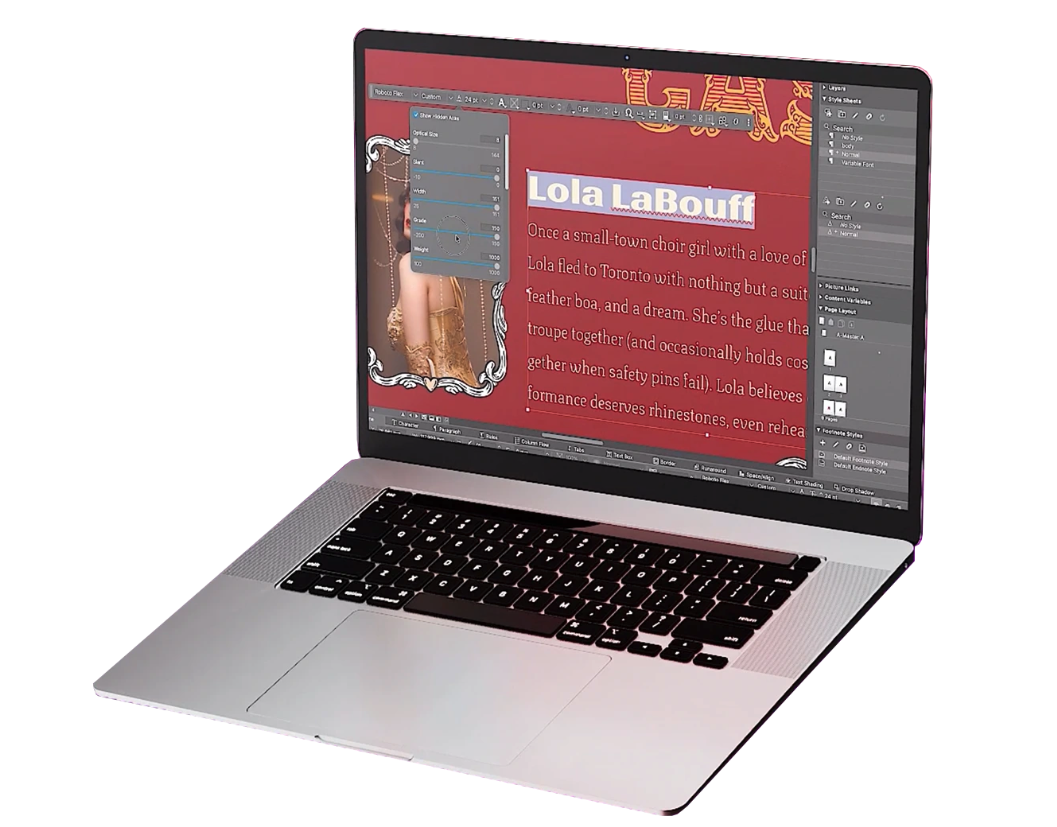
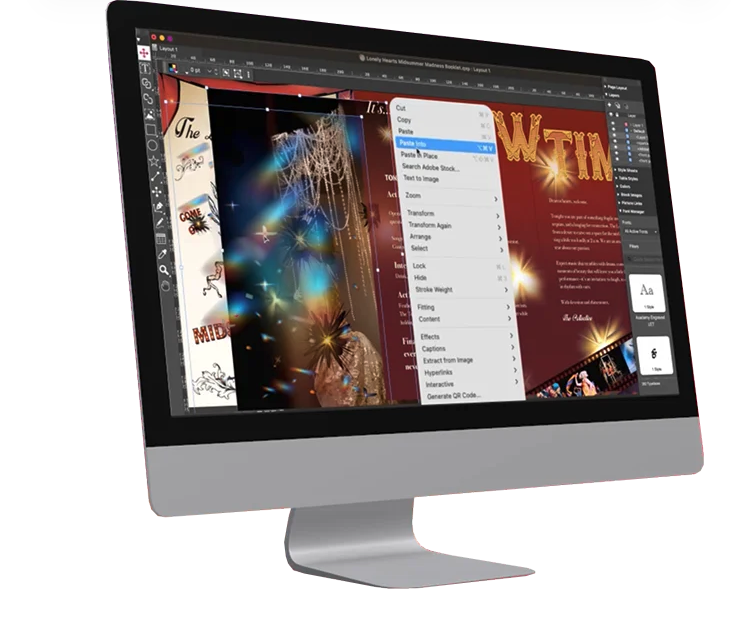
QuarkXPress from Quark Software headquartered in Denver introduces modern responsive web design with Flex Layouts, reimagined Tables, and productivity-boosting design features.
$279
per year
Pricing
Drawtify
QuarkXPress
Editions & Modules
No answers on this topic
QuarkXPress Subscription License
$279
per year
QuarkXPress Perpetual License
$629
one-time fee
Offerings
Pricing Offerings
Drawtify
QuarkXPress
Free Trial
No
Yes
Free/Freemium Version
Yes
No
Premium Consulting/Integration Services
No
No
Entry-level Setup Fee
No setup fee
Optional
Additional Details
—
—
More Pricing Information
Community Pulse
Drawtify
QuarkXPress
Considered Both Products
Drawtify, Inc.
Verified User
Chose Drawtify
Drwatify has many inbuilt features and desired editable projects. we can just replace the logo and edit relevant text data and pictures as per UI requirements. It is free all the time and some of the enterprise features are a little costly compared to QuarkXPress. However, it …
A de minimis incentive was given to thank the reviewer for their time. The incentive was not used to bias or drive a particular response, nor was the incentive contingent on a positive endorsement. More Info
As a filmmaker and designer, I've found that Drawtify is well suited for a variety of projects. One of the things I like most about it is its user-friendliness. Even if you're not a graphic design expert, you can still create professional-looking designs with this tool.One scenario where Drawtify is particularly well suited is for creating title cards and lower thirds for videos. The software's text and shape tools are easy to use and allow for a lot of customization, so you can create designs that perfectly match the aesthetic of your film.Another scenario where Drawtify shines is in creating animation. The software's animation feature is intuitive and easy to use, making it a great option for creating simple animations for your film's opening credits, transitions, and other visual elements.However, Drawtify is less appropriate for more complex and advanced graphic design tasks. It's not a professional graphic design software like Adobe Illustrator, it doesn't have all the features that a professional graphic designer would need. For example, if you're looking to create a detailed illustration or a complex logo, Drawtify might not have the advanced tools you need.Another scenario where Drawtify might not be the best choice is if you're working with a team of designers and need a more robust collaboration feature. Drawtify's collaboration feature is good, but it's not as advanced as some other design software.Overall, Drawtify is a great tool for beginners and those who are looking for an easy-to-use design software. It is well-suited for basic design tasks like creating title cards, lower thirds, posters, flyers, and simple animations. However, it's not the best option for more advanced tasks or for team collaborations.
A de minimis incentive was given to thank the reviewer for their time. The incentive was not used to bias or drive a particular response, nor was the incentive contingent on a positive endorsement. More Info
I used QuarkXPress to maintain a proper page layout for the UI which I receive from a UIUX developer. I develop Graphic Illustrations on the digital canvas to create creative content on the page design set and to develop designer headlines and sub-headlines where writers and editors can amend the text and place the copped images.
A de minimis incentive was given to thank the reviewer for their time. The incentive was not used to bias or drive a particular response, nor was the incentive contingent on a positive endorsement. More Info
A de minimis incentive was given to thank the reviewer for their time. The incentive was not used to bias or drive a particular response, nor was the incentive contingent on a positive endorsement. More Info
A de minimis incentive was given to thank the reviewer for their time. The incentive was not used to bias or drive a particular response, nor was the incentive contingent on a positive endorsement. More Info
A de minimis incentive was given to thank the reviewer for their time. The incentive was not used to bias or drive a particular response, nor was the incentive contingent on a positive endorsement. More Info
This is an industry standard. It is intuitive and pretty simple. I have been using it for 40 years and by no means do I use its potential, rather it does just what I want it to do.
A de minimis incentive was given to thank the reviewer for their time. The incentive was not used to bias or drive a particular response, nor was the incentive contingent on a positive endorsement. More Info
Drawtify is a very easy tool in comparison to Adobe Suite. While Canva is easy but I don't like it due to redundant templates. Like if you have created something with Canva, everyone know that this has been created in Canva. Whilst the Drawtify templates are quite new. Also the motion graphics is a plus over all other platforms.
A de minimis incentive was given to thank the reviewer for their time. The incentive was not used to bias or drive a particular response, nor was the incentive contingent on a positive endorsement. More Info
QuarkXPress simply blew the competition out of the water when it came to pricing and scalability in our business. Every employee that uses Quark always speaks very highly about using the software. We are not a large company but, the amount of money saved on the cost of each license was about 60% when compared to the competitors' products.
A de minimis incentive was given to thank the reviewer for their time. The incentive was not used to bias or drive a particular response, nor was the incentive contingent on a positive endorsement. More Info
A de minimis incentive was given to thank the reviewer for their time. The incentive was not used to bias or drive a particular response, nor was the incentive contingent on a positive endorsement. More Info