Droplr vs. Trymata

Overview
ProductRatingMost Used ByProduct SummaryStarting Price
Droplr
Score 8.3 out of 10
N/A
Droplr is a tool for capturing and sharing screen images.N/A
Trymata
Score 3.4 out of 10
N/A
Trymata (formerly TryMyUI) is a remote usability testing platform that offers cross-platform services for testing and improving the user experience. The product allows the user to watch videos of real people using a website or app to see where (and why) users get frustrated, lost, or confused.
$299
10 test credits/2 seats
Pricing
DroplrTrymata
Editions & Modules
No answers on this topic
Team Plan
$299.00
10 test credits/2 seats
Enterprise Plan
$1,200.00+
30 credits/5 seats
Offerings
Pricing Offerings
DroplrTrymata
Free Trial
NoYes
Free/Freemium Version
NoNo
Premium Consulting/Integration Services
NoNo
Entry-level Setup FeeNo setup feeNo setup fee
Additional Details
More Pricing Information
Community Pulse
DroplrTrymata
Best Alternatives
DroplrTrymata
Small Businesses
Sendspark
Sendspark
Score 10.0 out of 10
Smartlook
Smartlook
Score 8.6 out of 10
Medium-sized Companies
Snagit
Snagit
Score 9.6 out of 10
Optimal
Optimal
Score 9.1 out of 10
Enterprises
Snagit
Snagit
Score 9.6 out of 10
Optimal
Optimal
Score 9.1 out of 10
All AlternativesView all alternativesView all alternatives
User Ratings
DroplrTrymata
Likelihood to Recommend
8.0
(13 ratings)
-
(0 ratings)
Likelihood to Renew
9.0
(1 ratings)
-
(0 ratings)
Usability
10.0
(1 ratings)
-
(0 ratings)
Support Rating
2.1
(2 ratings)
-
(0 ratings)
User Testimonials
DroplrTrymata
Likelihood to Recommend
Droplr
Droplr is very useful in any kind of visual work, particularly if there are more people involved and they need to follow the creation process. It allows the team to be on the same page. It is also very useful when dealing with clients without design training since we can show visually what we intend to do. Teachers, instructors, and even technical support people can make good use of Droplr since it makes easier to share screencasts, to capture screens for tutorials and to solve clients' doubts.
Read full review
Trymata (TryMyUI)
No answers on this topic
Pros
Droplr
  • Simply moving files onto the menu bar icon is the fastest way to get files on their way.
  • The link to copy is automatically saved to your clipboard, so while I'm writing the email to send the file, I simply paste and I'm done.
  • Turns out, I check often if the file has been downloaded, as it allows me to followup and speed up the process if needed.
Read full review
Trymata (TryMyUI)
No answers on this topic
Cons
Droplr
  • Startup bug (Mac) - Even though I select Droplr not to start up with the computer, it still does. It's been months and they still haven't fixed this. It's very frustrating.
  • The Windows version doesn't allow me to select an area of my screen to record - one has to record the entire screen.
  • Though it may look like it in their settings, setting up SSL isn't as easy as clicking the button. I still don't quite understand how to do it.
Read full review
Trymata (TryMyUI)
No answers on this topic
Likelihood to Renew
Droplr
It solves a lot of everyday problems in our creative department and enhanced our workflow.
Read full review
Trymata (TryMyUI)
No answers on this topic
Usability
Droplr
Because I find it especially easy to work with, compared to alternatives.
Read full review
Trymata (TryMyUI)
No answers on this topic
Support Rating
Droplr
I've only had to reach out to Droplr support a couple of times and they've been quick to getting back to me.
Read full review
Trymata (TryMyUI)
No answers on this topic
Alternatives Considered
Droplr
Lightshot Screenshot provides the same screenshot functionality as Droplr, but with no cost. Lightshot Screenshot also allows you to edit a photo and can upload your photo either to the cloud or just paste it in an email/Slack/anything else to your client. There are very little go-betweens and a lot more flexibility.
Droplr was chosen by my company, not me. If I had chosen a screenshot software, in retrospect, I would have chosen Lightshot Screenshot. Droplr was fine. Lightshot Screenshot is killer, though.
Read full review
Trymata (TryMyUI)
No answers on this topic
Return on Investment
Droplr
  • I use Droplr every day and it's been a huge boost for productivity since I never need to think about how a screenshot will be shared. It's just built in and so easy.
  • I really wish Droplr had an Android app.
Read full review
Trymata (TryMyUI)
No answers on this topic
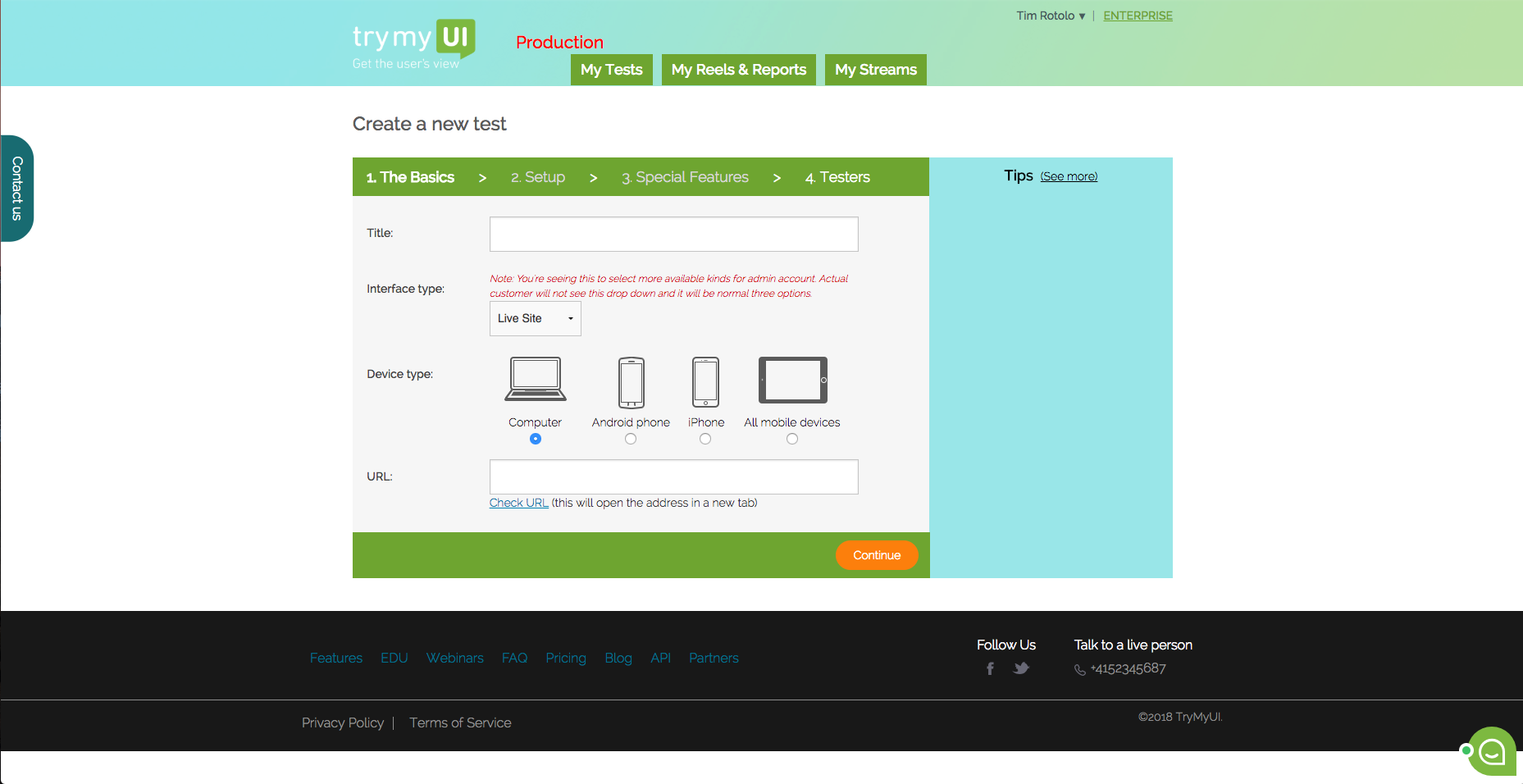
ScreenShots

Trymata Screenshots

Screenshot of This is the dashboard where you can see your current and past test. You can also create a new test from here.Screenshot of TryMyUI’s quantitative UX Diagnostics measures your product’s overall usability with psychometrics, and map usability fluctuations along the user’s journey with task usability scores, task completion rates, and task duration data.Screenshot of The UXCrowd is a crowdsourced solution that helps you plan and prioritize your usability fixes with scaled-up insights from large tester pools. Using a weighted voting system, testers indicate their opinions on the best and worst parts of the product, creating a sorted diagnosis list that clarifies at a glance what your next steps should be.Screenshot of This is the first step in creating your test. You can test live websites, prototypes/wireframes, mobile apps on both Andriod and iOS.