
Elecard Boro vs. Intermapper
| Product | Rating | Most Used By | Product Summary | Starting Price |
|---|---|---|---|---|
 Elecard Boro | Score8 out of 10 | Mid-Size Companies (51-1,000 employees) | Elecard Boro is an enterprise-grade software solution engineered to monitor video stream integrity and track QoS/QoE metrics across distributed networks. Delivering centralized statistical insights and automated reporting, Boro empowers broadcasters, OTT providers, and IPTV operators to build a robust monitoring ecosystem from the ground up or seamlessly scale their existing infrastructure to guarantee flawless broadcast quality. How it works Boro deploys… | N/A |
 Intermapper | Score8.4 out of 10 | N/A | Intermapper is a network monitoring and mapping software for hybrid environments. Intermapper provides real-time performance alerts and bandwidth monitoring with cross-platform functionality. | N/A |
| Elecard Boro | Intermapper | |||||||||||||||
|---|---|---|---|---|---|---|---|---|---|---|---|---|---|---|---|---|
| Editions & Modules |
| No answers on this topic | ||||||||||||||
| Offerings |
| |||||||||||||||
| Entry-level Setup Fee | Optional | Optional | ||||||||||||||
| Additional Details | 1. Boro Service: A cloud-based subscription license with monthly billing, with statistics stored on the Elecard cloud server. The price depends on the total number of monitored connections. Requires at least 25 connections to start. 2. Boro Solution: An on-premise deployment with a permanent license, allowing customers to install the Boro server within their own infrastructure. The price depends on the total number of monitored connections. Requires at least 25 connections to start. Boro Demo: Prospect customers can evaluate Boro in two ways: 1. Online Demo: Explore the platform in view-only mode via an online demonstration project directly from the Elecard website. 2. Trial Version: Request an evaluation copy to deploy and test the full functionality within local infrastructure. Analyze up to 10 streams for 7 days. | Intermapper pricing is based on number of devices monitored. Intermapper is free for 5 devices or less. Subscription pricing starts at $303 for 25 devices. Device-based pricing starts at $765 for 25 devices. | ||||||||||||||
| More Pricing Information | ||||||||||||||||
| Elecard Boro | Intermapper | |||||||||||||||||||||||||||||||
|---|---|---|---|---|---|---|---|---|---|---|---|---|---|---|---|---|---|---|---|---|---|---|---|---|---|---|---|---|---|---|---|---|
| Network Performance Monitoring |
| |||||||||||||||||||||||||||||||
| Elecard Boro | Intermapper | |
|---|---|---|
| Small Businesses | No answers on this topic |  Auvik Score8.8 out of 10 |
| Medium-sized Companies |  Cisco Catalyst Assurance Score8.1 out of 10 |  PingPlotter Score9 out of 10 |
| Enterprises | Cisco Catalyst Assurance Score8.1 out of 10 |  Nmap Score8.7 out of 10 |
| All Alternatives | View all alternatives | View all alternatives |
| Elecard Boro | Intermapper | |
|---|---|---|
| Likelihood to Recommend | - | 8.0 |
| Support Rating | - | 9.0 |
| Elecard Boro | Intermapper | |
|---|---|---|
| Likelihood to Recommend | No answers on this topic |
|
| Pros | No answers on this topic |
|
| Cons | No answers on this topic |
|
| Support Rating | No answers on this topic |
|
| Alternatives Considered | No answers on this topic |
|
| Return on Investment | No answers on this topic |
|
| ScreenShots | Elecard Boro Screenshots     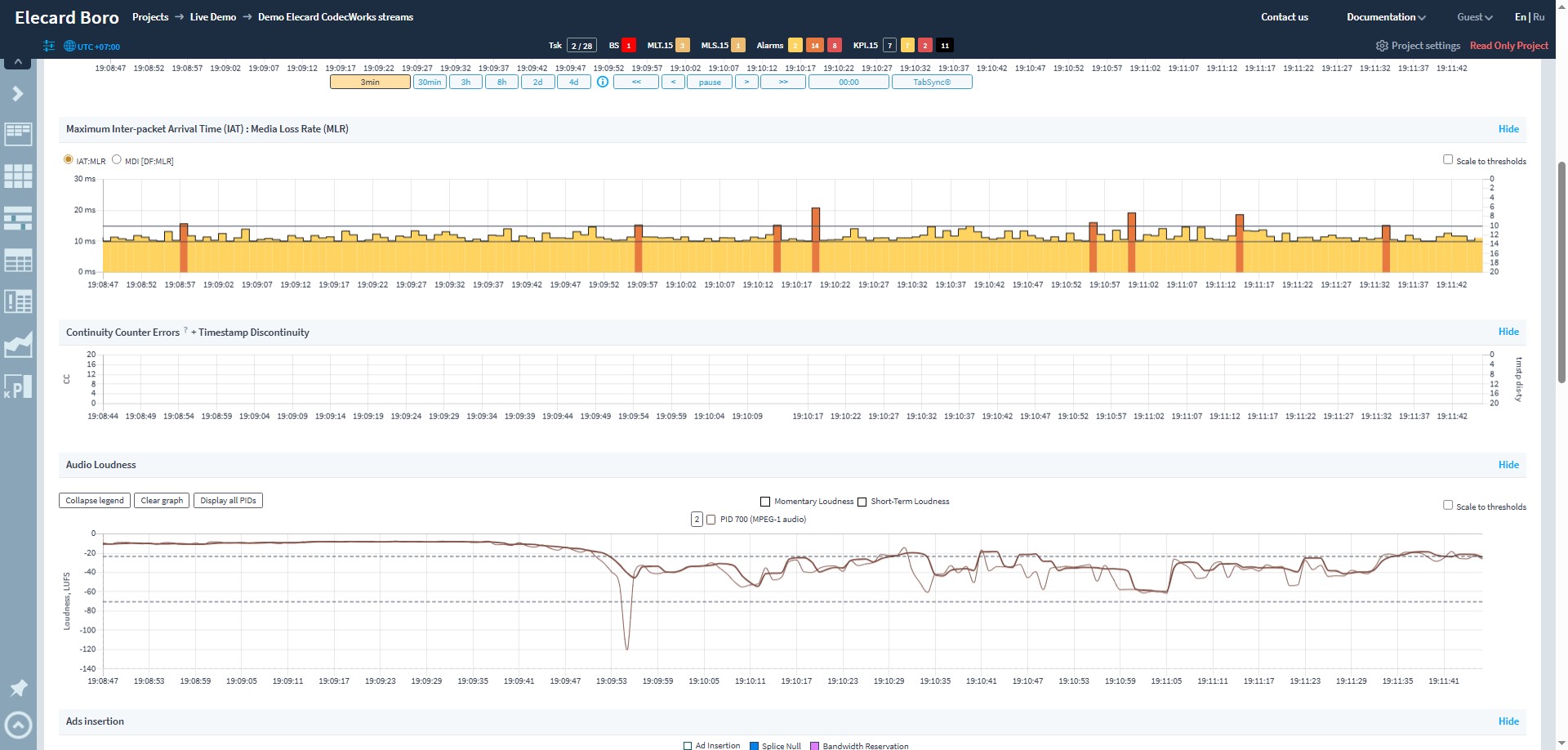 | Intermapper Screenshots   |

