eSUB is a SaaS platform for commercial subcontractors running large, complex, long duration projects to proactively track and manage their costs, deadlines, deliverables and correspondence; the vendor says this can result in operational efficiencies and improved profits. eSUB is a cloud and mobile-based solution enabling real-time field updates from connected smartphones, tables and mobile PC users.
$39
per month per user
TimeCamp
Score7.3 out of 10
Small Businesses (1-50 employees)
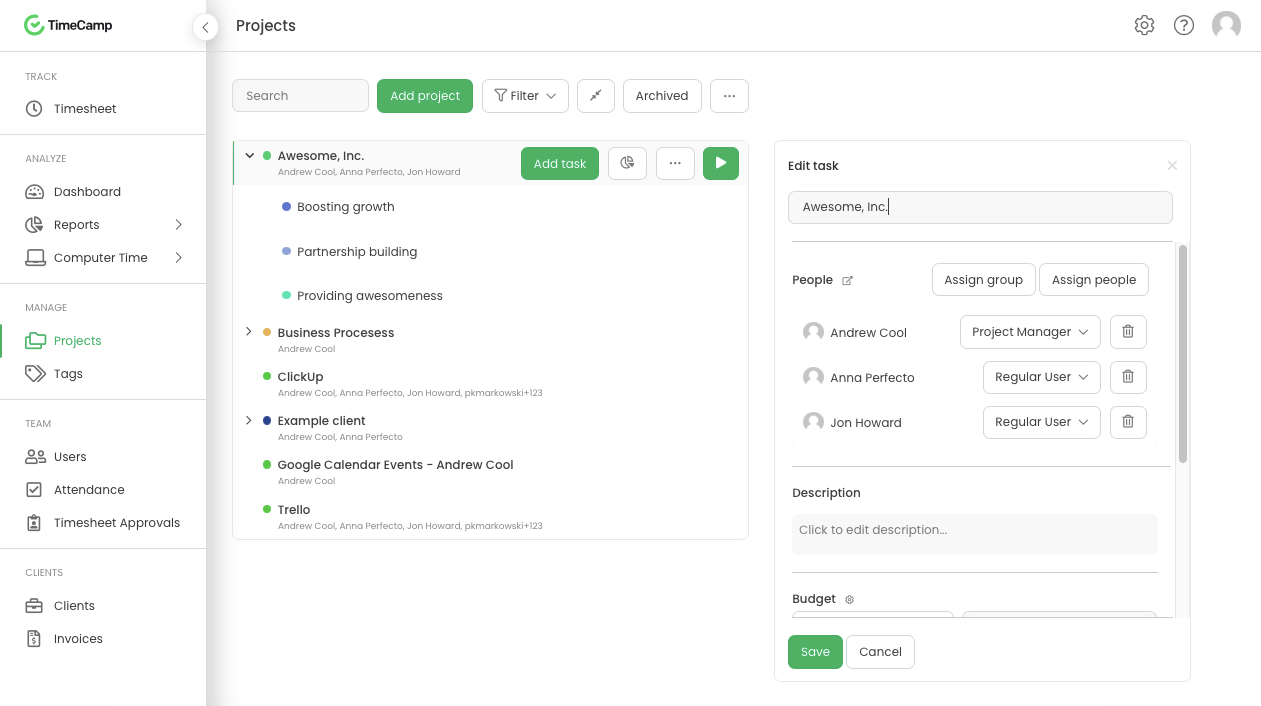
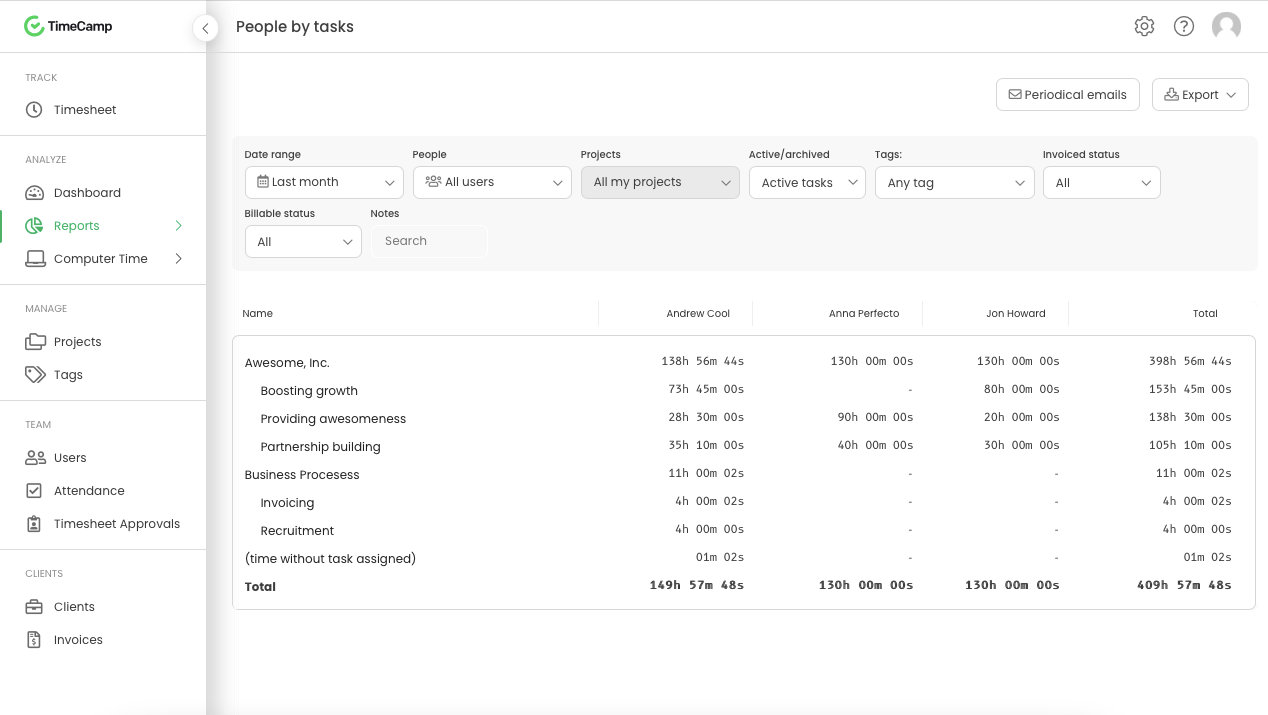
TimeCamp is cloud based, multi-platform (Windows, Mac, Linux, iOS, Android) time tracking and invoicing software.
$5.49
per month per user
Pricing
eSUB Construction Software
TimeCamp
Editions & Modules
Base
$39
per month (annually) per user
Advanced
$59
per month (annually) per user
Premium
Contact
Free
$0
free with limited features.
Starter
$5.49
per month per user
Premium
$9.99
per month per user
Ultimate
$13.99
per month per user
Enterprise
Custom
Offerings
Pricing Offerings
eSUB Construction Software
TimeCamp
Free Trial
Yes
Yes
Free/Freemium Version
No
Yes
Premium Consulting/Integration Services
No
Yes
Entry-level Setup Fee
No setup fee
No setup fee
Additional Details
—
Discount available for annual billing. The free plan encompass all basic time tracking features for unlimited users.
If you are doing any sort of new construction, eSUB is a budget friendly option for managing the process. It's helpful for keeping track of submittals, RFI's and for foreman doing Daily Work Reports. It is not suited really well for plan management and scheduling. The modules for these are not well thought through. Also if you specialize in service work or projects that have short durations (i.e. 1-2 weeks or less), eSUB isn't the best option for you. It would take too long to set up a job vs the time it takes to do the job.
A de minimis incentive was given to thank the reviewer for their time. The incentive was not used to bias or drive a particular response, nor was the incentive contingent on a positive endorsement. More Info
It is well suited for a company like ours, where we have different clients and can track hours per client/project. We charge hourly as well, so this is very important I wouldn't recommend it if you don't need to really track time of each task and that you are allowed to take your time with your daily tasks.
A de minimis incentive was given to thank the reviewer for their time. The incentive was not used to bias or drive a particular response, nor was the incentive contingent on a positive endorsement. More Info
It is built with subcontractors in mind. There are many PM software available but this one aims at the commercial subcontractor.
It does a great job covering the basics of typical commercial work. There are areas that allow you to customize such as adding reservations of rights to documents.
It can integrate with Microsoft quite a bit, we use this in our work every day and being able to export or sync data/calendars has been helpful.
A de minimis incentive was given to thank the reviewer for their time. The incentive was not used to bias or drive a particular response, nor was the incentive contingent on a positive endorsement. More Info
A de minimis incentive was given to thank the reviewer for their time. The incentive was not used to bias or drive a particular response, nor was the incentive contingent on a positive endorsement. More Info
A de minimis incentive was given to thank the reviewer for their time. The incentive was not used to bias or drive a particular response, nor was the incentive contingent on a positive endorsement. More Info
The interface is pretty good, but it could be better with some slight restructuring.
One thing that can be a bit annoying is the "Task" bar that displays on the screen showing the task and time. It is there to help you to remember to stop time when you end a task. It is needed but it would be nice if there were some design aspects to it so it could be made smaller.
A de minimis incentive was given to thank the reviewer for their time. The incentive was not used to bias or drive a particular response, nor was the incentive contingent on a positive endorsement. More Info
Generally pretty easy to use and doesnt take too much training to get people started. Most of the main features are quite straightforward although some of the reporting and set up options can take a bit of time to figure out properly. The interface is a little cluttered in the browser but overall I think it is a pretty great tool
A de minimis incentive was given to thank the reviewer for their time. The incentive was not used to bias or drive a particular response, nor was the incentive contingent on a positive endorsement. More Info
It has been helpful whenever I've called. They have been able to walk me through solutions and even direct me to the right answer. There was only 1hr difference between time zones so this was manageable. If we experienced bugs, their IT department was helpful at remedying and they were always rolling out updates.
A de minimis incentive was given to thank the reviewer for their time. The incentive was not used to bias or drive a particular response, nor was the incentive contingent on a positive endorsement. More Info
I am giving support a rating of 8 but that is quite arbitrary. Honestly, we have never had the need to contact support for any reason. There has not been a situation where we became stuck and could not figure out how to work through it. Sign up was easy and billing is like clockwork so there has been no need to contact billing support. I think this is a testament to the ease of use of TimeCamp.
A de minimis incentive was given to thank the reviewer for their time. The incentive was not used to bias or drive a particular response, nor was the incentive contingent on a positive endorsement. More Info
eSUB is not even close when it comes to the offerings that the others have. eSUB is a happy medium for the functionality it provides and is at an affordable price point that it doesn't break the bank. Other solutions are a lot more integrated into the company processes and procedures, which means more upfront investment to get the platform to go live. eSUB's simplicity makes it easier to roll out because it doesn't integrate with as many aspects of the business.
A de minimis incentive was given to thank the reviewer for their time. The incentive was not used to bias or drive a particular response, nor was the incentive contingent on a positive endorsement. More Info
Ultimately I selected Clockify instead of TimeCamp. As previously mentioned, I believe that TimeCamp wasn't that intuitive, and too many things were behind pay walls. Clockify offered the same features mostly for free. Although TimeCamps UX was sleeker than Clockify's I found that Clockify was a better fit for me.
A de minimis incentive was given to thank the reviewer for their time. The incentive was not used to bias or drive a particular response, nor was the incentive contingent on a positive endorsement. More Info
A de minimis incentive was given to thank the reviewer for their time. The incentive was not used to bias or drive a particular response, nor was the incentive contingent on a positive endorsement. More Info
A de minimis incentive was given to thank the reviewer for their time. The incentive was not used to bias or drive a particular response, nor was the incentive contingent on a positive endorsement. More Info