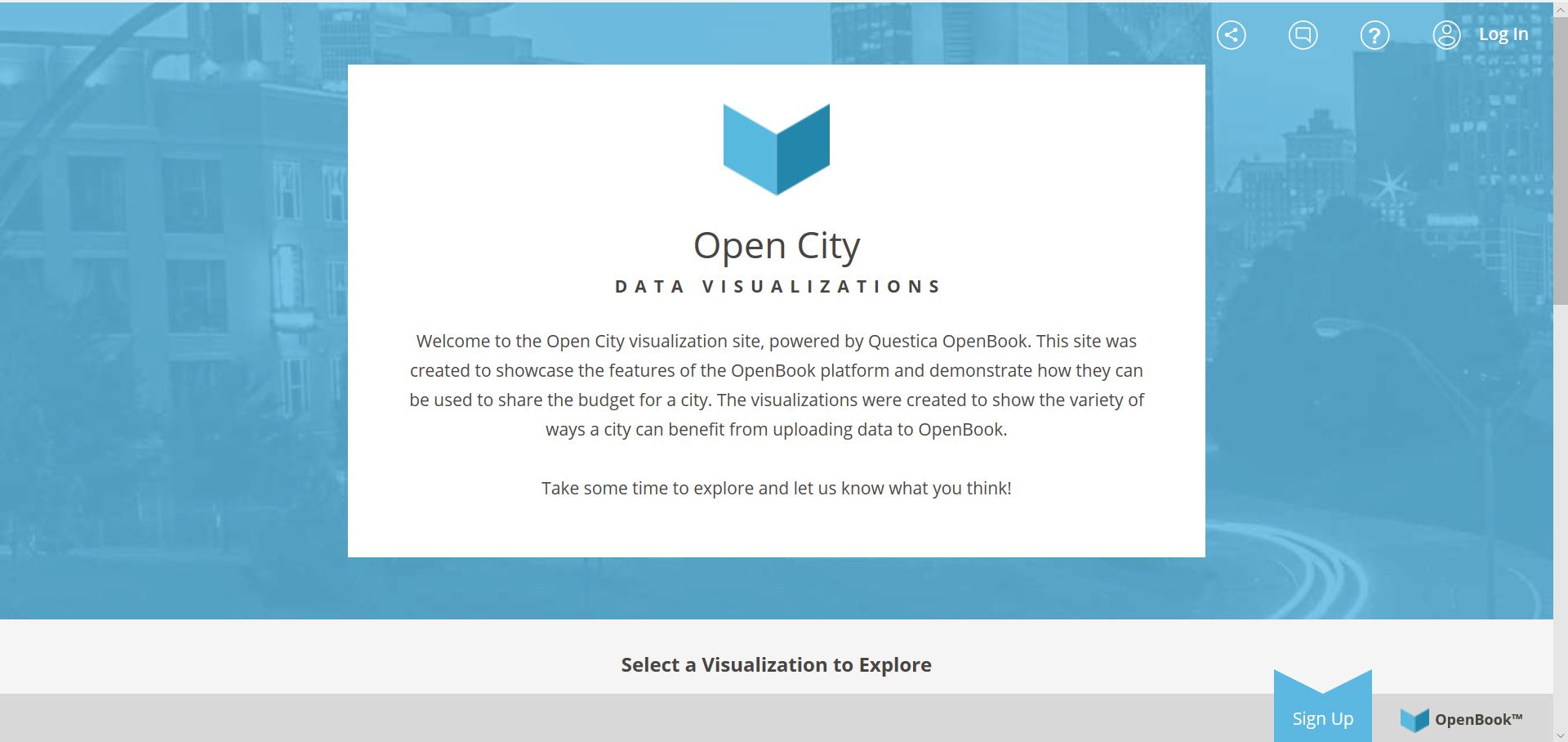
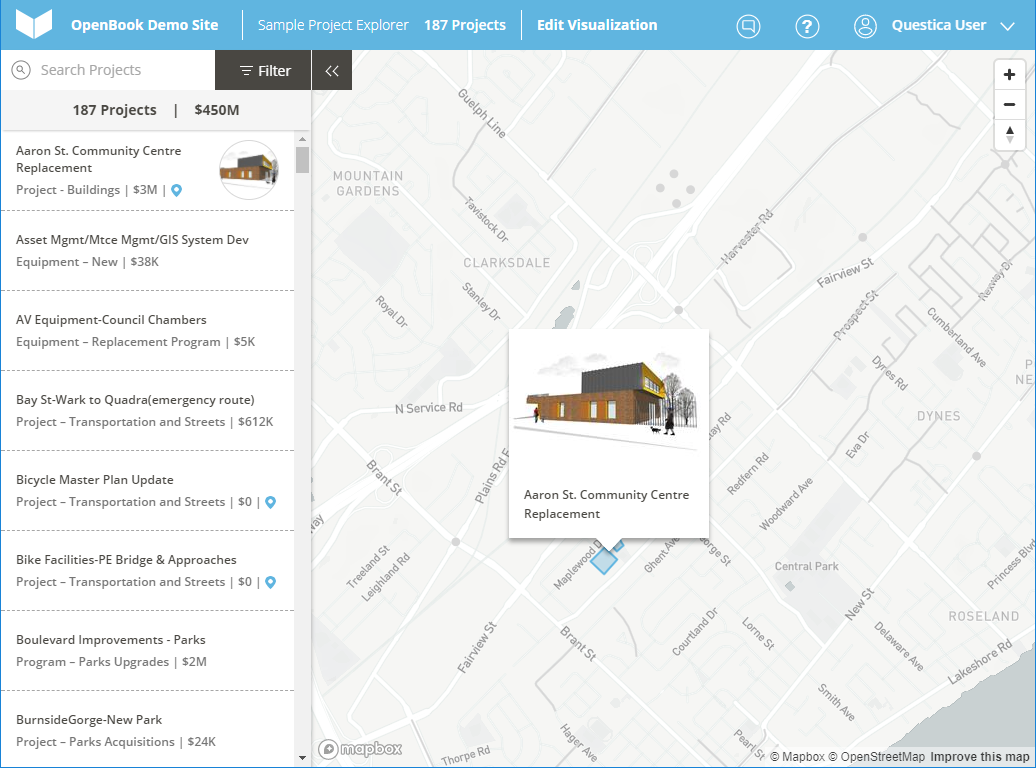
Euna Budget (Questica Budget and OpenBook) is a budgeting tool that enables organizations to share and communicate their financials and other data, when and where they need to. Additionally, its Project Explorer for Capital Budgets allows organizations to display on an interactive map every infrastructure project, including the budget, actual spend, funding sources, and accompanying documentation, images, video, etc.
N/A
MIP Fund Accounting
Score 9.0 out of 10
N/A
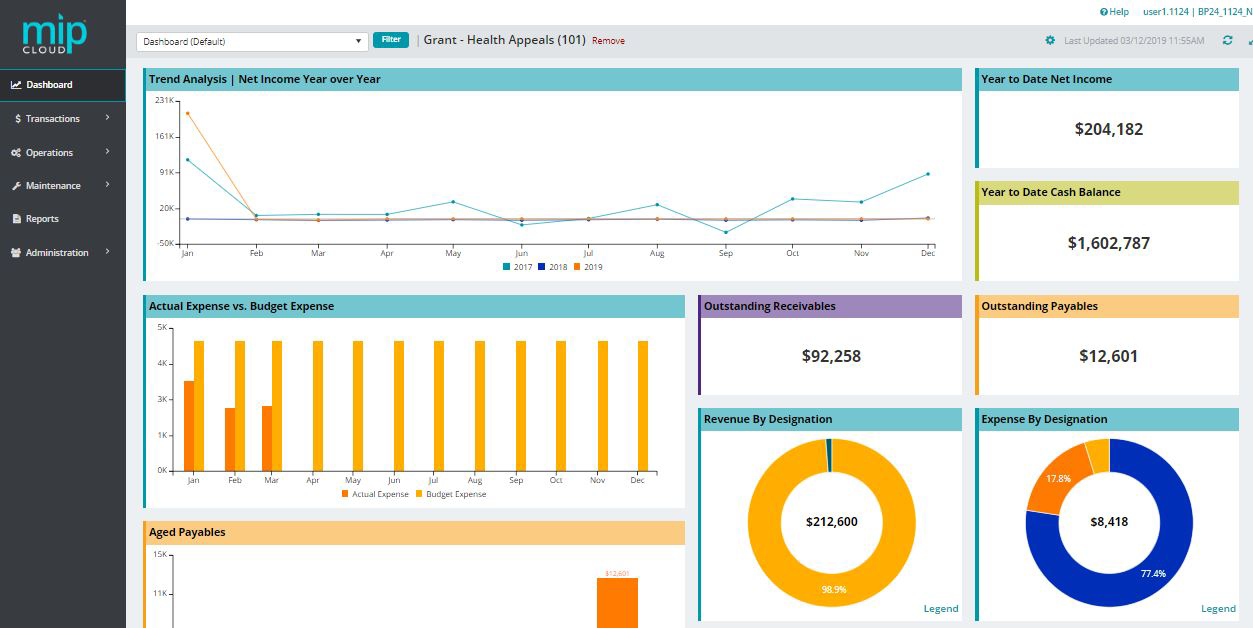
MIP Fund Accounting™ is a configurable fund accounting solution. The solution includes functionality for fund accounting, procurement, budgeting, payroll, human resources, timekeeping, fixed asset management, grant management, and dashboards for nonprofits and government agencies.
Citizen engagement would be the area where it could be best suited. I don't really see it outside of the public sector but we use it to interact with our clients in the public sector. It helps to be able to show the transparency of engagement of citizens to communicate best with local government agencies.
MIP Fund Accounting works very well for general fundraising. The form creation process is easy and allows you to set parameters and add fees, quantities, images, etc. This process is smooth on the customer (forward-facing) side as well. Reports are generated once the transactions have gone through, making tracking and reconciliation with accounting easy.
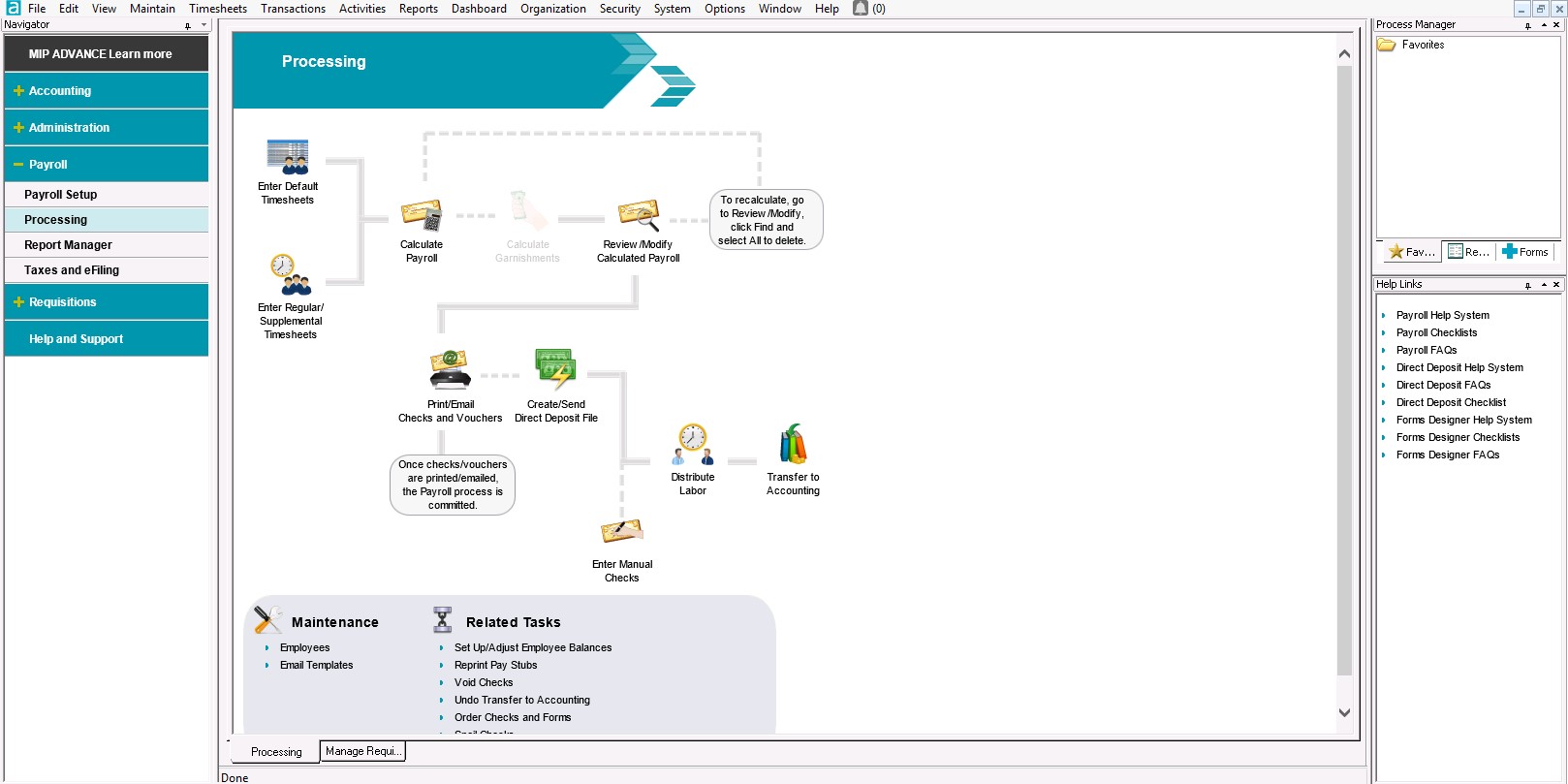
With the payroll process, if there is an error in sending the stubs through email, there is no option to resend without a restore. That really needs to change.
Being able to void encumbrance at the same time as a PO would be an incredible time saver.
I give MIP a 10 because Our organization use MIP Fund Accounting ever since I've been there and that's been for over 20 plus years for all of our accounting and payroll. MIP has stayed on the cutting edge of technology, ever evolving to meet the needs of the times, especially post pandemic, while many are working remotely! MIP support staff are very knowledgeable and efficient. Even new users can get up to speed quickly with MIP Fund Accounting.
It's very easy to use and intuitive enough that you can guide yourself through even if you do not have IT on staff to assist you. It's easy to set up and get going in minutes. All you have in front of you to analyze data and present. It's helpful for the customer too.
I have used this system for about 12 years now and I still learning how to use it. It always surprises me how there is another report to learn to achieve my data reporting goals. It is great to have a system that you have used long enough to feel comfortable with but also a system that allows you to learn new ways to report and enter data into the system
I have rarely encountered any issues accessing MIP Fund Accounting over the years. On the rare occasions when availability was interrupted, the reasons were always found in-house when using the on-premises version. Since we have migrated to the MIP cloud, we have had no issues with availability. Any maintenance or updates are always communicated to us and are usually done outside of business hours.
We have 18 programs and the CFO has the ability through MIP Fund Accounting to generate separate and/or collective reporting for those programs. Each program has its own grant or funding source. Each has its own reporting guidelines that must be met so the ability to run reporting separately or collectively is a plus.
I haven't had to deal with support much because it's such an easy-to-use product but when I have, they have been very easy to talk to, engage, and resolve our needs quickly. The challenges we had were met over the phone as they walked us through the system.
I have not reached out to MIP for technical support; however, their website offers great help resources so I can solve an issue on my own. Another team member reached out to MIP for support and was helped quickly. The transition process took longer than expected due to a lag in communication.
There are no specifics on what happens if you make one choice or another to know which is the best selection. This is true for JVs and AP. In training we were not given specifics of what happens when one possibility is selected over another.
Denise O'Malley provided training for the HR module when we added it to our system. Denise also gave us a demo of the EWS module which we were able to see that it would not meet our needs. She was very kind about and understanding regarding the functions we needed with a time clock system.
Don't waste your time with MIP. There are plenty of other softwares out there that will do the job better. Do your homework. Get references from actual users. Make sure that what you choose will truly integrate. Make sure that there is local support. Get training. You will be glad that you passed this one by. Trust me.
It stacked up very well. We evaluate at least 3 companies before making software decisions and this one was a clear contender. The map visualization and pop ups are wonderful to be able to visually see what you are discussing in person. These are qualities the rest do not have.
I've utilized other ERP accounting software like Infor, NetSuite, and MS Dynamics, to name a few. MIP Fund Accounting offers flexibility and room for growth while not being overly heavy on your team to maintain it. And, we're now learning more about the add-on's and more advanced capabilities to leverage with our team.
The flexibility to create certain features are helpful and are designed to be easier on MIP Accounting Cloud. It has been easier than the MIP Accounting classic version. I may have not fully utilized the software to deploy across multiple departments other than generating revenue reports or expenses. As well as developing budget worksheets for our departments. Which are great as it is, but have not gone farther than that.
We converted to the cloud version a few years ago to reduce our dependency on a dedicated internal IT server which needed to be replaced. The cost of the product switched to a monthly fee which increased cost somewhat but probably is matched with IT savings over time in doing upgrades.
We have an efficient team of two people doing the transactional work, so we don't really have much incentive to further automate our processes. And with the turnover in the CFO position we have had, has helped us maintain consistency in our processing.
Once I learned how to memorize and recall transactions it was a huge timesaver and increased the accuracy and consistency of our entry.
The cost of training is sometimes prohibitive. Example is my accounting clerk MIGHT benefit from additional training but at about $200 for a lot of the courses, it is more than we have budgeted.