
FIELDBOSS vs. Salesforce Agentforce Field Service
FIELDBOSS vs. Salesforce Agentforce Field Service
| Product | Rating | Most Used By | Product Summary | Starting Price |
|---|---|---|---|---|
 FIELDBOSS | Mid-Size Companies (51-1,000 employees) | FIELDBOSS is a specialized Field Service Management (FSM) software solution built on the Microsoft Dynamics 365 ERP and hosted on the scalable Microsoft Azure cloud. Designed for field service businesses that require an end-to-end management platform, FIELDBOSS is designed to streamline operations, improve service efficiency, and enhance customer satisfaction. It provides businesses with a unified solution for scheduling, dispatching, work order management, asset tracking, and compliance… | N/A | |
 Agentforce Field Service | N/A | Field Service (formerly known as Field Service Lightning) is a customizable, mobile-friendly field service hub in Salesforce. It provides tools to manage work orders, scheduling, and a mobile workforce. | $600 per year per user |
| FIELDBOSS | Salesforce Agentforce Field Service | |||||||||||||||
|---|---|---|---|---|---|---|---|---|---|---|---|---|---|---|---|---|
| Editions & Modules | No answers on this topic |
| ||||||||||||||
| Offerings |
| |||||||||||||||
| Entry-level Setup Fee | Required | No setup fee | ||||||||||||||
| Additional Details | — | — | ||||||||||||||
| More Pricing Information | ||||||||||||||||
| FIELDBOSS | Salesforce Agentforce Field Service |
|---|
| FIELDBOSS | Salesforce Agentforce Field Service | |
|---|---|---|
| Small Businesses |  Method:CRM Score 9.3 out of 10 | Method:CRM Score 9.3 out of 10 |
| Medium-sized Companies |  Oracle Service Score 8.2 out of 10 | Oracle Service Score 8.2 out of 10 |
| Enterprises | Oracle Service Score 8.2 out of 10 | Oracle Service Score 8.2 out of 10 |
| All Alternatives | View all alternatives | View all alternatives |
| FIELDBOSS | Salesforce Agentforce Field Service | |
|---|---|---|
| Likelihood to Recommend | 9.1 (1 ratings) | 9.6 (15 ratings) |
| Likelihood to Renew | - (0 ratings) | 8.5 (2 ratings) |
| Usability | 9.1 (1 ratings) | 10.0 (1 ratings) |
| Support Rating | - (0 ratings) | 7.7 (9 ratings) |
| Online Training | - (0 ratings) | 7.3 (1 ratings) |
| FIELDBOSS | Salesforce Agentforce Field Service | |
|---|---|---|
| Likelihood to Recommend | FIELDBOSS
|  Salesforce
|
| Pros | FIELDBOSS
| Salesforce
 Ritesh Khatri Salesforce development |
| Cons | FIELDBOSS
| Salesforce
|
| Likelihood to Renew | FIELDBOSS No answers on this topic | Salesforce
 Gary Patterson Senior Technical Consultant |
| Usability | FIELDBOSS
| Salesforce
|
| Support Rating | FIELDBOSS No answers on this topic | Salesforce
 John Chavez Manager of Instructional Design |
| Online Training | FIELDBOSS No answers on this topic | Salesforce
Gary Patterson Senior Technical Consultant |
| Alternatives Considered | FIELDBOSS No answers on this topic | Salesforce
|
| Return on Investment | FIELDBOSS
| Salesforce
 George Pelosi Senior IT Application Engineer |
| ScreenShots | FIELDBOSS Screenshots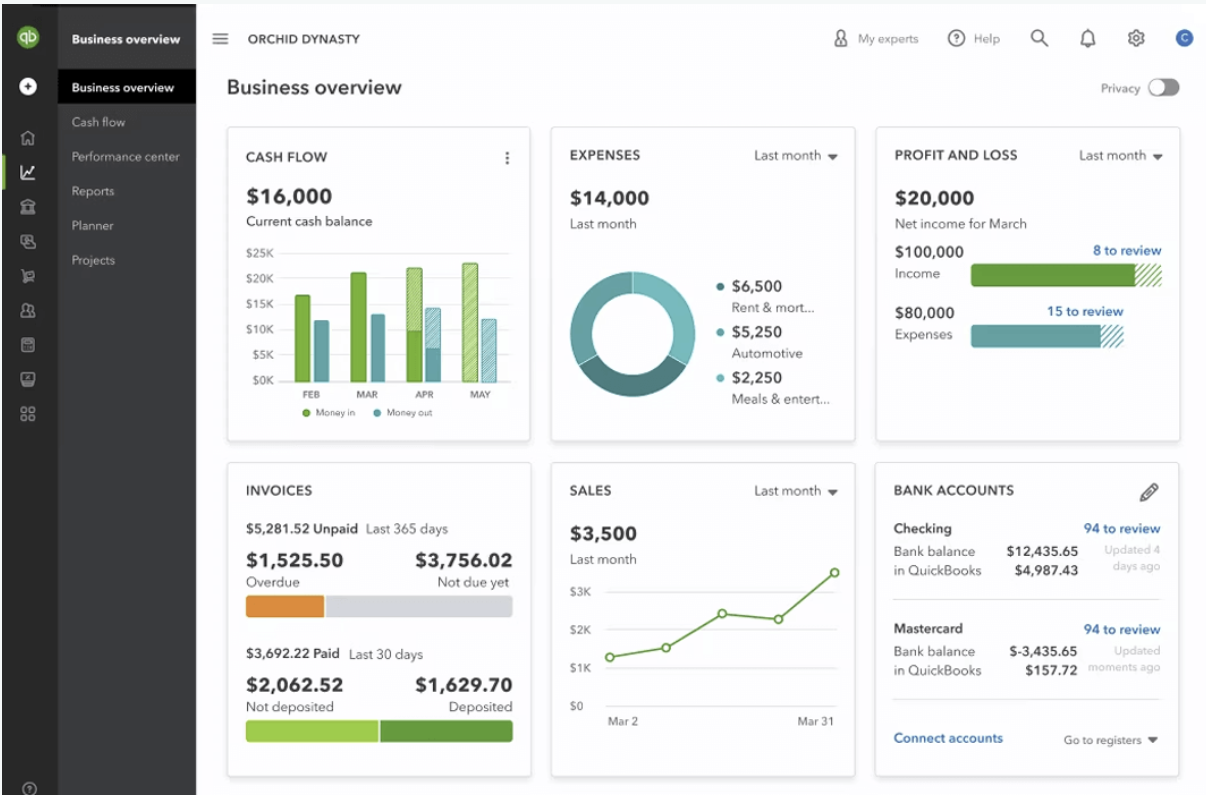 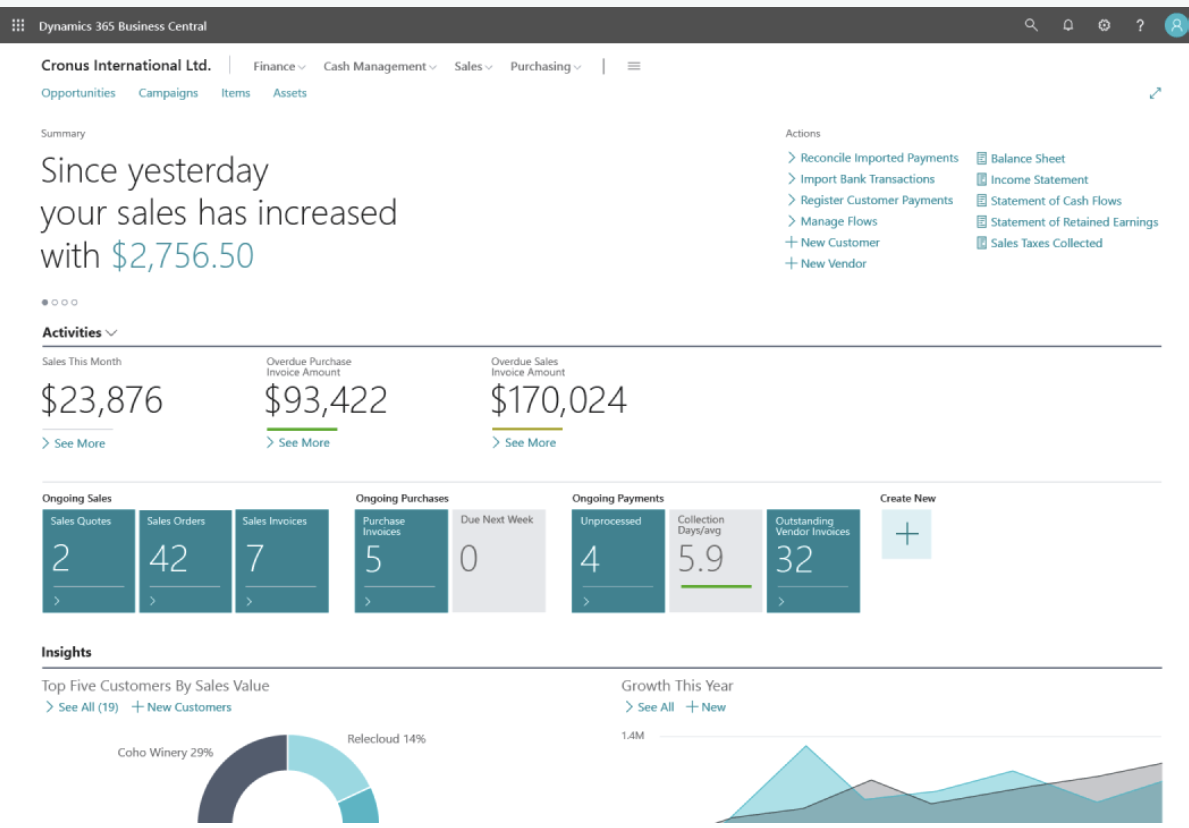 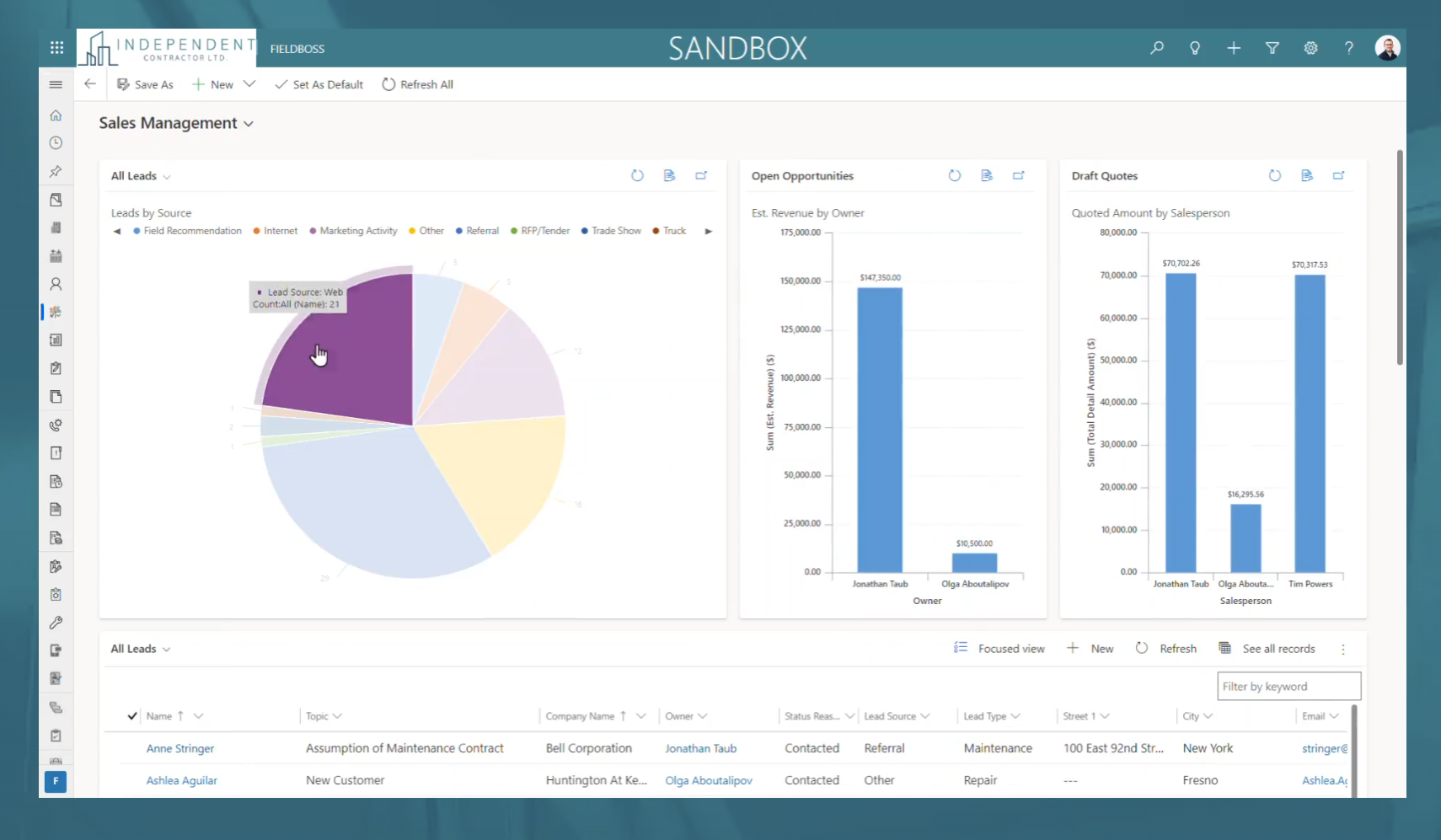 | Agentforce Field Service Screenshots   |