FireMon vs. OpenVPN Access Server

Overview
ProductRatingMost Used ByProduct SummaryStarting Price
FireMon
Score 7.9 out of 10
Enterprise companies (1,001+ employees)
FireMon is a real-time security policy management solution built for today’s complex multi-vendor, enterprise environments. Supporting the latest firewall and policy enforcement technologies spanning on-premises networks to the cloud, FireMon delivers visibility and control across the entire IT landscape to automate policy changes, meet compliance standards, to minimize policy-related risk. Since creating their policy management solution in 2004, FireMon states they've helped…N/A
OpenVPN Access Server
Score 8.7 out of 10
N/A
OpenVPN headquartered in Pleasanton allows users to create secure access to a private network in the cloud or on-premise with Access Server. Access Server is available to deploy directly on various cloud platforms like Amazon AWS, Google GCP, Microsoft Azure, DigitalOcean, and also available as ready-to-deploy virtual appliances for Microsoft HyperV and VMWare ESXi. Alternately, OpenVPN Access Server Virtual Appliance is a full-featured secure network tunneling VPN virtual appliance solution…
$27
per month 3 connections (minimum)
Pricing
FireMonOpenVPN Access Server
Editions & Modules
No answers on this topic
3-99 Connections
$9
per month per connection
2,000 Connections
$3,100.00
per month per connection
Offerings
Pricing Offerings
FireMonOpenVPN Access Server
Free Trial
YesYes
Free/Freemium Version
NoYes
Premium Consulting/Integration Services
YesNo
Entry-level Setup FeeOptionalNo setup fee
Additional DetailsMore connections reduces cost per connection, as does going with an annual plan versus a monthly price.
More Pricing Information
Community Pulse
FireMonOpenVPN Access Server
Features
FireMonOpenVPN Access Server
Virtual Private Network
Comparison of Virtual Private Network features of Product A and Product B
FireMon
-
Ratings
OpenVPN Access Server
7.4
1 Ratings
17% below category average
AES 256-bit Encryption00 Ratings7.01 Ratings
Kill Switch00 Ratings9.01 Ratings
Multi-Platform Support00 Ratings6.01 Ratings
Split Tunneling00 Ratings6.01 Ratings
IP Address Masking00 Ratings6.01 Ratings
No-Logs Policy00 Ratings7.01 Ratings
Multiple Server Locations00 Ratings7.01 Ratings
Automatic Wi-Fi Protection00 Ratings9.01 Ratings
Simultaneous Connections00 Ratings9.01 Ratings
Customer Support Services00 Ratings8.01 Ratings
User Ratings
FireMonOpenVPN Access Server
Likelihood to Recommend
7.9
(69 ratings)
9.0
(2 ratings)
Likelihood to Renew
6.8
(7 ratings)
-
(0 ratings)
Usability
7.3
(3 ratings)
10.0
(1 ratings)
Availability
7.3
(1 ratings)
-
(0 ratings)
Performance
9.1
(1 ratings)
-
(0 ratings)
Support Rating
7.7
(17 ratings)
-
(0 ratings)
Implementation Rating
9.1
(1 ratings)
-
(0 ratings)
Product Scalability
7.9
(48 ratings)
-
(0 ratings)
User Testimonials
FireMonOpenVPN Access Server
Likelihood to Recommend
FireMon
FireMon is best used in a large environment (for example, I have >100
firewalls in my environment). It's best used when trying to improve
security posture and showing changes in firewall security over time. It
might not be the best choice for smaller environments or those that aren't concerned about security management.
Read full review
OpenVPN
OpenVPN is great for anyone who needs to access internal company resources while away from the office. For us, it's useful for our office staff if they need to work from home for a day or are at a work conference. I can see where it would not be helpful if you didn't store much on your intranet, but we do, so it's very helpful.
Read full review
Pros
FireMon
  • Give good real time reporting for anyone making a change to any of our firewalls
  • Provides good reporting tools that are out of box
  • Provide good customization tools that is specific to our needs
  • Upgrades are a simple process and support does relatively well with assisting us.
Read full review
OpenVPN
  • Secure
  • Easy setup
  • 2 free users
  • automatic updates
Read full review
Cons
FireMon
  • Some features could be added to the existing functionality which include NAT rules usage
  • Rule expiration normalization from firewalls rather than entering them in rule documentation
  • .csv exports of the files from the firewall pane only gives usage for 30 days by default and that should be increased
Read full review
OpenVPN
  • None, it accomplishes everything we need it for.
Read full review
Likelihood to Renew
FireMon
The shell is locked out and we can't run any general centos commands. The implementation and maintainence of the arch is very complex. Even with the right identifiers on log messages the log collection keeps failing. The warning messages on the device are ambiguous. The log messages on firemon are a bit confusing and don't show the exact issue.
Read full review
OpenVPN
No answers on this topic
Usability
FireMon
It save me time and I'm able to have the review - review the rule independently with using my time.
Read full review
OpenVPN
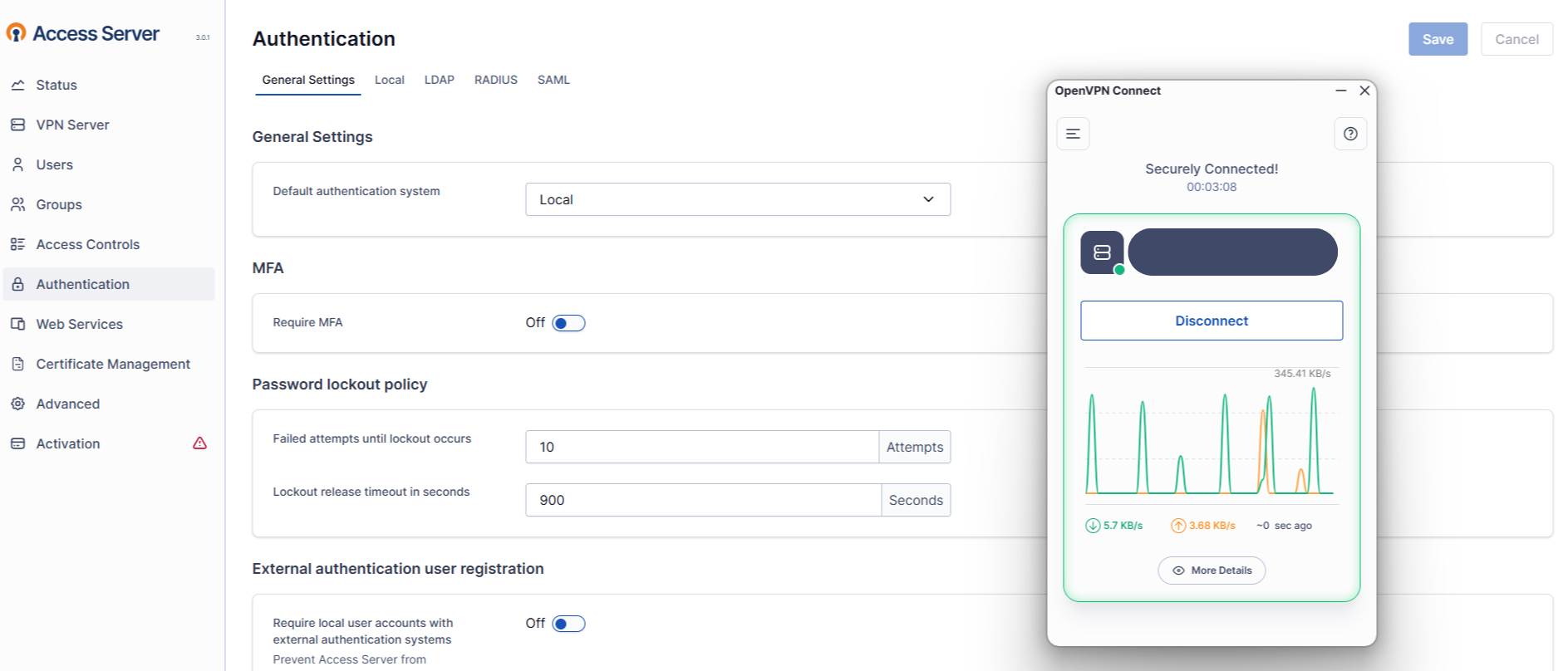
We've never had any issues with usability. The UI is very intuitive, and our general user base (which is not very tech-savvy) can use OpenVPN with two clicks since we have SAML set up. It's the easiest thing ever for them, and I don't know how we'd even begin to improve on it.
Read full review
Reliability and Availability
FireMon
FireMon has been relatively stable overall. However, there have been a handful of times where we had issues with the console. For example, we couldn't update which devices to include in a security assessment. The initial suggestion from support was to just reboot it. It seems like there weren't many other options available such as to restart services before going to the extreme of a complete reboot.
Read full review
OpenVPN
No answers on this topic
Performance
FireMon
I'm not sure we have the largest implementation of FireMon out there but we do have a few 1000 devices being probed by FireMon. Overall, the system's performance has been rock solid. The console refreshes quickly and reports are generated within an expected timeframe.
Read full review
OpenVPN
No answers on this topic
Support Rating
FireMon
FireMon technical support is awesome! They respond quickly to our requests and they are well trained and very knowledgeable about the tool. Some issues have to be referred to the development team, but technical support largely provides solutions for any issues that we may have.
Read full review
OpenVPN
No answers on this topic
Implementation Rating
FireMon
Implementation is fairly simple. Most issues can be resolved by referencing manuals.
Read full review
OpenVPN
No answers on this topic
Alternatives Considered
FireMon
I has worked with AlgoSec and while they are very similar product, I find the FireMon is easier to understand and get rolling with. While both require some learning, FireMon is by far the easier one. Once you have an understanding of how things are arranged and labeled you can easily import firewalls and begin to work on them to improve them
Read full review
OpenVPN
We found OpenVPN to be more cost-effective vs Azure. In addition, it was easier to install, deploy, and manage
Read full review
Scalability
FireMon
Firemon Is easily scalable and maintainable with any size team. Although it requires some tech debt, it is well worth the time to invest to ensure compliance is visible and reports are accurate. Although our environment is very large we do not fully utilize the scalability of the Firemon product.
Read full review
OpenVPN
No answers on this topic
Return on Investment
FireMon
  • FireMon's Compliance Reporting provided an immediate and tangible benefit
  • FireMon helps identify egregious or erroneous rules quickly across multiple platforms
  • FireMon took our audit process from an Excel spreadsheet into a far more advanced process with readily available context for reviewers
Read full review
OpenVPN
  • Only 2 free users, it would be nice if they would expand to 5.
  • Easy way to establish a VPN backbone between two locations
  • Great for work at home or BCP events.
Read full review
ScreenShots

OpenVPN Access Server Screenshots

Screenshot of Screenshot of