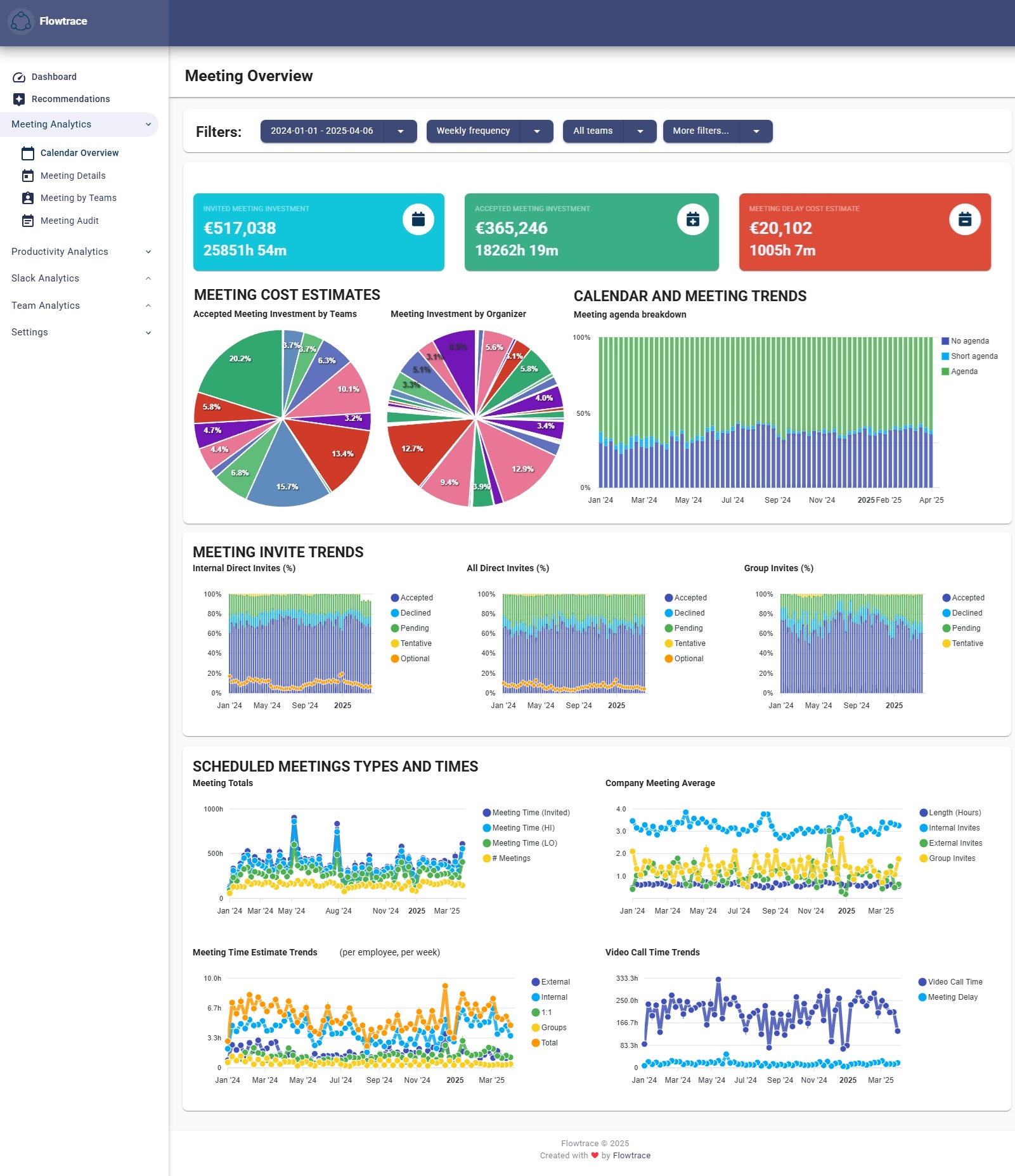
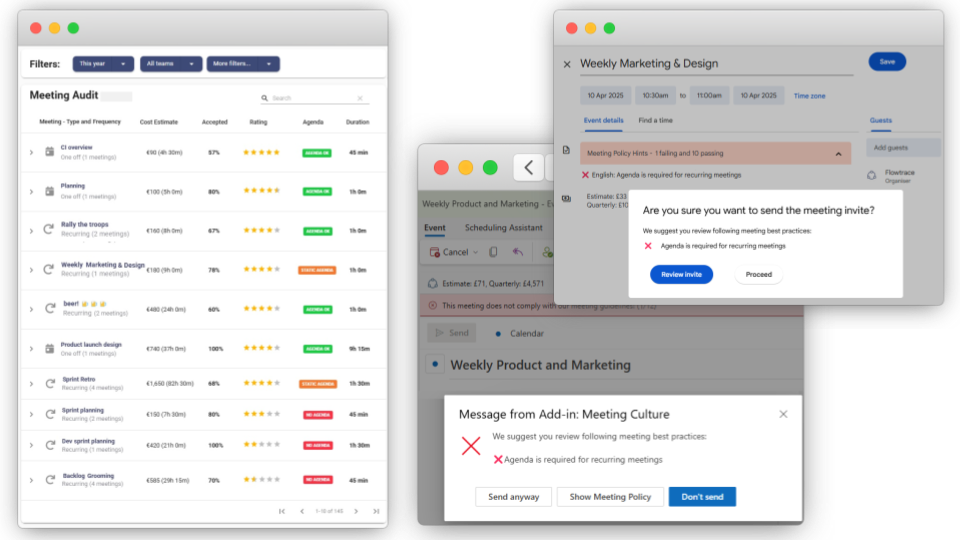
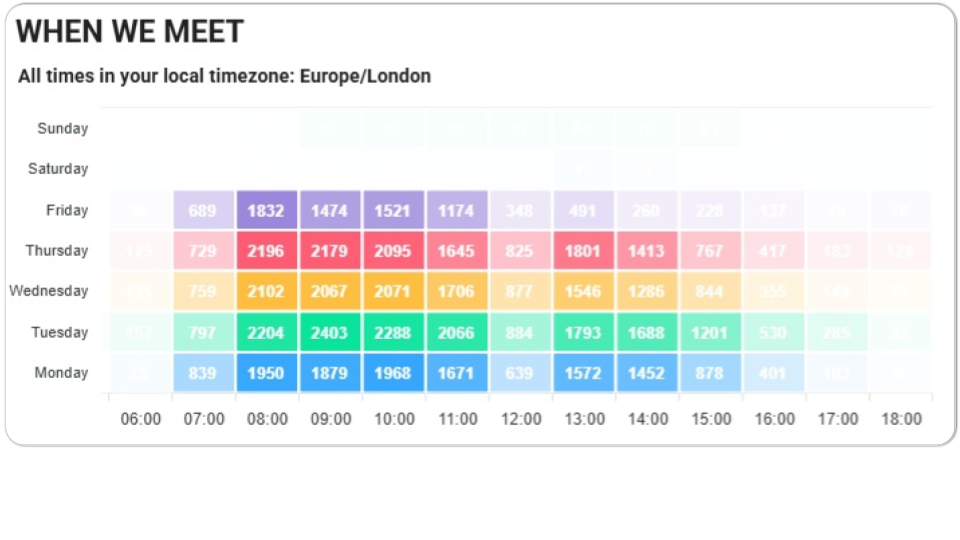
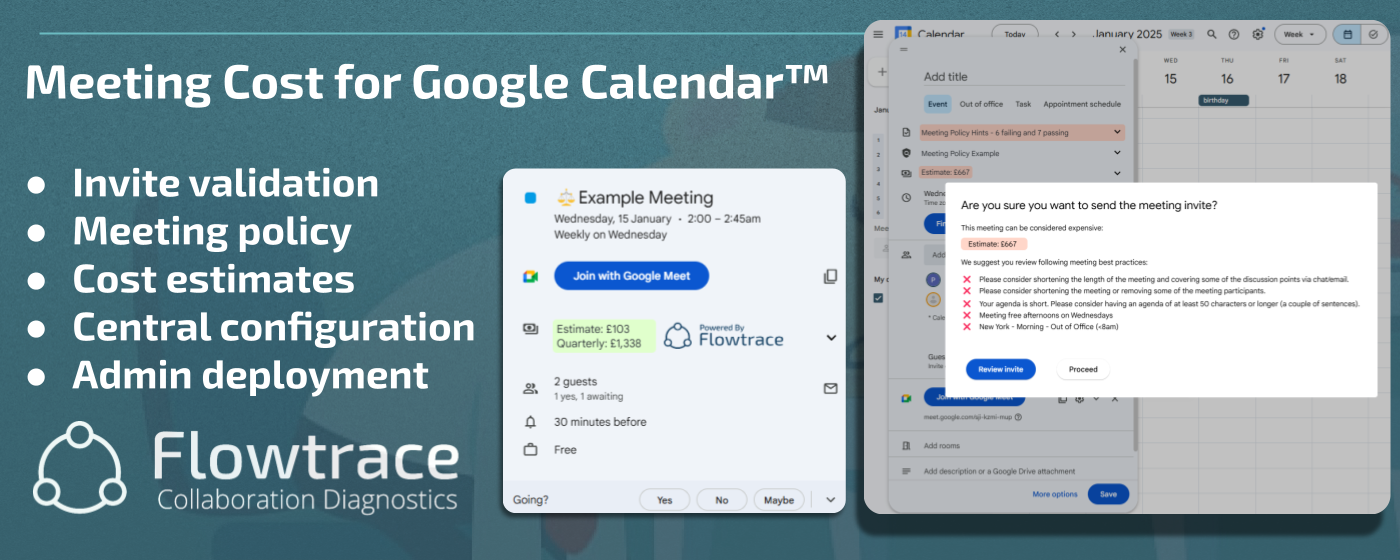
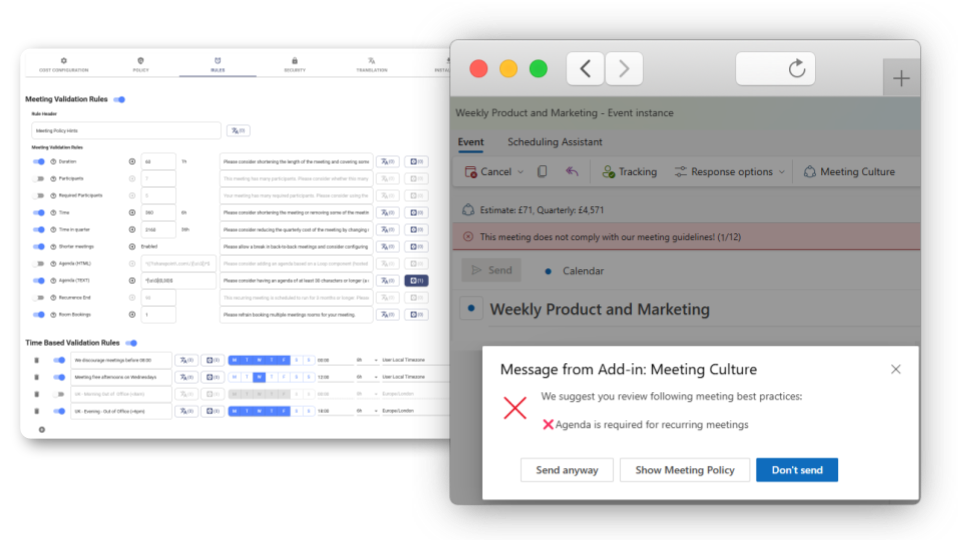
Flowtrace is a meeting-analytics platform that turns raw calendar analytics into insights. This uncovers hidden patterns behind recurring stand-up, 1-to-1, and cross-functional sync. Real-time meeting analytics quantify meeting costs in both money and focus hours, helping operations and leadership spot missing agendas, trim excess, and reclaim productivity. Beyond reporting, its calendar-integrated employee tools surface meeting costs, data-driven recommendations,…
$1.50
per month per user
Hugo - Meeting Notes Software
Score 8.1 out of 10
N/A
Hugo was a connected meeting note-taking, management, and sharing app that Calendly acquired. The product is no longer available for sale.
$0
Pricing
Flowtrace
Hugo - Meeting Notes Software
Editions & Modules
Team
$1.50
per month per user
Scale
$3
per month per user
Basic
$0 forever
Pro
$8
per month per user
Business
Get a demo
Offerings
Pricing Offerings
Flowtrace
Hugo - Meeting Notes Software
Free Trial
No
Yes
Free/Freemium Version
Yes
Yes
Premium Consulting/Integration Services
No
No
Entry-level Setup Fee
$2,000 one-time fee per user
No setup fee
Additional Details
—
Save 25% when paid annually. Try all features with unlimited users for 21 days. Free forever up to 10 users.
More Pricing Information
Community Pulse
Flowtrace
Hugo - Meeting Notes Software
Considered Both Products
Flowtrace
No answer on this topic
Hugo - Meeting Notes Software
Verified User
Anonymous
Chose Hugo - Meeting Notes Software
OneNote is just classic - people who have been using it will never consider switching to a newcomer like Hugo. One limitation that OneNote has though which Hugo might be able to play to its advantage is - high barriers to the entrance for new users. It's not exactly intuitive …
Only Hugo - Meeting Notes Software could address my problems better than any other
software I tried, and none of them came close. Worth a try. Despite its
simplicity, it packs a tremendous punch thanks to its extensive feature set.
Hugo is a great alternative for small organizations or teams. It is not too pricey but offers good functionalities and features. It also has a simple yet very effective and easy to navigate interface. I would definitely recommend Hugo Meeting Notes Software especially for teams …
Earlier I used to manage the meeting action on a diary but it was difficult to manage and find more complexity day by day, using Hugo's meeting notes things become easier, I can search for historical details at my fingertips and set the action items on such task. These tools …
The quality of support is better with Hugo. Ease of use is also good with Hugo than when compared to Coda. Hugo met our requirements, so decided to choose it over Coda. It is easier to set up Hugo when compared to Coda and it saves a lot of time.
Using Hugo - Meeting Notes Software during a conference or any other meeting is highly recommended because of its outstanding note-taking abilities. Organizing a conference has never been easier thanks to this application. When compared to other note-taking software options, this one is less priced and requires no ongoing maintenance after installation. It aids in data security by having an autosave button and backup storage.
OneNote is just classic - people who have been using it will never consider switching to a newcomer like Hugo. One limitation that OneNote has though which Hugo might be able to play to its advantage is - high barriers to the entrance for new users. It's not exactly intuitive to navigate at first if you have never used it before, hence you should be targeting those users instead of chasing users loyal to OneNote.